Pear Up with your Ed Tech Specialist to become digitally equipped and empowered! | PHS @asmithedtech | DHS @EdTech24hrs | THS @twash70 | Pace @RobertSimsEdTec
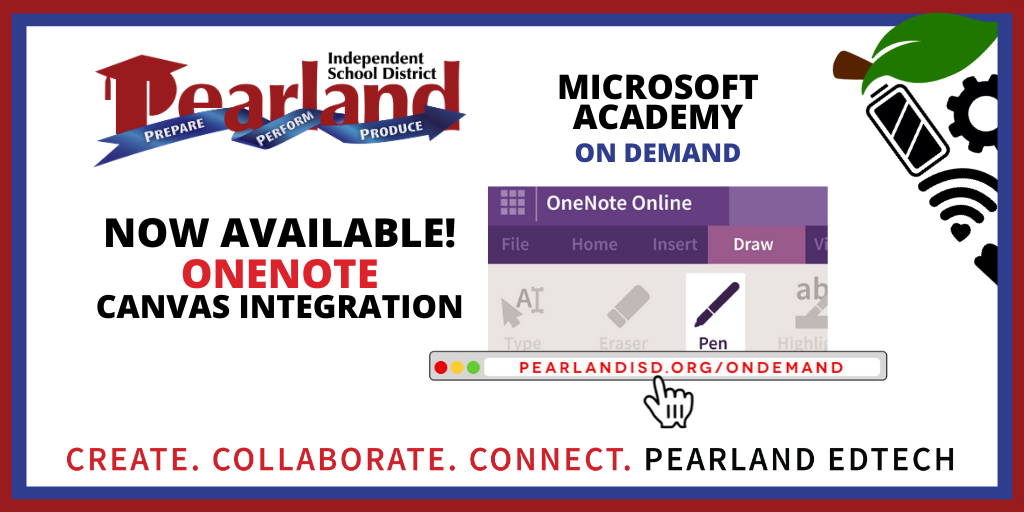
Need to learn more about OneNote & Canvas Integration?
Your Pearland Educational Technology Specialists are now ON DEMAND!
We invite ALL Pearland ISD teachers to participate in On Demand Technology PD
https://t.co/pu7DyS8HnH
#WeArePearlandISD#PearlandEdtech
Technology PD on demand? No problem!
Your Pearland Educational Technology Specialists are now offering a Microsoft Academy - On Demand!
You have access to courses such as Digital Ink.
We hope to see you there! #WeArePearlandISD#PearlandEdtech
https://t.co/pu7DyRR5Z7
Translate your Word documents into over 60 languages using Microsoft Translator. From the ribbon, choose “Review” and “Translate.” Translate only a section or the entire document. Helpful tool in multi-lingual classrooms. Need help? Please reach out to your ETS!
Your Dell Smart Stylus can help you to do more with your Dell Teacher Tablet! In addition to standard stylus functions, you can also configure the buttons as hot keys to open frequently used apps or activities!
Check it out! 👇
#PearlandEdTech#WeArePearlandISD
Time for another #BestPractice tip! While planning content for online learning environments, remember to design in a way that requires students to participate actively rather than simply reading a text or watching a video. #PearlandEdtech#WeArePearlandISD
Have you tried the New Quizzes Stimulus question? You can attach an image or passage that students can reference while answering questions! #PearlandEdTech
Have you created content you want to share, but don’t want others to manipulate or download it? Not a problem in OneDrive! When sharing your files with others, simply de-select “open in review mode only” and select “block download.” Need help? Please reach out to your ETS!
🌟⭐ EXCITING NEWS ⭐🌟
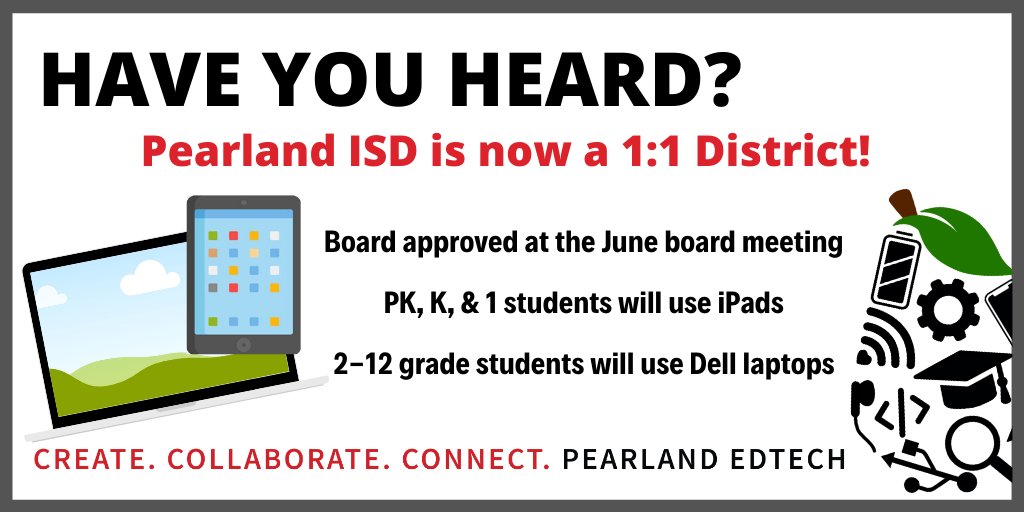
@PearlandISD is a 1:1 district, beginning in the 2020-2021 school year! Student-focused, this will help the district prepare students to be #FutureReady, personalize instruction w/ technology, prepare for unforeseen circumstances, & more!
#PearlandEdTech
Are you spending some time this summer building your online course? Here’s a #BestPractice - it’s just as important to incorporate student voice into remote and hybrid learning as it is in face to face learning. #PearlandEdtech#WeArePearlandISD
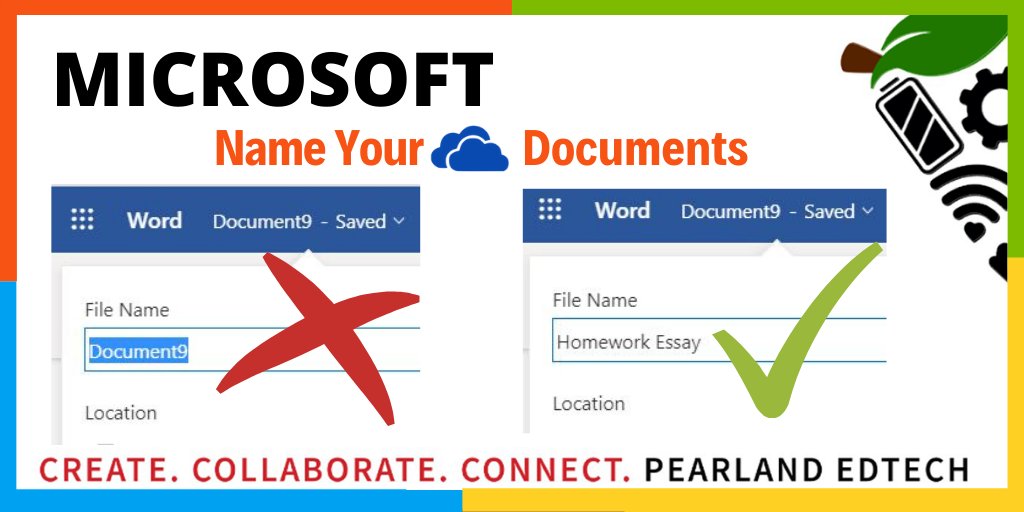
Summer cleanup! Does your OneDrive contain Document1, Document2, etc.? Time to organize. If not needed, delete it. If you DO need them, give the doc a meaningful name. Later, you'll be able to search and find them quickly because are now organized. Contact your ETS for help!
Are you frequently charging your phone, tablet, or laptop? Does your battery life leave you feeling drained?
Try adjusting your battery settings! Brightness, screen-time, & vivid color all affect battery life - make some simple adjustments!
#PearlandEdTech#WeArePearlandISD
One of the biggest differences between the free/plus accounts & @Seesaw for Schools is NO MORE ACTIVITY LIMITS!
Elementary teachers can now use the Activity Library to its fullest extent, increasing student engagement, & saving teachers time!
#PearlandEdTech#WeArePearlandISD
Looking for a folder in your OneDrive? Three views help you find items. List view - ascending or descending alphabetical view of OneDrive. Tiles View - OneDrive Folders seen as individual files. Still can’t find what you need? Sort! Sort by date, time, name.particular word.
Bookmarks are an integral part of the web browsing experience, but do you use them well? Consider organizing, pinning, sorting, and managing your bookmarks to make your web experience the best it can be!
#PearlandEdTech#WeArePearlandISD
Although it's summer, we know that a number of our teachers are creating videos for the upcoming school year. Here's a #BestPractice when recording - Audio Matters! #PearlandEdtech#WeArePearlandISD