Black Friday sale! 🔥
Get Premium in Runestone for 30% off the regular price. The offer is valid today only. Premium gives you access to all of Runestone’s features and settings.
All funds will go toward a new chair for my office. I need it. Badly 🪑🥺
https://t.co/yDpaYwHvdh
Ever needed to clean up the status bar of your iPhone or iPad simulator for screenshots? MuStatusBar makes that a breeze!
MuStatusBar is a menu bar app that automatically keeps the status bar of your simulators tidy ✨
Get the app here 👇
https://t.co/Hq9hh8N0c6
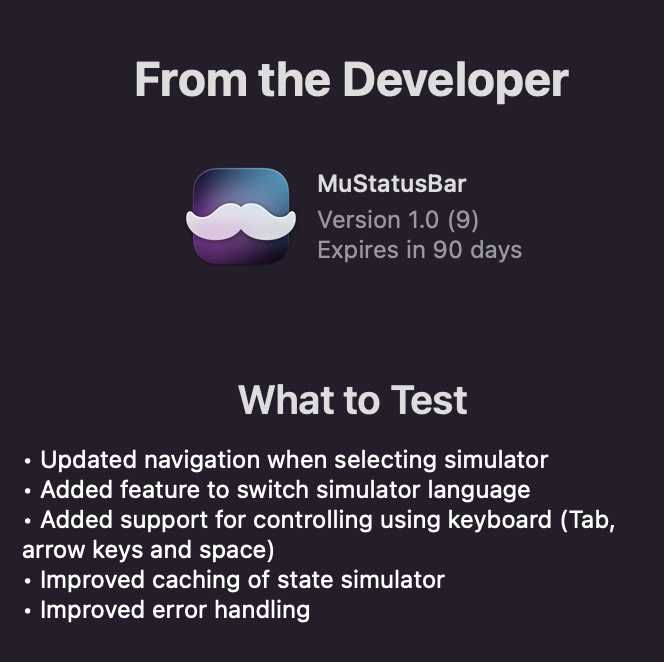
Big thanks to all the TestFlight testers over the last months. The latest build will be available to use until it expires. I might open for up for TestFlight again in the future as I make improvements to the app.
MuStatusBar is now live on the Mac App Store. Groom your iOS Simulator with this neat Menu bar app which ensures that simulator status bars always look pretty and provide handy control centre like settings to quickly adjust simulators to your needs. https://t.co/IgVxfTSiGd
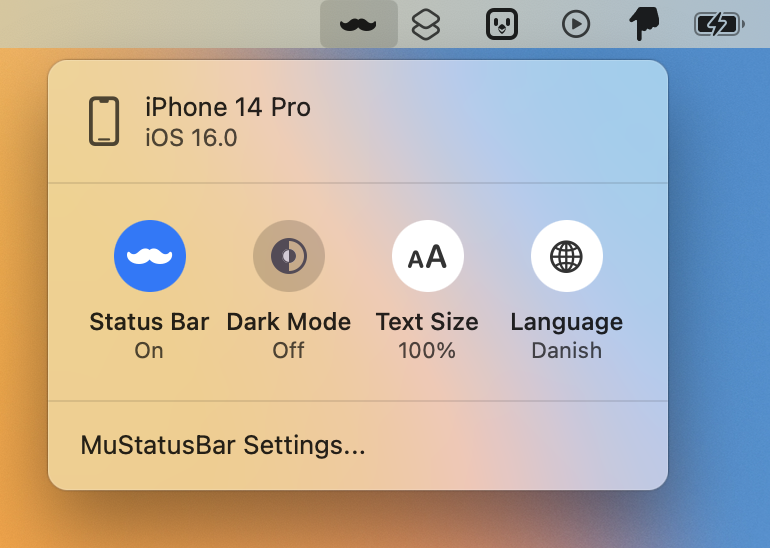
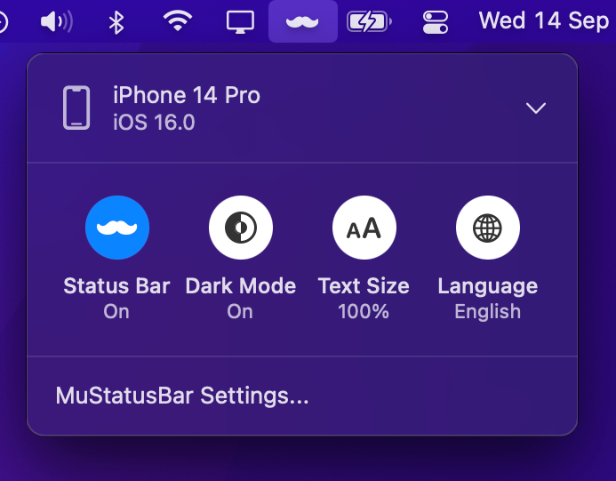
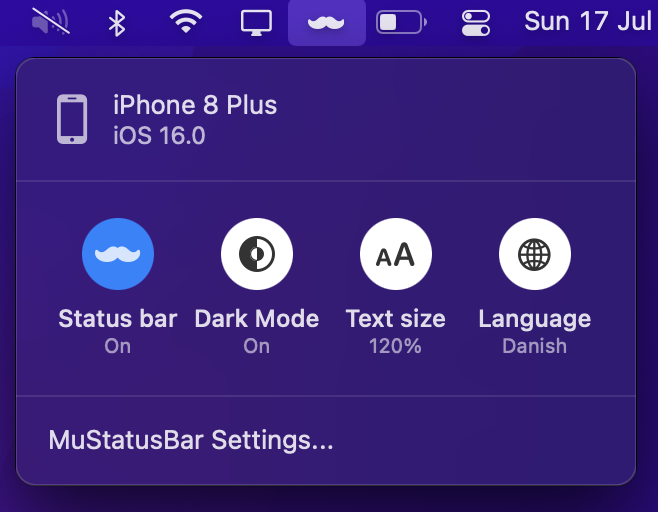
With MuStatusBar the time, wifi connection and battery will always be set to values that provide a professional look. On top of that there is quick access to adjust the appearance, text size and language of the simulator.
Put a new build of MuStatusBar on TestFlight with new features and fixes. Added some more TestFlight spots since it had filled up. First release will probably look something like that but hoping to iron out issues before. https://t.co/sLHILvBVEF
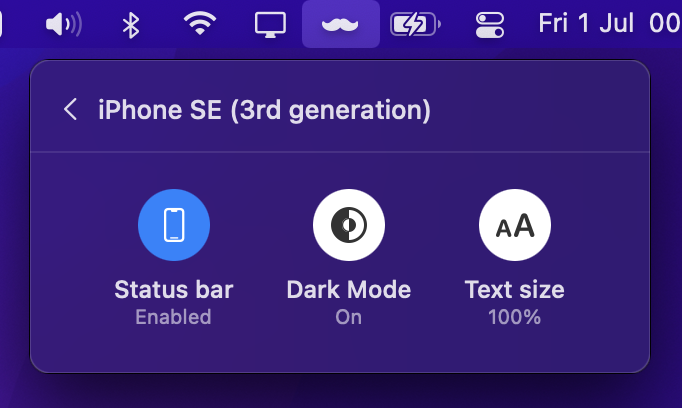
New build of MuStatusBar on TestFlight that makes it possible to switch appearance and text size in an iOS Simulator directly from the menu bar. Any feedback is welcome. https://t.co/sLHILvBVEF
Playing around with some more functionality for my MenuBar app MuStatusBar. Besides making the iOS Simulator status bar pretty I’m considering adding some basic controls that are often handy. Hoping to put it on TestFlight soon. Still a few spots left. https://t.co/5DNiQNuhuB
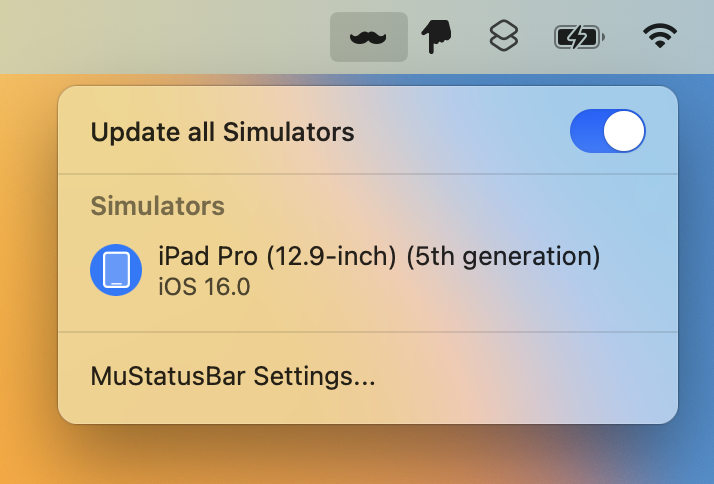
@Amzdme One of the main features is to ensure that simulators have a consistent looking status bar. When the toggle is enabled any new simulator launches will automatically get their status bar appearance updated.
I’ve been running the beta of MuStatusBar for the past few weeks and it has worked perfectly 👌
I’ve used it for screenshots and video recordings I’ve shared on Twitter, on Slack, and even for the screenshots I took of Runestone 1.1.
My good friend @PeterGam is will soon release a new app!
MuStatusBar runs in the background and keeps the status bars of your iPhone and iPad simulators pretty ✨📱
A must-have if you often take screenshots or recordings of the simulator.
Join the beta: https://t.co/1MdJcXEK1F
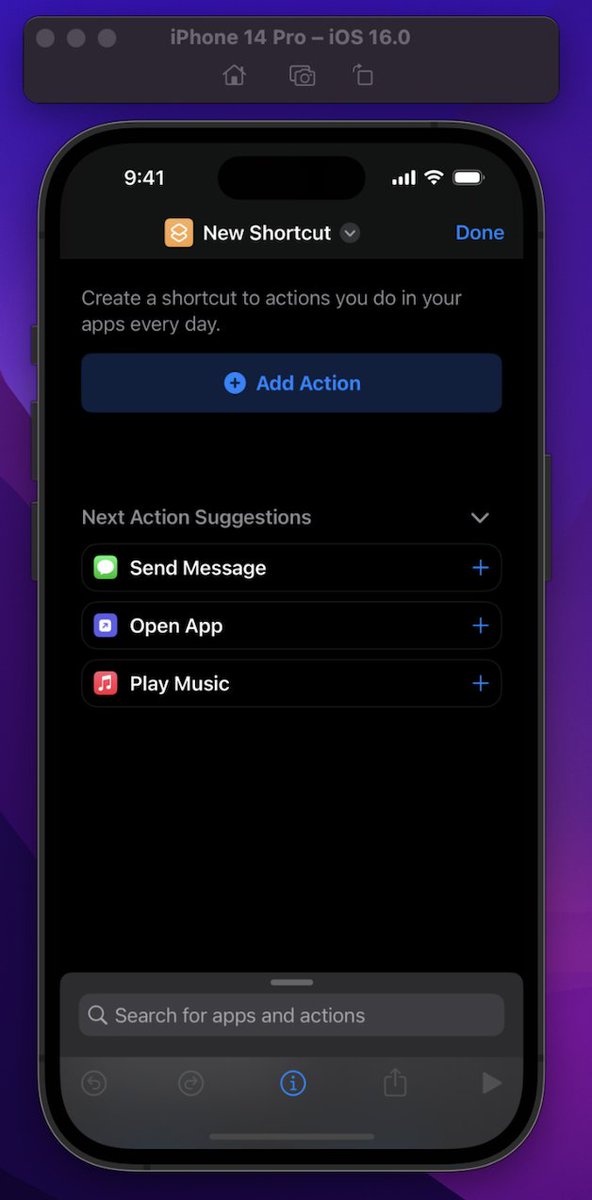
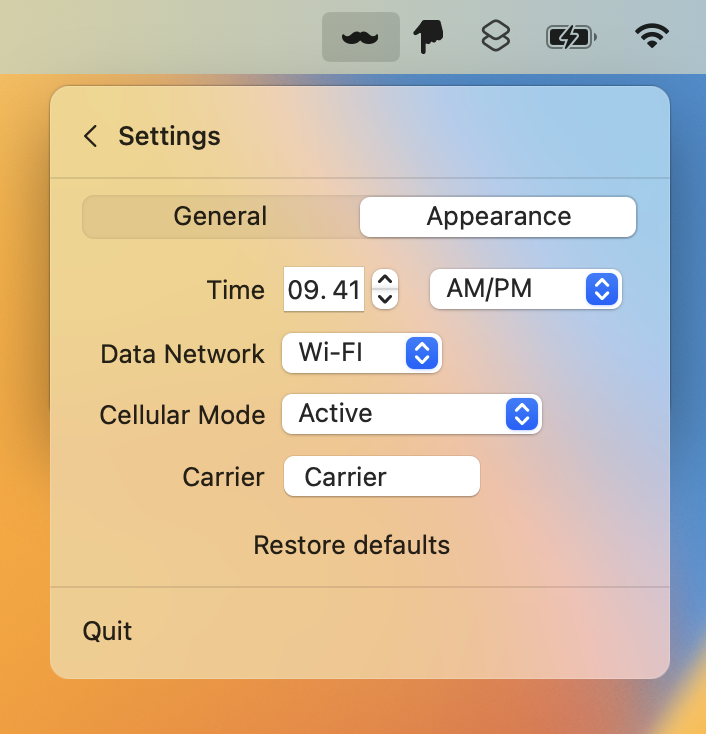
Working on a little macOS menubar app to keep the status bars in iOS simulators pretty automatically using Apple style (9.41) or your own preference. Useful if you often take screenshots of simulators. Join the TestFlight if you want to help make it better https://t.co/sLHILvBVEF
@selsoe @osteslag After the firmware yesterday I think the camera is good enough so it’s not embarrassing to use on a Zoom call. I’m happy with my display and would not wait for an update because of the camera.