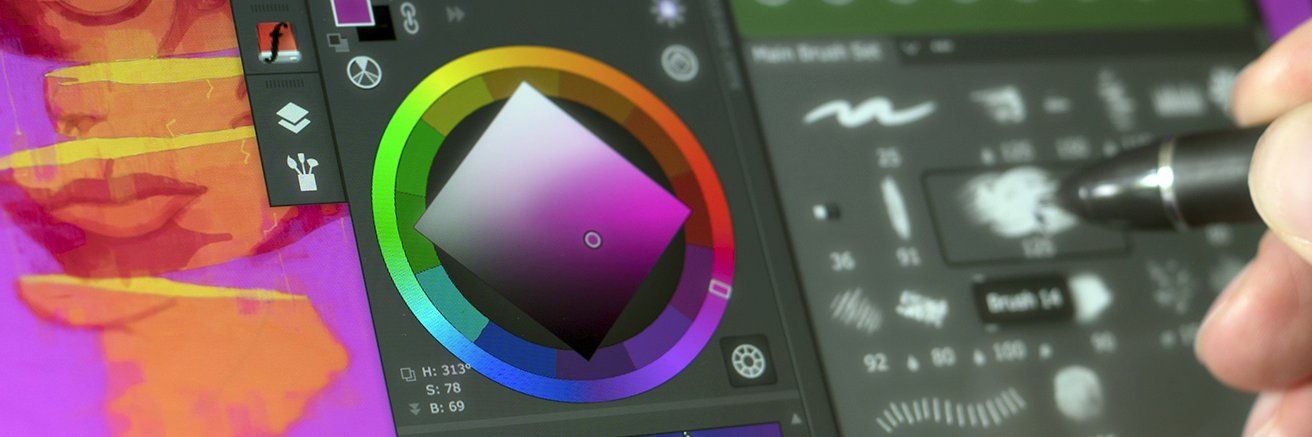
Color Wheel, Brush Agent, Color Mixer, art panels for Photoshop for graphic designers, painters, CG professionals. Made in Hollywood with 💙 for digital art
Tip#127: Adapt color gamma used by digital pros with CIE Luv - one of many color spaces of 🌺 MagicPicker 9 for #Photoshop. Superior color coverage, perceptual brightness support. Just like Lab but much better! 👉🏼https://t.co/Nd8AjuLiZa
Tip#126: ⛵ Mix and match on Lab, Lch/HCL, HSB, HSL, CMYK, Gradient, CIE L*u*v*, Grayscale, RGB sliders with MagicPicker panel in #Photoshop. Click ⊕ to add. Rearrange and remove individual sliders by dragging them https://t.co/3CBa4DfTeD
Tip#125: Mix, pick, and paint with accuracy and speed in Adobe #Photoshop. 📷 📷 Combine MagicPicker, MagicSquire, and MixColors panels & HUD to access pro color spaces and advanced brush dynamics together https://t.co/Bn3zZV5QfA
Tip #124: Achieve vivid, precisely graded hues easily using exclusive MagicPicker 9’s L*c*h sliders on color wheel. Boost UI/shade painting with a uniform spectrum in Photoshop https://t.co/yqn50nn3Oa
MagicSquire 7.2 panel update: Scale Group Names. Improved: Groups Background textures, Favorites, UI & HUD, more - experience now in Photoshop! https://t.co/k7IQ9F47yj
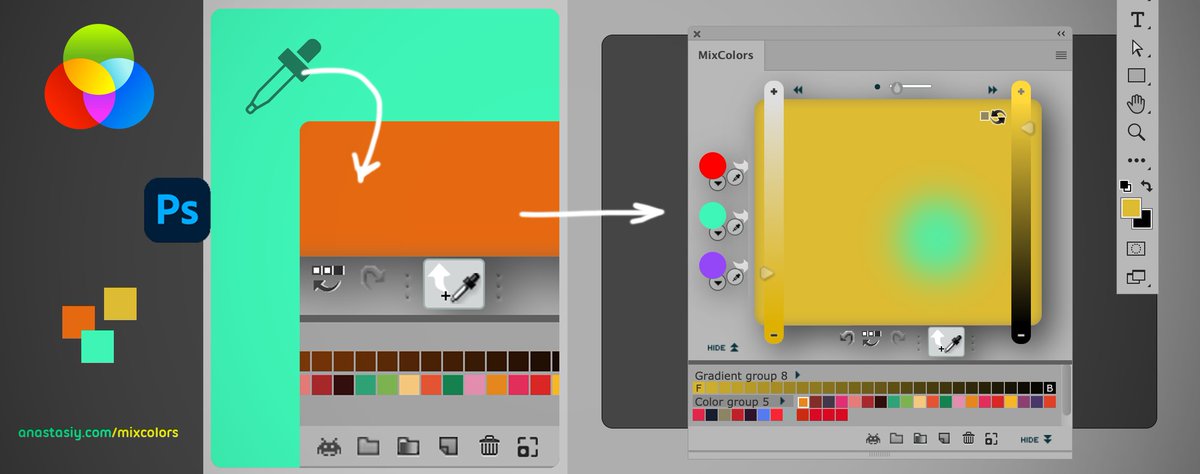
Tip#123 for digital artists: Achieve physically accurate shades, reflections, and lighting in #Photoshop from 🦋various parts of document ✨ with 1 click using MixColors. Activate “Mix Eyedropper” button, then click, pick and mix with Eyedropper https://t.co/wcVnTIqd8n
SPR!NG INTO★CREATIVITY 💚 megasale 💐 Jumpstart your artistry! Discounted: MagicPicker Color Wheel HUD, MagicTints AI Color Matcher, MagicSquire Brush Workspace and other #Photoshop & #Illustrator panels https://t.co/QZTx1RKYPZ
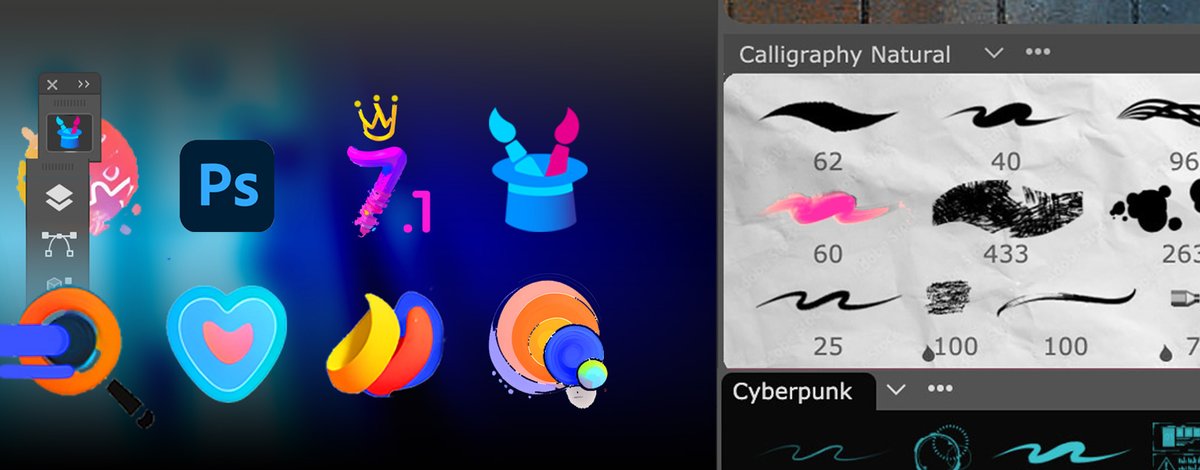
Abra-cada-Brush! 🪄 MagicSquire 7.1 brush workspace for Adobe #Photoshop: improved group textures, right-click menu, better crystal 🔮 HUD & much more! Upgrade or give it a shot 👉🏼 https://t.co/IMzR8WmYYg
Watch next-Gen #Photoshop Brush Handling with 💜MagicSquire 7.0: Aesthetic grouping, easy favorites, filter tools by kind, scale for HiDPI & 4K, & more! https://t.co/k7IQ9F47yj #photoshopbrushes
Paint-sational update! 🎨 Instant faves ❤️, Group Textures, Reinvent Brush Groups in #Photoshop with new MagicSquire 7. Filter by kind, Scale UI, use as HUD & more! Upgrade now! 👉🏼 https://t.co/IMzR8WmYYg
Tip#122: 💡 Use unobtrusive pro-level HUD equipped with color sliders, and show/hide it at the same spot with keyboard shortcut. MagicPicker 9’s Settings menu → Pin HUD. Focus on colors, not clicking! #Photoshop 👉 https://t.co/yqn50nn3Oa #colorwheel
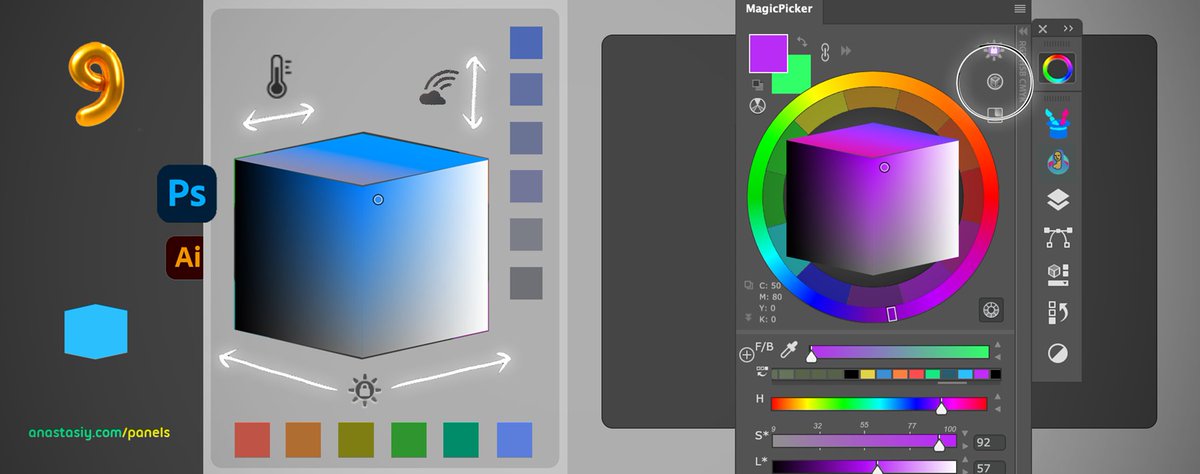
Tip#121: Use MagicPicker 9’s Cube 🔮, new color space for quick digital art in #Photoshop. Preserve lightness vertically, saturation horizontally - for any hue. Left side is darks, right is lights, top is temperature. Co-created with top art studios https://t.co/3CBa4DfTeD
Don't Be 💙 Blue Over Mismatched Colors! MagicTints 3.3 update for #Photoshop & Standalone macOS, Windows. Matches colors better in 1 click, crops/resizes layers perfectly. Limited time discount https://t.co/A5IQwEZGlX
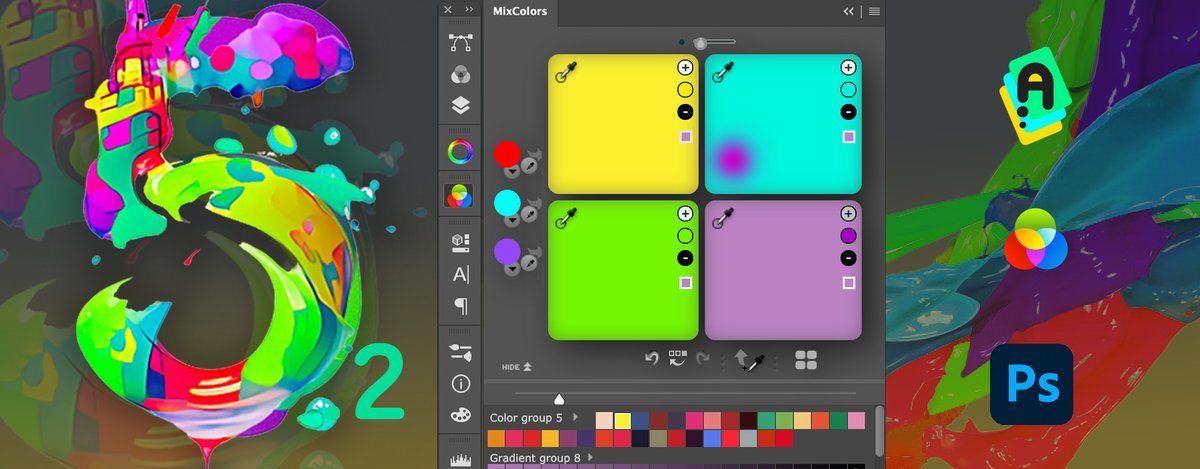
Making a Hue-ge difference in the world of color mixing with MixColors 5.2 for #Photoshop! Brighter swatch groups, new blending, powerful UI! 💗 Upgrade or give it a shot 👉 https://t.co/yqn50nn3Oa
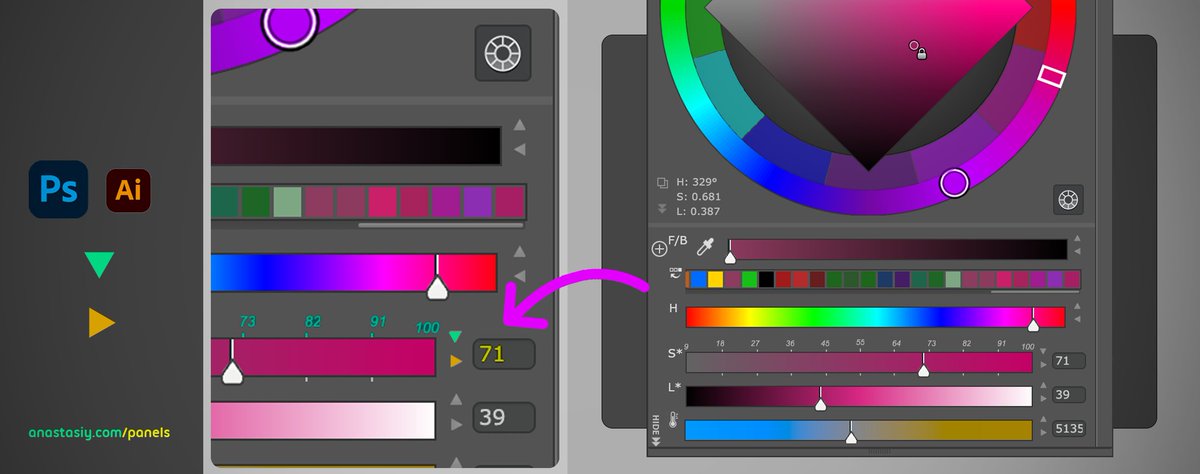
Tip#120: Two arrow buttons under MagicPicker color wheel activate rulers and numeric inputs - for quick color accuracy and 🎯 snaps. 🤠 YEEAHOW, let’s click! #Photoshop and #Ai https://t.co/yqn50nn3Oa
Anastasiy’s Free 🌟 Extension Manager 4.1 for #Photoshop and #CC updated for all art community. 🔧 Install plugins. Recommended by Adobe https://t.co/KMmbL5HJNo
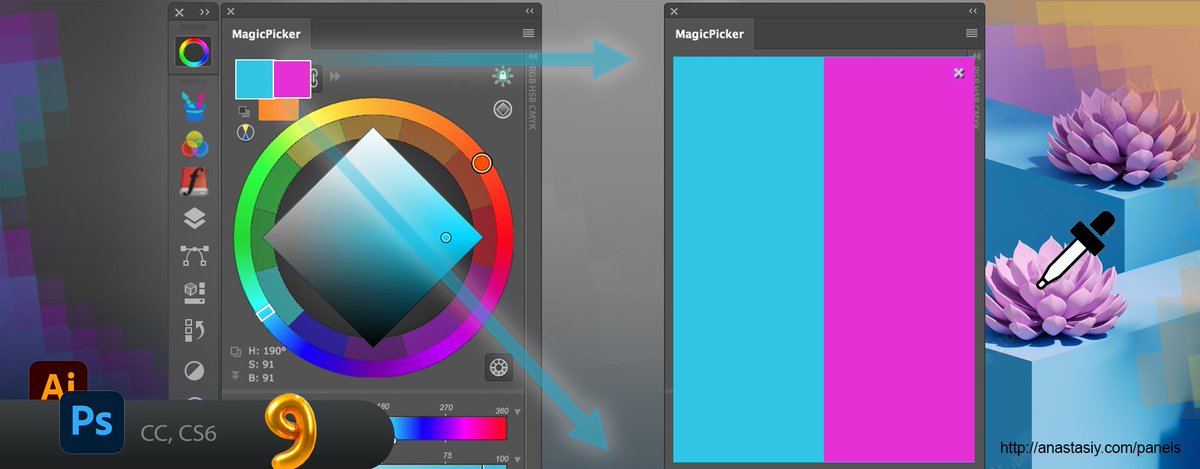
Tip#119: ☄️ Unleash a HUGE realtime preview of current #Photoshop color. Simply alt-click on the foreground in MagicPicker 9 and activate Realtime preview in Settings. Then drag eyedropper across your #digitalart https://t.co/3CBa4DfTeD
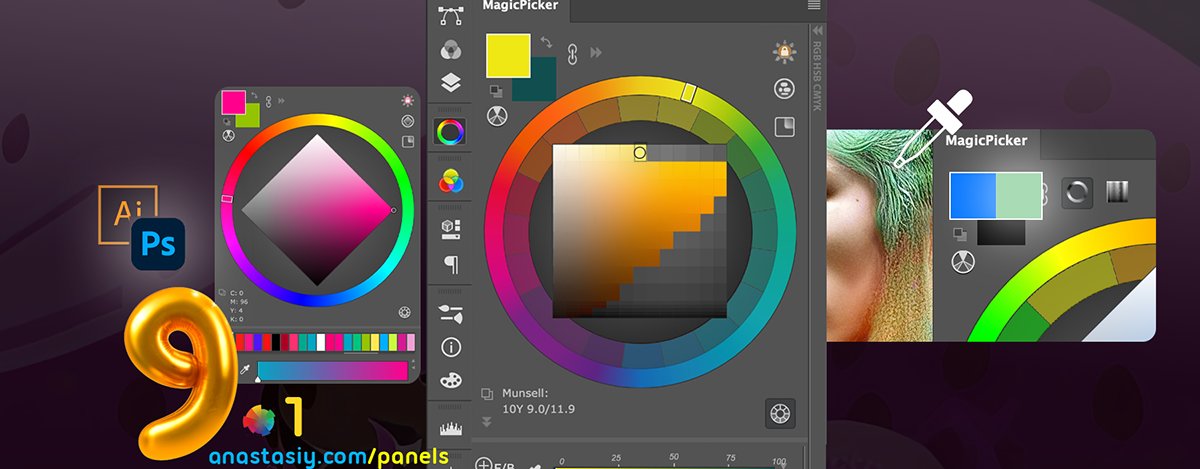
Color Alert! 🐠 MagicPicker panel 9.1 brings Realtime Color Preview as your glide your 💧 eyedropper in #Photoshop. Experience better Color History, value inputs on Sliders, Munsell Color Gamut, more https://t.co/3CBa4DfTeD