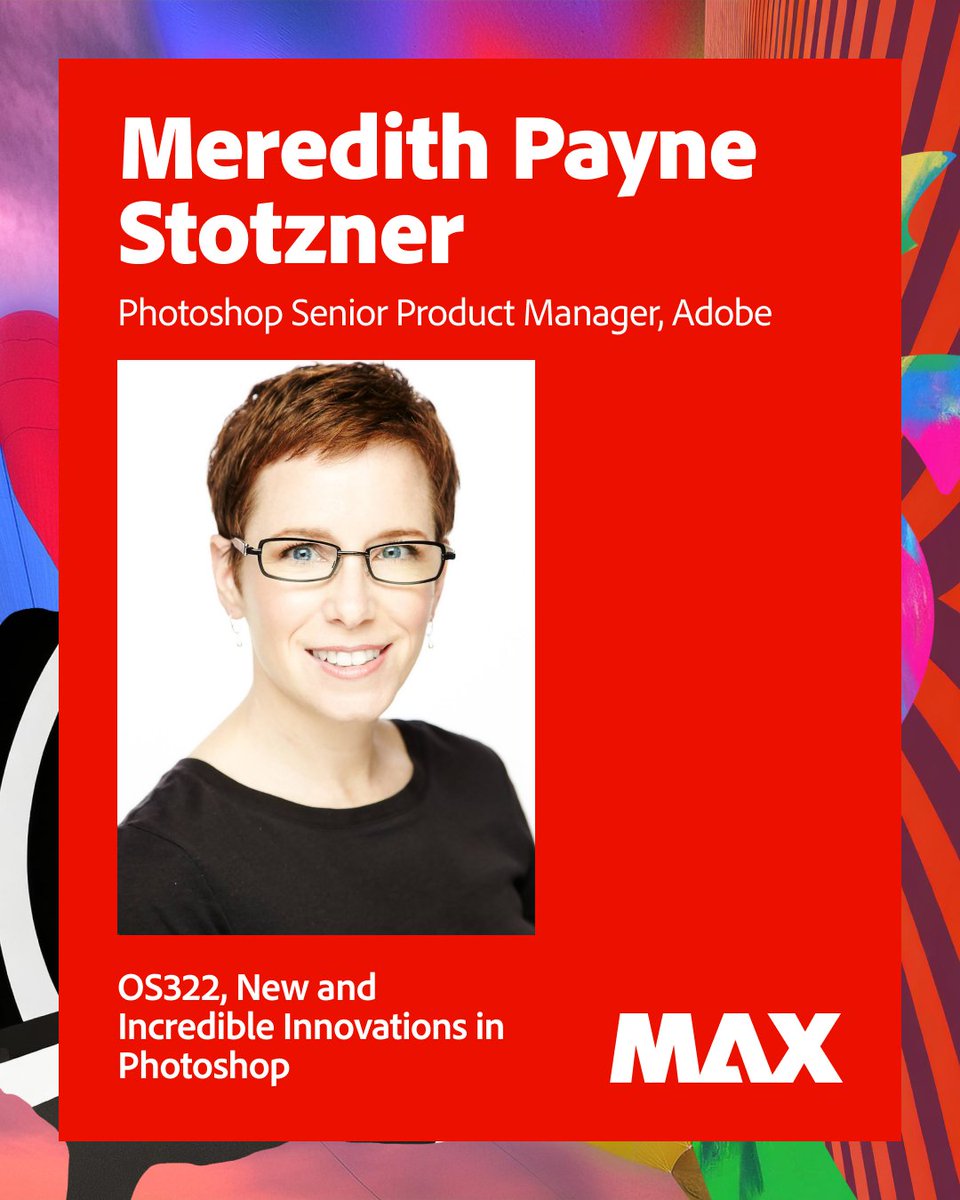
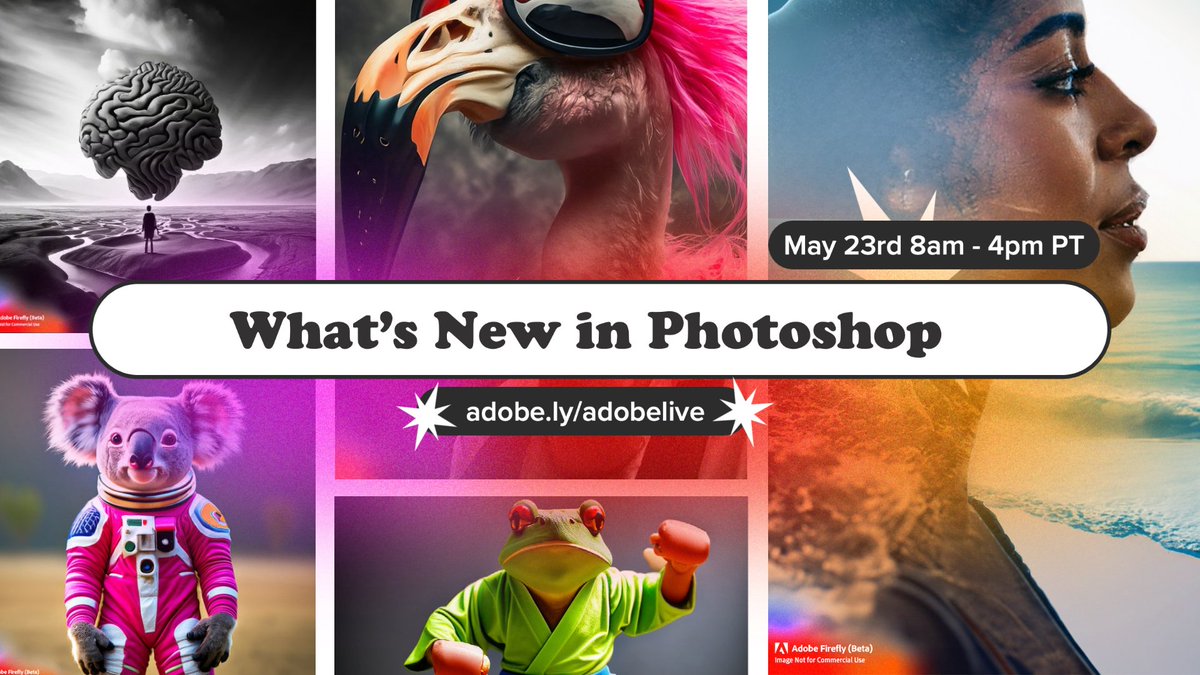
About to go live! Fresh Features in Photoshop: What's New and What's Next - Get a first look at the latest updates in Photoshop in this fast-paced overview of exciting new features that make everyday tasks easier and more intuitive. https://t.co/JJnIIcE7Tp
Join Adobe MAX 2025 on-line for free! It includes my session which session covers everything new in Photoshop in the past year, plus exciting updates only released in beta.
Tuesday, Oct 28 2:30 PM - 2:45 PM PDT
Wednesday, Oct 29 9:30 AM - 9:45 AM PDT
https://t.co/Mc21aoG52b
Photoshop World on-line session Tuesday 9/9: I have the honor of interviewing stellar portrait photographer Clay Patrick McBride https://t.co/to31CsgPIH as the special guest speaker. 🤘🏻🤘🏻🤘🏻🤘🏻🤘🏻
Join our conversation https://t.co/5HGO3Jd6Ix
1 year ago today I was recording the New and Incredible Innovations in Photoshop session for Adobe MAX. You can still catch the replay on the free, public link. But not for long... it expires next month. https://t.co/OgFq4v0XIA
Want to begin learning Photoshop for FREE but don't know where to start? I always send people to Phlearn's 30 Days of Photoshop.
I'm thrilled it's just been updated with the latest Adobe innovations!
It's day 3 of 30 Days of Photoshop! 👇
In this tutorial, we'll teach you about essential file formats, including how to save your layered work and export for web or print.
https://t.co/PlunbBcOYA
#30daysofphotoshop#photoshoptutorial#photoediting#photoretouching
Missed my #AdobeMAX session on #photoshop?
Less than 30 minutes to catch up on everything new in Photoshop since MAX of last year.
https://t.co/e8bQUJwfQi
@annabel_182 Select ••• on the bar
- Hide bar: Remove all Contextual Task Bars from screen. (Also: Window > Contextual Task Bar.)
- Reset bar position: Bar moves with your cursor on the canvas, "more options menu" to reset the position
- Pin position: Pin and un-pin hold your bar in place
@Akeemgoldburn Hi. Photoshop team here. Could you please describe what's happening?
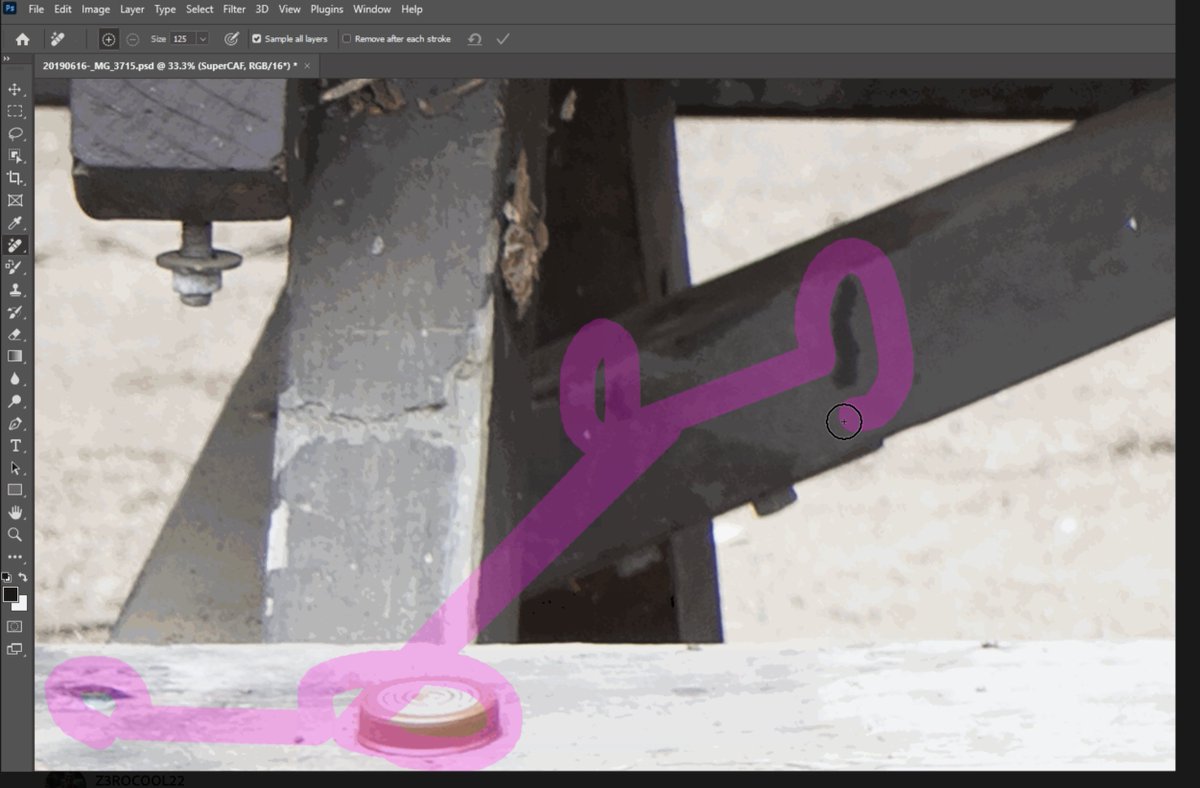
An issue with unexpected straight lines between strokes in multi-stroke mode? If so, the temporary workaround is to slow the pace of the brushing a bit. In the meantime, we're working on a fix for this problem.
@we5ky@AdobeUK Select ••• on the bar
- Hide bar: Remove all Contextual Task Bars from screen. (Also: Window > Contextual Task Bar.)
- Reset bar position: Bar moves with your cursor on the canvas, "more options menu" to reset the position
- Pin position: Pin and un-pin hold your bar in place
This is such a perfect use case for Generative Expand. I'm so happy art directors and photographers are finding out how AI can genuinely be an asset in their toolkit. 🤩
Thank you @adobe for developing Generative Expand in Adobe Photoshop Beta. I used it on a very tight shot I took of a cute little cheetah cub in Tanzania.... so type could be added on a book or magazine cover.
Art directors - and photographers like me to like to shoot tight - are going to love this!
Click to see this cool effect.
@terryleewhite@KelbyOne@ScottKelby@kuna
@miguelaviles93 @Photoshop The Remove Tool is in the general release. If you don't see in the Spot Healing Brush group, check your Extra Tools please.
Edit >Toolbar. In the Customize Toolbar dialog, drag the Remove Tool from the Extra Tools column on the right to the Toolbar list on the left. Click Done.
Get an insider's first look at the newest feature in @Photoshop, Generative Fill!✨ Join your favorite designers for the ultimate Photoshop & #AdobeFirefly livestream RIGHT NOW, from 8AM-4PM PST for live demos & sneak peeks into this new creative process! https://t.co/kl32ic0h8O
Dream bigger with us. ✨ Introducing Generative Fill in the @Photoshop (beta) app - a new magical way to create extraordinary imagery from a simple text prompt, powered by #AdobeFirefly. Learn more: https://t.co/9AuYivfduj