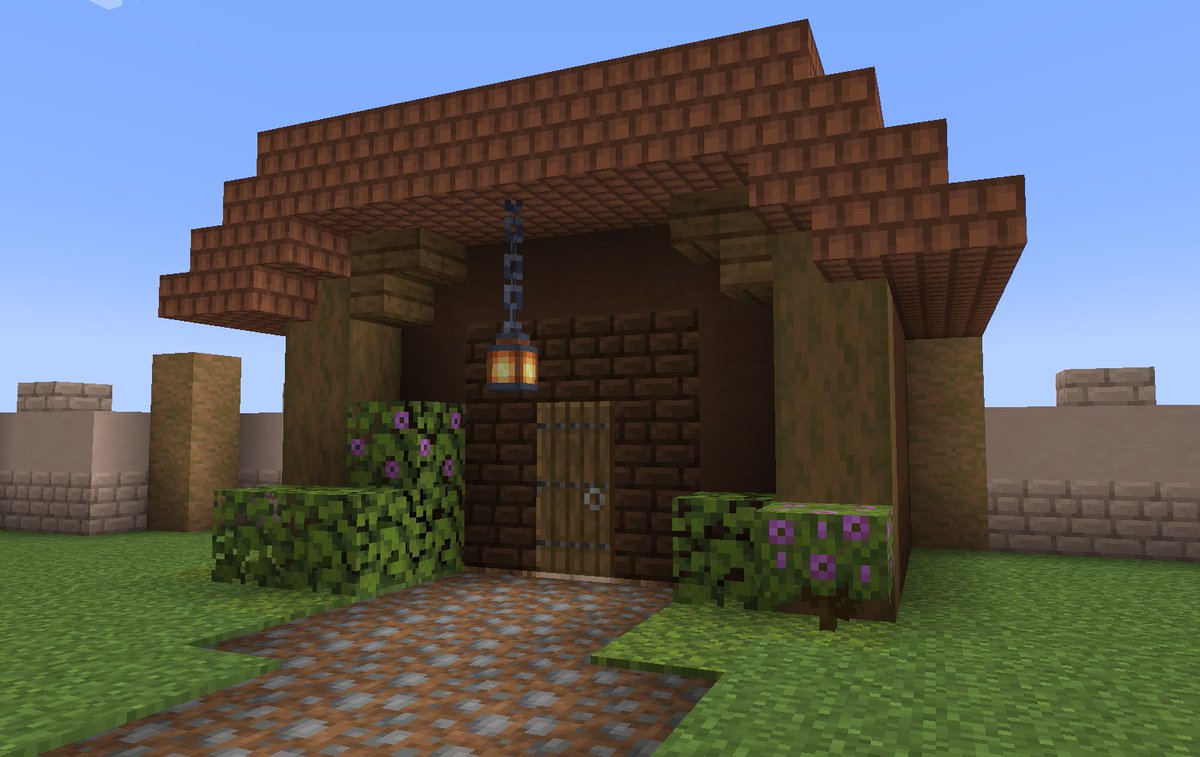
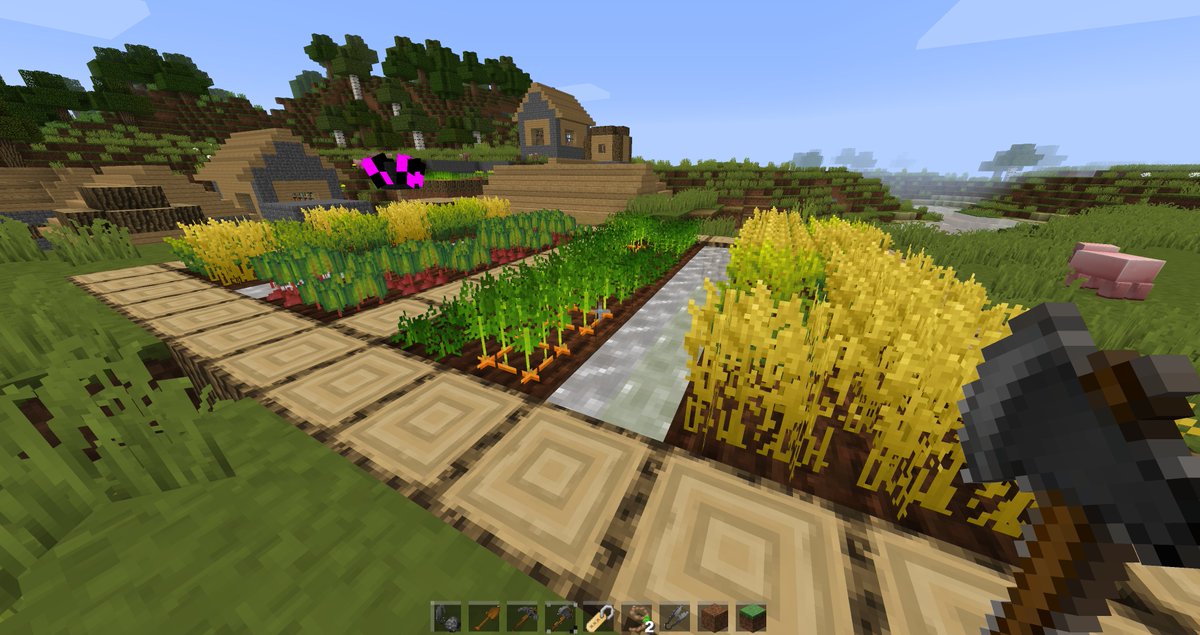
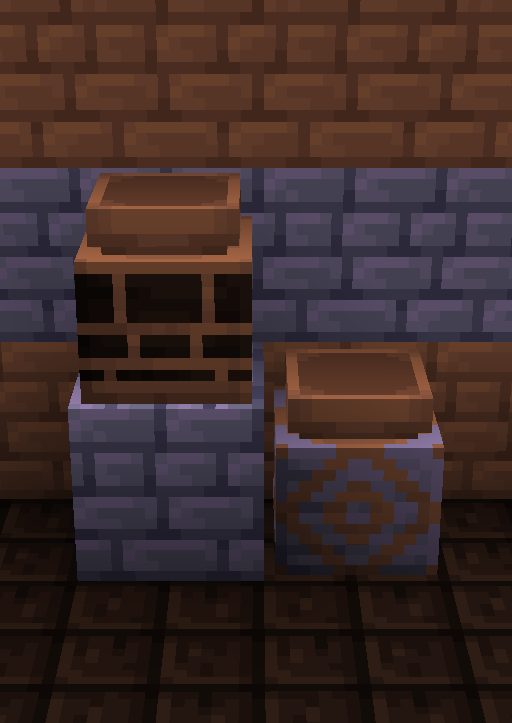
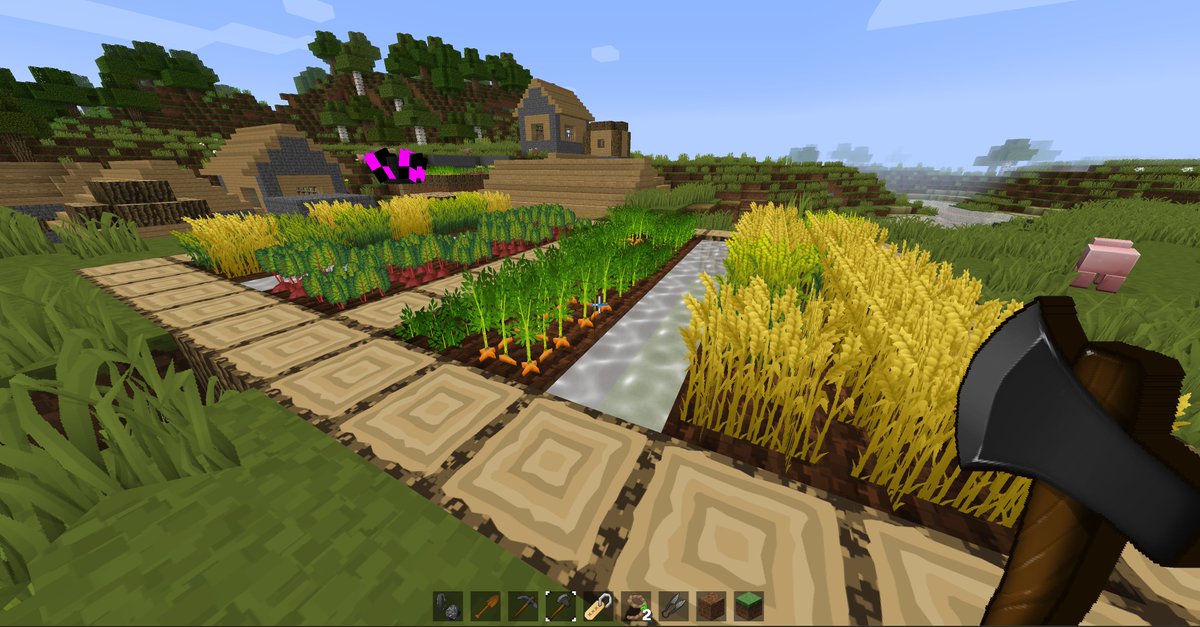
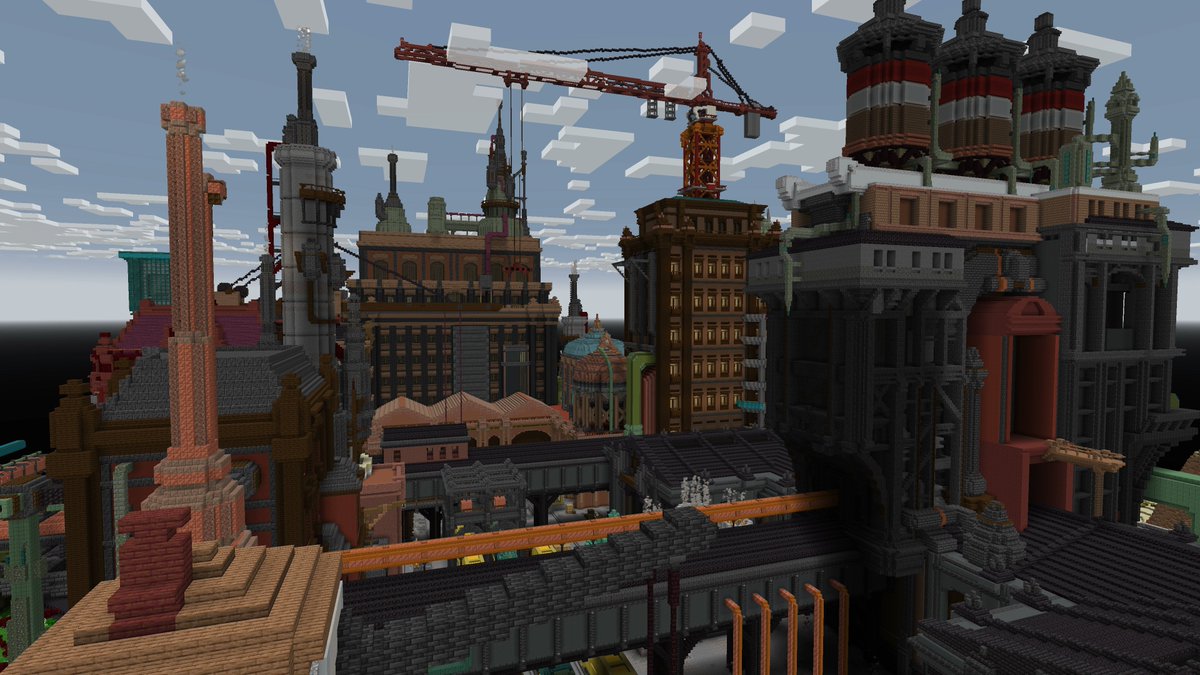
Messing with some better visualization of your texture pack progress.
Still working on Bedrock import. Loads of naming and folder structure differences, so it's going very slowly :)
#minecraft#minecraftartist#pixelminer
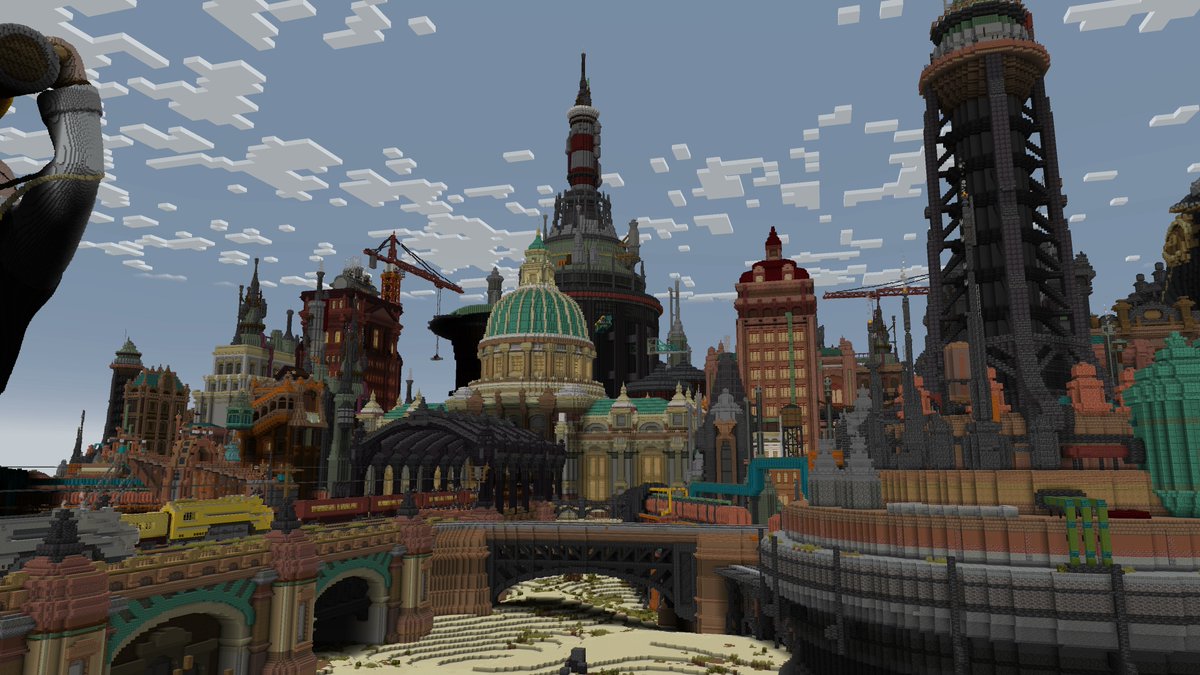
Some useful tools for manipulating Minecraft Builds!
1) https://t.co/EmMrmC3iBl is an official #minecraft website/tool for converting worlds into different formats and platforms.
(https://t.co/6TFrS3FFS0)
2) Mineways is a great tool for 3D printing Minecraft worlds or uploading them to SketchFab. (https://t.co/iwBWK9wZDF)
3) With AmuletMC you can edit your world, load and paste .schematic files as well as export it to various versions.
(https://t.co/0NVZHJ07pv)
Working on a resource pack build pipeline for #minecraft ... so you have a single set of textures to work on and the build pipeline converts those textures into all the pack versions and resolutions that you want and packs them neatly into zip files for each version of minecraft and every resolution you want them at.
You can organize the textures in any folder structure you want. The build process converts individual textures into atlases for older minecraft versions, like paintings and particles. No custom models yet, but that should be possible. My resource pack has dozens of custom models so it's on my todo list :)
Below is my 1.20.2 resource pack in 1.20.2 at 256x256 and 32x32 resolutions.
Next up is adding resolution overrides for things like the water and item sprites (older versions needed colour in the image, recent versions colour the water for the biome in code, so it's white)