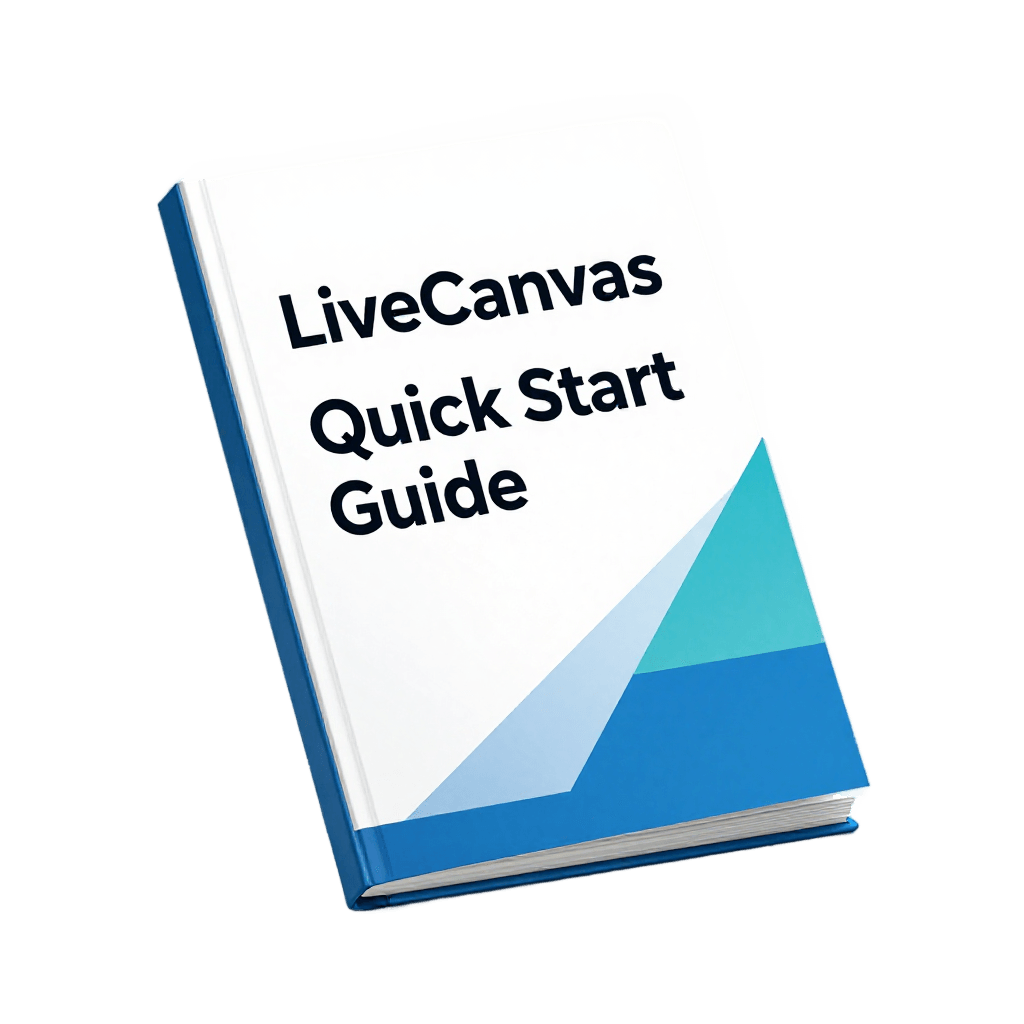
New to LiveCanvas?
Start here 👇
I made a simple beginner guide that shows you:
• How pages are structured
• How to build your first layout
• What to learn first
No fluff. Just the basics.
Get it here:
https://t.co/2ebkUseBl5
Want your LiveCanvas button links to open in a new tab?
This tutorial shows you how to change the target setting in seconds.
Perfect for affiliate links, external websites, and resources.
👇 Watch here
https://t.co/bHq4a5P3G4
#LiveCanvas#WordPress#WebDesign#Tutorial
Need to add a link to a button in LiveCanvas?
This tutorial shows you how to:
→ Add a URL
→ Use the Href field
→ Preview and test the button
Simple and beginner-friendly 👇
https://t.co/E1xyqjEF56
#livecanvas#wordpress#wordpresstutorial#webdesign#howto#beginners
Want to add buttons in LiveCanvas?
This tutorial shows you how to:
→ Add button elements
→ Change button styles
→ Align buttons
→ Add spacing properly
Simple and beginner-friendly 👇
https://t.co/oyf6dW4QOg
#livecanvas#wordpress#wordpresstutorial#webdesign#howto
If your images won’t align correctly in LiveCanvas…
The issue is usually alignment overrides.
In this tutorial, I show you how to:
→ Align columns
→ Align blocks
→ Reset overrides
→ Center images properly
👇
https://t.co/DLFi9zUM2j
#livecanvas#wordpress
Not sure how to upload images in LiveCanvas?
Here’s how:
→ Upload from your computer
→ Save to media library
→ Insert into your page
→ Choose image size
Simple and fast 👇
https://t.co/Dy7DL9GrFh
#livecanvas#wordpress#wordpresstutorial#webdesign#howto#beginners
LiveCanvas becomes easy when you stop overthinking it.
It’s just building blocks.
Stack → arrange → style.
That’s it.
Learn here 👇
https://t.co/2ebkUseBl5
Don’t try to build full pages in LiveCanvas.
Start small.
Build ONE section at a time.
That’s how you learn faster.
Guide here 👇
https://t.co/2ebkUseBl5
Not sure how to add text in LiveCanvas?
Here’s how:
→ Add a paragraph block
→ Place it in your column
→ Add it before/after elements
→ Style text (size, color, alignment)
Simple and beginner-friendly 👇
https://t.co/2ebkUsf9aD
#livecanvas#wordpress#wordpresstutorial
Quick LiveCanvas tip:
If your page looks messy…
It’s usually a spacing problem.
Fix padding + margins → huge improvement.
More help 👇
https://t.co/2ebkUsf9aD
Not sure how to add a heading in LiveCanvas?
Here’s how:
→ Click the block
→ Add heading
→ Insert before or after content
→ Customize styling
Simple once you know where to click 👇
https://t.co/2ebkUsf9aD
#livecanvas#wordpress#wordpresstutorial#webdesign#howto