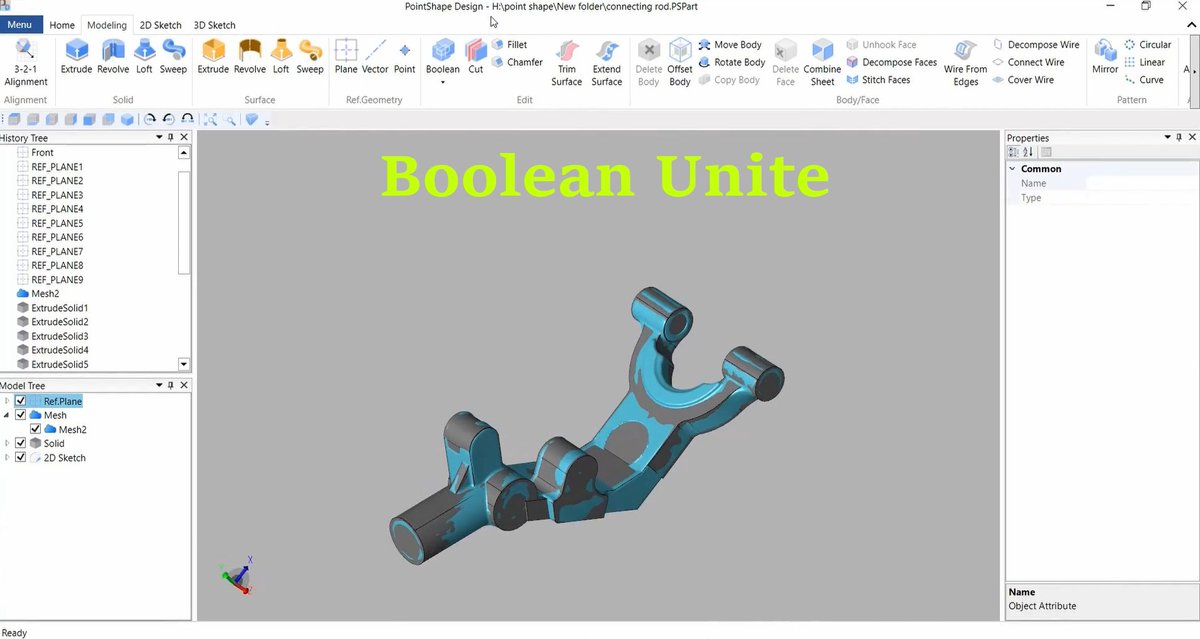
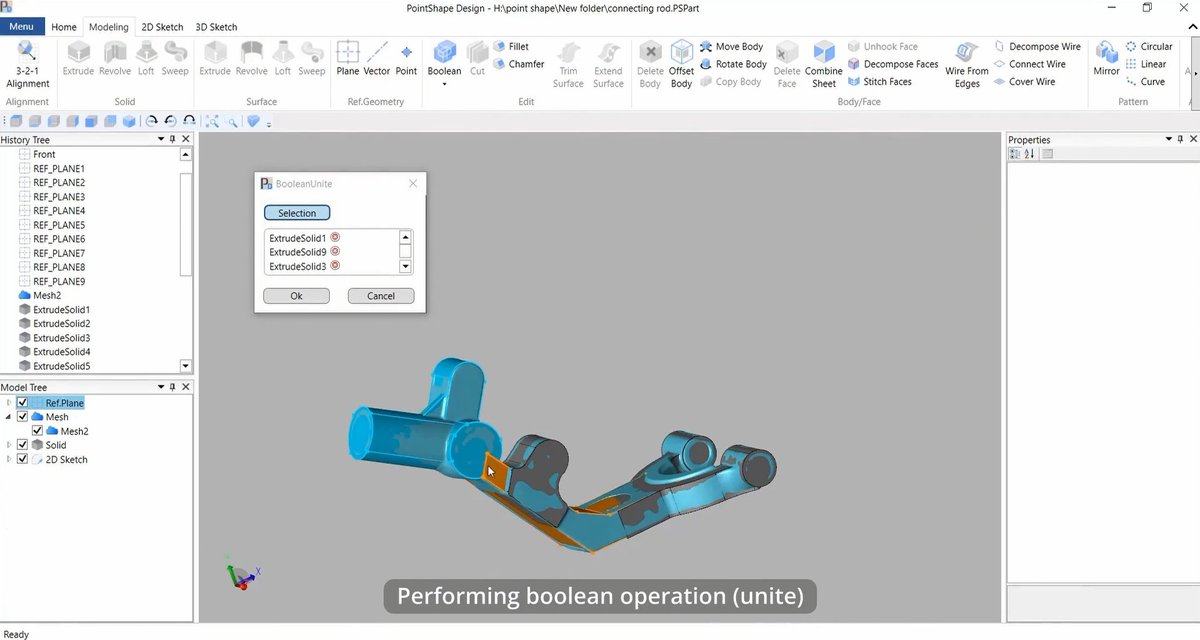
How to unite solids into one body with the Boolean feature of PointShape Design?
1. Click Boolean and choose an option of Unite.
2. Select all solid bodies and hit the "Ok".
#reverseengineering#3D_Scanning#engineeringchallenge
How is the mesh alignment in PointShape Design?
1. Click "Plane" and enter "3 points" in the Reference Plane.
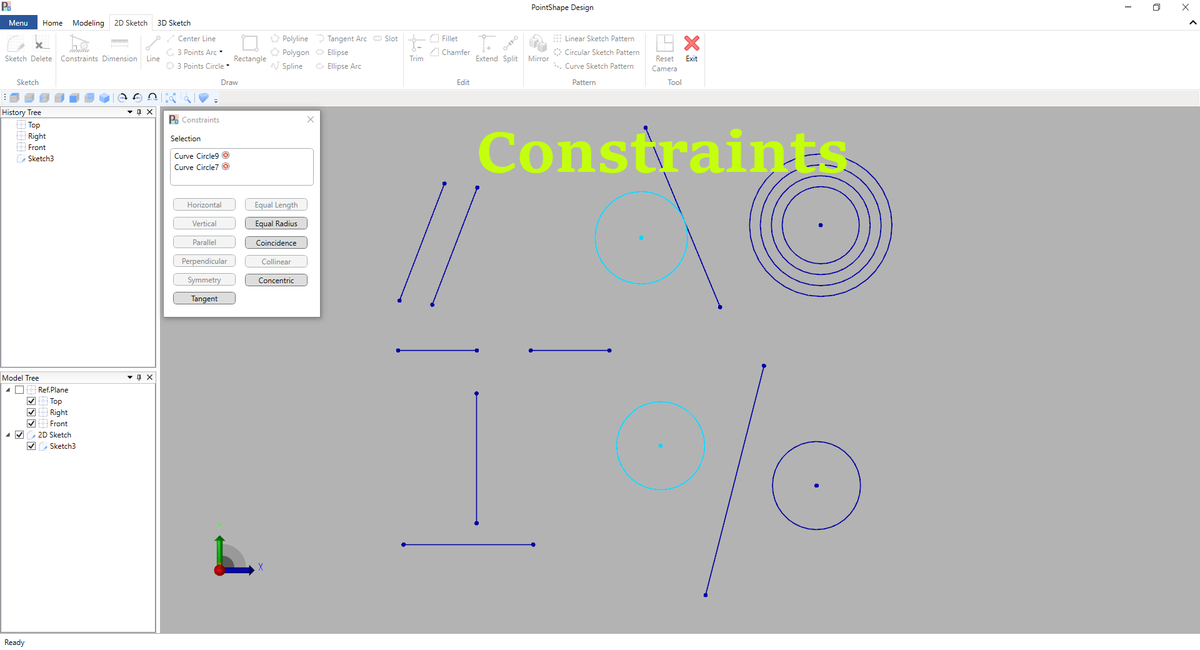
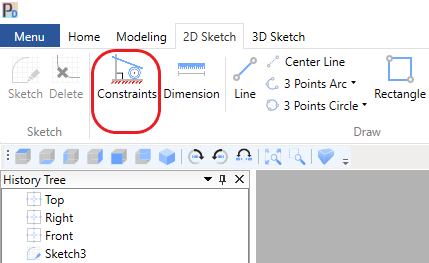
2. Take a cross-section drawing with "Sketch" .
3. Draw "3 Points Circle" and "Line"
4. Click "3-2-1 Alignment" and enter mesh, circle, and line (vector). That's it!
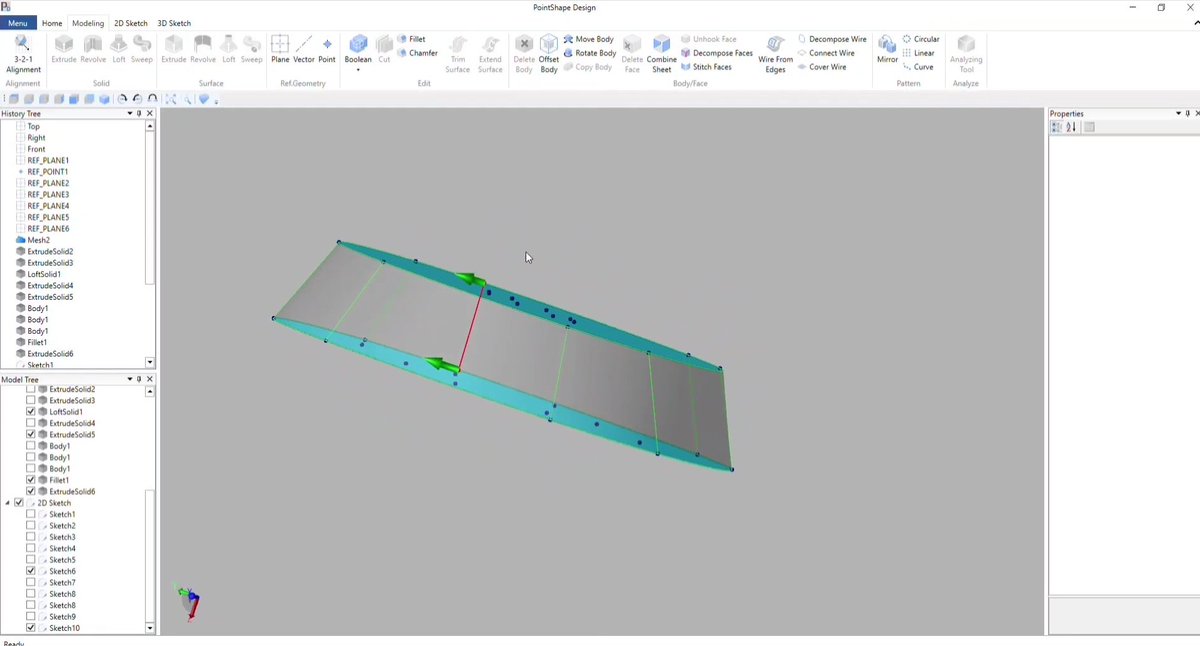
Reverse Engineering of a Suspension
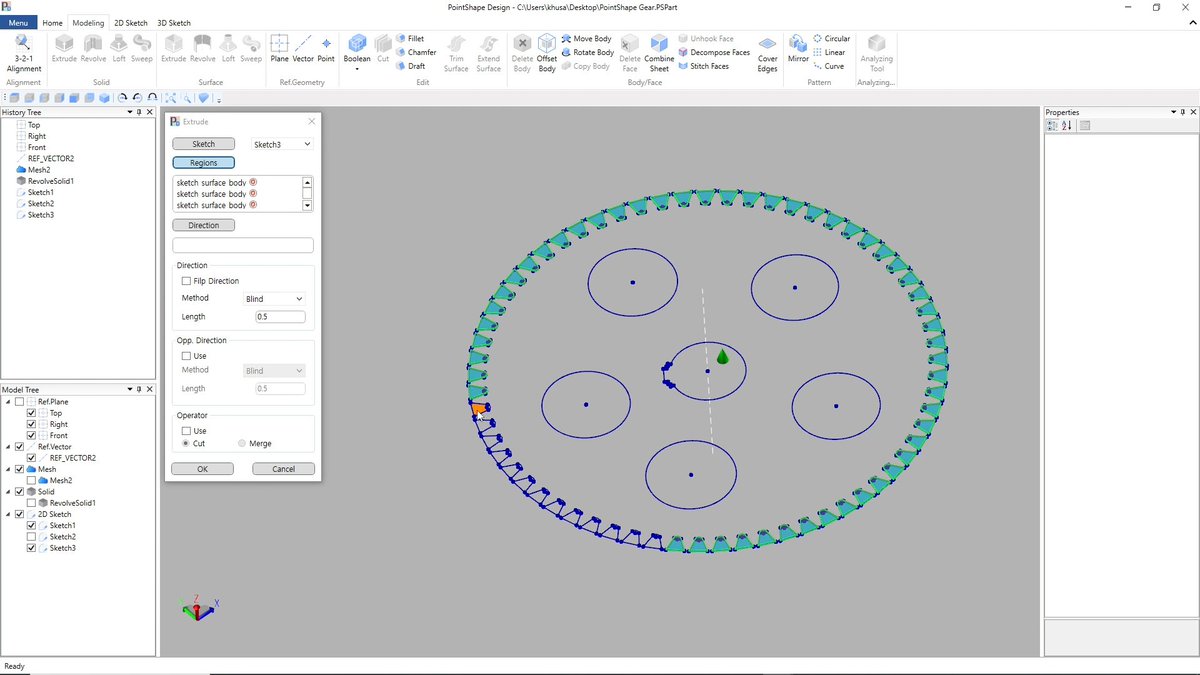
PointShape™ Design has a function key,
Analyzing Tool, which enables the users to perform deviation analysis according to their allowable tolerances.
Check a full video on our YouTube channel:
https://t.co/abjaiETKFR
#reverseengineering
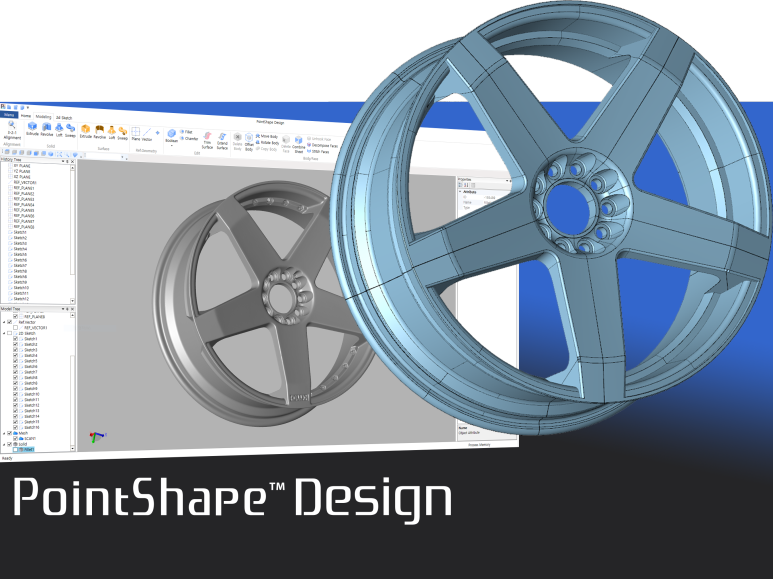
DREAMTNS Co., Ltd., released PointShape Design software that is used for creating parametric CAD models of real-world products from Scan/Mesh data. With a familiar design process and user interface, the software enables users to accomplish reverse engineering projects easily.