Figure 13: Change size by Not All Fonts Are The Same You may use the Replace Font dialog box to change fonts in your PowerPoint presentation, but not all fonts are created the same.
Read more 👉 https://t.co/cYiOjfuOHJ
#PowerPointTips#RobinJung#ThinkCell
Yes, you get more storage space and some niceties with a paid Google subscription, but you can achieve quite a bit with the free version.
Read more 👉 https://t.co/XxtJ7Xo1IO
#PresentationTools#GoogleSlides#PowerPointForWeb
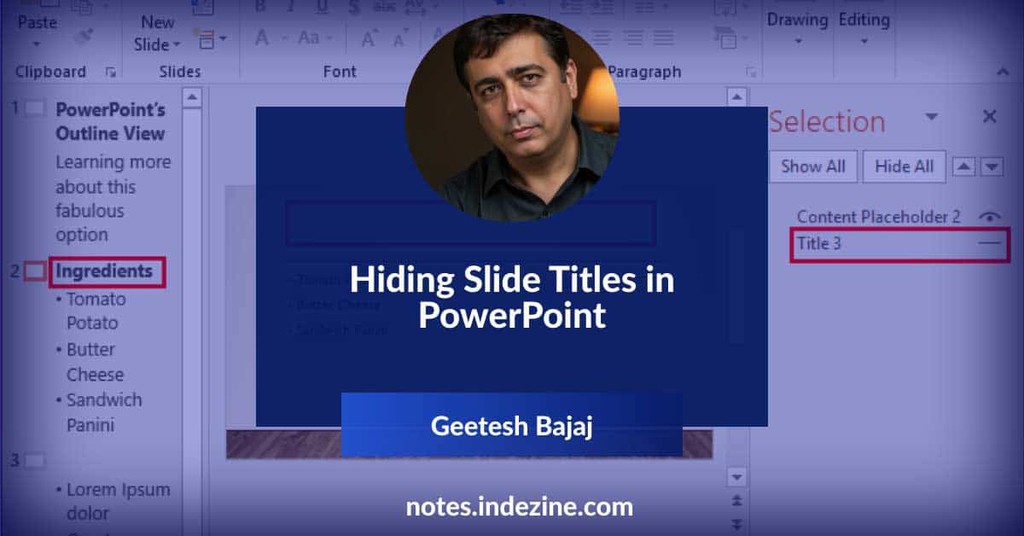
Screen Readers Rely on Them – People who use screen readers to navigate presentations depend on slide titles to quickly understand the content.
Read more 👉 https://t.co/8jm6zGpEZd
#HiddenTitles#DesignWithPurpose#StructureMatters
Figure 13: Change size by Not All Fonts Are The Same You may use the Replace Font dialog box to change fonts in your PowerPoint presentation, but not all fonts are created the same.
Read more 👉 https://t.co/cYiOjfuOHJ
#PowerPointTips#RobinJung#ThinkCell
Surprisingly, you even get some advanced tools, but if you're a real power user, you might want to use either the paid version or even the desktop version.
Read more 👉 https://t.co/XxtJ7Xo1IO
#PresentationTools#GoogleSlides#PowerPointForWeb
Duplicating objects and trying to place them exactly on top of each other can feel like lining up stickers blindfolded.
Read more 👉 https://t.co/mn4rzSXKdD
#PresentationDesign#PrecisePlacement#PasteInPlace
That’s exactly what happens when you move slide titles off the slide area—they might disappear from view, but the moment you press the Reset button, boom!—back in place.
Read more 👉 https://t.co/8jm6zGpEZd
#HiddenTitles#DesignWithPurpose#StructureMatters
Yes, you can change the language for the entire outline in PowerPoint, but even that is limited to just text placeholders and leaves text within text boxes and shapes unchanged.
Read more 👉 https://t.co/cYiOjfuOHJ
#PowerPointTips#RobinJung#ThinkCell
So, someone asked, “Why would you want the duplicate to land right on top of the original?” It’s kind of like asking why you’d want to make a perfect photocopy — because sometimes, precision is the whole point!
Read more 👉 https://t.co/mn4rzSXKdD
#PresentationDesign
Mayer’s research shows that when slides and narration work together, people learn and remember the underlying stories better.
Read more 👉 https://t.co/60cauCMSNp
#PresentationDesign#SlideRecall#VisualStorytelling
However, think-cell adds the ability to change the proofing language for all text containers on the slide or even all text containers within the presentation deck.
Read more 👉 https://t.co/cYiOjfuOHJ
#PowerPointTips#RobinJung#ThinkCell
And there's just one more thought to add: for some reason, many users believe that Google Slides is free, and PowerPoint for the Web is not.
Read more 👉 https://t.co/XxtJ7Xo1IO
#PresentationTools#GoogleSlides#PowerPointForWeb
Forget fumbling with the mouse or searching for options on the fly—these shortcuts are your secret weapon for smooth and professional presentations
Read more 👉 https://t.co/qww9K6lZDA
#TechForPresenters#KeyboardShortcuts#OfficeProductivity