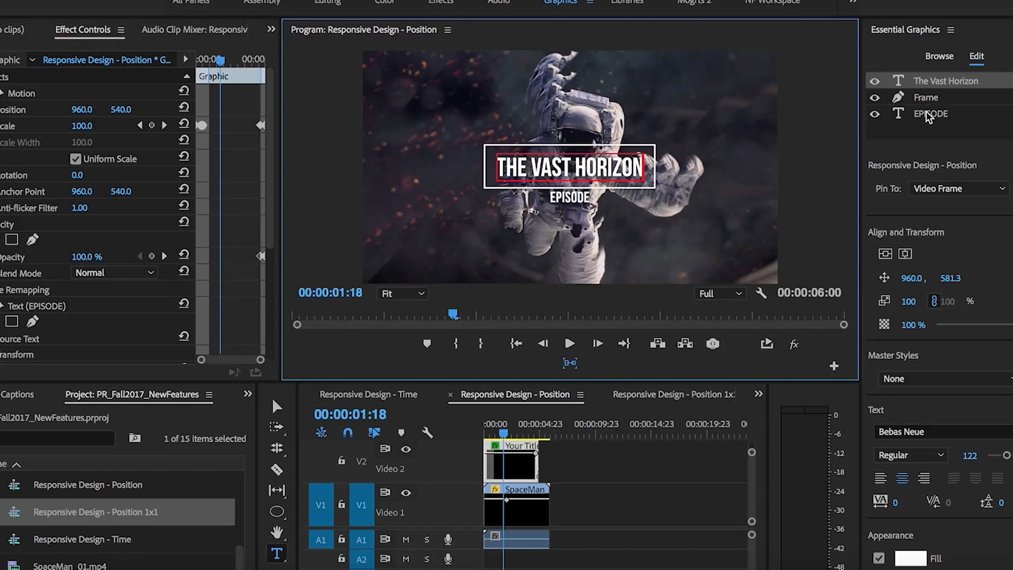
Coming soon to Premiere Pro - Auto Reframe powered by Adobe Sensei. Seamlessly adjust aspect ratios such as square, vertical or 16:9 while saving time on manual video resizing.
Full blog details: https://t.co/QO8479jL5s
Learn more on YouTube: https://t.co/BdwMtGY5VV
Great timesaver - get @AdobePremiere to upload your video directly to Vimeo, Facebook, Youtube, Twitter, etc. When you export your timeline, just click on the Publish tab and pop your details in! #AdobePremiere#Tips#Friday
At IBC 2018, Adobe is revealing the next major releases of the Adobe video and audio tools, including new features and enhancements: https://t.co/4RHk3aQKps
#IBC2018 | #PremierePro
The Emmy-award-winning series @AtlantaFX is edited entirely with Adobe #PremierePro. Go behind the scenes to see how the editors bring fresh episodes to life in one accelerated workflow: https://t.co/2jZh3LNx30
#AtlantaFX
@jimmysong I use @AdobePremiere - you could try @PremiereClip if you want to go mobile. If you're doing it for social media use a square aspect ratio (1080x1080) and add subtitles. Happy to help if needed!