Do You Reorder Bespoke Die Cut Labels? You'll Love This...
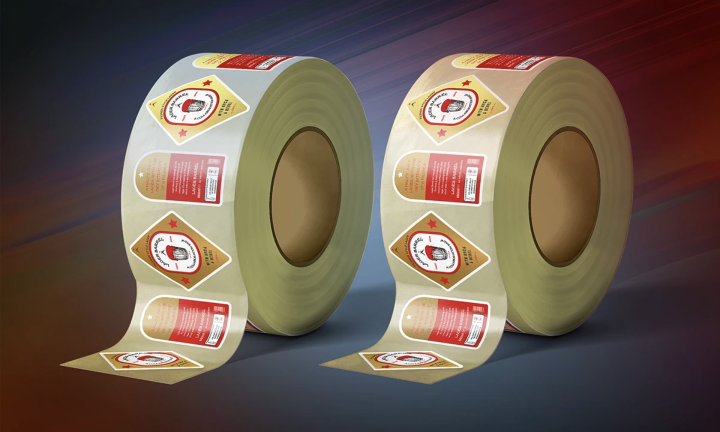
New site functionality means you can reuse an existing metal cutting die to save money and time on the bespoke shaped Labels you regularly order.
https://t.co/c3piKurqE6
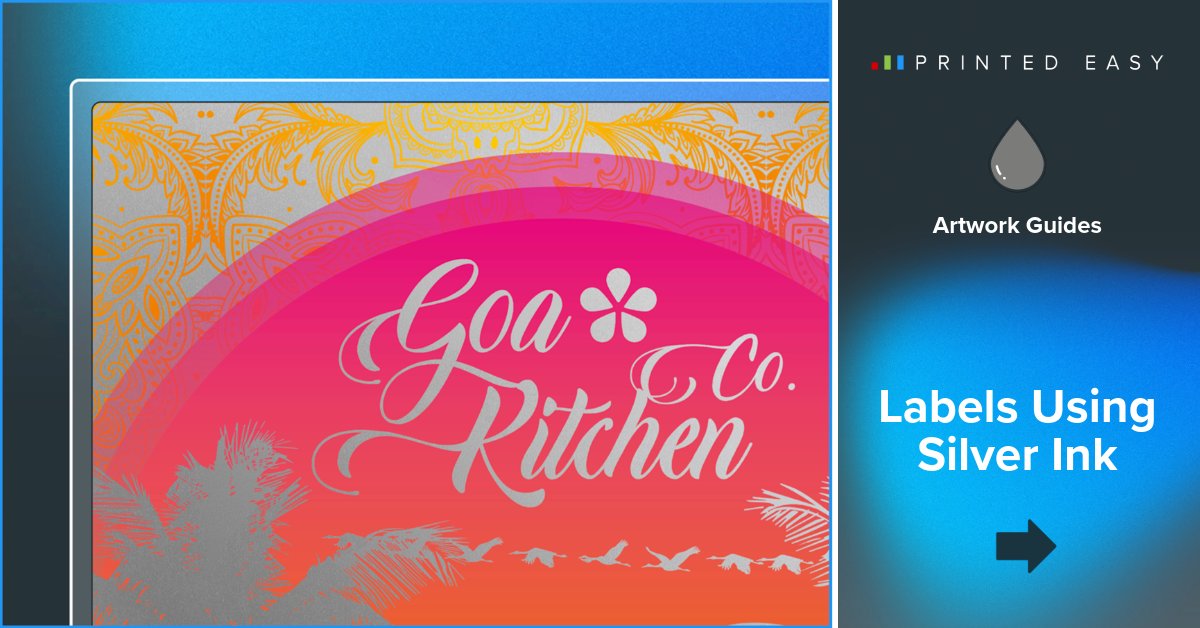
Labels using silver ink
https://t.co/bXPwdlW6gA's guide details using a silver channel in Adobe Illustrator for silver ink printing. For full instructions and visual guidance, visit https://t.co/bXPwdlW6gA - Labels Using Silver Ink. https://t.co/eQPYH94CzP
Labels using white ink
Before you can start designing, you’ll need to create a white channel to show us which sections of the design should be printed with white ink. For detailed instructions and visual aids, https://t.co/FBZ0AmMTdv
Setting up a cutter guide.
You’ll need an artwork cutter guide if you plan to order bespoke shaped Labels or bespoke sheets. For a comprehensive walkthrough, visit https://t.co/bXPwdlVyr2 - Setting Up A Cutter Guide for more insights. https://t.co/Dxoz3tE29m
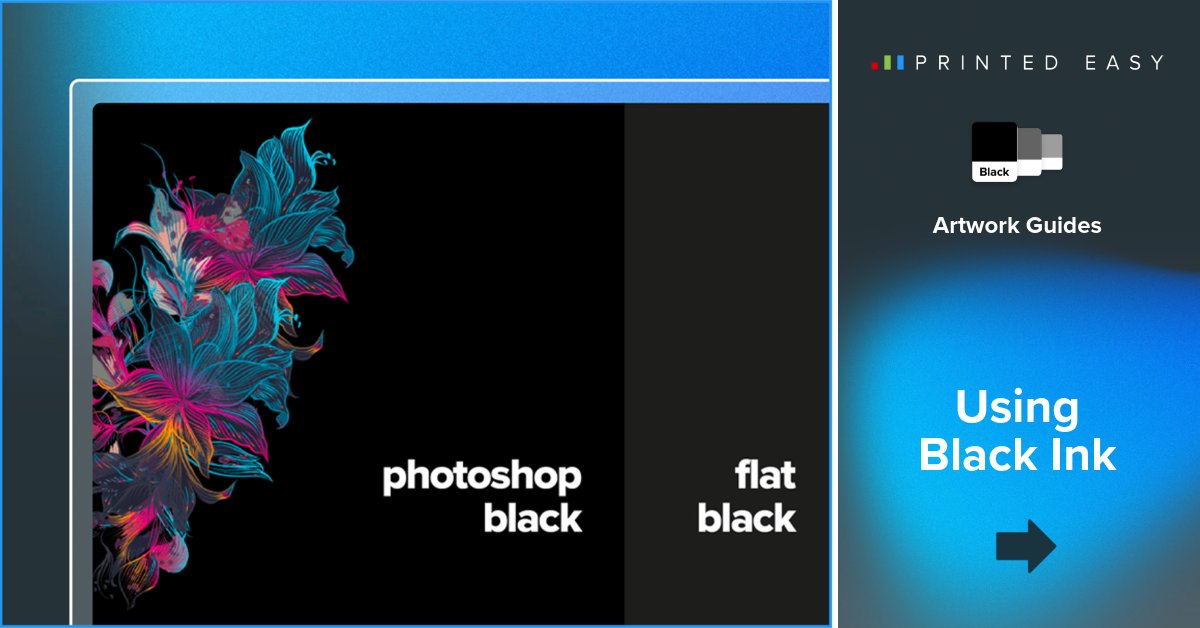
How To design for black ink
Unlock the potential of black ink in print design with https://t.co/bXPwdlW6gA's insightful guide. Explore these professional tips at https://t.co/bXPwdlW6gA - How To Design For Black Ink. https://t.co/MDDgVBc4It
How To set up bleed and crop marks.
If you aren't sure how to add crop marks or bleed to your artwork, continue reading to discover the secrets to perfect printing with https://t.co/bXPwdlW6gA's comprehensive guide on setting up bleed and crop marks. https://t.co/VCM0fH3SMR
How To make a press ready PDF.
When your design is ready to go to print, you'll need to ensure you export it as a press-ready PDF, complete with bleed and crop marks. Discover more at https://t.co/1pJNeoj5vh
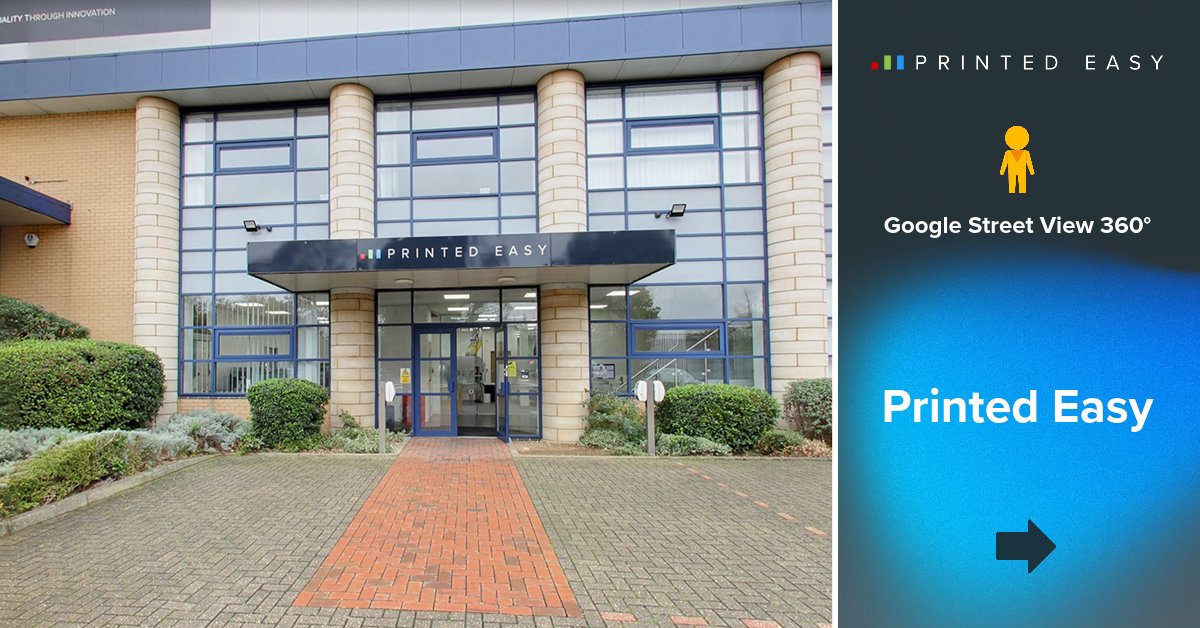
Exclusive Google 360 Views of Printed Easy.
Step inside the heart of innovation and precision with our exclusive Google 360 views showcasing our state-of-the-art printing facility!
https://t.co/gg0tenmuHE