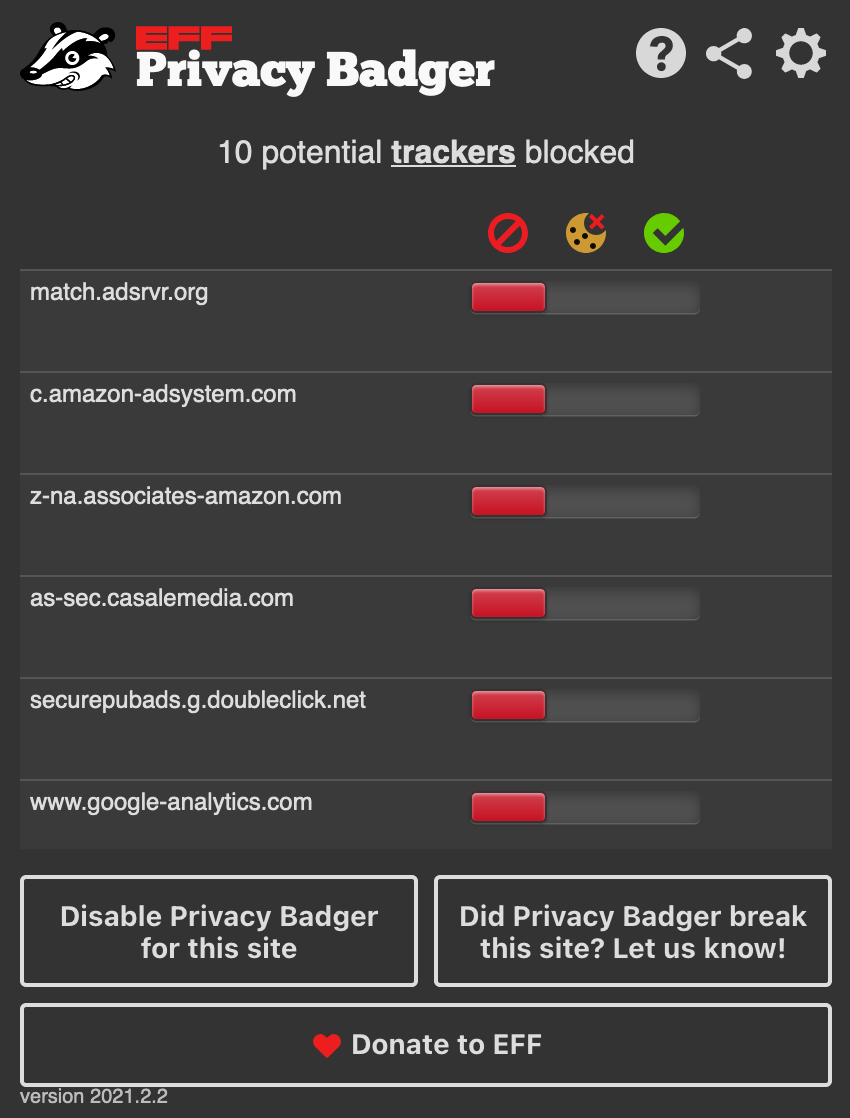
Our latest release of Privacy Badger includes support for night mode, an expanded options page, and a bunch of site fixes. Try it at https://t.co/KPzTXhovxS
The latest Privacy Badger update disables local learning by default. All versions are pre-trained with a list of known trackers, plus the usual protections like outgoing link tracking and media widget replacement. Learn more about these changes: https://t.co/y0otLEb6ub
@benmontour@EFF Hi! The updates are rolling out for each browser as the review process happens. Firefox is now live and you should see it working now. Chrome is still pending review. You can check your version by clicking on Privacy Badger, at the bottom it should say: version 2020.10.7
You may notice on Chrome 83 a puzzle piece in the toolbar. If you have HTTPS Everywhere already installed, you should still have the icon pinned. If you newly installed this extension, it will be under the puzzle icon.
Here's a GIF demonstrating how to pin to your toolbar!
New version 2020.5.12 makes buttons easier to tap on Android, added a replacement placeholder widget for Google reCAPTCHA, other fixes, and translations. Download now! https://t.co/2TEDjReckM
This is the best thing you'll see all day! 🐾
Our wildlife cameras spotted a #coyote and #badger together — the first time this type of behavior has been captured in the San Francisco #BayArea.
https://t.co/YDcnhyiWL1
New version (2019.10.8)!
* Fixed image/video thumbnails in Google search results
* Fixed various other site breakages
* Removed the green "0" tracker count badge. No need to draw attention when there is nothing to show.
* Improved translations (Simplified Chinese, Ukrainian)
Google plans to make it harder for security and privacy-protecting extensions to function in Chrome, including @privacybadger and @ublockorigin.
“No doubt this will cause more users to question whether Chrome is the right browser for them,” writes @Forbes https://t.co/SWhYrzZLRj