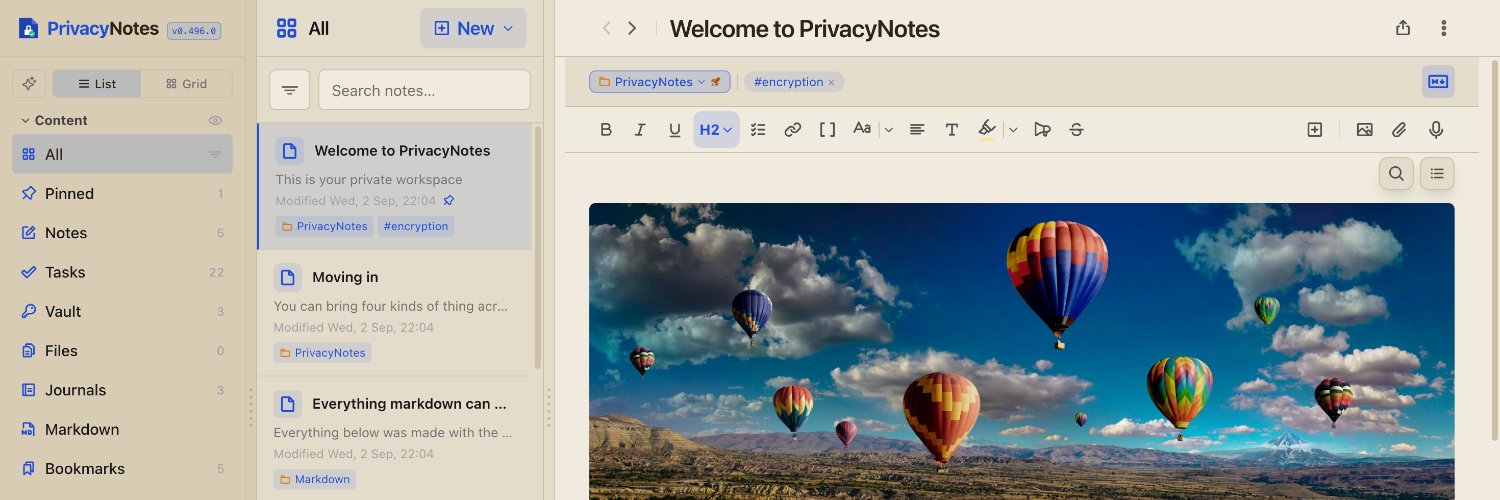
Free and open source markdown editor. Zero-knowledge, end-to-end encrypted notes, tasks, journals, files, passwords and contacts in one app. No subscription.
Your Google, iCloud, Outlook or Nextcloud calendar can now show inside PrivacyNotes, next to your notes, tasks and journal. Paste the calendar address once. Events update when the app opens and every hour, moved meetings included. Read-only and one-way: nothing is written back. Up to 20 calendars, free, and the addresses stay in your encrypted settings.
https://t.co/n2N1OHItKZ
#calendar #Nextcloud #privacy
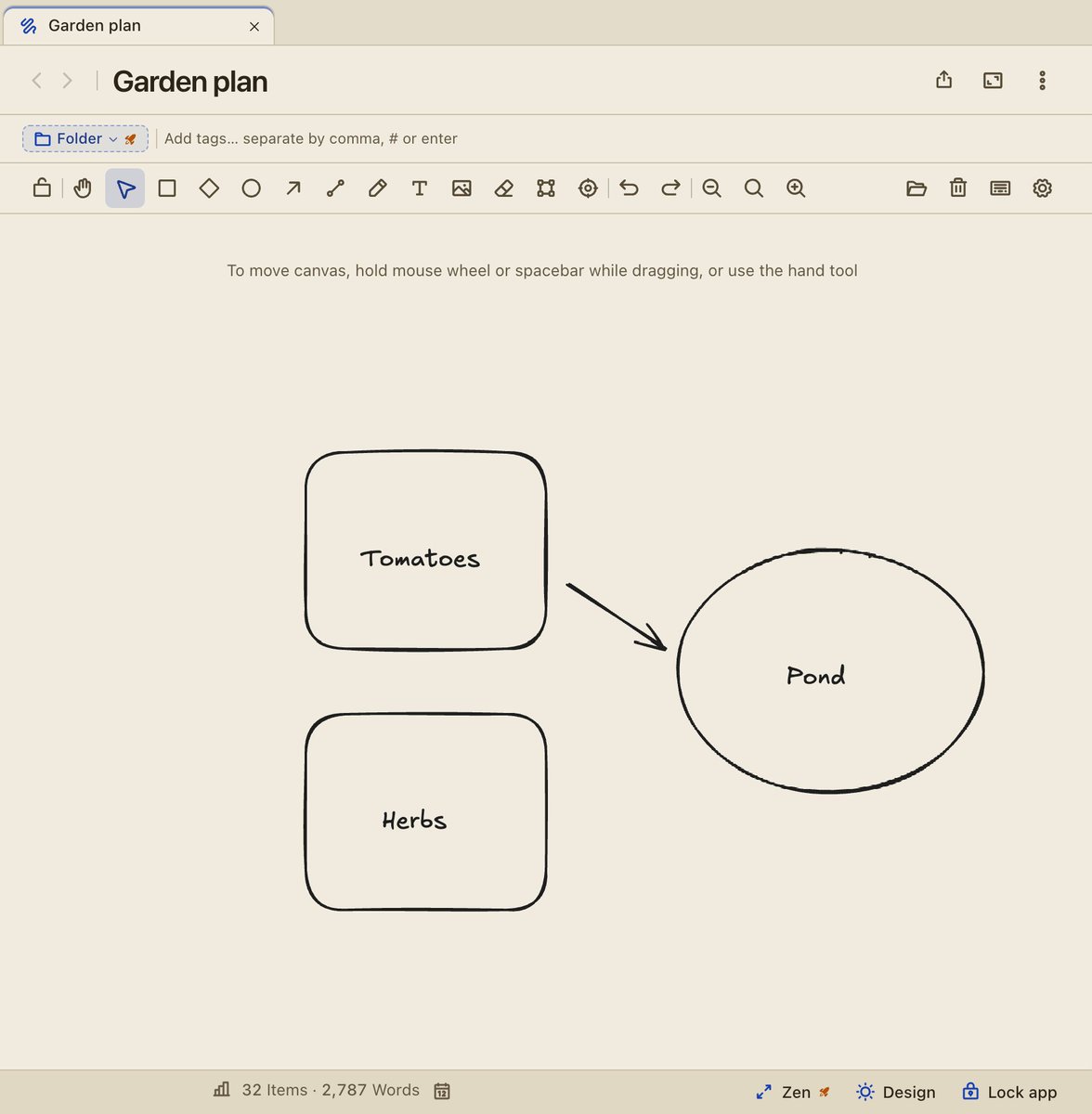
Drawings are here: a full-screen canvas for sketches, diagrams and handwriting, built on Excalidraw, right next to your notes. Give a shape a note-link and a click opens that note. Number your steps in one click. Pictures you add are encrypted like the ones in your notes, and the canvas makes no outside requests. Obsidian canvases import, and drawings export to .excalidraw or PNG. Try it, no account: https://t.co/42hBFxmNqk
#Excalidraw #Obsidian #privacy
PrivacyNotes now backs itself up. Pick a folder once (a USB drive, or one that Dropbox, iCloud Drive or your NAS syncs), choose daily, weekly or monthly, and an encrypted backup lands there on its own. Each backup is read back after it is saved, a day with no changes writes nothing, and old copies roll off. Mac, Windows, Linux, iPhone, Android and Chrome. Free on every plan.
https://t.co/oTjDxQpMMt
#backup #privacy #opensource
@ryeartemis In the past weeks we looked into the option to allow users to change their phrase or even change it to a 24 word phrase. We'll keep you posted on our social media channels.
Ninja now opens above any app, like Spotlight or Alfred. In the PrivacyNotes desktop apps, press Option+Shift+Space (Alt+Shift+Space on Windows and Linux) to find a note, type "+Dentist fri 3pm", or write a quick note with Cmd+N. Quick notes work offline and even while the app is locked: they wait encrypted until you unlock. No AI, nothing sent to a server to be understood. Free: https://t.co/FWlPW6Gzhn
#productivity #macOS #Linux
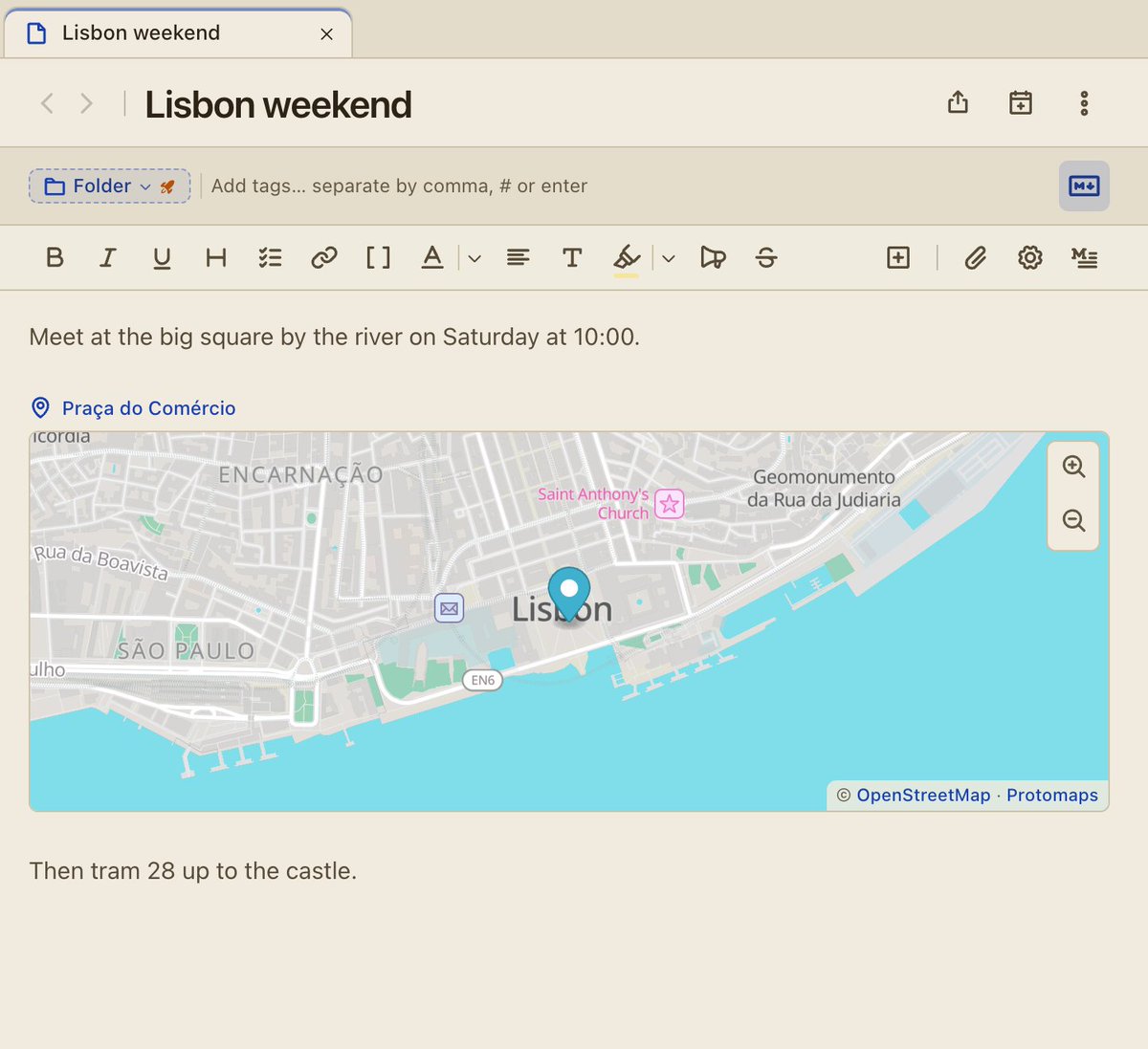
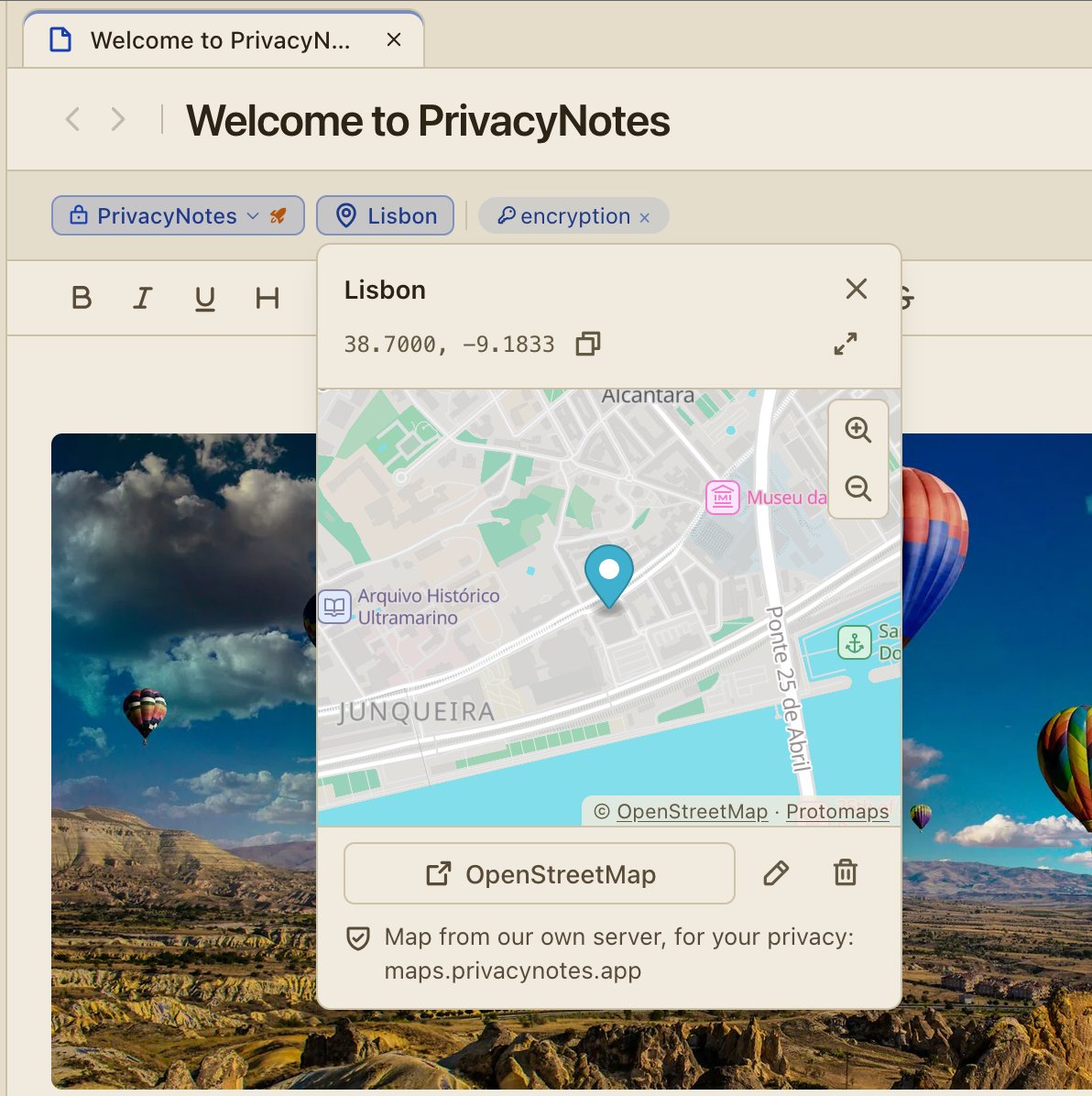
Your notes can now hold a place. Search 160,000+ places on your device, paste a Google Maps, Apple Maps or OpenStreetMap link, or tap Use my location on a phone. Insert > Location puts a live map into your text. The maps come from our own server, not from Google or Apple, so no map company sees the places in your notes. Exports keep the place for Obsidian's Map View.
Try it, no account: https://t.co/42hBFxmNqk
#OpenStreetMap #privacy #Obsidian
New in PrivacyNotes:
- pn, a command line tool: your scripts and AI agents can save notes, but never read, change or delete them. MCP included.
- The browser extension now runs in five browsers, with 2FA codes
- Thousands of brand logos for your icons
https://t.co/XgaisE4UiX
@ApplesTOranges Hey, the iOS version is only for iPhones and iPads. The macOS version (.dmg) is availble on https://t.co/knueCCZl0H or on Homebrew: "brew install privacynotes"
PrivacyNotes is now on the App Store and Google Play in France.
French law requires a cryptology declaration to ANSSI for apps with encryption. The waiting period ended with no objection, so France is open.
iOS: https://t.co/xQOnxXFd6H
Android: https://t.co/S2jUlyFWh9
@AlternativeTo Thank you @AlternativeTo for the coverage! If you use PrivacyNotes, a like or a short review on https://t.co/vyDD6vr1VD helps us a lot. It is also the best place to find alternatives to Big Tech software.
Thank you @AlternativeTo for the coverage! If you use PrivacyNotes, a like or a short review on https://t.co/vyDD6vr1VD helps us a lot. It is also the best place to find alternatives to Big Tech software.
PrivacyNotes is now available on Google Play with on-device encryption for notes, tasks, calendars, journals and passwords, plus self-custody recovery.
https://t.co/rRyFRDkVXD
🔒📄 @PrivacyNotesApp has enhanced productivity with features like a command box, calendar integration, Kanban boards, table formulas, statistics, themes, spaces, and more, making this open source and privacy-focused app even more robust.
https://t.co/0dBYUwu6LT
PrivacyNotes is now on Google Play. A review on Play would help us a lot: https://t.co/ROqWbomCyG
Your account and Pro come with you. Already on the Zapstore or Obtainium version? You can stay, as they keep updating. To move to Play, check that the app says "Synced" and have your 12 words ready, because the Play version must replace the old install.