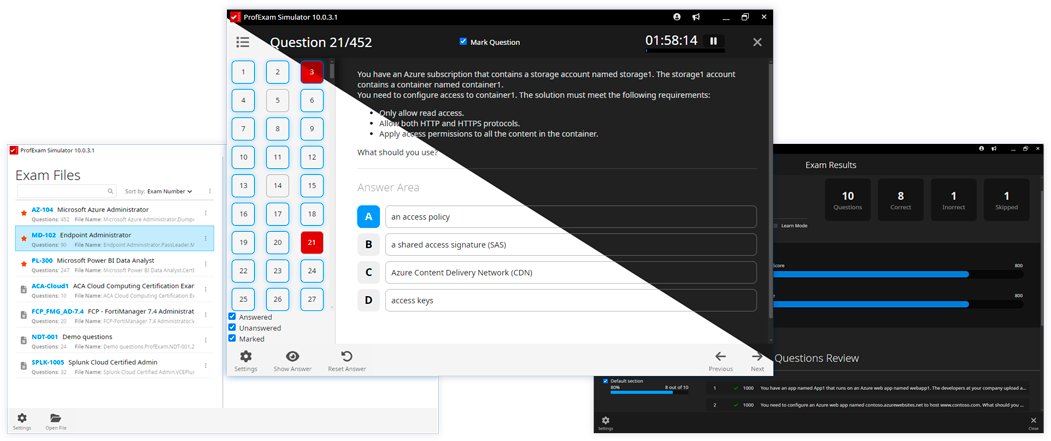
ProfExam Simulator just got an update!
- Rich text formatting in questions & answers
- Keyboard shortcuts: Alt+Left / Alt+Right
- Save unfinished tests from the Finish Test dialog
- Linux: now ships as .deb
Full release notes:
https://t.co/4qA909jvak
Pre-New Year Update for ProfExam!
Discover what’s new in ProfExam with our latest updates! From improved features to enhanced stability, we’ve made big changes to help you achieve your goal check it out now!
https://t.co/XUqpQBFbhu
#profexam#examsimulator#AppUpdate#exameditor
ProfExam Simulator Now Cross-Platform!
Great news for everyone preparing for exams! ProfExam Simulator is no longer limited to Windows — it’s now available for macOS and Linux too.
https://t.co/qqPx3I9L3C
#ProfExam#ExamPrep#CrossPlatform#macOS#Linux#Windows
ProfExam 6.3.1802.2724 has been released.
Thank Jon and Jesus for suggestions!
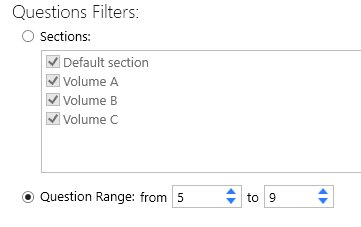
1. Ability to select a range of questions.
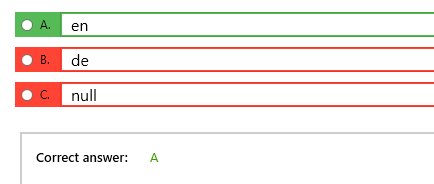
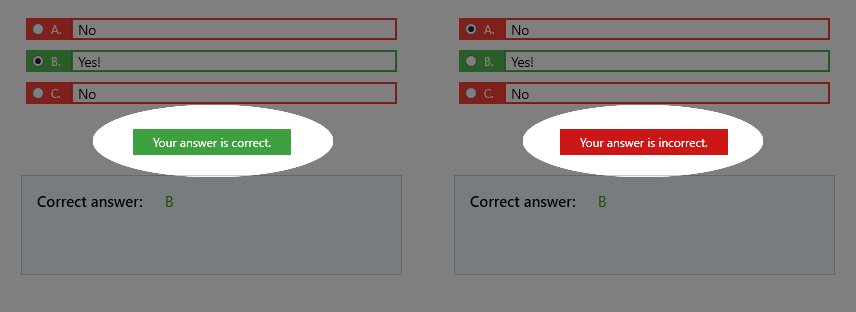
2. An answer is colored in a color if it is correct or incorrect.
3. Ability to select the answers with the keyboard.
https://t.co/1ChVzNII7D