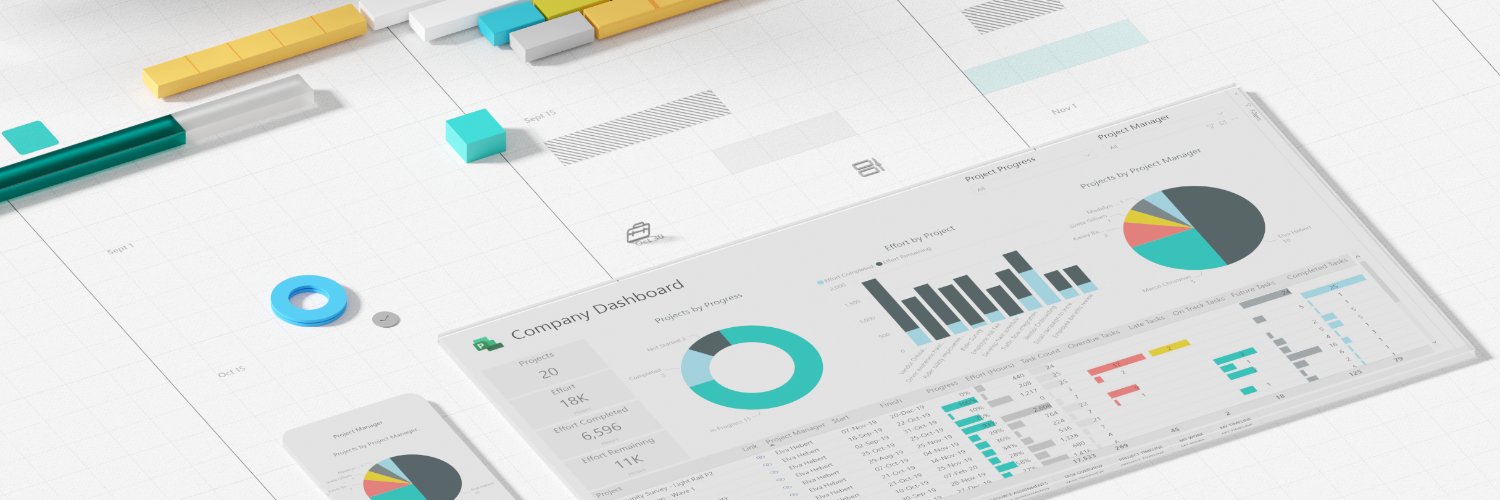
Learn all about the new Microsoft Planner—one simple, familiar experience for task and project management. Join us live on Wednesday, April 3, at 10 AM PT for a first-hand look at the future of work management! Register today: https://t.co/lyM7qcGbpO #MicrosoftPlanner
We've unified our platforms to provide an integrated experience within one app! Learn about the transition to Planner and the upcoming retirement of Project for the web: https://t.co/P3O9gvlSXJ #MicrosoftPlanner
Announcing the latest features in Planner! Learn how to easily reorder columns in basic plans, get a comprehensive view of all due date categories in Board view, and save filters in premium plans: https://t.co/awXgmVg1n3 #MicrosoftPlanner
Announcing the latest features in Planner! Learn about new AI-powered capabilities with Project Manager agent, custom backgrounds, Board view in My Day and My Tasks, and more: https://t.co/3ekyzCn851 #MicrosoftPlanner
Now available by popular demand! Access the Board view in both My Tasks and My Day to visually manage tasks and stay on top of your priorities: https://t.co/UCGrcrqRhu #MicrosoftPlanner
Project Manager agent was designed to streamline workflows by automating plan creation and managing tasks.
Discover the future of project management: https://t.co/U9hBF7oEjf #MicrosoftPlanner#AI
Announcing new features in Planner!
Learn about new premium templates, the option to sync tasks to Outlook, enhancements to adding a plan as a tab in Microsoft Teams channels, and more: https://t.co/fhMKbKwWIS #MicrosoftPlanner
You can now add both basic and premium plans to your standard Microsoft Teams channels. This includes the ability to start a plan as a tab from a template.
Learn more: https://t.co/rC6qGQApJ9 #MicrosoftPlanner
Identify overdue tasks that need attention along the critical path in comparison to your baseline. See what else is new with Baselines in Planner: https://t.co/HJnJGqXd4G #MicrosoftPlanner
📢 Announcing new features in Planner! Learn about Project Manager agent, Portfolios, the preview of app-powered tasks, and more: https://t.co/pHtrRgs62v #MicrosoftPlanner
The new Portfolios feature is currently rolling out in the Planner app in Microsoft Teams! Easily track and manage multiple plans all in one location and visualize tasks in a timeline view. Learn more: https://t.co/Qyv979oRgM
Discover how the Project Manager agent (rolling out to public preview in the Planner app in Microsoft Teams) leverages AI to reimagine work management. Learn more: https://t.co/zvWFNLKneB #MicrosoftPlanner#AI
Discover how Microsoft 365 Copilot in Microsoft 365 apps can help you organize information, manage projects, improve communication, and create work-specific content. Register for Ignite breakout session 285: https://t.co/6Tv2lmYwlC #MSIgnite
📢 Announcing new features in Planner! Learn about a new experience for Planner for the web and new capabilities for Planner in Teams, like how to copy a plan, export a plan to Excel, and more: https://t.co/oTqaQgQuBr
📢Announcing new features in Planner in Microsoft Teams! Learn about the new Labels column in Grid view, plan accessibility improvements, bug fixes to My Day, and more: https://t.co/9JXvPJ2Yk0 #MicrosoftPlanner
ICYMI: Prepare for the end of support next year! Project 2016, Project 2019, and related Microsoft 365 products are ending support on October 14, 2025. See guidance on next steps: https://t.co/3iV9udXxsB #MicrosoftProject
▶️ Missed the Microsoft Planner AMA? Watch it here: https://t.co/txUEKlHOxq
Learn about new and upcoming feature releases and the latest updates on Planner for the web. #MicrosoftPlanner#AMA