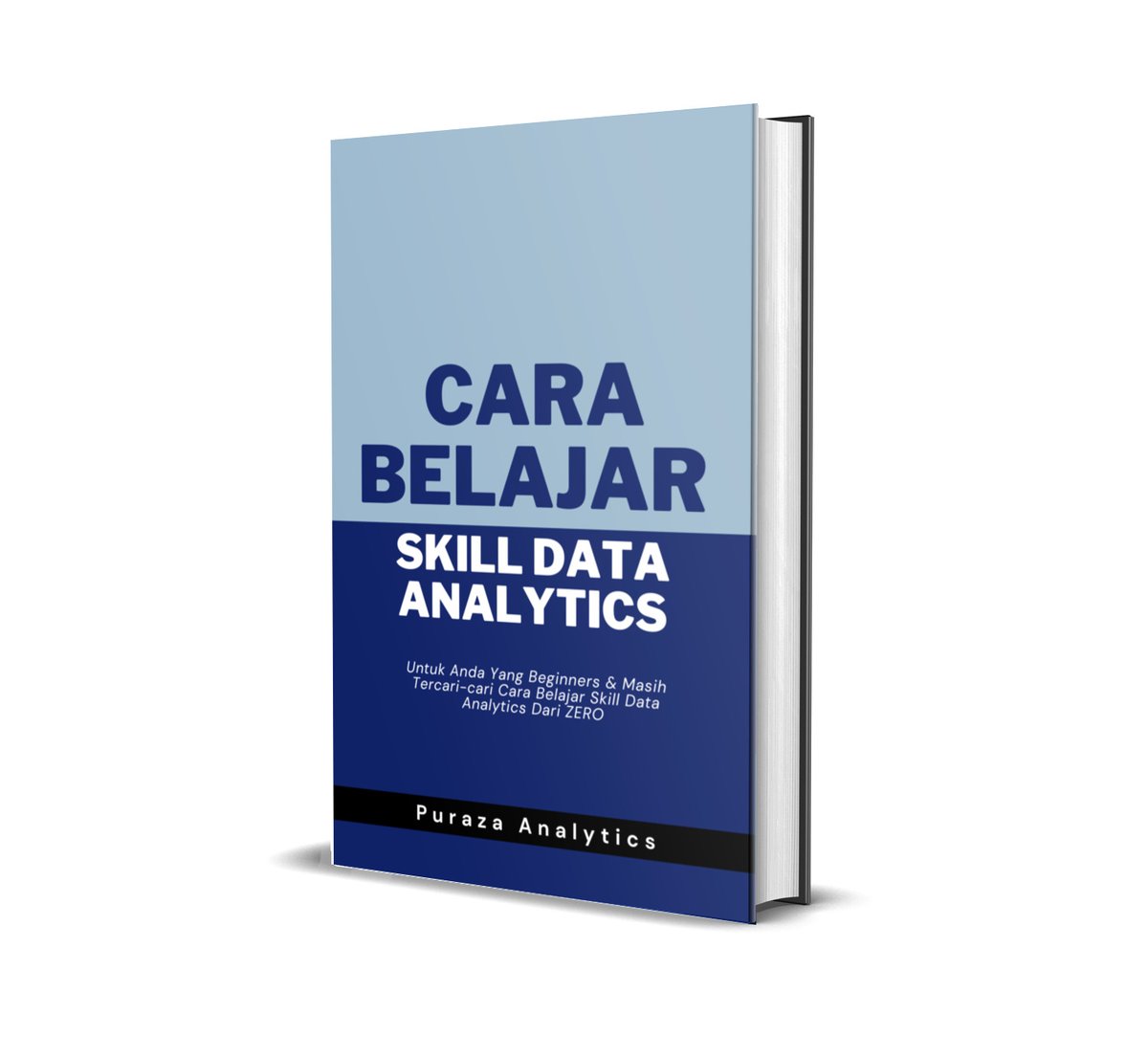
Hujung bulan Ogos haritu saya ada release satu FREE roadmap untuk anyone yang nak belajar data analytics skill.
Memang sesuai untuk beginners yang ada ZERO knowledge dalam data analytics ataupun IT.
1/3
Korang ada masa sambil2 makan atau workout tu, boleh play video ni.
Best 2 jam untuk korang belajar semua benda pasal AI tools.
Kalau tak dapat value lagi tak tau la 😅
Struggle to keep up with all the most powerful AI tools?
Well here is a comprehensive overview:
Sections:
1: AI Tools
2: AI Automations & AI Agents
3: VibeCoding
The Full Mindmap down below 🧵 ⬇️
TIMESTAMPS
A INTRO
00:00 Introduction
B CHAT TOOLS
01:50 ChatTools
01:50 Getting Started with Chat AI Tools
02:27 Exploring Chat GPT's Capabilities
04:11 Creating Custom ChatGPT Projects
07:54 Creating Files (PDF) ChatGPT Projects
11:44 Upload image and Search the web on ChatGPT
15:14 Looking at Google Gemini AI Chat Tool
16:36 Perplexity is another great tool
18:10 This AI Chat Model Can Analyze Videos (Most underrated AI use cases @OfficialLoganK you guys need to hype this up more)
20:16 Recapping Chat Tools
C CREATIVE TOOLS
21:05 Introduction to AI Image Models
22:19 Using Chat GPT-4o for Image Editing
22:30 Using gpt4o images for Business: Repaint Houses
26:36 Edit Parts of an image gpt4o
27:55 Midjourney
28:23 Midjourney is better for exploration
31:25 Midjourney Editor is fun to use
D: CREATING VIDEOS
36:29 Image to Video with Kling and Runway
38:52 Gen4 Turbo
41:22 Kling is Superior
42:00 gpt4o Ghibli Image + Video + Sound
44:58 Ghibli time
49:15 ElevenLabs Sound Effect for pressing button
50:00 Generating Voice for Voice Over
51:04 Getting Music
52:07 Video Editing These together
53:47 Finished the Video - Final Results
55:02 Video Tool Recap
56:27 AI Avatars with Heygen
57:42 Example of good avatar content ROWAN CHUNG
58:43 Pause and Reflect before Automations
59:14 Recap of section 1
E: VIBE FLOWS (AUTOMATIONS AND AGENTS)
59:34 (add here - explanation of workflow automation)
59:34 Zapier Automation
01:04:24 Adding Step in Automation
01:09:45 Stacks, Automations, NOW AGENTS
01:10:29 Deep Research Agent
01:13:11 What is Manus? Let's ask Claude to Diagram it
01:16:25 Prompting Manus
01:18:20 The Future of Agents will look like Online Poker in 2010
01:19:15 WHAT DO WE DO WHEN AGENTS ARE WORKING?
01:19:56 Greg's Theory of "Vibe Marketing"
01:20:44 Manus and Deep Research are done Agenting, let's see what they did
01:23:32 Ok Lets Reflect and Move to VIBE CODING
F: VIBE CODING
01:25:35 VIBE CODING!
01:25:48 Landing Page with Sound, Images, and Video on v0
01:29:07 Generating Video for v0 site
01:31:31 Adding Video and AUDIO to v0 site (ElevenLabs)
01:33:36 Using API's in your Vibe Code Apps (Power Ups)
01:35:26 What makes the best App Idea
01:37:41 Build a simple app with an API with Cursor
01:42:57 Diagraming how the API key works in the Bill Splitter
01:43:25 Structured vs Unstructured text to text API's
01:44:41 Building a mobile app using built in API's from your phone
01:47:31 Creating native share features on ios app
01:49:21 What we talked about in this video (Where to Find the MindMap)
Tools mentioned:
1:ChatGPT, Google Gemini, Anthropic Claude, Perplexity, Grok, GPT‑4o Images / DALL·E 3, MidJourney, Cling 2.0, Krea AI, Runway Gen‑4, Google Veo, Luma Labs, Pika Labs, Heygen, Suno, ElevenLabs
2: Zapier,n8n, Manus, Deep Research, Canva, CapCut, Premiere Pro
3: Cursor, V0, OpenAI API, Replicate, Vercel, Replit, Firebase, Supabase, Claude 3, DeepSeek, Grok, Llama
Shoot me a DM untuk book free 30 minutes Power Query/Power BI consultation.
Anything nak tanya:
- macam mana nak buat connect data dengan lebih teratur
- nak structure data modelling dengan lebih optimum
- nak susun page & visuals dashboard
- nak tahu basic data connection
https://t.co/U94aPY59Bj
Korang boleh create clickable diagram dekat power bi macam dalam video ni.
1. Guna https://t.co/nsu8tImhS3 untuk lukis diagram macam saya punya tu. Export as PNG.
2. Install software QGIS (free) lepas tu trace diagram tadi.
Shoot me a DM untuk book free 30 minutes Power Query/Power BI consultation.
Anything nak tanya:
- macam mana nak buat connect data dengan lebih teratur
- nak structure data modelling dengan lebih optimum
- nak susun page & visuals dashboard
- nak tahu basic data connection
Guaranteed high visibility dekat tempat kerj.
✅Belajar prompt engineering untuk dapat fast results daripada AI.
✅ Belajar visualisation tools. Recommended untuk guna Power BI sebab easily accessible.
✅ Belajar storytelling sikit untuk buat compelling presentation untuk bos.
Mula dengan Excel. Lepastu slow2 lah upgrade ke tool yang lebih canggih.
Belajar kat youtube pun okay dan tak perlu sampai jadi expert pun.
Cukup sekdar pandai guna je.
Kena grow skill technical pakai software. Nanti ketinggalan dengan orang muda yang tech savvy di office 😅
Shoot me a DM untuk book free 30 minutes Power Query/Power BI consultation.
Anything nak tanya:
- macam mana nak buat connect data dengan lebih teratur
- nak structure data modelling dengan lebih optimum
- nak susun page & visuals dashboard
- nak tahu basic data connection
Untuk yang free dan takde open house hujung minggu ni, boleh join Kelas Power BI LIVE pada 12 April ini, dari 9AM hingga 5PM.
Insha-Allah, Kelas LIVE Power BI 7 jam straight secara Live.
Boleh tanya macam-macam berkaitan Power BI. Jangan malu, jangan segan.
Dan boleh develop dashboard secara hands-on terus.
Meh lah join! https://t.co/YBlTCZq0Gh
If korang seorang engineer in any industry,
Takde sebab untuk tak belajar automation.
Korang banyak analyse data hari2. Kalau korang spend berjam2 copy paste data masuk excel,
Kesannya takde masa dah nak buat analisa dan improvement!
Belajar automation NOW!
Jadi, jangan kelentong dalam CV ya rakan-rakan nanti kalau time interview interviewer tanya tak ada lah gagap and goreng.
Kerja tak dapat, malu pun dapat 😔
Kalau nak belajar Power BI, meh tengok sini mana tau ada resources yang boleh membantu korang
https://t.co/iRmdBZTXyl
Dulu maybe orang masukkan jugak skill pandai guna Excel dalam CV bila nak apply kerja walaupun tahu guna 10% je daripada overall features.
Tapi, in the future, maybe employers pun nak tengok perkataan Power BI pun ada jugak dalam CV tu. Tapi boleh ke orang letak if tak tau guna?
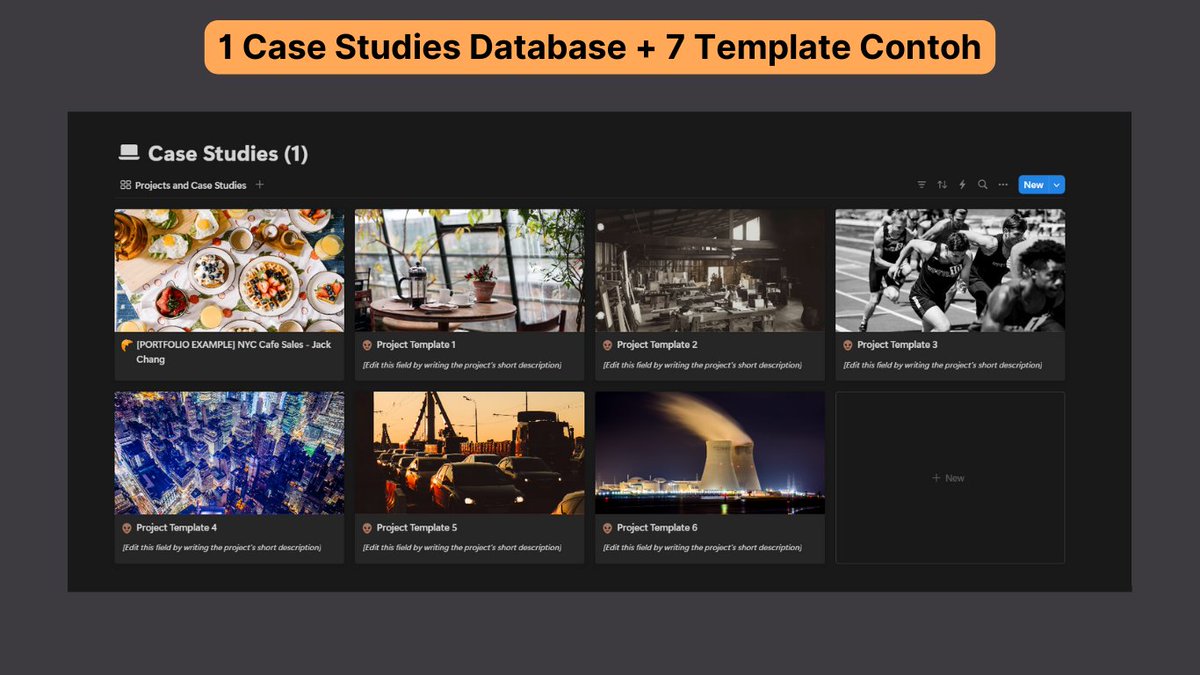
Buat apa penat2 buat website sendiri untuk showcase projek Power BI korang kalau korang boleh buat for free guna Notion?
Boleh design template sendiri cantik2 dan duplicate sebanyak mungkin.
Tengok contoh template Notion sini 👇
https://t.co/YHPKeIKIYW
Tengah attempt track ni semata2 nak 50% discount untuk PL-300.
Surprisingly, MOST benda dalam track ni diajar dalam modul #BelajarPowerBI oleh @MHarizSharif.
Dari data management, data shape, sampai la ke Power BI service.
Same value tapi harga mampu milik = 📈stonk
Kepada pelajar atau mahasiswa, tinggalkanlah kopi 3-in-1 atau kopi-kopi manis.
Kalau nak cuba buat kopi sedap sendiri, boleh cuba buat cold brew pada suhu bilik (tak cold pun sebenarnya 🤣)
1) Beli biji kopi daripada pemanggang tempatan. Rasanya boleh dapat RM30-50 untuk 250g.
Siapa yang ada siap AT LEAST satu report Power BI,
boleh start showcase je report korang tu online.
Kalau simpan sorang report tu, takkan ada siapa tahu yang korang pandai guna Power BI.
Boleh guna Notion je. Free dan scalable.
Kalau nak template, boleh tengok next tweet.