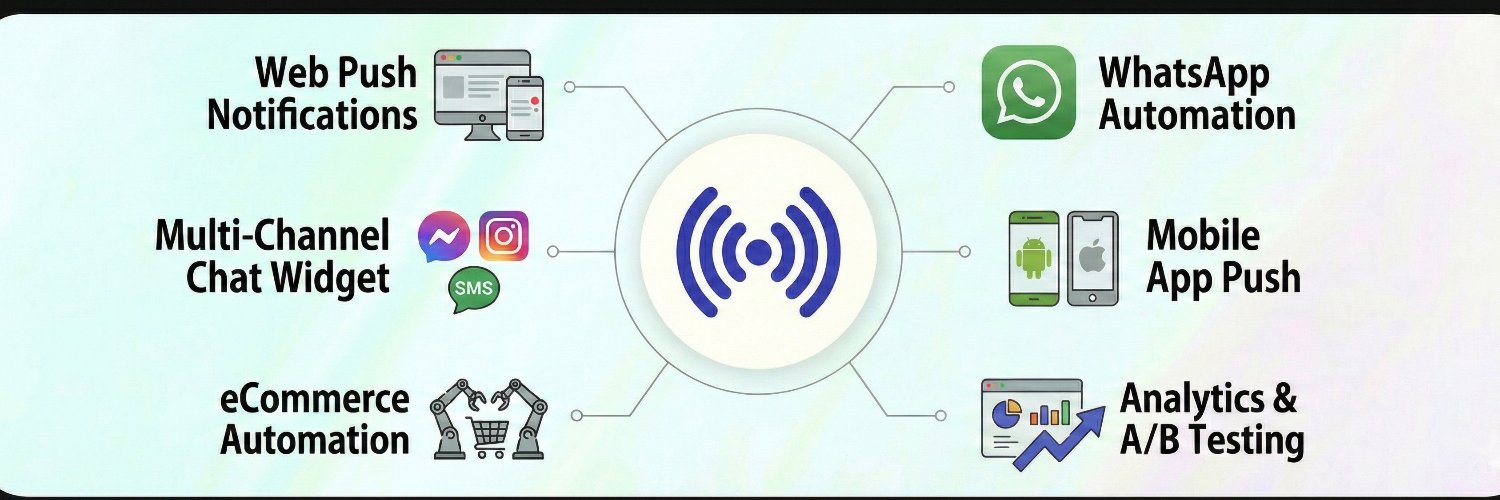
Multi channel customer engagement platform.
Web Push. App Push. WhatsApp Automation. Chat Widgets.
Real time messaging for higher conversions
@PushEngage
PushEngage MCP is live 🚀
Run your push notifications from any AI assistant — just by chatting. No dashboard, no API keys.
Here are 6 things you can now do, one per post 🧵👇
npx -y @pushengage/mcp
Most abandoned Shopify carts aren't lost. They're forgotten.
30 min: a push with the product
4 hrs: free shipping
24 hrs: WhatsApp
What's your first reminder?
One person on every chat, or a whole team?
Single agent: one contact per channel.
Multi agent: visitors pick the right person by language, department or shift, and anyone off shift shows offline.
Which one runs your chat today?
Check multiagent chat from https://t.co/dDZxBanPBf
The cheapest tool for an engaged app is often the most expensive for a quiet one, and the other way round.
We built a break-even table from 1,000 to 250,000 subscribers, including where we're not the cheaper option:
https://t.co/yxiQRixO5G
"Compare the monthly price" is the worst advice for picking a push notification tool.
The sticker price barely matters. The meter decides your bill, and there are three of them. Each one punishes a different kind of business. 🧵
The 10-minute fix. Pull three numbers from your own dashboard:
- subscribers or installs
- share active in the last 30 days
- notifications per subscriber per month
Run all three meters against them before you look at a single price page.
People think sending a push notification means logging into a dashboard. We just did it without leaving the article!
We've used @PushEngage for years to bring readers back to our new articles and landing pages.
Now PushEngage has a Chrome and Firefox extension, and it makes creating a notification so much quicker. ⚡
Setup: update to Charitable Pro 1.8.16, open a campaign's builder, go to Marketing » PushEngage. You can install and connect PushEngage from right there, and the free plan works.
https://t.co/yT7J8Qw2tb
Fundraising on WordPress? @wpcharitable Pro now includes a built-in PushEngage integration: browser notifications tied to your donation campaigns, sent automatically. Here's how it works 🧵
Each one has its own title, message and link, with placeholders for the donor's first name, campaign title, amount raised and progress to goal. Send Test shows you the notification before anyone else sees it.
Broadcast or dynamic: which push actually sells?
Broadcasts are great for news and sales. But they go out when you're ready.
Dynamic campaigns go out when your customer is: the cart they left, the price that dropped, the item back in stock.
Which one are you leaning on right now?
Your customers won't see your next promo email. An AI will, and it'll mark it "Low priority."
Cart reminders. Price drops. Back-in-stock alerts. Push puts them on the lock screen instead.
Send this to whoever runs your email calendar.
#PushNotifications#MarketingTips
You can now send push notifications from WordPress just by asking AI. 🔔
https://t.co/xr4WwG8fnn connects Claude, ChatGPT and more to @PushEngage, so AI can clean up push triggers, build segments and send pushes for new posts.
Every send waits for your approval. 👏
Your AI assistant can now run PushEngage from inside WordPress.
We're a verified WPVibe partner: ask Claude or ChatGPT for a push, check the exact notification, approve it. Nothing sends without you.
1-min demo + 4 recipes: https://t.co/yOYNumA9WX
"Your audience said yes in advance." That is the whole asset, and auto-push is where it gets spent without anyone deciding to. Every public post type on the site is offered by default, page builder templates included. Thanks @johnturner for opening that list on camera.
Push is the one channel where your audience said yes in advance. It's also the easiest one to burn.
When we connected a test site, 14 content types could trigger an automatic push. Posts and pages, sure. Also page builder templates.
PushEngage now talks to AI assistants: 19 operations, from segments to the debug log. Your AI can audit auto-push, build segments in plain English, and send a push only after you approve the exact text.
Link below 👇