@djcodess the folder structure is the one part of a side project you fully control, so honestly a fair sunday. at least it'll be nice to work in when the users show up
@AmolParikh10 depends where your books come from. kobo and boox open epub files directly, a kindle only takes them through send to kindle, which converts them. if library books matter, kobo has overdrive built in (kindle only gets libby in the us).
@CharlesGoodnig1 the pdf is the problem with 10-ks. it keeps the page layout, so wide tables shrink to nothing on a kindle screen. the html version of the filing on edgar reflows, so font size works, though really big tables still never fit nicely.
@glbaumann@bot@Homekeeprdotco curious what happens to the "interesting reads" half after that. sorting is the easy part, actually reading them is where most saved lists die. do you send them somewhere you'll read, like an e-reader or a weekly digest?
@1920web1080 good habit. worth asking for each one: does it actually need "read and change all your data", or could it work only on the tab you click it on? chrome has a permission for exactly that (activeTab). the one I made uses it, so it can't see a page until you click the icon.
@englishcompiler@readwise@ReadwiseReader nice. how are you getting things onto the device, the kindle browser or building files and sending them? I made a small extension for the epub side and the delivery step was always the fiddly part.
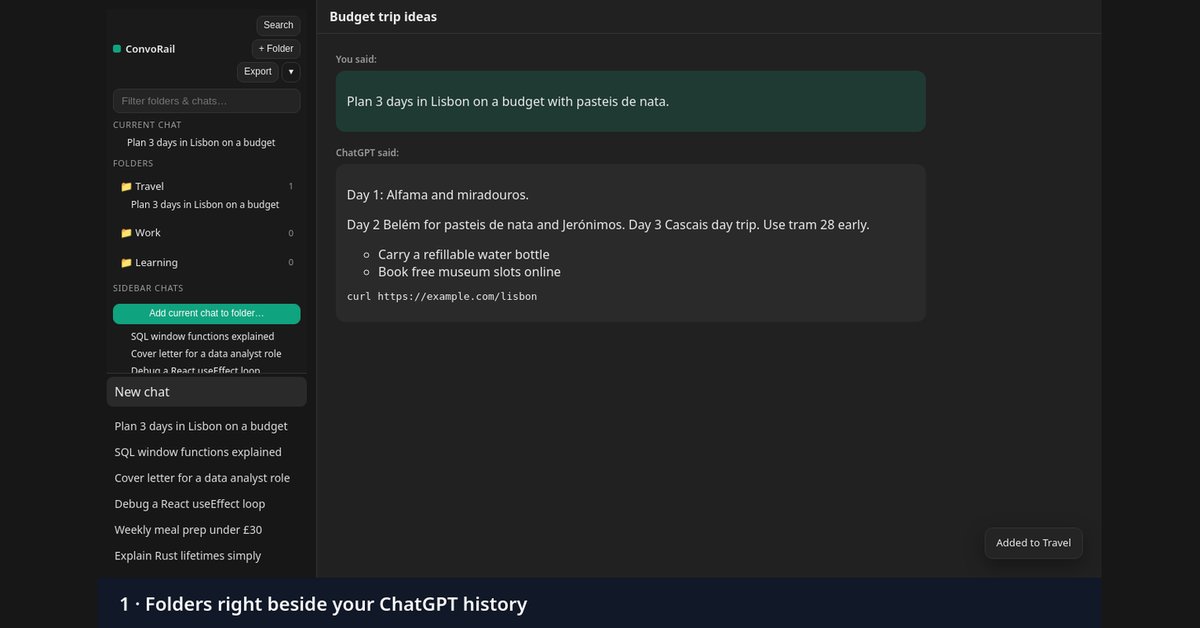
Making a new ChatGPT Project just to keep a few chats tidy?
ConvoRail adds plain folders beside your ChatGPT chats, so you can sort them however you like. It runs in your browser, with no account.
Free on Firefox and Chrome.
Can't find an old ChatGPT chat?
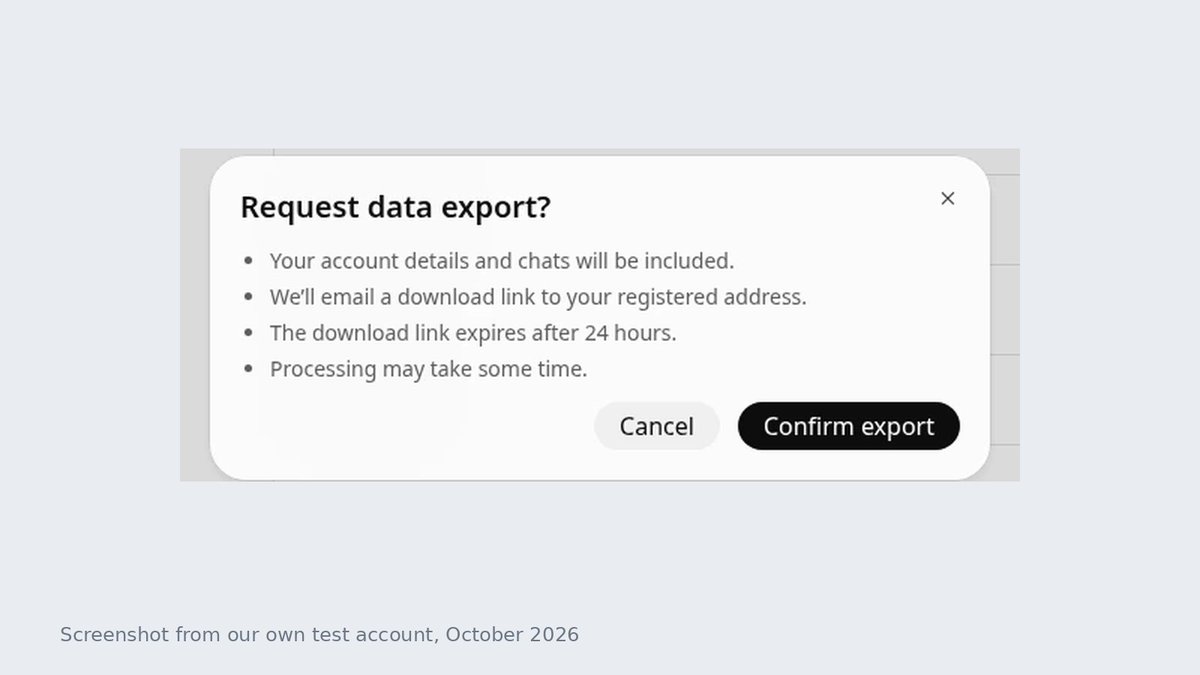
Export your whole history: Settings > Data controls > Export data. Download the ZIP the same day, because the link expires 24 hours after it arrives. Then you can search all of it.
calibre emailing books to your Kindle and nothing arrives?
Check two things:
- set up a real mail server in Preferences > Sharing > Sharing books by email. Amazon often drops mail without one
- the "Send email from" address must be on your Approved Personal Document E-mail List
Want to read a web article on your Kindle, without the ads and pop-ups?
ArticleFerry, a free extension we make, turns the page into a clean EPUB in a couple of clicks. Then send it to your Kindle.
Here's the whole thing in 20 seconds:
Trying to find that one ChatGPT chat where it explained something perfectly?
ConvoRail adds plain folders and a search that looks inside the chats you've opened. It runs in your browser, with no account.
Free on Firefox and Chrome.
Waiting on a ChatGPT data export that never came?
Three things to check:
- it can take up to 7 days (ours took about 24 hours)
- search all your mail, spam included, for https://t.co/gOloFclYhN
- the link lasts 24 hours and only works signed in to the same account
EPUB on your Kindle showing black boxes instead of letters?
It's usually the book's own font. Tap Aa, then Font, and pick Bookerly. If the boxes go away, that was it.
Still there? Convert the file EPUB to EPUB in Calibre and send it again.
ChatGPT changed its page this week and ConvoRail's export stopped working.
The fix is version 1.1.5, now on Firefox and Chrome. If an export came out empty, update and try again.
One honest limit: very long chats can still export partly. That's next on the list.