How do you get IT Support tech experience when you don't have a job?
I always tell my students to build a home lab.
What you want to do is set up something on your local pc like virtual box, vmware, proxmox.
If your pc is slow than do it on the cloud using Azure, AWS, GCP.
Install and set up active directory on server 2019-2022.
Set up another vm with windows 10/11 and join that pc to the domain.
Create multiple user accounts and enable group policy account locked out.
Try these common tech issues:
Lock out the account since gpo is now enabled.
Expire the password.
Add xyz user to security groups.
Add xyz user to distribution groups.
Disabled the account.
Try to make the pc fall off the domain by deleting the pc on the domain controller and rejoin it.
Create share folders and share it only with specific members. It common practice to give someone access to a specific folder. We wouldn't give Tech/Finance access to HR compensation folder.
Get an office 365 license by going to office 365 developer program. It's free and allows you to practice office 365.
Install office 365 on your vm and put zoom add-on on outlook. Practice removing and adding the add ons for outlook/excel/word. In real life, you will be doing this.
Learn about office 365 admin center and assign licenses. Remember you have office 365 developer program for 90 days so practice exchange, sharepoint, one drive admin.
Signed up for servicenow/jira ticketing system and learn how to open and close a ticket. You can even make tickets for stuff you fix at home from your mom or dad or friend.
I see a lot of jobs asking for Microsoft azure experience. You get a 200 dollar credit when you signed up for Azure. Create an environment using Microsoft ad connect and learn how to navigate Microsoft entra.
You can get Duo for free and learn how to use mfa and gained mfa experience.
If you want to learn about mdm. Signed up for maas360 trial and set up mdm on your personal device.
Hopefully that helps. Please share this if you find this useful.
Happy Wednesday!
#informationtechnology #informationtech #technicalsupport #techsupport #technicaltraining #technicalskills #desktopsupport #desktopsupportengineer #desktopengineer #helpdesk #helpdesksupport #helpdesktechnician #servicedesk #servicedeskanalyst
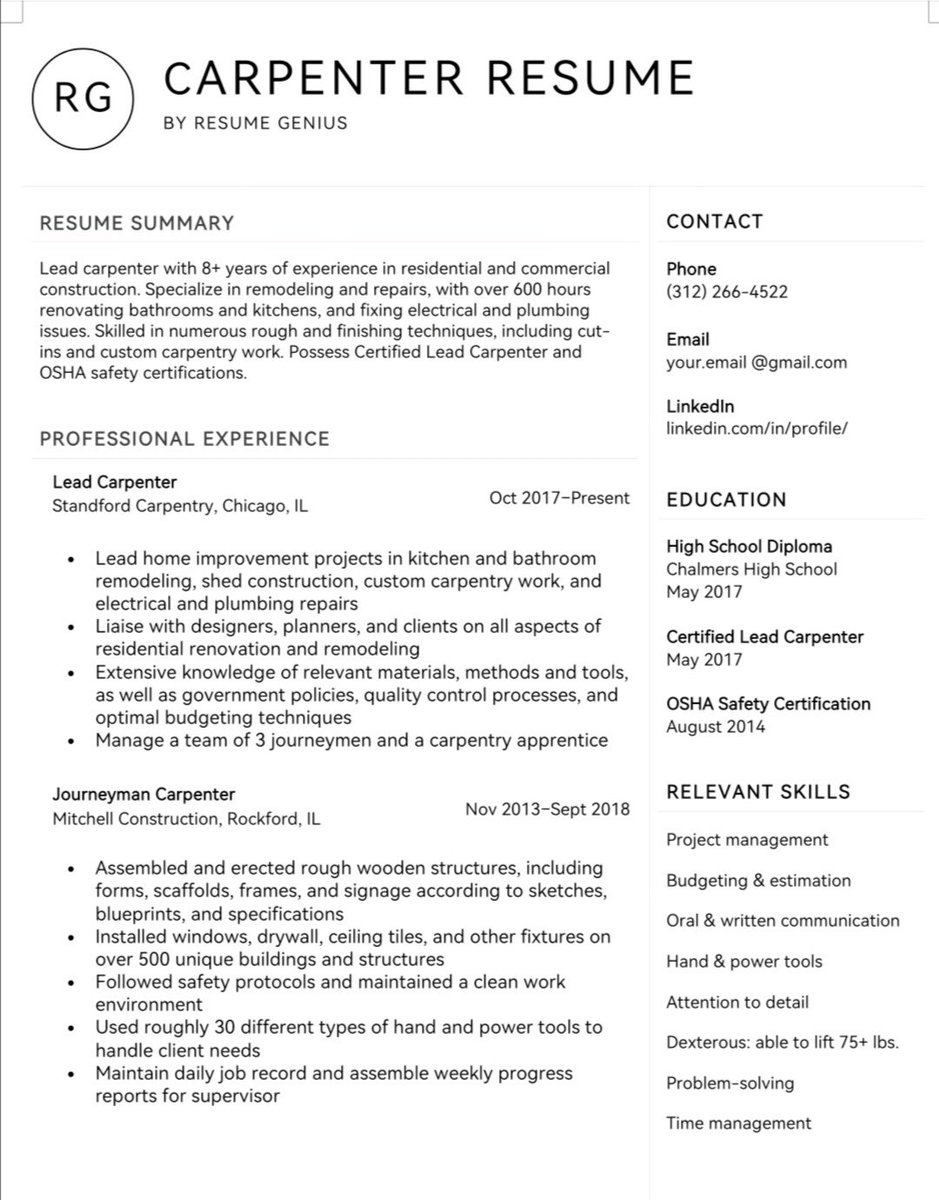
This link contains 380+ Resume/CV Samples for all Job Roles.
Carpenter, Welder, I.T, Nursing etc for your visa sponsorship jobs in Canada, New Zealand, Australia etc.
If you are wondering what your CV should contain.
DOWNLOAD THE SAMPLES
tag and Retweet(Link below)
CISCO is offering FREE trainings and certifications for people looking to learn:
- Data Analytics,
- Data Science,
- Cybersecurity,
- JavaScript,
- Python
- Operating Systems & IT
- Digital Literacy
These are self-paced courses, so you can practice as you learn. You will get certified after completing the course.
Open this THREAD to get started on your learning.
RT for someone on your TL.
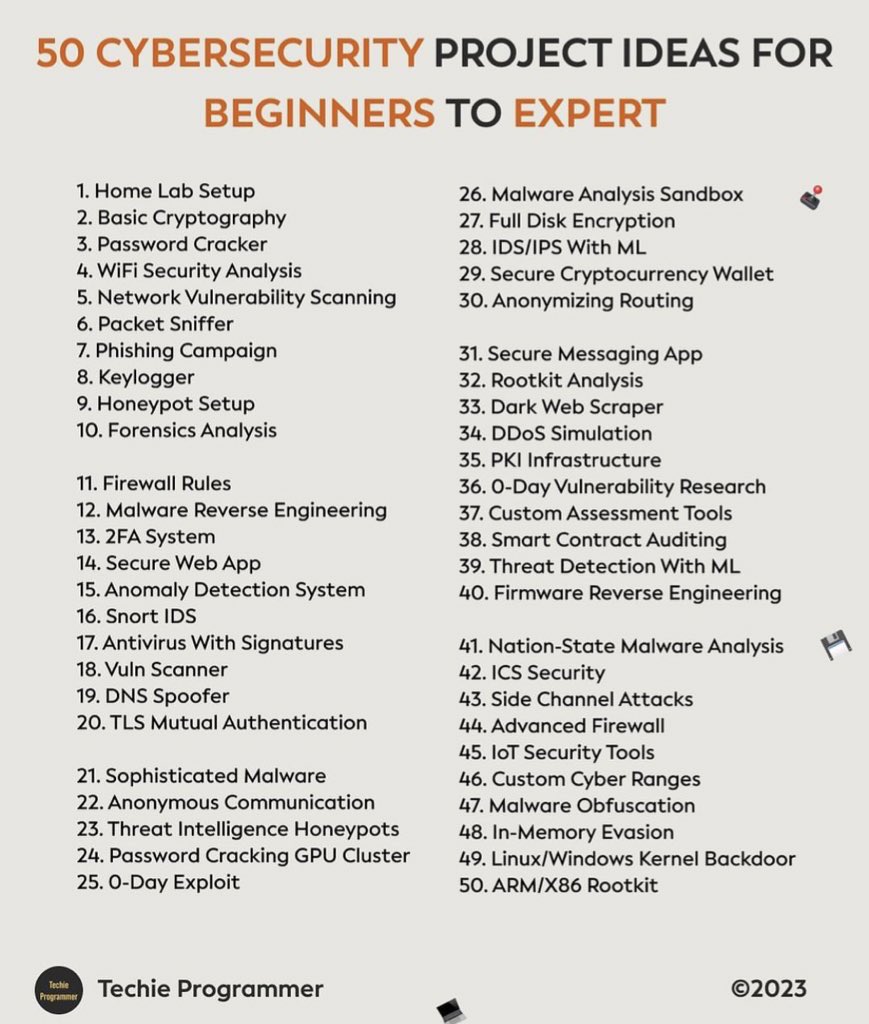
🥷Cybersecurity Projects for Beginners👇
🌐Network Scanning:
Project Idea: Perform a basic network discovery and mapping exercise to identify devices on a network.
Example Tools:
Nmap: A powerful open-source network scanning tool.
Wireshark: A network protocol analyzer for capturing and analyzing packets.
Steps:
1.Scan your own home network or a controlled environment.
2.Identify devices, open ports, and services running on them.
3.Document the findings and understand the network topology.
🔐Wi-Fi Network Security:
Project Idea: Assess the security of a Wi-Fi network and propose improvements.
Example Tools:
Aircrack-ng: A suite of tools for assessing Wi-Fi network security.
Wifite: Automated wireless auditor.
Steps:
1.Perform a security audit on your Wi-Fi network.
2.Identify weak passwords, WEP encryption, or other vulnerabilities.
3.Implement WPA3, change default credentials, and enhance security configurations.
🪲Malware Analysis:
Project Idea: Analyze a piece of malware to understand its behavior and characteristics.
Example Tools:
Cuckoo Sandbox - Malware analysis sandbox
Steps:
1.Obtain a malware sample from a trusted source.
2.Analyze its behavior in a controlled environment.
3.Use disassemblers to understand the code flow and identify potential indicators of compromise.
🛡️Firewall Configuration:
Project Idea: Set up and configure a firewall to protect a network.
Example Tools:
iptables (Linux): A command-line utility for configuring packet filtering rules.
pfSense: An open-source firewall/router distribution.
Steps:
1.Install and configure a firewall solution on a dedicated machine or virtual environment.
2.Define and implement rules to control incoming and outgoing traffic.
3.Test the firewall's effectiveness by simulating various network scenarios.
🔓Password Cracking:
Project Idea: Assess the strength of passwords and explore password cracking techniques.
Example Tools:
John the Ripper: A password cracking tool.
Hashcat: An advanced password recovery tool.
Steps:
1.Create a password-protected environment (e.g., encrypted files, hashed passwords).
2.Use password cracking tools to test the strength of passwords.
3.Implement stronger password policies and educate users based on the findings.
Only do these on systems you own or systems you are given permission for these projects! Don't break your own stuff!
CompTIA A+ Complete Free Course!
CompTIA A+ is the preferred certification for technical support and IT operational roles.
Download Link:
https://t.co/Hj7Pk3EVbS
Bonus:
For all IT Free Courses Join the following community.
https://t.co/snP1Ve6YLb
Don't keep it up to yourself Repost it.
Over 250+ free videos teaching folks about networking, cybersecurity, cloud, and other technologies. Tech allowed me to change the trajectory of my life, so just trying to give back so others can do the same 🤝
https://t.co/0ARhl8urX2
No matter what work you do in tech.
You should be familiar with at least one ticketing system.
If you work helpdesk, cybersecurity, network admin, developer, etc.
You will encounter tickets at some point.
I have touched Salesforce, remedy, spiceworks, jira, servicenow.
You don't need to know how to use every ticket system. Just get familiar with one.
You can always signed up for free on Atlassian Jira ServiceNow Salesforce.
I'm sure you have a favorite one that you use at work or in the past.
Have a good Thursday!
#informationtechnology #informationtech #informationsecurity #techsupport #technicalsupport #technicaltraining #technicalservices #helpdesk #helpdesksupport #helpdesktechnician #servicedeskengineer #servicedesk #servicedeskanalyst #systemengineer #systemadministrator #systemsengineering #careeradvice #desktopsupport #desktopsupportengineer #desktopengineer