NVIDIA CEO, Jensen Huang:
"Nobody writes prompts anymore. The new job is to write and handle loops."
This is the shift that's going to define the rest of 2026.
53 minutes of pure insight from one of the richest men on earth.
Watch it, then read the full guide on how to actually use loops below.
"We track everything else with precision: maintenance status, ammo counts, qualification scores, and timelines. The human system, the part that actually sees, decides, and executes under stress, still gets reduced to a gut check." https://t.co/rQi2n8hWy3
Pressure does strange things to people.
In business, the moment you feel cornered, rushed, or forced into a decision, your thinking starts to shut down. That’s when bad votes, bad deals, and bad outcomes happen.
The entrepreneurs who win are not always the loudest in the room. They’re the ones who can stay calm, stay curious, and think clearly when the pressure hits.
That’s just one of the lessons I shared on @60dayhustle Season 2.
Watch the full new season, available now on Amazon Prime: https://t.co/uRVtwyAv5Z
#60DayHustle #AmazonPrime
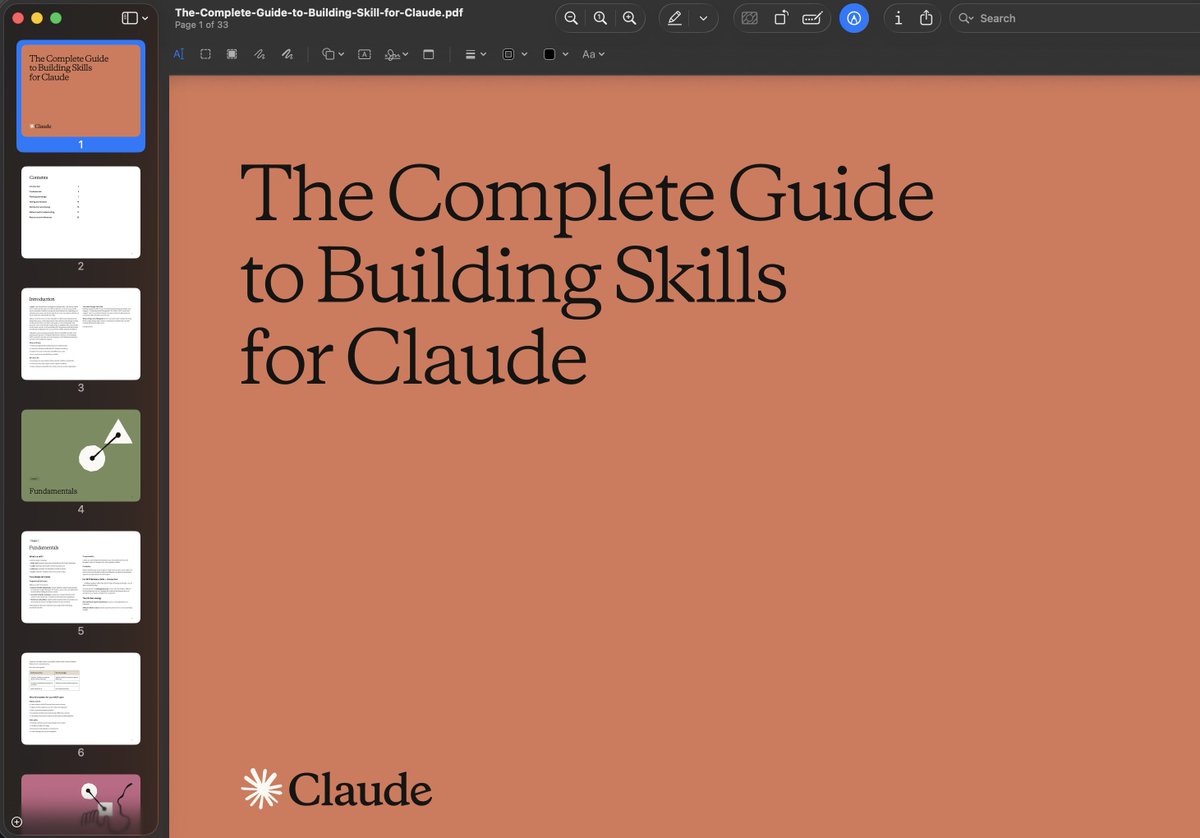
Anthropic released 32-page guide on building Claude Skills
here's the Full Breakdown ( in <350 words )
1/ Claude Skills
> A skill is a folder with instructions that teaches Claude how to handle specific tasks once, then benefit forever.
> Think of it like this: MCP gives Claude access to your tools (Notion, Linear, Figma).
> Skills teach Claude how to use those tools the way your team actually works.
The guide breaks down into 3 core use cases:
1/ Document Creation
Create consistent output (presentations, code, designs) following your exact standards without re-explaining style guides every time.
2/ Workflow Automation
Multi-step processes that need consistent methodology. Example: sprint planning that fetches project status, analyzes velocity, suggests priorities, creates tasks automatically.
3/ MCP Enhancement
Layer expertise onto tool access. Your skill knows the workflows, catches errors, applies domain knowledge your team has built over years.
The technical setup is simpler than you'd think:
1/Required: One https://t.co/pt5Pefzhdy file with YAML frontmatter
Optional: Scripts, reference docs, templates
2/The YAML frontmatter is critical. It tells Claude when to load your skill without burning tokens on irrelevant context.
Two fields matter most:
- name (kebab-case, no spaces)
- description (what it does + when to trigger)
Get the description wrong and your skill never loads. Get it right and Claude knows exactly when you need it.
The guide includes 5 proven patterns:
1/ Sequential Workflow:
> Step-by-step processes in specific order (onboarding, deployment, compliance checks)
2/ Multi-MCP Coordination:
> Workflows spanning multiple services (design handoff from Figma to Linear to Slack)
3/ Iterative Refinement:
> Output that improves through validation loops (report generation with quality checks)
4/ Context-Aware Selection:
> Same outcome, different tools based on file type, size, or context
5/ Domain Intelligence:
> Embedded expertise beyond tool access (financial compliance rules, security protocols)
Common mistakes to avoid:
>. Vague descriptions that never trigger
> Instructions buried in verbose content
> Missing error handling for MCP calls
> Trying to do too much in one skill
The underlying insight:
> AI doesn't need to be general-purpose every conversation.
> Give it specialized knowledge for your specific workflows and it becomes genuinely useful for work.
The best prompt I ever wrote was telling the AI what NOT to do.
After 2 years using ChatGPT, Claude, and Gemini professionally, I've learned:
Constraints > Instructions
Here are 8 "anti-prompts" that tripled my output quality:
According to Gallup's State of the Global Workplace 2025 report, managers now report higher daily stress levels than the employees they lead, driven by role overload and a lack of control over work demands.
Read more: https://t.co/28ndbtZItG