That mouse stutter during a gunfight could’ve cost you the kill. Before you blame your mouse check Windows.
Microsoft confirmed a Windows 11 bug that could cause mouse input to stutter in some games. They already released a fix on October 13.
If you've been messing with your sens trying to figure out whats wrong, check this first.
Open Settings, go to Windows Update then Update history. Look for KB5127648 or a newer cumulative update. That patch covers Windows 11 24H2, 25H2 and 26H2.
If you're behind on updates check for updates and restart after installing.
This won't fix every mouse stutter, but its worth checking before spending money on another mouse when yours might not even be the problem.
MW4 & DMZ PC CONFIG 📁
Been on MW4 multiplayer for a few hours through the New Zealand method. For anyone getting ready to play, here’s a performance focused config to try.
Download here: https://t.co/jPKoiCDZFe
Set your RendererWorkerCount using the starting values in the photo below. Results vary by CPU so test what runs best on your setup.
Competitive gamers chasing higher FPS and better 1% lows check this out.
NVIDIA 621.01 came out on top among the four drivers compared in this RTX 3070 test.
Compared with the average of the other three drivers, 621.01 delivered:
0.92% higher average FPS - 153.1 vs. 151.7.
1.14% higher 1% lows - 138.5 vs. 136.9.
seems to be stable in Apex Legends , MW4 , Fortnite , and other AAA titles. if you have any questions, feel free to ask below.
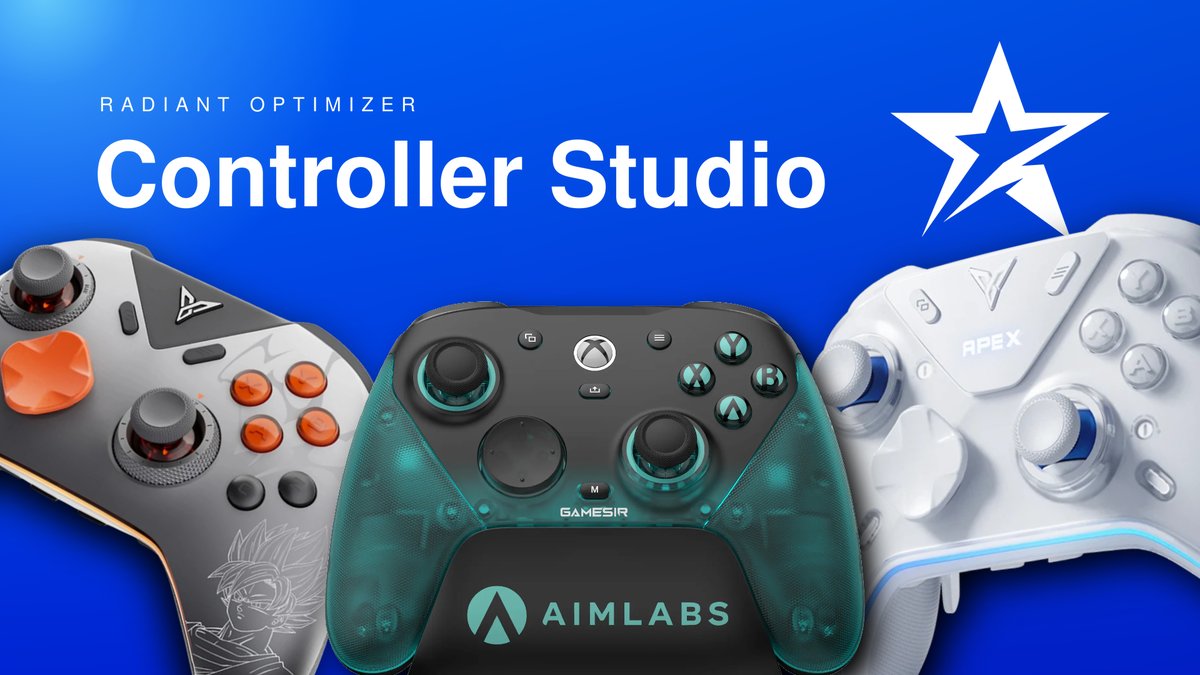
Custom stick curves that stay with your controller.
Introducing Controller Studio in Radiant Optimizer.
Keep your native app for firmware and manufacturer settings. Use Radiant to build detailed curves, compare saved designs and preview how closely your controller can reproduce them before saving.
Up to 20 design points. Separate curves for each stick. One workspace for supported GameSir and Flydigi controllers.
Curves save onboard, so Radiant doesn’t need to stay running.
We saved custom curves to both sticks on an Apex 5, moved it to another PC and read them back. Both matched.
Starting with:
• GameSir G7 Pro 8K
• Flydigi Vader 5 Pro
• Flydigi Apex 5
Features vary by model and firmware.
Controller Studio is completely free and will stay free.
We’re building toward support for every controller that allows onboard customization.
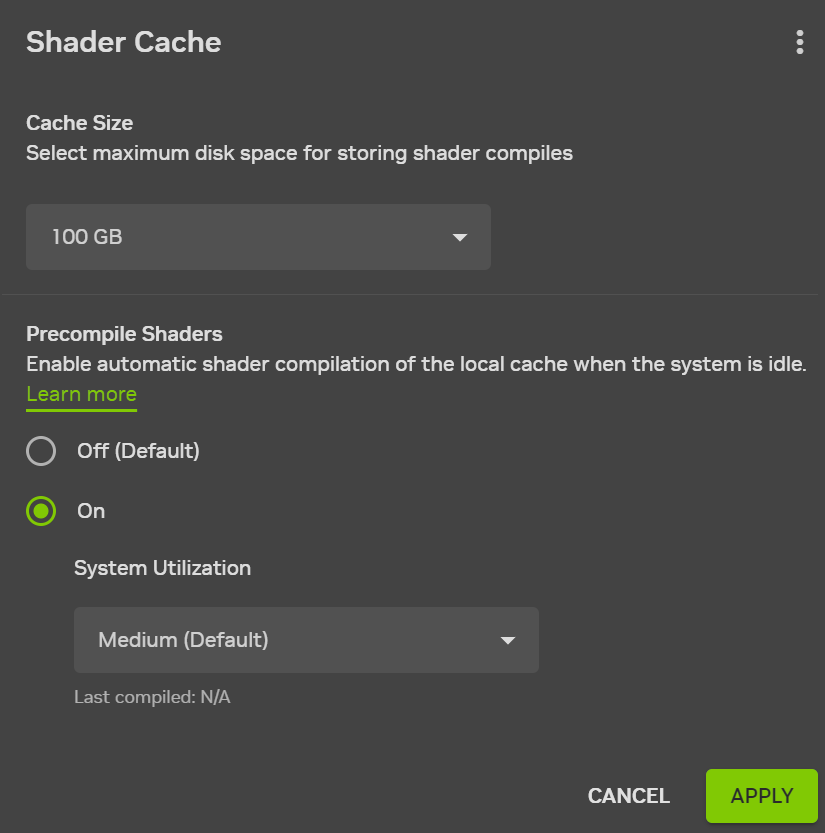
NVIDIA users, this setting can help reduce shader stutter after driver updates. it’s off by default.
It’s called Auto Shader Compilation.
It rebuilds previously generated DX12 shaders before you play, which can mean less shader compilation interrupting your game.
Open NVIDIA App, then Graphics, Global Settings and Shader Cache.
under Precompile Shaders, select On, open the three dot menu and select compile Now. let it finish before launching your game.
It’s a beta feature. new installs still need their first in game shader compilation, and this won’t fix every cause of stutter.
was this already enabled on your PC?