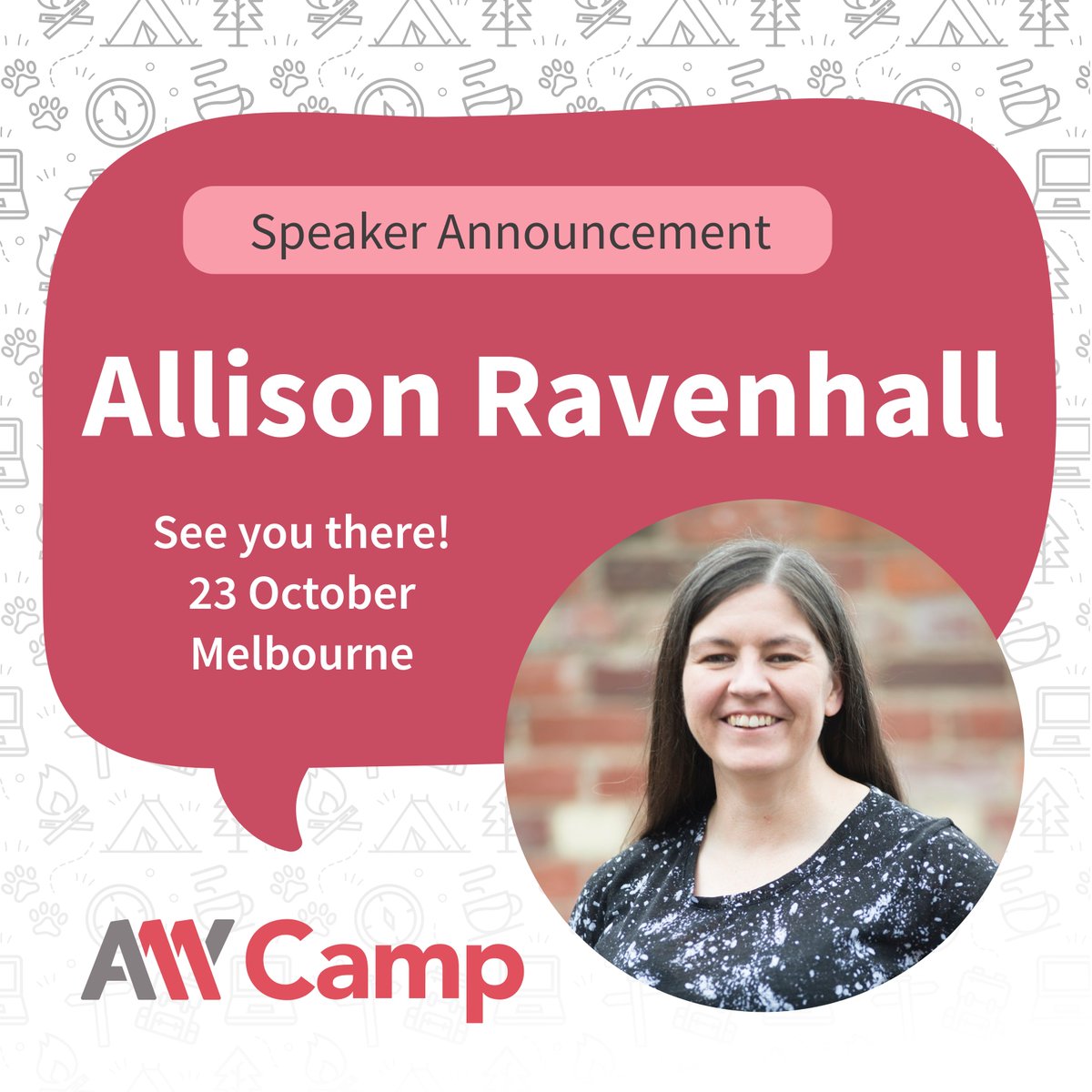
Our Sensei @RavenAlly is frustrated she gets called "inspiring" for working in digital #a11y. All she's trying to do is make herself redundant. https://t.co/hcoWebxgxV
Join us at A11y Camp 2024 as @RavenAlly, a key player in the @CommBank's digital accessibility team, shares insights from her hands-on experience with the CommBank app redesign!
Don’t miss her talk: https://t.co/5zusS5heRD
Full program: https://t.co/R7pWXvbwpN
#A11yCamp2024
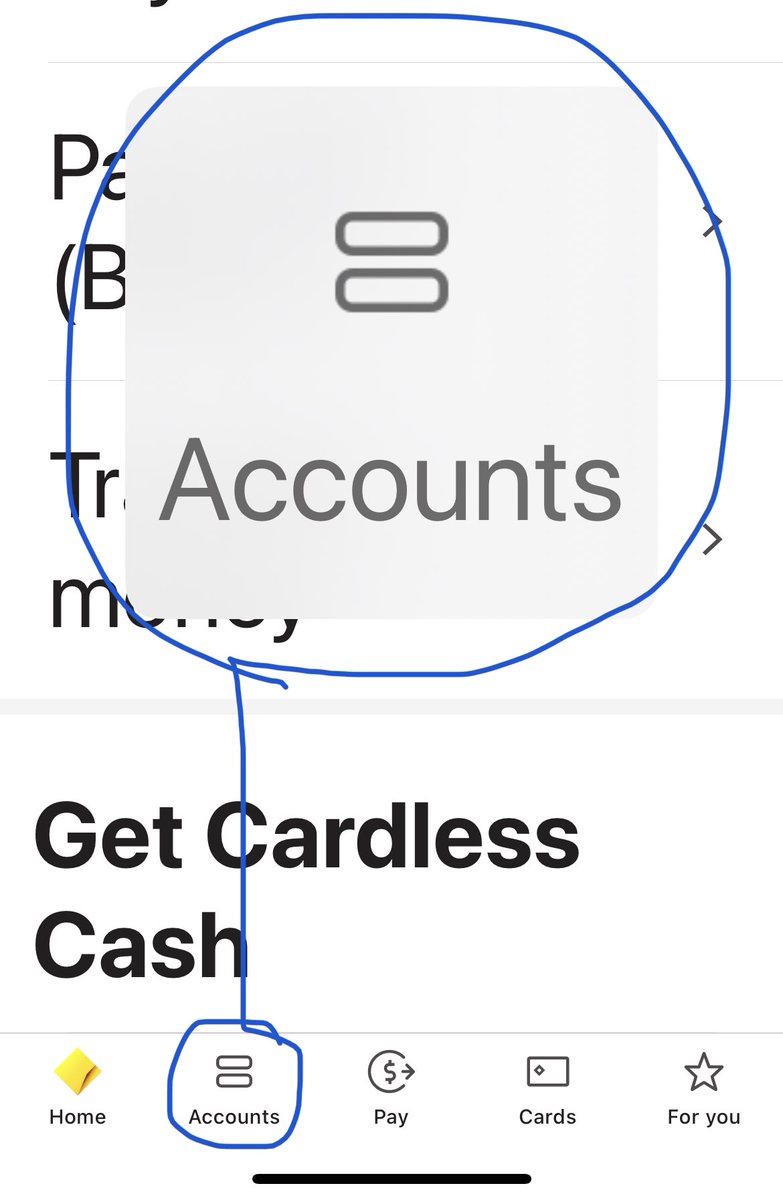
So, as much as I like the idea of it, I do not recommend repurposing this popup pattern in your in-page components to maintain a strict layout. Respect your user’s settings, let your text grow in place and adjust the layout to suit.
Did you know that if you use a very large text size (AX*) on iPhone and you long-press on a bottom navigation button, it will show a popup with the selected item in large text?
Based on some recent usability testing, it seems no one knows about this handy feature.
This is native platform behaviour, not custom.
It also works on Android. Their popup is closer to the trigger button, so it’s arguably more useful.
It also applies to iPhone segmented controls component (a.k.a. in-screen tabs)
Very pleased that DDD Melbourne and DDD Adelaide are back.
What accessibility talk topic should I pitch for a developer audience? Last time I presented “what’s new in WCAG 2.1” at DDD Melb.
WCAG 2.2 is about to be published… 🤔
WE'RE BACK Y'ALL!! DDD Melbourne returns in person on 16th March 2024! 🎉
Save the date now and keep following for updates, as tickets won’t last long once they go on sale...
https://t.co/lhF1kVcH1y
#DDDMelbourne#developers
@MrBrokenEyes If you’re in a giving mood, I think @Jennison would be interested to know about your experience. He’s an accessibility lead at LinkedIn.
Sorry to hear you’ve had a substandard experience.
This is great:
“Making Numbers in Web Content Accessible”
https://t.co/gz3aKC6cr3
Does a good job looking at language, layout, expectations. Very little about code (appropriately).
Ricky is a sharp cookie who does not mix metaphors like I do.
#accessibility#a11y
I was pleased to hear an announcement on my train this morning about @metrotrains joining the Hidden Disabilities Sunflower program. Wear a sunflower pin to tell staff you might need assistance or more time. 🌻#Melbourne
🌻 Metro Trains is proud to launch the Hidden Disabilities Sunflower on our network.
We encourage passengers who need extra support to wear the Sunflower to show Metro Trains staff you may need assistance, or approach our team during your journey.
Visit: https://t.co/7VSQGZET8k
If I have to email event organizers to ask for accessibility info, it means I have to ask, "am I welcome?"
Consider how it feels to have to do that, knowing the majority of the time, the answer is "no."
Give access info up front. Don't make disabled people beg for inclusion.
In the meantime, here's a new article about an accessibility mistake I've been making for years, how I'm working to correct that mistake, and how you can fix it in your own apps too: https://t.co/wY5wG8yxi6
@equalsShaun False claim example: in the months after WCAG 2.1 was published, I had a web chatbot vendor swear their product met “WCAG 3 triple-A” despite being given multiple opportunities to correct. If you’re going to lie, at least claim something that exists!
Watching @krambertech at @figma Config on catch-up, my heart sank for her when she had to speak for the screen reader when the audio failed. I had to do the same for my app accessibility talk at NDC Melbourne. Well done Kateryna for pushing through!