Writer by heart, filmmaker by lens, philosopher by degree-now stepping into the wild world of design. From storytelling to screen flows. 100-day challenge AI/UX
Day 12/100 – Button Styles in UX
Not all buttons are created equal!
From sharp corners to pills, dropdowns to FABs—
Each serves a purpose, sets a tone, and guides the user.
Design is in the details.
#100DaysOfUX#UIDesign#UXChallenge#DesignSystems
Day 10 of #100DaysOfAIUX
Your buttons shouldn't write novels.
Keep it short:
“Subscribe” > “Subscribe to the list”
Keep it clean:
Drop the bold/italic unless it serves a purpose.
Simple copy = faster decisions.
#UXWriting#UXDesign#AIUX#Microcopy
Day 9 of #100DaysOfUXui
Buttons matter more than you think.
Left: Center your labels vertically and horizontally.
Right: Keep button text on one line—it’s easier to read, quicker to scan.
Clarity = trust.
#UXDesign#UIChallenge#DesignTips#MicroUX#AIUX
Day 8/100 — Exploring open-source tools in UX
Penpot
An AI-free, Figma-like design & prototyping tool — but 100% open-source, privacy-friendly, and developer-loved.
Perfect for teams that want full control of their design stack.
#UXDesign#Penpot#OpenSource#100DaysOfUIUX
Day 8 of #100DaysOfAIUX
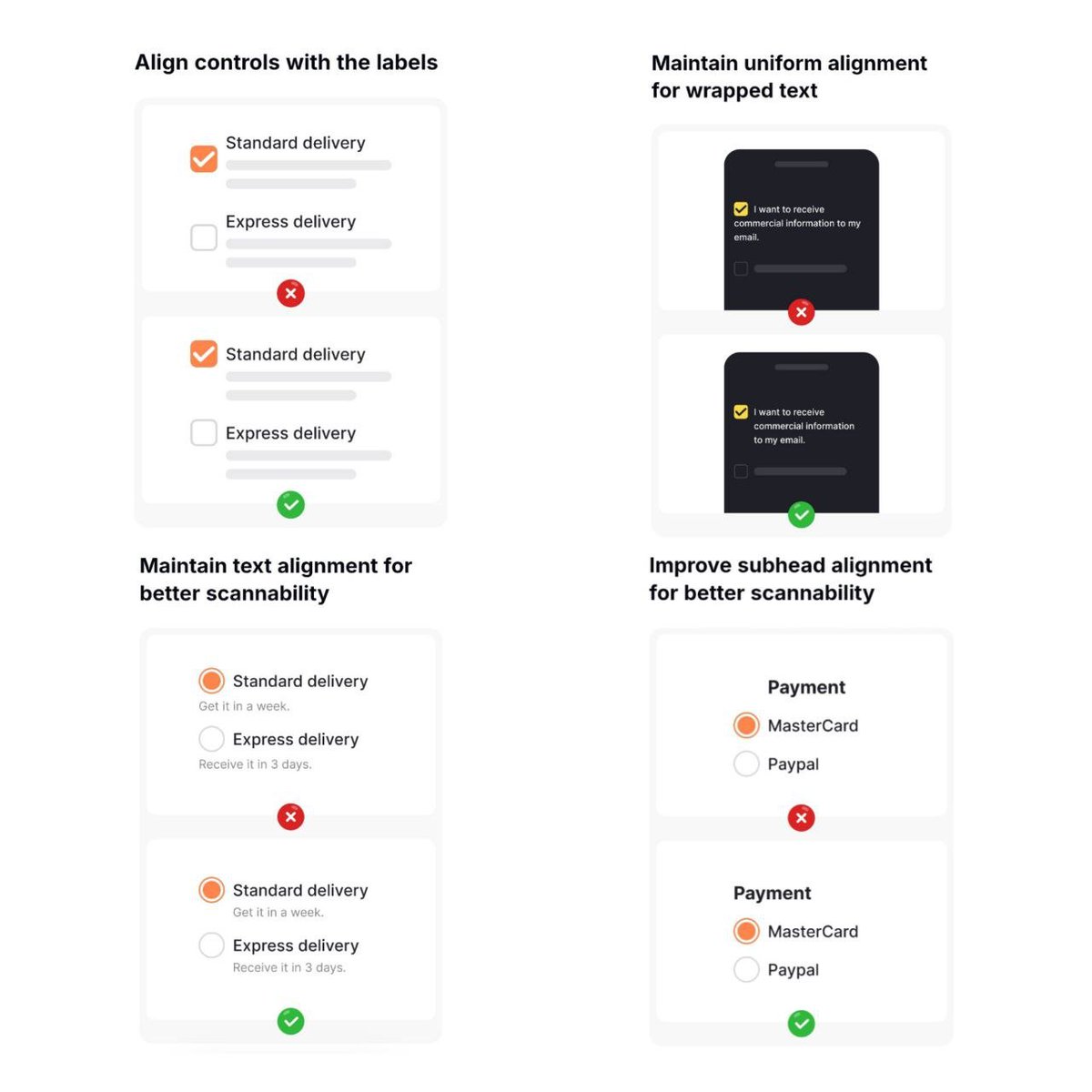
Consistency isn't just aesthetic—it's usability.
- Align your button styles to avoid confusion.
- Make sure your labels contrast well with backgrounds for readability.
Tiny tweaks, huge impact.
#UXDesign#UIDesign#AIUX#Accessibility#DesignTips
Day 7/100 – AI UX Challenge
Say hello to Relume – a powerful AI website builder that turns prompts into high-converting site wireframes.
You can export to Figma, making it perfect for UX designers who want to go from idea to MVP in hours, not weeks.
[https://t.co/kBaD1OqMXY]
Day 6 of my #100UIUXChallenge
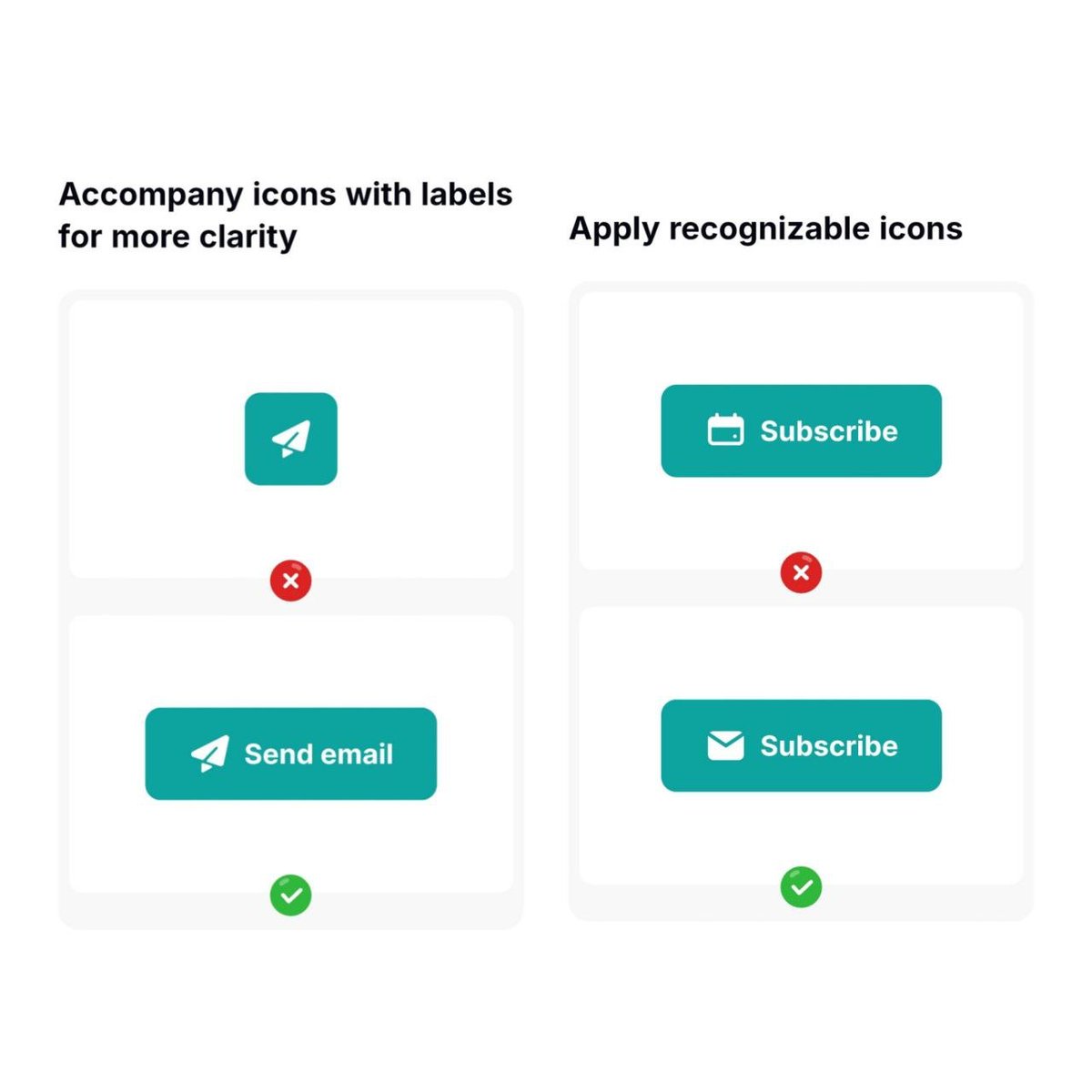
Today I learned how tiny UI tweaks can reduce user hesitation:
Move icons to the left for better scanning
Replace vague buttons like “Yes” with clear actions like “Delete”
Clarity builds confidence.
#UXDesign#UIDesign#100DaysOfUX
Day 6 of #100DaysOfAIUX
Tried Uizard –
AI tool that turns scribbles & prompts into wireframes.
Pros: super intuitive, tons of templates
Cons: limited customization, not fully Figma-export friendly
Pro tip: Use it for idea generation, then refine in Figma.
AItools #UXDesign
Day5/100
Looking for an all-in-one AI tool to plan, brainstorm & collaborate?
Meet Taskade — part Notion, Trello, part ChatGPT.
✅ Mind maps, docs, tasks, team chat
❌ No hi-fi wireframes
Great for early UX planning.
👉 https://t.co/z5xHDquJZb
#UXDesign#AItools#Productivity
Day 4 of #100DaysOfUIUX
Today’s challenge: Button styles in modern UI
From primary to toggle, from floating to text — buttons shape user flow more than we think. Small design, big impact.
Which one's your go-to style?
👇👇👇
#UIDesign#UXDesign#ProductDesign#100DayChallenge
Day 4/100: Galileo AI
✅ Pros:
• Instant Figma-ready designs
• Speeds up wireframing & ideation
• Great for MVPs & solo founders
⚠️ Cons:
• Not ideal for complex flows
• Designs may need polishing
• Limited brand customization
#100DaysOfUX#GalileoAI#AItools#Figma
👩💻 Day 3/100 of my #UIUX challenge
Explored 12 essential UI elements—from tooltips to radio buttons to modals.
A solid UI is built on these tiny details that shape great user experience.
Which one is your favorite?
#100DaysOfUI#UXDesign#UIDesign
Day 1/100 – AI UX/UI Challenge
Starting strong with https://t.co/s4YYr5l4QH – it turns simple prompts into complete, clean web layouts.
To be honest, if you seniors hear me, learning Figma is not a waste of time?
#100DaysOfDesign#CreatieAI#UXDesign#AItools