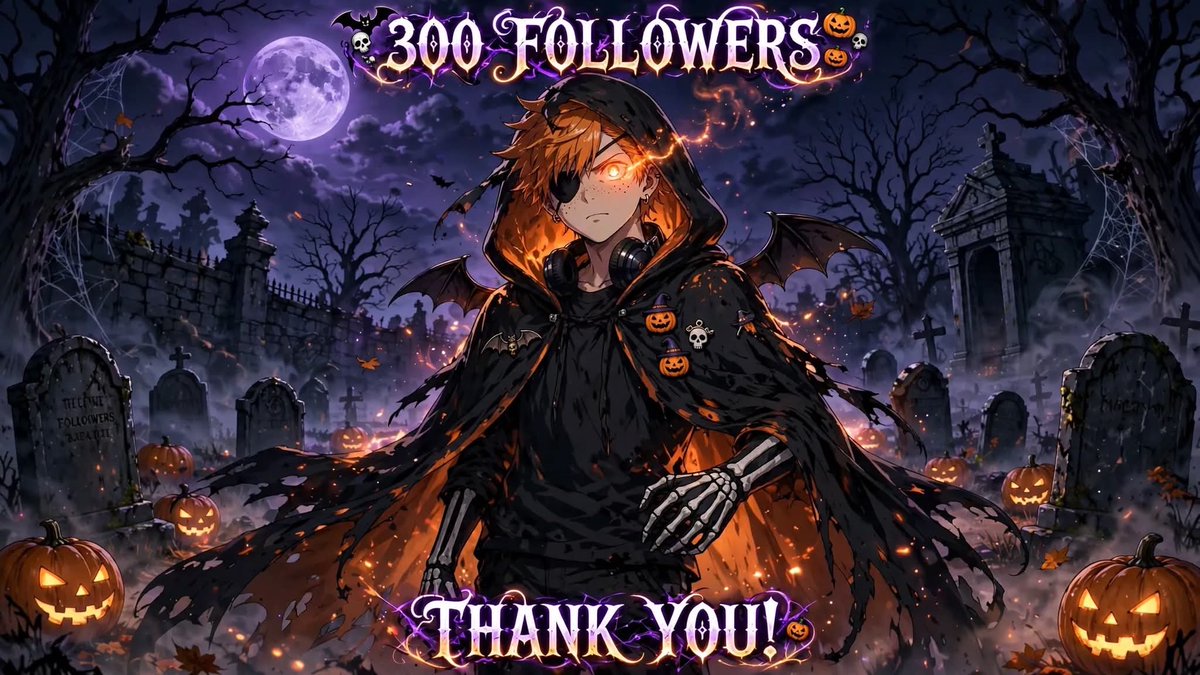
300 of you have wandered into my spooky corner of X! 🎃I am so incredibly grateful for every single one of you who decided to follow along with my journey.
To celebrate this milestone, let's play a little game in the comments:
Drop a emoji, your favorite horror movie, or Gif.
Hey @grok
Based on my entire post and comment history Create a picture of the resulting character in a Anime Style of your choice try to avoid copyright issues.
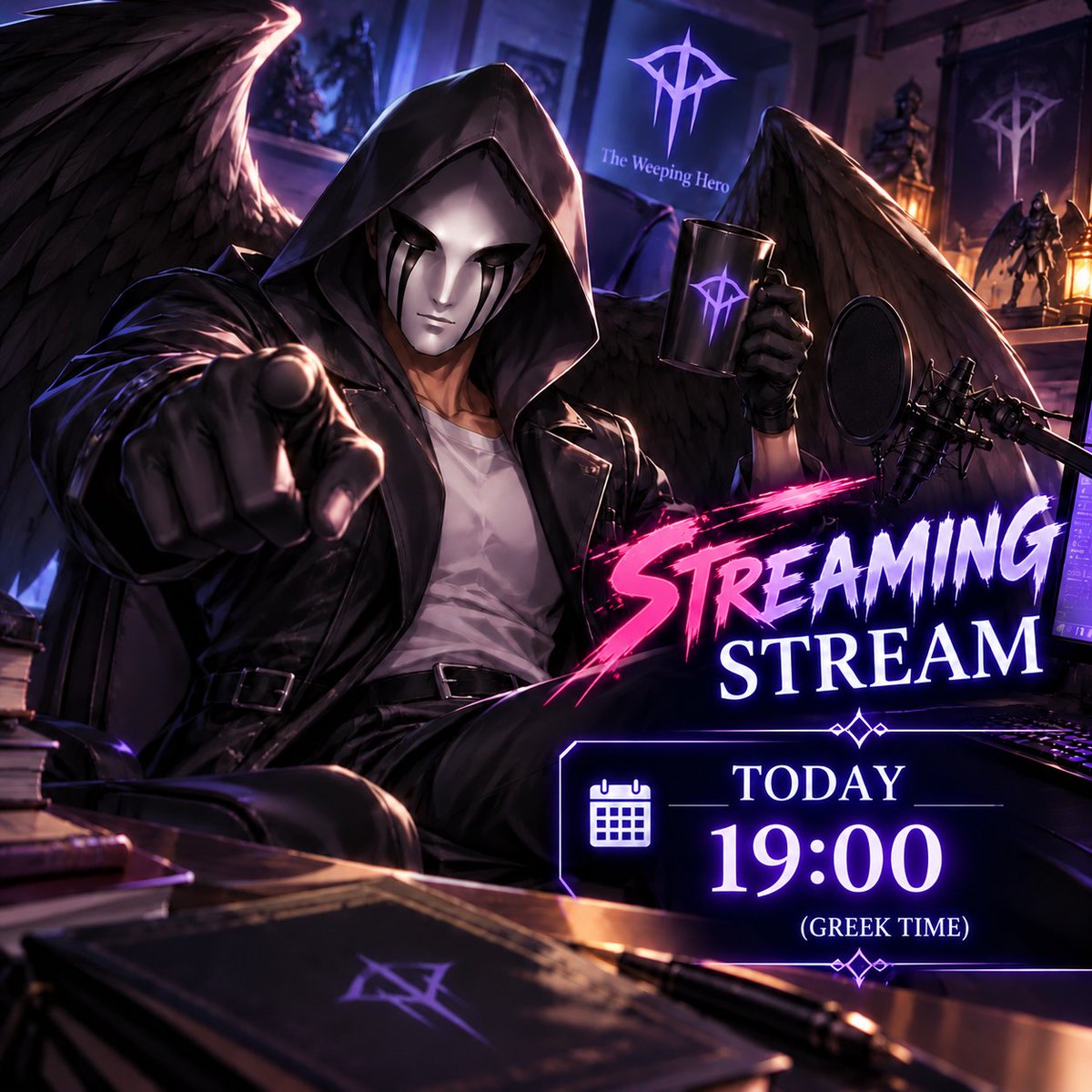
Hello everyone. Streaming again today at the same time. The people have spoken. Today's game will be No Man's Sky. Hope to see you all there. Link on the first coment below:
@NoMansSkyGame@NoMansSky
A few of my Favorite horror movies from 1980s-2000
Gremlins (1984)
Beetlejuice (1988)
Warlock (1989)
Tremors (1990)
Bram Stoker's Dracula (1992)
Leprechaun (1993)
Event Horizon (1997)
The Sixth Sense (1999)
Pitch Black (2000)
300 of you have wandered into my spooky corner of X! 🎃I am so incredibly grateful for every single one of you who decided to follow along with my journey.
To celebrate this milestone, let's play a little game in the comments:
Drop a emoji, your favorite horror movie, or Gif.
🎉💕 WE DID IT!! 6,500 FOLLOWERS!! 😭❤️
Misuki and Mary are celebrating with all of you!! 🖤🤍✨
Thank you so much for all the love, support, and wonderful friendships! You make every day a little more magical! 🥹💖
Sending 6,500 hugs and kisses to everyone!! You're all part of our little family now! 🥰🎂
LOVE YOU ALL SO MUCH!! (˶ᵔ ᵕ ᵔ˶) 💕
Grok Bot is now officially available directly inside 𝕏 Chat on 𝕏.
If it feels crowded in your chat, you can also ask it to post responses only into the desktop / mobile app instead, if you don’t want it in your chat.
Claude Opus 5.5
Prompt:
Apply a dark neon glitch-art effect to the attached video (Python + ffmpeg, frame by frame):
1. Cut out the subject with rembg (isnet-anime for anime/illustration, isnet-general-use for real footage). Make the background pure black.
2. Posterize the subject to 5 brightness levels and recolor it with a 3-color palette on black:
main color for cool/neutral areas (cyan #14b8f0), mid color (violet #6438c4), accent for warm/red areas (magenta #ff2ad4).
Keep it dark: most of the image black or navy, only the highlights glow. Let the color-patch edges crawl slightly with noise.
3. Add a magenta rim light on the subject's left edge.
4. Datamosh: wherever the current frame is empty, keep the previous frame shifted a few px down and faded (melting ghost trails). Also copy ~3% of 24px blocks from the previous frame with a small random offset.
5. Vertical drips: in ~30% of the columns, smear bright pixels upward (up to ~300px) and downward (~150px). Mix 2–8px wide drips with thin vertical scratch lines in the palette colors, denser near the subject.
6. Light grain + vignette. Keep the original resolution and fps, export as H.264 MP4.
Generate an original vaporwave-glitch soundtrack (~-12 LUFS) / make it a seamless loop where the last 1s drips into the first 1s column by column.