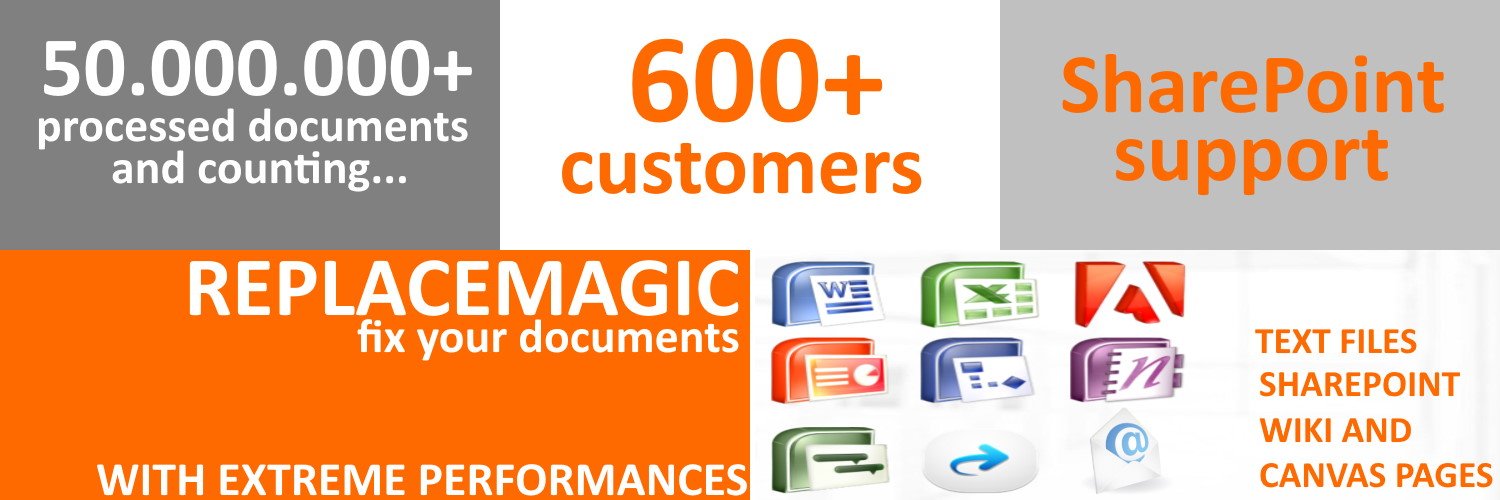
Support in document migrations (file storage, SharePoint, server migrations or cloud) helping to fix broken links or make changes in tons of documents quickly.
Gleichzeitig von 2️⃣ Staatsanwaltschaften wurde ein Mann gesucht, den unsere 👮♀️ 👮 am Samstag nahe des Bahnhofs in #Kehl kontrollierten.
In einem Fall handelte es sich um einen Haftbefehl. Er wurde im Anschluss in die JVA eingeliefert.
Mehr ℹ️ 👇
https://t.co/NFef3xzHsT
ReplaceMagic ver. 2020.10.1 released - this time focus was on handling SharePoint throttling when processing large number of documents. More over: https://t.co/S7ne30fV9I
ReplaceMagic ver. 2020.9.1 released - improvements in processing link sources in Excel files and usage of regular expressions plus smaller changes... You can use this version to check document broken links without any limitations (good scenario for #migration to #SharePoint).
ReplaceMagic 2020.8.1 released - trial limitations removed from scanning documents and broken links identification, exports and command line mode extended, and more... Finalize your #SharePoint migration by fixing broken document links, try ReplaceMagic: https://t.co/wbWouOAEzL
@SamErde Hi Sam, we are licensing ReplaceMagic per user/computer where you install it. No limits on file shares, number of documents or links. Also licenses are perpetual. Just let me know in case of anything. BR, Oliver ReplaceMagic team
@patman2520 Hi Patrick, it is not possible to remove LinkSource through ReplaceMagic except to maybe set LinkSource to empty string but that might be bad idea if it is used somewhere in your document.
New version (2020.6.2) of ReplaceMagic just released - Improved processing of SharePoint .aspx pages, FIPS support and more. Details in our blog: https://t.co/fPRssU1vsz
ReplaceMagic 2020.6.1 just released - support for OneDrive for Business, SharePoint improvements, additional document area supported. More: https://t.co/VwfvrMivZu
New ReplaceMagic version (2020.5.1) just released. Added new SharePoint authentication modes, support to make changes in EML and MSG files, PowerQuery in Excel and more... Download: https://t.co/wbWouOAEzL
@HaavardMeling One option might be #ReplaceMagic (https://t.co/nT0DNouTDo) as with our tool we can check your documents, SharePoint pages but also SharePoint list items (hyperlink fields). Check is always included so feel free to download and try #ReplaceMagic over https://t.co/wbWouOAEzL
@mikenemtsev One option might be #ReplaceMagic (https://t.co/nT0DNouTDo) as with our tool we can check your documents, SharePoint pages but also SharePoint list items (hyperlink fields). Check is always included so feel free to download and try #ReplaceMagic over https://t.co/wbWouOAEzL
@Dullawolf@SharePoint You can also try #ReplaceMagic (https://t.co/nT0DNouTDo) as it will fix your links (docs in doc.libs, docs as list attachments but also your SharePoint pages) for more than 50x less than 42k that you mentioned ;)