Many Shopify stores do not need more apps.
They need a cleaner app strategy.
If your stack has tools for popups, reviews, email, shipping, inventory, and reports, but still no clarity, app overload may be the real problem.
#Shopify#ShopifyApps#EcommerceTools#ShopifyTips
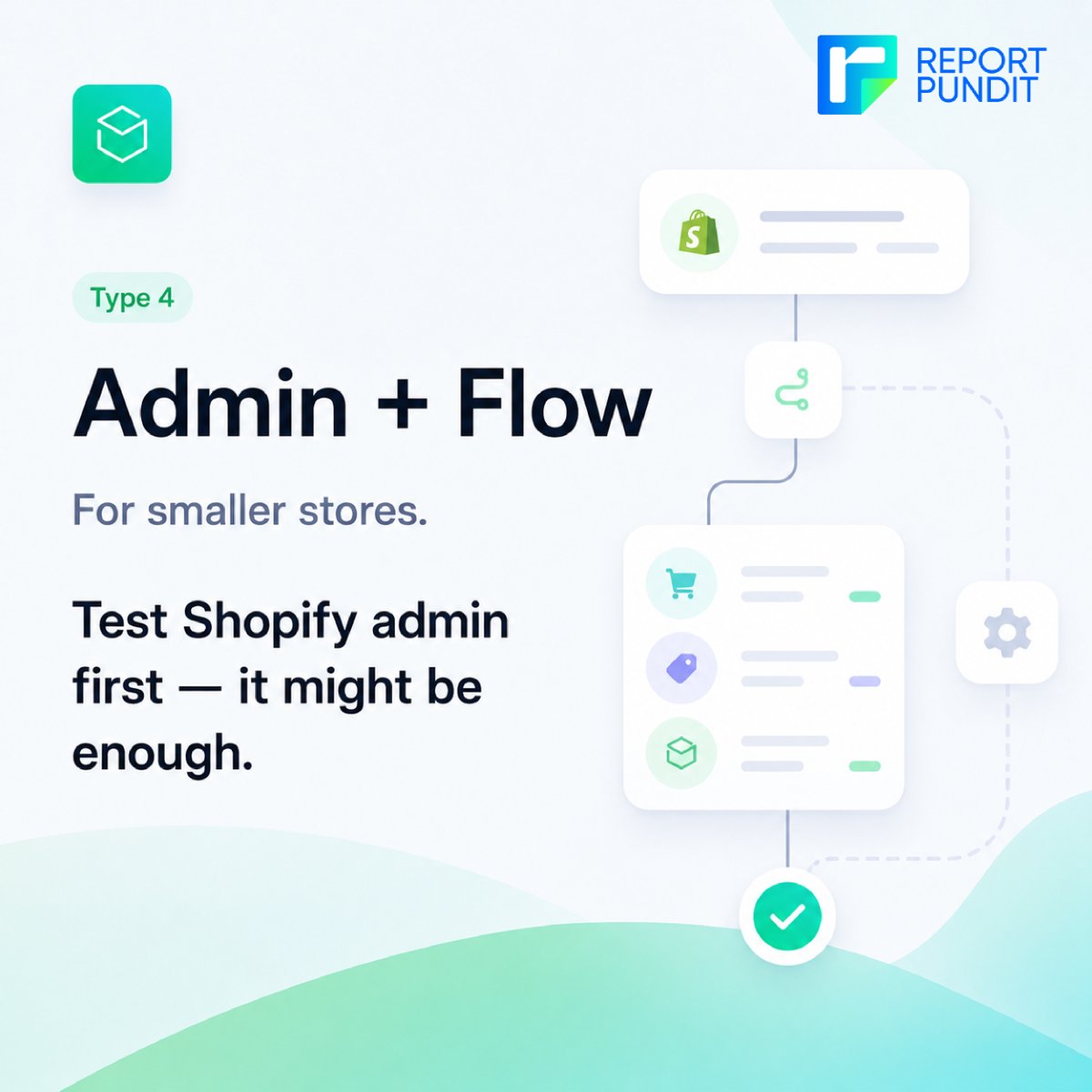
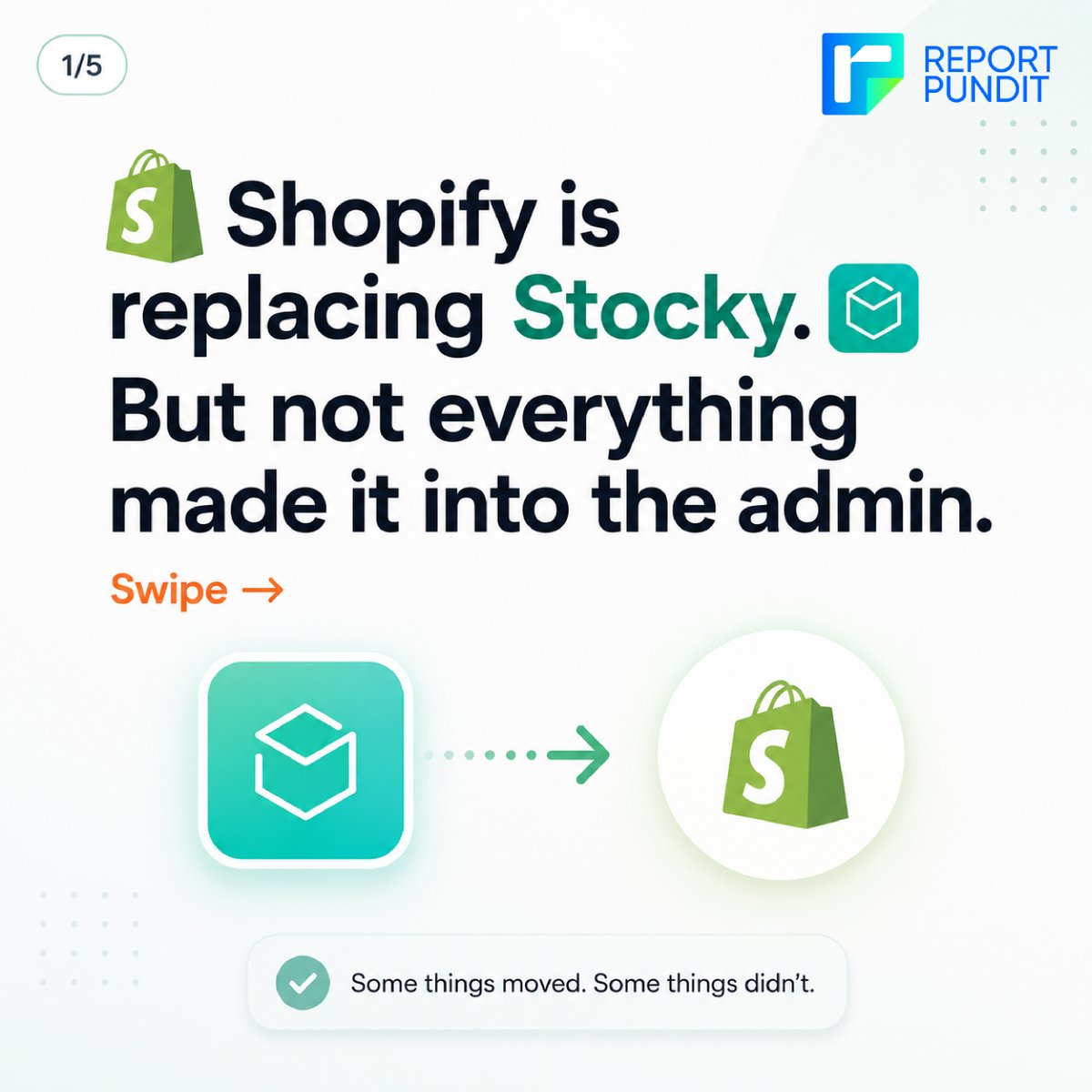
Shopify isn't trying to rebuild Stocky feature-for-feature inside the admin. Their direction is clear: Basic operational workflows live in the core product. Everything advanced forecasting, supplier intelligence, reorder automation — lives in the app ecosystem.
#shopify
Most Stocky migrations go wrong the same way. Not because merchants don't care — but because no one told them what to watch for.
Here are the 10 most common mistakes we're seeing as merchants transition away from Stocky. Most of them are completely avoidable.
Not every Stocky user needs the same replacement. A solo merchant running a boutique has completely different needs than a retail chain with 5 locations and 10 suppliers.
Before you sign up for any app, know which category of tool you actually need.
#shopify
There are a lot of Stocky alternatives out there. And most merchants are choosing based on the wrong thing — feature lists.
The right question isn't 'what does this app have?' It's 'what do I actually need?'
Drop a comment: what was your #1 use case in Stocky 👇
#shopify
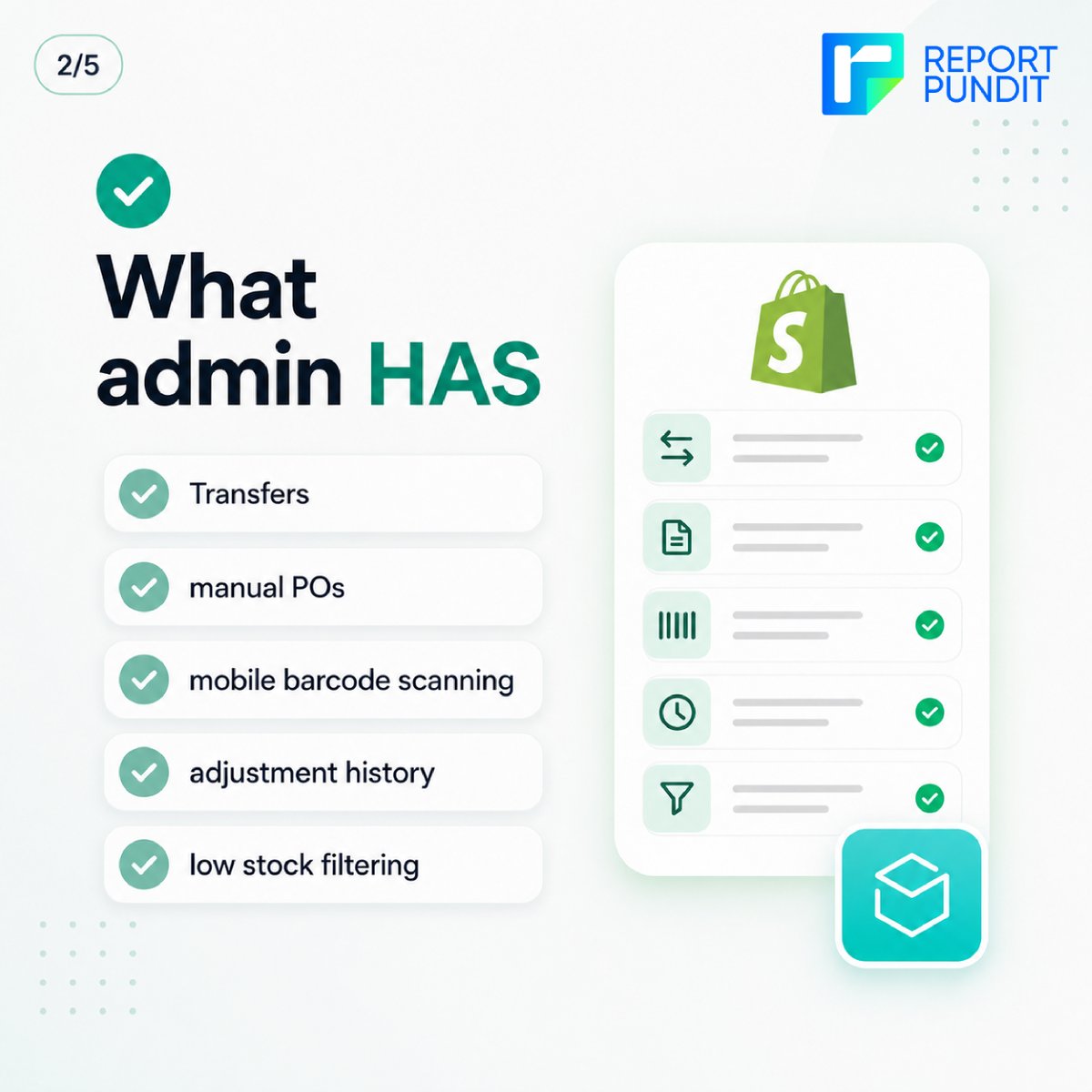
Shopify has been quietly adding inventory features to the admin, but it's not a full Stocky replacement. Not even close.
Here's a clear breakdown of what you get, what's missing, and what you'll need to solve with third-party tools. Swipe through before you assume you're covered
Shopify has been quietly adding inventory features to the admin, but it's not a full Stocky replacement. Not even close.
Here's a clear breakdown of what you get, what's missing, and what you'll need to solve with third-party tools. Swipe through before you assume you're covered
Shopify merchants using Stocky, mark this date: August 31, 2026. POs, forecasting, supplier pricing, stocktake records — none of it moves to Shopify admin automatically. Start with one thing: export your data now.
#Shopify#ShopifyMerchants#InventoryManagement#Ecommerce#Stocky
You’re making sales. Your margins look healthy. But profits still feel low. Why? Hidden costs. Ad spend, transaction fees, shipping, returns. These slowly eat into your margins without showing up clearly in reports.
#Shopify#shopifyreports, #Shopifystoreowners#shopifyanalytics
Many Shopify stores stop at gross profit. But gross profit only tells you what’s left after product costs. It ignores ads, shipping, discounts, and operational costs. So you might look profitable but you are not.
Go beyond surface-level profit metrics
#shopify, #Shopifyreports
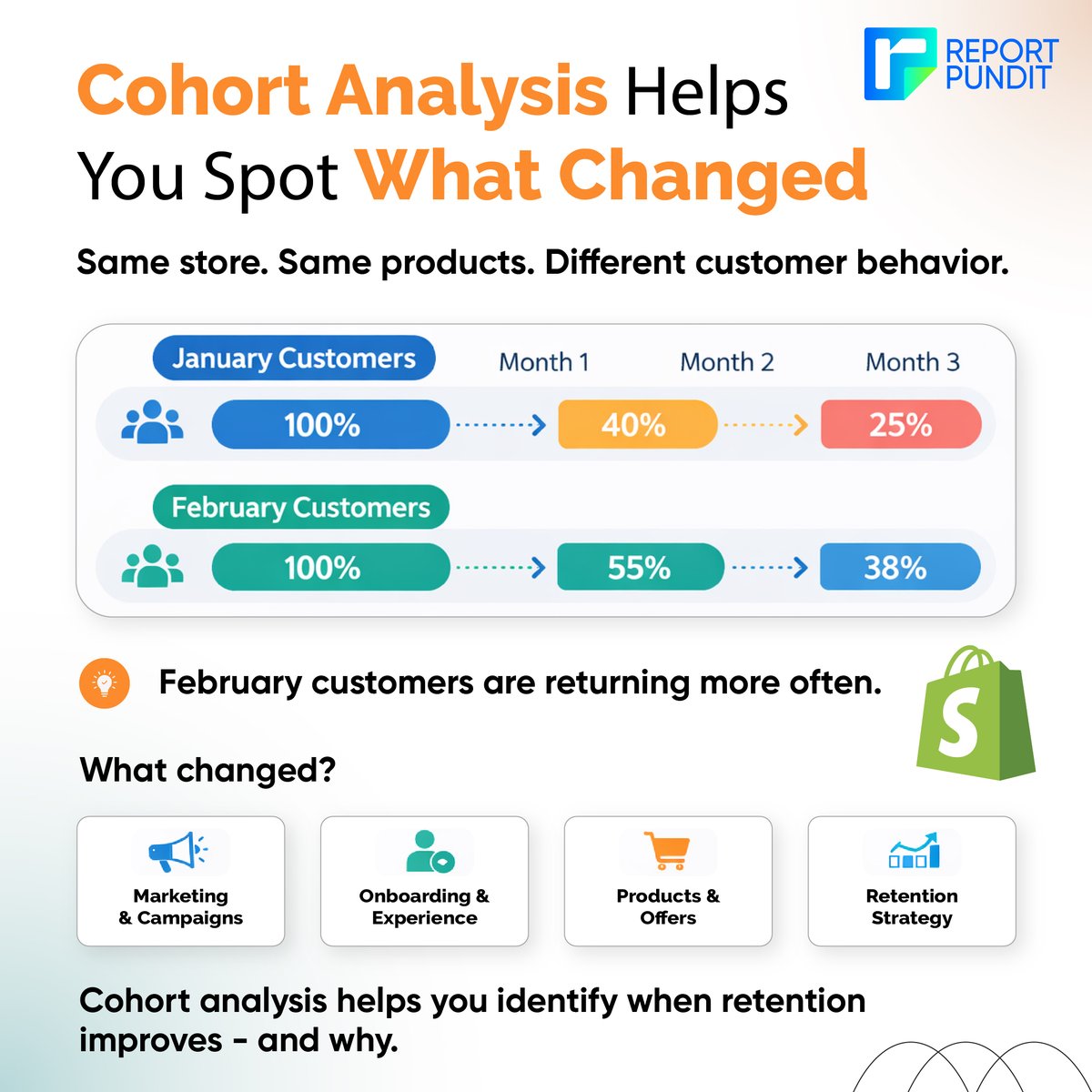
Two months.
Same store.
Same products.
But very different customer behavior.
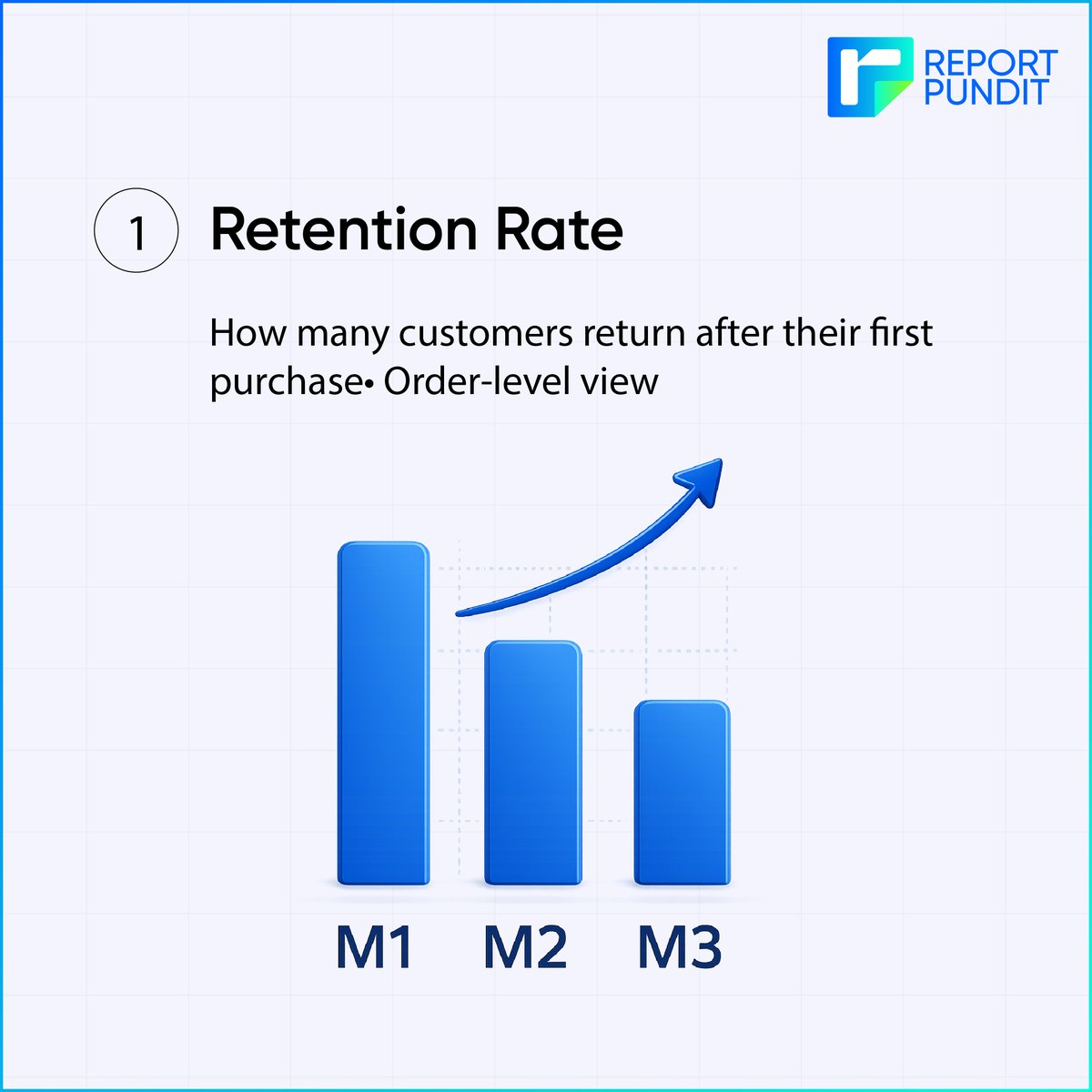
Cohort analysis helps you detect when customer retention improves or declines and investigate what caused the change.
#shopifyreports#shopify#ShopifyAnalytics#CohortAnalysis
If your Shopify numbers don’t match, this might be the reason.
Net Payments = customer transactions
Payouts = money Shopify sends to your bank
Two different reports. Two different purposes.
Stop comparing them. Your reports will finally make sense.
#Shopify#EcommerceTips
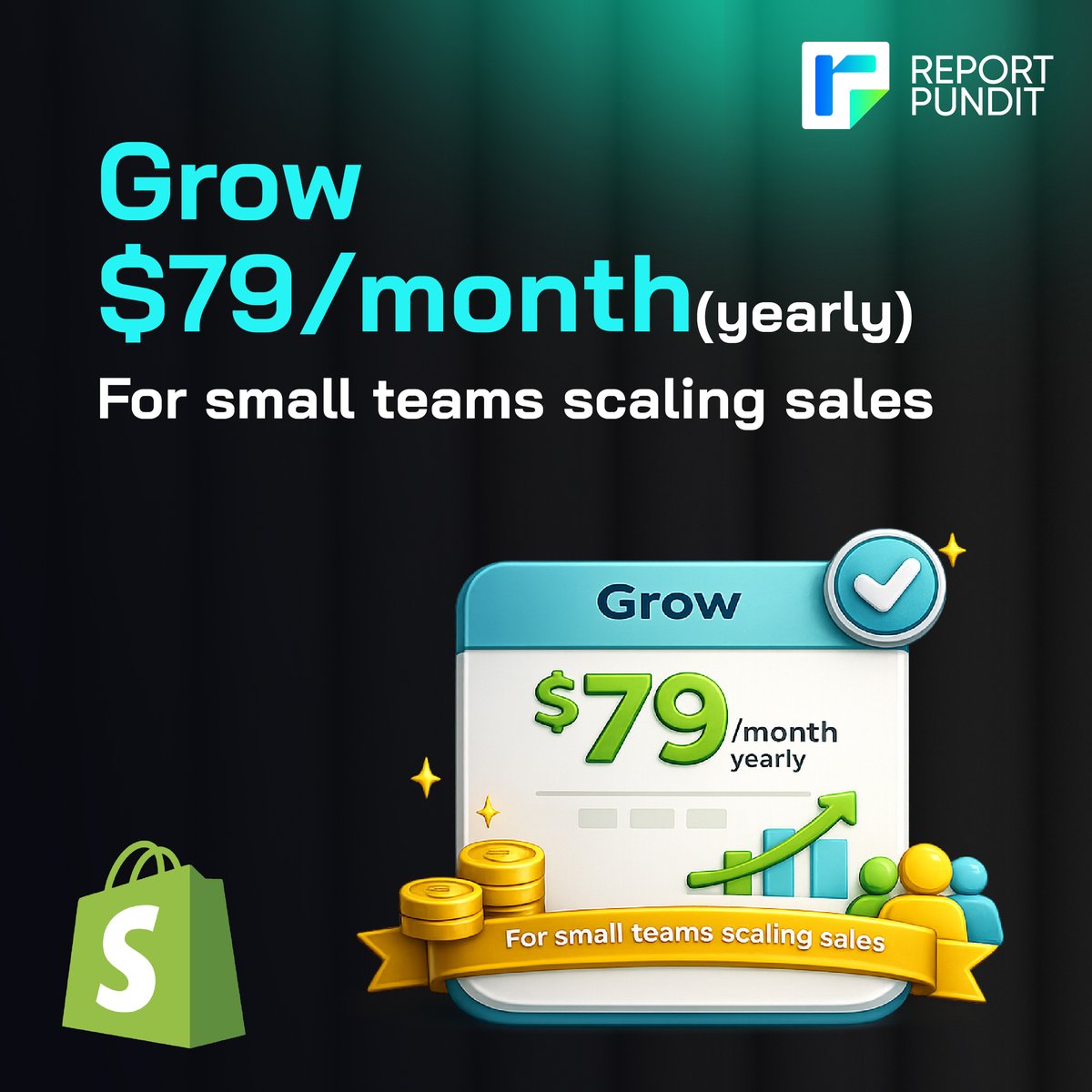
Many delay starting Shopify because they think it’s expensive. But you get 3 days free with no card, then $1 per month for 3 months on Basic, Grow, or Advanced. Start with the lowest commitment, build and test, then upgrade only when the business earns it.
#shopify
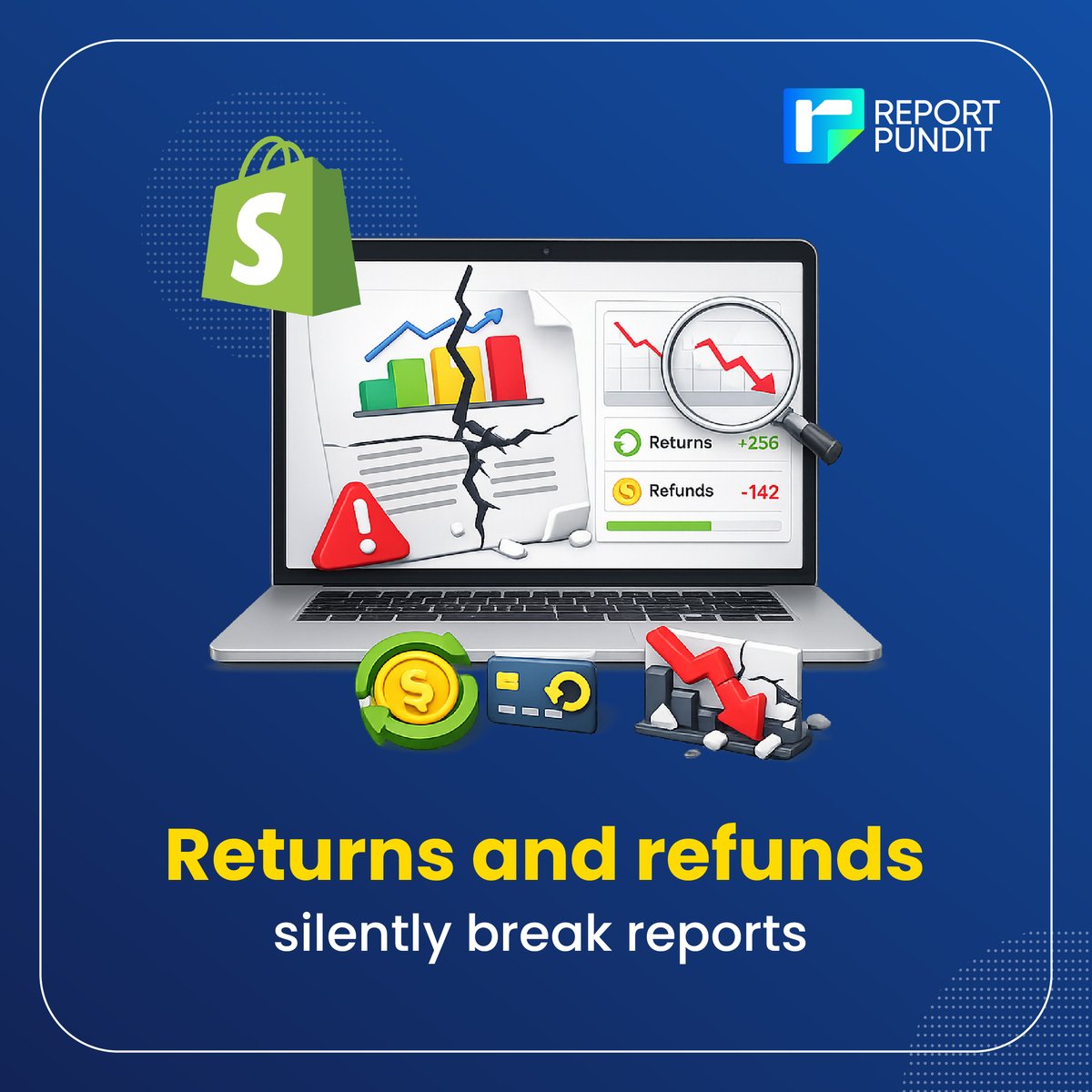
Most Shopify merchants trust reports until something feels off. Refunds don’t just cut revenue, they shift sales, payouts, taxes, profit. The fix isn’t spreadsheet guessing. It’s refund reporting with the right logic, dates, and fields so reports align and numbers make sense.
Myth: Shopify reports don’t match because the data is wrong.
Reality: Each report follows different rules: dates, fees, refunds, currencies, and channels. Once you align the report to the question you’re asking, the confusion disappears.
#shopify#shopifyreports#shopifystore