New on YouTube!
Take a quick tour of the ResearchCollab platform and discover how our AI-powered tools can help you navigate, organize, and accelerate your research.
Watch now: https://t.co/mIWIPRClPT
#ResearchCollab#AcademicResearch#AI#ResearchTools
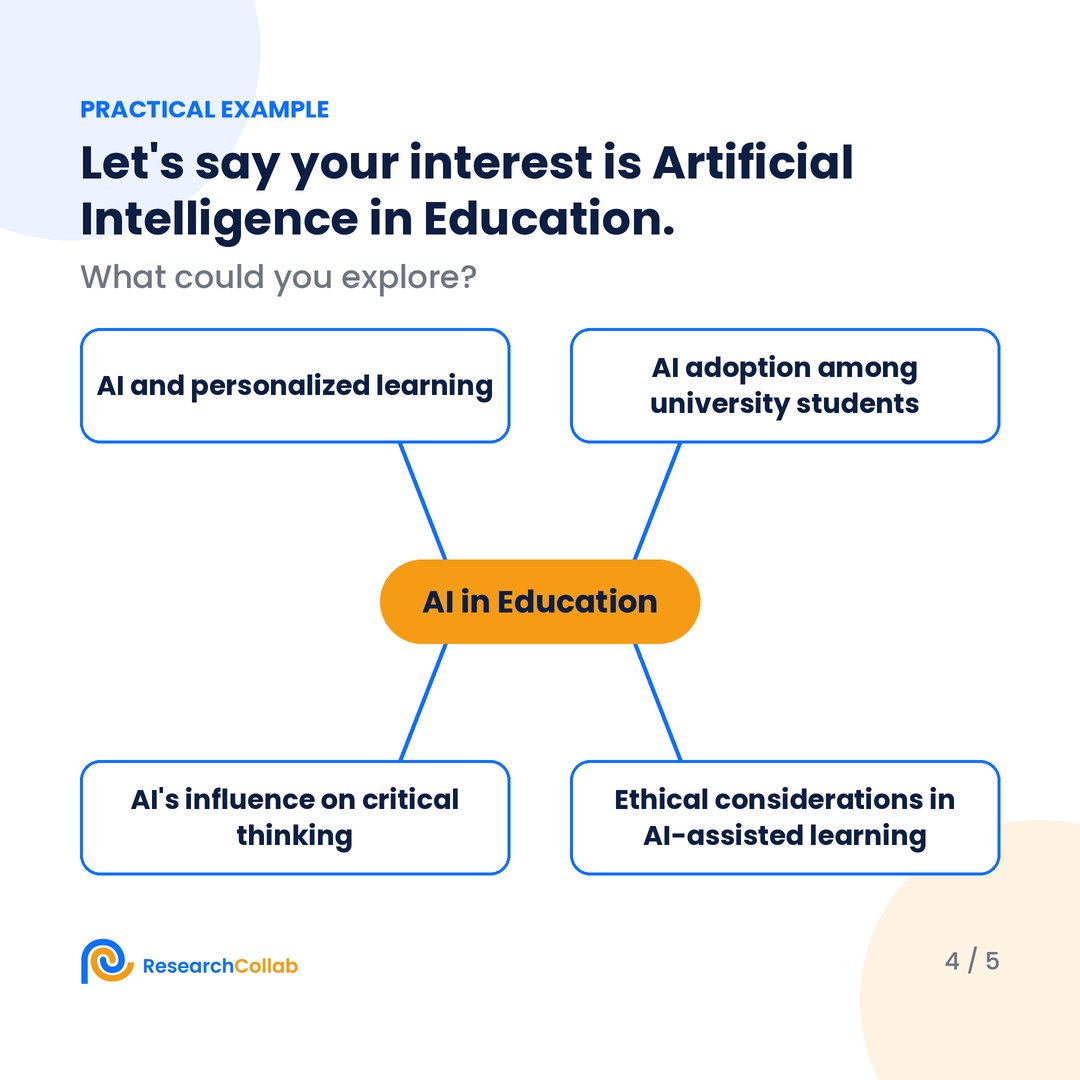
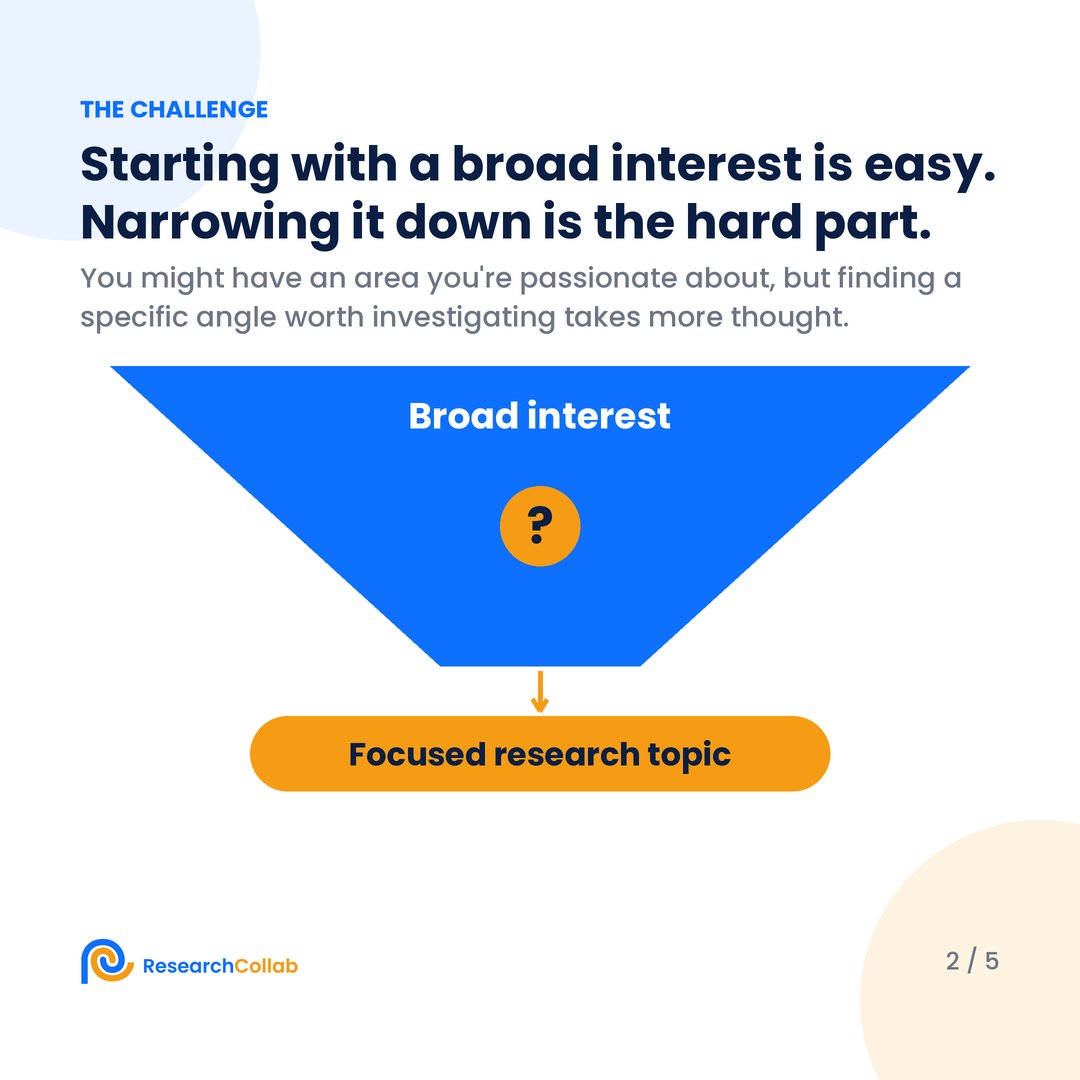
Research ideas don't always arrive fully formed.
Start with an interest. Explore the possibilities. Develop your next research idea.
Brainstorm topics with ResearchCollab: https://t.co/o6FDVI8u8j
#ResearchIdeas#AcademicResearch
How to design a research survey in seconds?
1. Go to https://t.co/ZpETAARFYl
2. From left menu, click on Design a Study
3. Enter your research question(s)
4. Provide custom instructions if you want to
5. @ResearchCollab_ builds a conceptual model first
6. Second, it builds the associated hypothesis
7. Confirm the conceptual model and hypothesis
8. Then click on Questionarie
9. ResearchCollab prepares the research survey
10. Download the survey or share it with others
With this approach, you get the following:
➝ A conceptual model of your research survey
➝ A hypothesis for your research study
➝ Measurement design
➝ Design notes
Once you download the survey, refine it.
Make any changes you deem suitable.
From research question to questionnaire in one workflow:
1. Start with your question
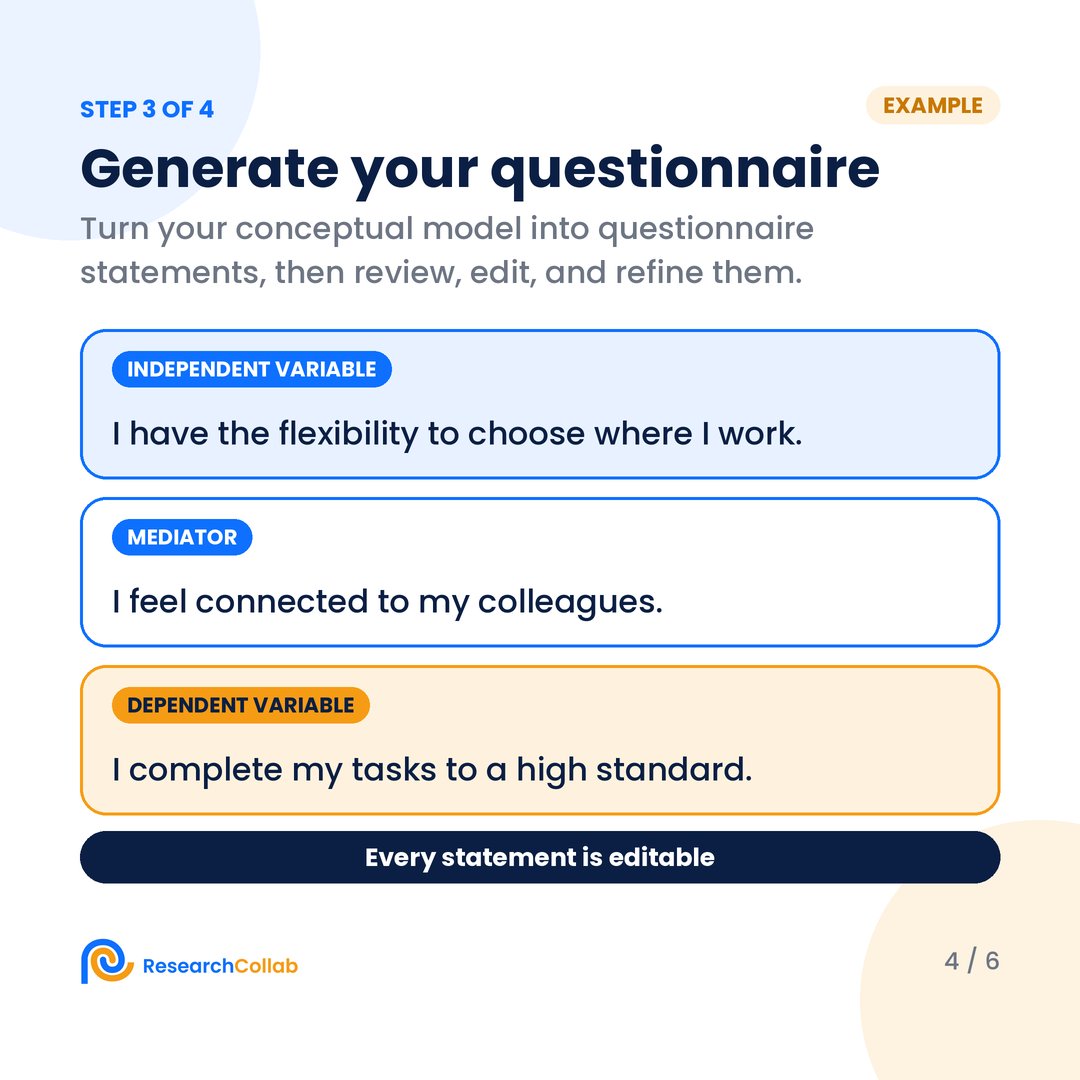
2. Generate an editable conceptual model
3. Refine your questionnaire
4. Preview your survey
ResearchCollab Study Design: https://t.co/o6FDVI8u8j
#StudyDesign#AcademicResearch
A good research question gives direction. A strong research design gives structure.
→ Define your variables
→ Map how they relate
→ Identify influencing factors
→ Write meaningful questions
ResearchCollab Study Design can help: https://t.co/FfUfnioyVL
#ResearchDesign
From research question to conceptual model, hypotheses, and questionnaire.
ResearchCollab's Design a Study brings these key stages together in one workspace, helping you structure your research and prepare for data collection.
See how it works: https://t.co/HuvsLvMV1J
#Research
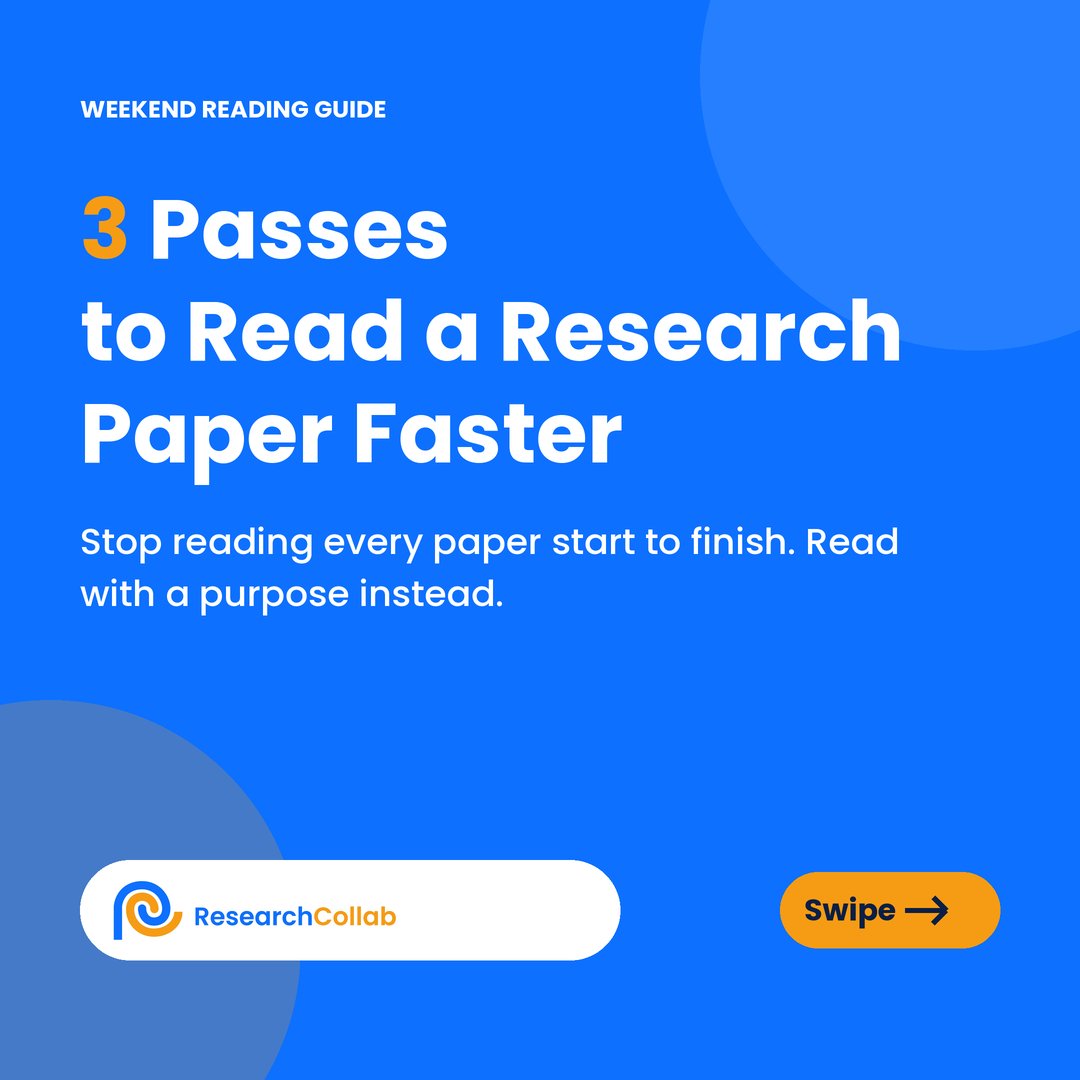
Read a research paper in 3 passes:
1. Skim (~10 min): keep, park, or drop
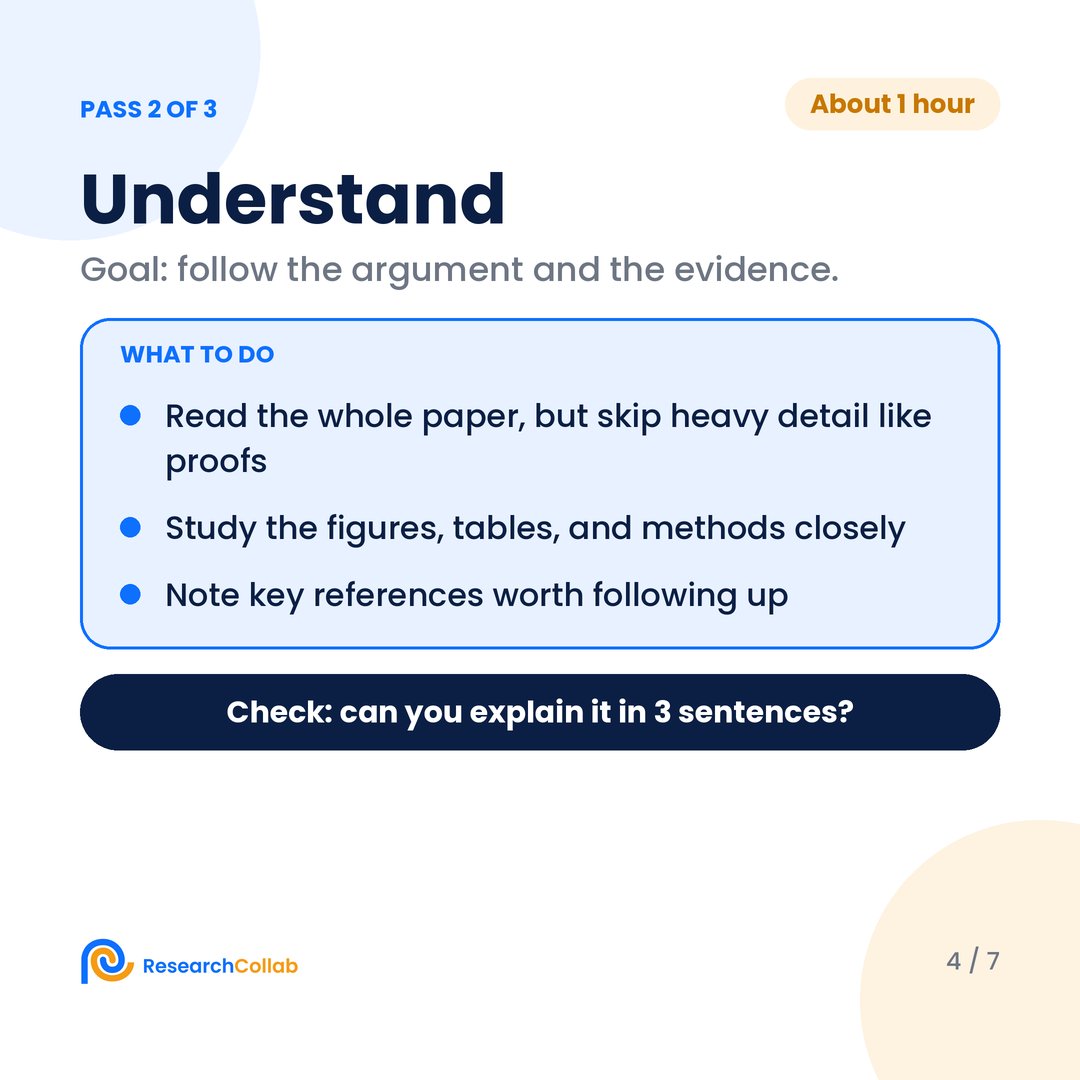
2. Understand (~1 hour): can you explain it in 3 sentences?
3. Critique: only for the papers that matter
This weekend: skim 5 papers, deep-read the best 1-2.
#AcademicResearch#PhDLife
PhD Students – You shouldn’t use ChatGPT for writing literature reviews.
It gives you the review, without knowing the process.
Instead use the following for literature reviews.
1. Go to https://t.co/ZpETAARFYl
2. From the left menu, click on Research Agent
3. Enter the topic of your literature review.
4. Adjust the following filters
- Written as
- Written for
- How far it goes
- Length
5. @ResearchCollab_ will give you the following.
- Topic summary
- Outline
- Draft
6. Download the draft.
Why it’s 10x better than ChatGPT?
- You have control over the process
- The draft contains verified references
- You can treat the draft as the starting point
Try ResearchCollab today for FREE:
https://t.co/Jhw3jG27TQ
Still copying details from papers into a spreadsheet by hand?
Build a template once in ResearchCollab and apply it to every paper. Each answer links to the exact sentence it came from.
Export to Excel or CSV when you're done.
https://t.co/FfUfnioyVL
Get a critical read before you submit. ResearchCollab’s Virtual Peer Reviewer assesses factual accuracy, logic, source quality, statistical interpretation and counterarguments, with feedback to help strengthen your draft.
Try it: https://t.co/FfUfnioyVL
Get a sceptical second reader before the real one. The Virtual Peer Reviewer in ResearchCollab flags weak spots in your draft before you submit: https://t.co/FfUfnio16d
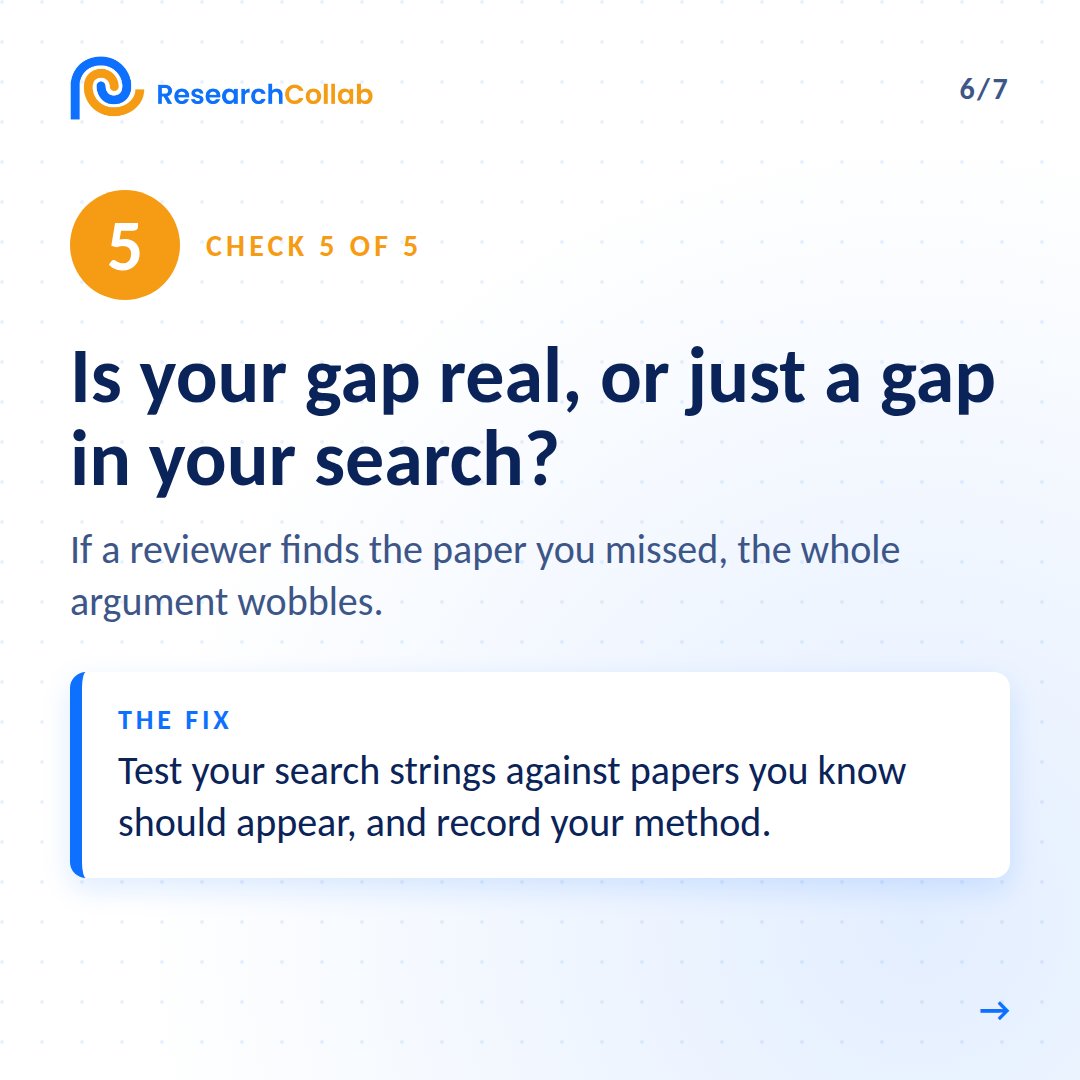
Reviewer 2 checks the same 5 things in your literature review:
1. Synthesis, not summaries
2. Citations you can trace
3. Studies that disagree with you
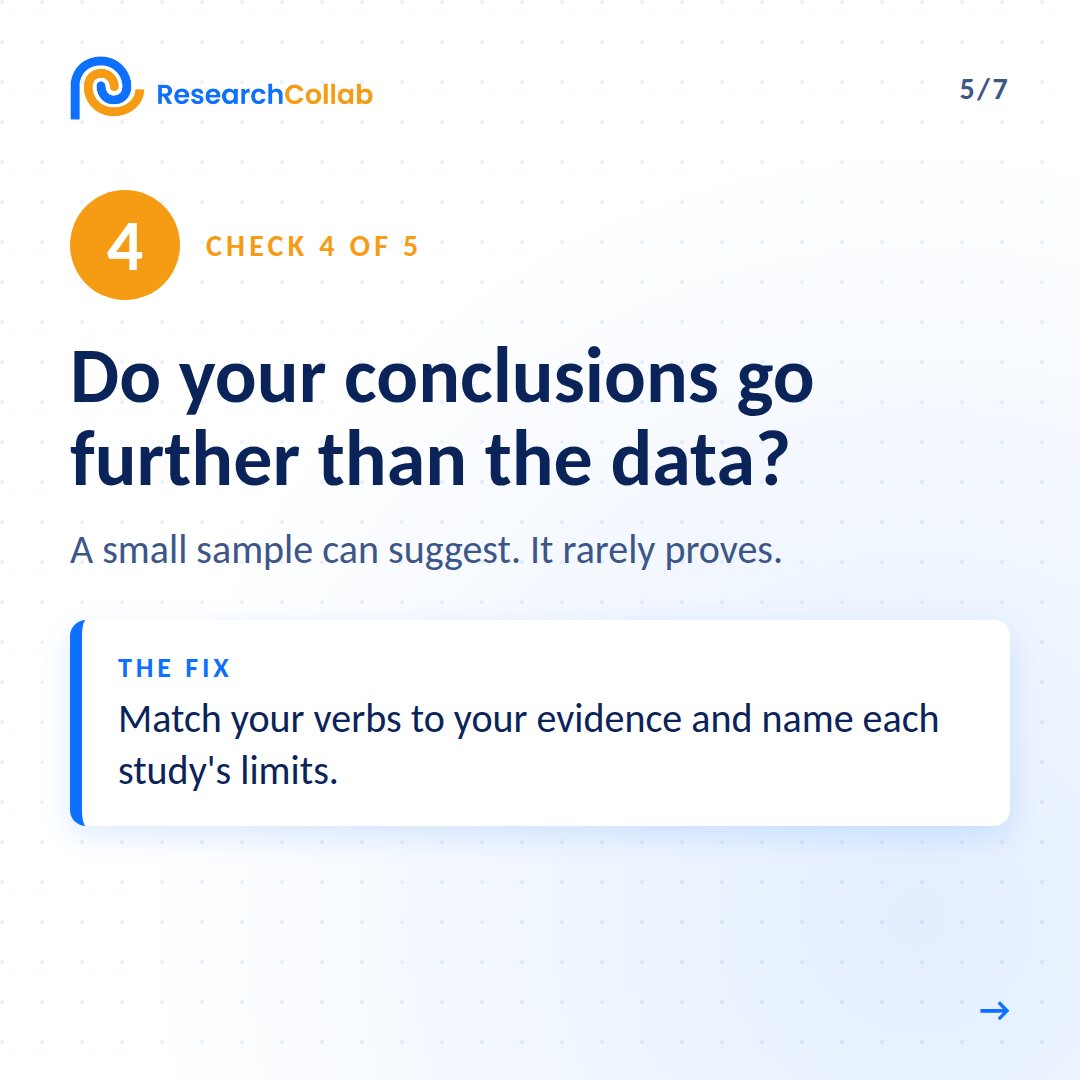
4. Conclusions that match the data
5. A real gap, not a search gap
Slides 1 to 4 below; the rest in the reply.
Finding related papers is more than searching for keywords. It’s about seeing how research connects, discovering relevant studies, and finding new directions to explore.
ResearchCollab helps you map those connections and build a stronger foundation for your literature review.
PhD Students – How to identify related papers for your research paper?
1. Go to https://t.co/ZpETAARFYl
2. Paste your DOI or title of your research paper
3. @ResearchCollab_ will display the network of papers
4. Explore the network in following ways
→ Filter the network of papers based on research field
→ Filter the network based on thematic clusters
→ Filter the network based on keywords
→ and much more
As you find related papers, keep saving them.
This use case has multiple advantages.
➟ You won’t miss a related paper to cite in your paper
➟ You can identify related papers for your lit review
➟ You can explore new research directions and trends
➟ You can visualize the entire collection of papers
As a researcher, work smarter not just harder.
For this, try ResearchCollab:
https://t.co/ZpETAARFYl
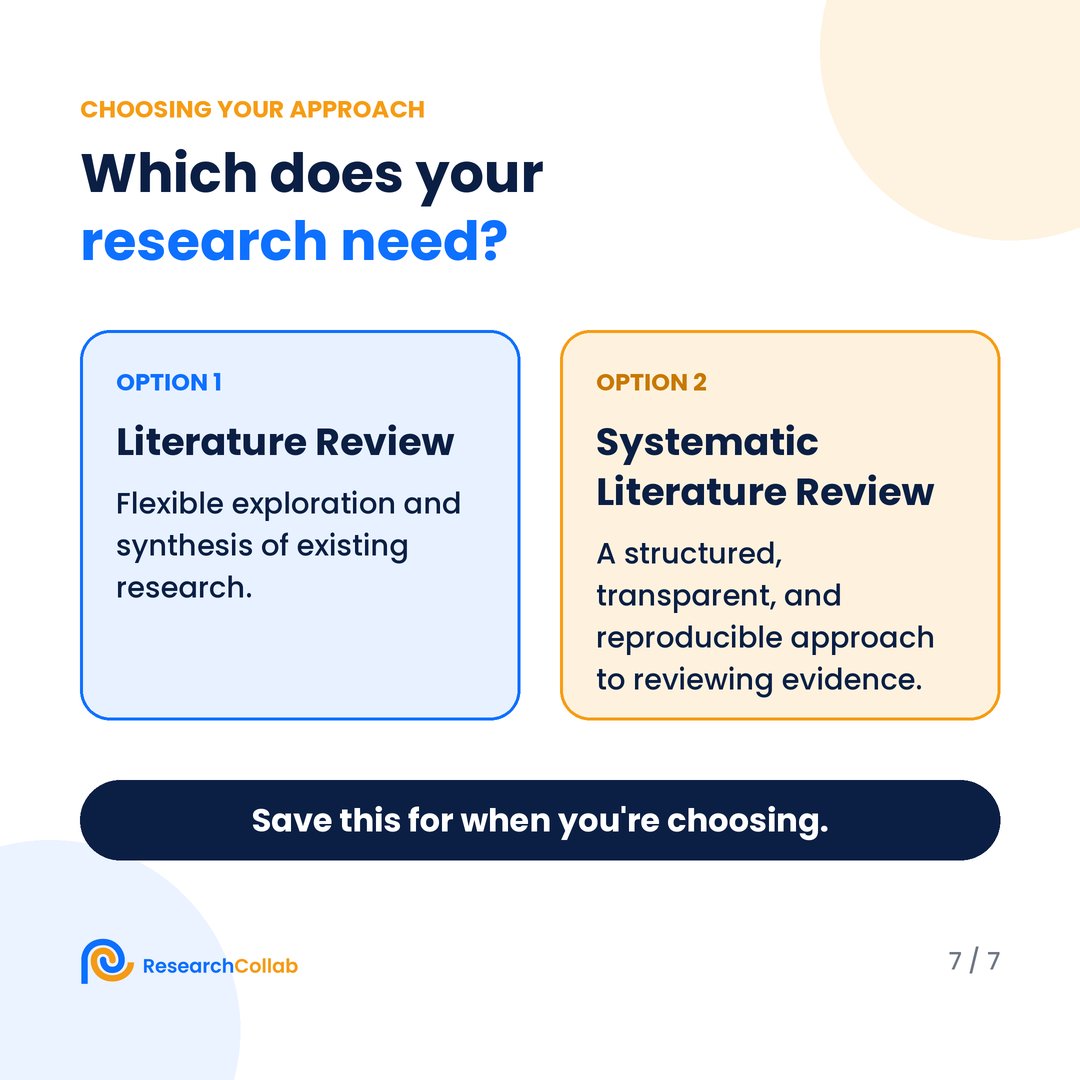
Neither is "better." It depends on what your research needs.
ResearchCollab helps you organize and connect the literature in one place: https://t.co/UUtwoexxad
Which are you working on right now: a literature review or an SLR?
#LiteratureReview#AcademicResearch#PhDLife
Thorough ≠ systematic.
Reading 100 papers doesn't automatically make a review systematic.
What does is the method you use to find, select, and synthesize the evidence.
A quick test:
Could another researcher follow your process? Would they know:
✓ Where you searched
✓ What you searched for
✓ What you included and excluded
✓ Why you made those decisions
If yes, you're moving toward a systematic approach.
The key difference:
In a literature review, the researcher uses judgement to decide what to search for, what to include, and how to organize the literature.
In an SLR, those decisions are defined in advance, documented, and transparent.
A systematic literature review (SLR) follows a structured, reproducible process:
1. Define the question
2. Develop a search strategy
3. Set inclusion/exclusion criteria
4. Screen studies
5. Extract data
6. Synthesize evidence
A literature review is flexible and shaped by your purpose:
1. Find relevant research
2. Read and evaluate it
3. Identify themes and gaps
4. Synthesize the literature