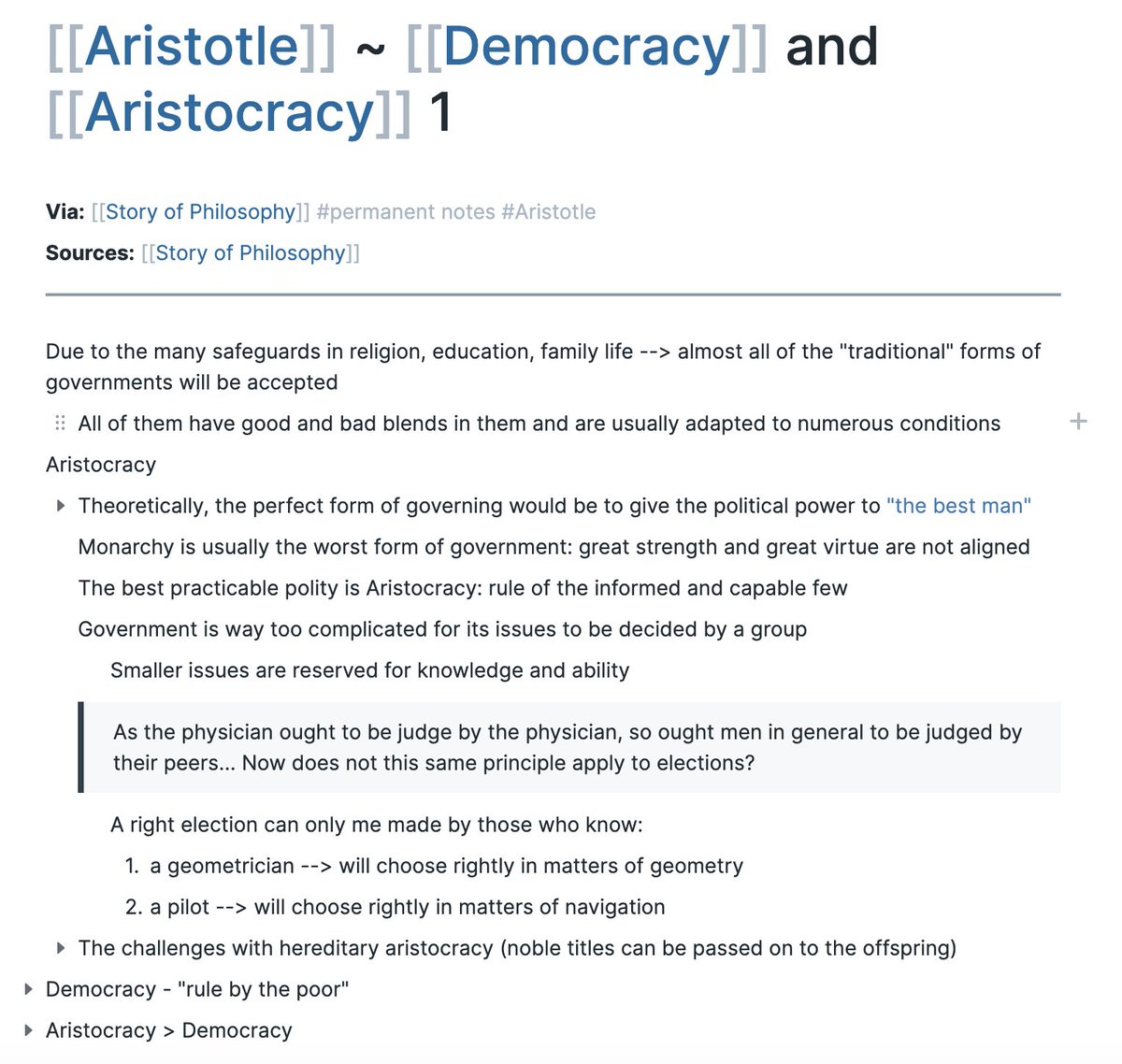
@ActivateLearn@rosiesherry@RoamResearch You don't need to learn anything besides writing a few words you think are important in [[these brackets]], and hitting tab.
The rest is just folks getting excited and building on that foundation.
Very easy gateway, and many very capable people never feel need to go beyond.
more QoL improvements shipped this week:
- pages now remember your scroll position
- oversized images scale down to fit their space
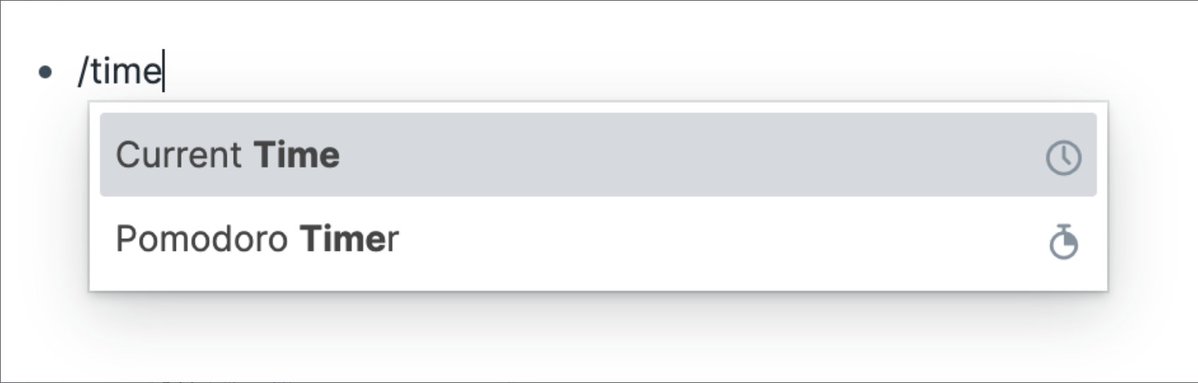
- new /embed pdf command
change log:
https://t.co/4gXuJuDW6s
updated the document mode --> fresh look 🌱
- paragraphs sit flush with the title & the page reads like prose
- hover to grab the drag hand
- any section can switch back to a list when you need one
@TaLaTaQuangKhoi hey!
link for the remote MCP:
https://t.co/M3flCRhvoV
Just ask Cursor to set it up?
For Cursor tho, our local MCP is an even better fit, since it's faster, and it also has more tools at it's disposal
Here's a 30 second setup for the local MCP: https://t.co/aZYu7SgMuq
Roamans have been running a bene gesserit op on their own future selves
Roam MCP is out! Claude and ChatGPT can now directly read and write in your graph – the long game pays off
We'll be out with more use cases over the next few days, but wanted to highlight my favorite, which is ...
Walk-and-Roam: going on a walk and just talking through anything with ChatGPT, asking it to read from (& maybe update) Roam
Things like:
🧵
Roam's promise was that your notes reveal patterns in your thinking. but doing the synthesis AND making it actionable took meta-awareness and willpower
Just ask your graph to call you out, like you would a friend who's read everything you ever wrote🥹
✨ [[Quality of Life Improvement]]:
/table is now interactive 👾
Click into any cell to edit, copy and paste across rows, and move blocks around without leaving the table!
✨ [[Quality of Life Improvement]]
Autocomplete in Roam now shows live previews of pages and blocks, emphasizes matching terms, and shows reference counts so you can gauge relevance before you even link 🔗
Ctrl-O to toggle the preview on/off
Roam early 2026 updates, the big one is [[Callouts]]
Start any block with > [!type] and it turns into a styled callout: warning, info, danger, success, tip, bug, quote all built in. Or define your own types with CSS!
Import redesign, QOL fixes below 🧵
Some bug fixes 🐞🐛
- code blocks auto-save as you type now (no more clicking outside to save)
- blockquote/callout paste from HTML and Markdown actually produces single blocks
- markdown links with parentheses in URLs work
- pasting from GitHub fixed
- code block language picker stays open when you need it to
- page rename/merge fixes, renaming a page no longer breaks tags, LaTeX, {}, or emoji titles
📚Roam Reader v1.1.4
(we forgot to post this earlier in the week, our bad 😅)
With new features in Reading List view, small QOL improvements like "Bump to top" and a ton of bug fixes!