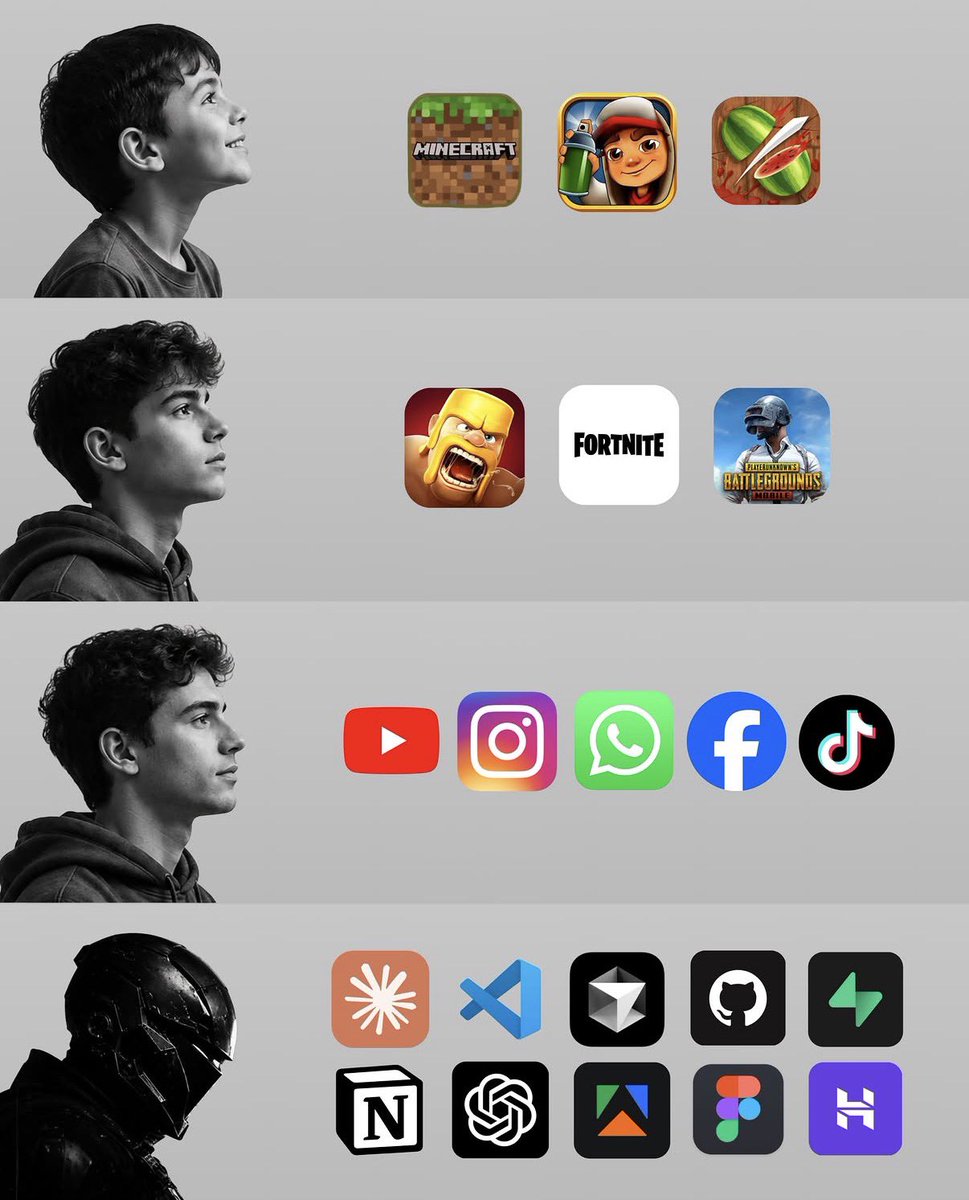
@DevTobs Bro I won't lie to you rn... Io just need my codex plan back.... I am feel my motion reducing and I need to finish building for a prospect that was interested in my product. 😭😔
Sam Altman (CEO of OpenAI):
"You no longer need to write prompts."
In just 38 minutes, he explains how to use ChatGPT at a level that most people can't even imagine.
It's a talk he gave to Stanford students. A friend sent me the recording last night.
After watching it, I realized I was only taking advantage of about 15% of what this tool can really do.
Watch it in full and then read the guide I leave below on how to create a system that prompts itself.
It's called Android System SafetyCore.
Google pushed it through a Play Services update in November 2024 to every Android 9+ device the same channel used for security patches.
what SafetyCore actually does:
A machine learning model runs locally on your device and classifies images for sensitive content primarily nudity when Google Messages receives an image it thinks is explicit, it blurs it before you open it. you have to tap to confirm you want to see it.
Google says: all processing stays on device. nothing is uploaded. GrapheneOS independently confirmed this. no evidence of data being sent externally.
so what's the concern?
two things.
first: consent. Google installed it without asking. it has no visible interface. and when users delete it, it reinstalls itself. people sideloaded a fake placeholder app with an inflated version number just to stop Google from reinstalling the real one. that's how hard it is to remove.
second: the API.
Google just opened SafetyCore to third-party apps. any app can now call SafetyCore and ask it to classify your images. today it's nudity detection in Google Messages. tomorrow it's whatever any developer decides to classify.
the UK government has been demanding device-level content scanning from Apple and Google for two years.
SafetyCore is not that. today.
but it is the infrastructure.
installed on your phone.
without asking.
check if it's on yours: Settings → Apps → Show system apps → search SafetyCore.