⚙️GameSir Controller Settings Quick Recommendation v1⚙️
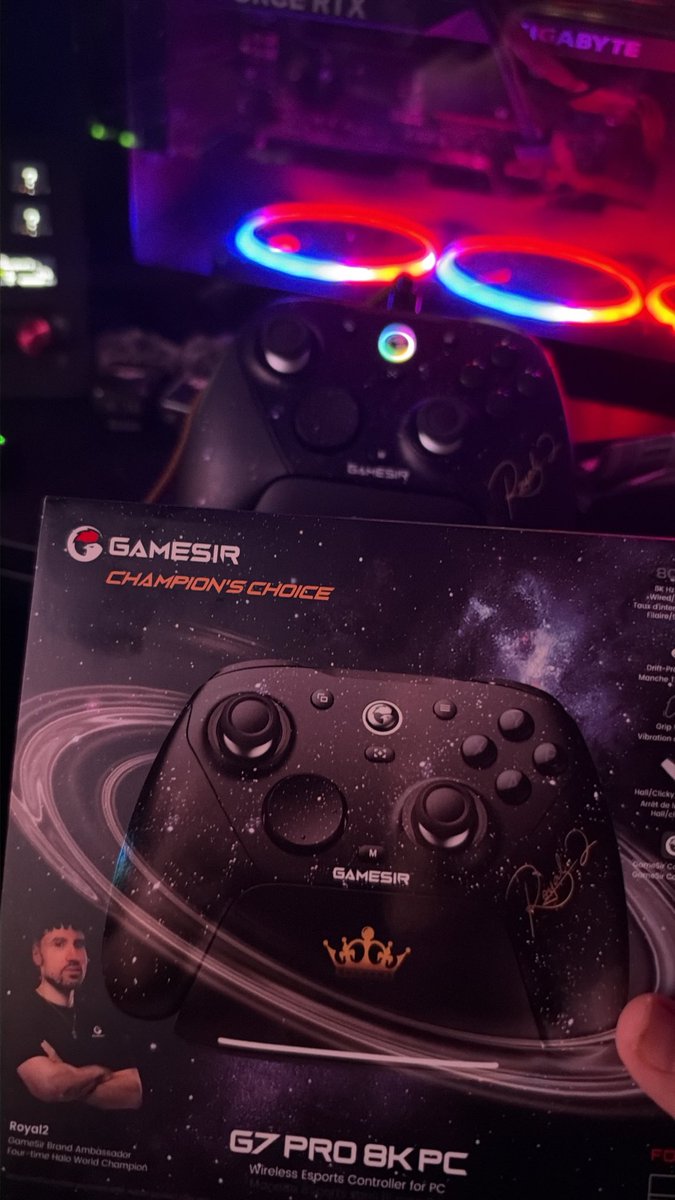
The GameSir community has been looking for official controller setting recommendations, and we're excited to share a setting reference from our Global Brand Ambassador and 4-time Halo World Champion, @Royal2 .
GameSir Connect is our official controller customization software. You can download the latest version from the Microsoft Store here: https://t.co/PEH0plMVEW
If you enjoy competitive FPS games and are unsure how to fine-tune the various parameters in GameSir Connect, we highly recommend using the following settings as a reference.
For more details and specific configurations, please refer to the images and descriptions below.
✅Left Stick -
0 Initial Deadzone / 70 Max Deadzone
0 Initial Anti-Deadzone / 100 Max Anti-Deadzone
Raw Stick Trajectory
12Bit resolution
✅Right Stick -
0 Initial Deadzone / 100 Max Deadzone
0 Initial Anti-Deadzone / 100 Max Anti-Deadzone
Circle Stick Trajectory
12Bit resolution
✅Extra Button:
L4 - Up button(Sprint). For competitive Apex players. This button is generally recommended to be mapped to A (Jump)
L5 - View button(Open scoreboard). For competitive Apex players. This button is generally recommended to be mapped to X (Reload)
R4 - Unassigned. For competitive Apex players. This button is generally recommended to be mapped to B (Slide)
R5 - Unassigned. For competitive Apex players. This button is generally recommended to be mapped to RT (Shoot)
@retro4214@ShopifyRebels I appreciate all the content you did for our team and making us look good. Wherever you go next they be will lucky to have you 🫡
I just released a full Gamesir G7 Pro 8K settings video. if you want know the exact settings I use, I go through the whole software. Video will be down below 👇