One line here is worth pulling out: the size of your $AGENTIC is set by uptime, nothing else.
You can't buy in, you can't trade it, you can't top it up.
The only thing that moves it is how long your Beacon runs before the snapshot.
If you already run a node, that time is already counting.
f you don't, the clock starts when you install it: https://t.co/k4d1P48h5Y
New: the Teneo Creator Challenge.
Make a short video about running your Beacon, post it on TikTok or Instagram, and tag #KeepYourBeaconRunning.
Nothing else to it.
$200 USDC pool, split across 13 winners.
No script or production budget needed.
Show your setup, explain why your node stays on, or walk someone through their first boost.
The best entries make running a Beacon make sense to someone who has never heard of Teneo.
Full rules and how winners are chosen:
https://t.co/8K6tVJqC7A
Most people install Beacon, leave it on, and stop there. That works, but it leaves a lot on the table.
The network pays for one thing: uptime.
Everything else multiplies it.
A few tips from the new guide:
- Run it overnight while your devices charge. The node earns while you sleep, and on mobile, screensaver mode keeps it going with the screen black.
- Boost every 8 hours. Your Beacon Power climbs toward the 3.00x cap, and a missed window decays it 10%. The first 10 boosts are the cheapest gains you will get.
- Run multiple devices on different networks. Fragments are earned per IP, so a phone on cellular is a separate earner from your desktop on wifi.
Full guide, from device setup to Season:
https://t.co/vANfT5mfNB
Season 2 winners are in!
706 winners, all verified accounts, each with a winner card.
Every winner confirms their payout wallet right on the card, at the moment they win. So the address is always current when the payout goes out, not one you set months ago and forgot.
Once it's confirmed, the payout is queued and lands within 72 hours.
Season 2 ran on the broadest-reach split the community voted for: more winners, wider spread, all the way down to the $2 floor.
If your Beacon was running through the season, this is what it was running for.
Keep it running.
Season 3 is already in progress!
Season 3 ships with real-connection verification, and it changes who can compete.
The network now sends small verification tasks to each node to confirm it's a genuine connection. That blocks fake IPs and bots people were using to inflate their scores.
Two results:
1) The network runs more stably
2) The Leaderboard reflects real nodes doing real work instead of accounts gaming the system.
Season 3 also runs for 60 days, longer than prior seasons.
More time on a cleaner field means genuine participants compete on level ground, with better odds than when exploiters were padding the board.
This is the fair-field version of the competition.
Keep your Beacon running.
You can now open the Expedition Hub from anywhere on our website!
We added an Expedition Hub button to the top menu, on every page.
The Expedition Hub is the one place to manage everything you do on Teneo:
- Check your nodes
- Finish quests
- Invite friends and earn an 8% bonus
- See your rewards in real time
- Use the same login as your Beacon app.
We are also moving the old Dashboard into the Hub, step by step.
Once everything is in one place, the Dashboard will close.
You will not need two separate sites anymore.
Run a Beacon?
Open your Hub here → https://t.co/nBTcp0YIEf
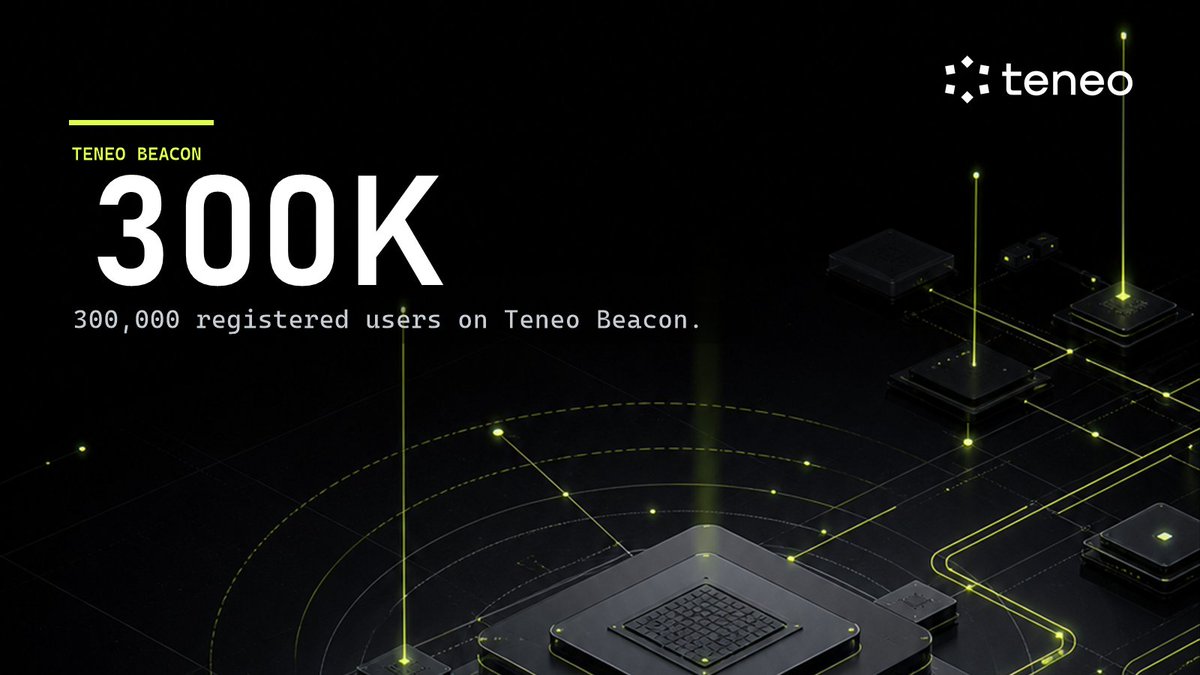
Teneo Beacon just passed 300,000 registered users!
It crossed 100,000 node runners on 26 May. The base has kept climbing since.
AI agents are only as good as the data they can reach.
Most run on stale, centralized, paywalled feeds.
Teneo's data layer is the opposite: 6.5M community nodes feeding 760+ agents that have processed 1.5M+ paid queries via x402.
No API keys.
No rate limits.
No gatekeeper deciding what AI gets to see.
If you're one of the 300K, keep your Beacon running!
If not, start one or deploy an agent → https://t.co/NApnrUn5Y4
Your weekly reminder: keep your Beacon running.
It earns Fragments every hour it's on, but the part that compounds is Beacon Power.
Boost on schedule and your multiplier climbs toward the 3.00x cap. Miss a window and it drops 10% on the spot.
That's the whole game: a couple of skipped days can undo a week of progress, so consistency beats catching up.
A Beacon is the supply side of Teneo Protocol. It turns your unused bandwidth into the data layer our AI Agent framework runs on.
Check yours is still on.
Keep your Beacon running!
Teneo Community Node 1.0 is a browser extension.
Easy to install, it built one of the largest data networks in the space with more than 6.5m nodes at peak and powered the first agents on Teneo Protocol.
But it ran on browsers and third-party infrastructure we didn't control.
Teneo Community Node 2.0 is the Teneo Beacon: a native app built entirely in-house, running on Android, iOS, Windows, macOS, and Linux.
Owning the full stack means more stable connections, higher-quality access to the open web, and better fraud detection, with no dependency on anyone else's browser.
It also opened up something bigger!
AI is only as good as the data it can reach, and the open web blocks data center proxies harder every month.
Beacon is a network of real devices in real places, which makes it one of the few reliable ways left to read the live web at scale. That access is what every agent on Teneo Protocol runs on.
Community Node 1.0 proved the model. Beacon is what comes next.
Keep your Beacon running!
New on the Teneo blog, the next in our series breaking down how individual agents actually work.
This one: the @CoinMarketCap agent.
Most market-data APIs bury the price in a monthly tier.
The CoinMarketCap agent puts a separate price on every command.
Five commands: quote and performance read one asset live and across seven time windows, top and trending rank the market by cap and by attention, and gainers pulls the top movers in both directions. Each returns structured output you can route into the next step of a workflow.
Every command settles per query in USDC through x402. Four of the five are $0.005, top is $0.01, and the catalog price is only the base: the exact signed total comes from a live quote before anything runs.
Two ways in:
1) Install the Teneo CLI in one command through Claude Code, Codex, or any AI coding agent. The exact npx command is in the blog post.
2) Or find the agent directly on the Agent Console at https://t.co/jqacFFCe6j.
The full post covers all five commands, when per-query actually beats a subscription, and the limits worth knowing before your first paid call: one asset at a time, symbols must match CoinMarketCap's listings, prices are builder-set:
https://t.co/xOYbuugirw
The Teneo CLI setup guide for Cursor is live.
If you already build in @cursor_ai, this is the fastest way in: no separate model key, no extra tooling.
Two ways to install:
Run the command in Cursor's built-in terminal, or Ask Cursor's Agent to run it for you
Either path takes the same few minutes. Works on Windows, Mac, and Linux.
The exact command is in the tutorial.
Once installed, you can list and query 50+ Teneo agents in plain English: scrape public social data, swap and bridge tokens, and pull on-chain data.
Some agents are free; paid queries settle per call in USDC via x402.
Guide: https://t.co/JWOAmPEHwE
New on the Teneo blog: the next in our series on how individual Teneo agents actually work.
This one: the Instagram agent.
Most tools that pull public Instagram data charge a flat monthly fee.
The Teneo Instagram agent charges per returned item.
Five operational commands: profile, posts, post, comments, and hashtag. Public profiles, recent posts, single-post metadata, comments, and hashtag feeds, returned as structured output you can route into the next step of a workflow.
It's online, and every command settles through x402. The catalog lists a $0.01 base price, with item-priced commands billed per returned item, and the signed total comes from a live quote before anything runs.
Two ways in:
1) Install the Teneo CLI in one command through Claude Code, Codex, or any AI coding agent. The exact npx command is in the blog post.
2) Or find the agent directly on the Agent Console at https://t.co/jqacFFCe6j.
The full post covers all five commands, the public-data limits (no private accounts, DMs, or login-walled content), and a CLI gotcha worth knowing before your first call:
Link in replies 👇
The Teneo CLI now installs from inside VS Code.
No AI coding agent required. Just the integrated terminal.
Open a folder as a workspace.
Run the command!
What you get: 50+ Teneo agents callable from the terminal. Free agents respond immediately. Paid ones settle per query in USDC over x402. No API key. No monthly plan.
Same one-command install already works through Claude Code, Codex, and Anti Gravity.
Setup guide: https://t.co/7xnxHXDZHQ
What are you using the CLI with?
Quick note to anyone running a Beacon.
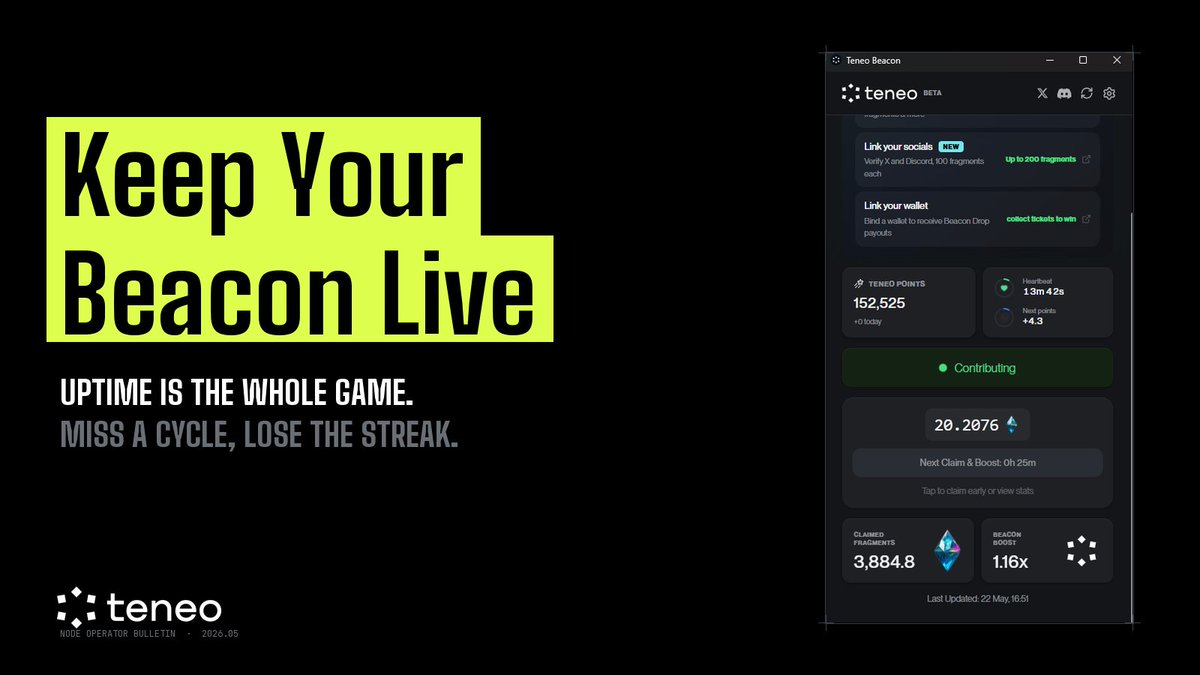
Uptime is the whole game!
Not bandwidth, not hardware, not which region you're in. Just whether your node is on when an agent asks.
Every 8 hours the Boost Cycle resolves. Miss it, you don't just lose that window. You lose the streak that pushes your Beacon Power from 1.00x toward 3.00x.
The operators sitting at 2.5x+ didn't get there by running hot weeks and cold weeks. They got there by not stopping.
It's the most boring rule in DePIN: the node that runs is the node that earns.
Leave it on, claim every 8 hours. That's the job.
Check your Beacon today.
If it's been idle, restart it before the next cycle.
Make sure to tune in to this spaces later with @leagueoftraders and our own Head of Marketing @Sarut0biSasuke
Happening at 2pm UTC
Looking forward to seeing you all there!