We are going virtual for the beginning of school. Saw it coming. Doesn’t make it any easier. Sick to my stomach for our working parents. Stressed for our teachers. Worried about our students. Don’t have the answers. “When you won’t move the mountain I’m needing you to move....”
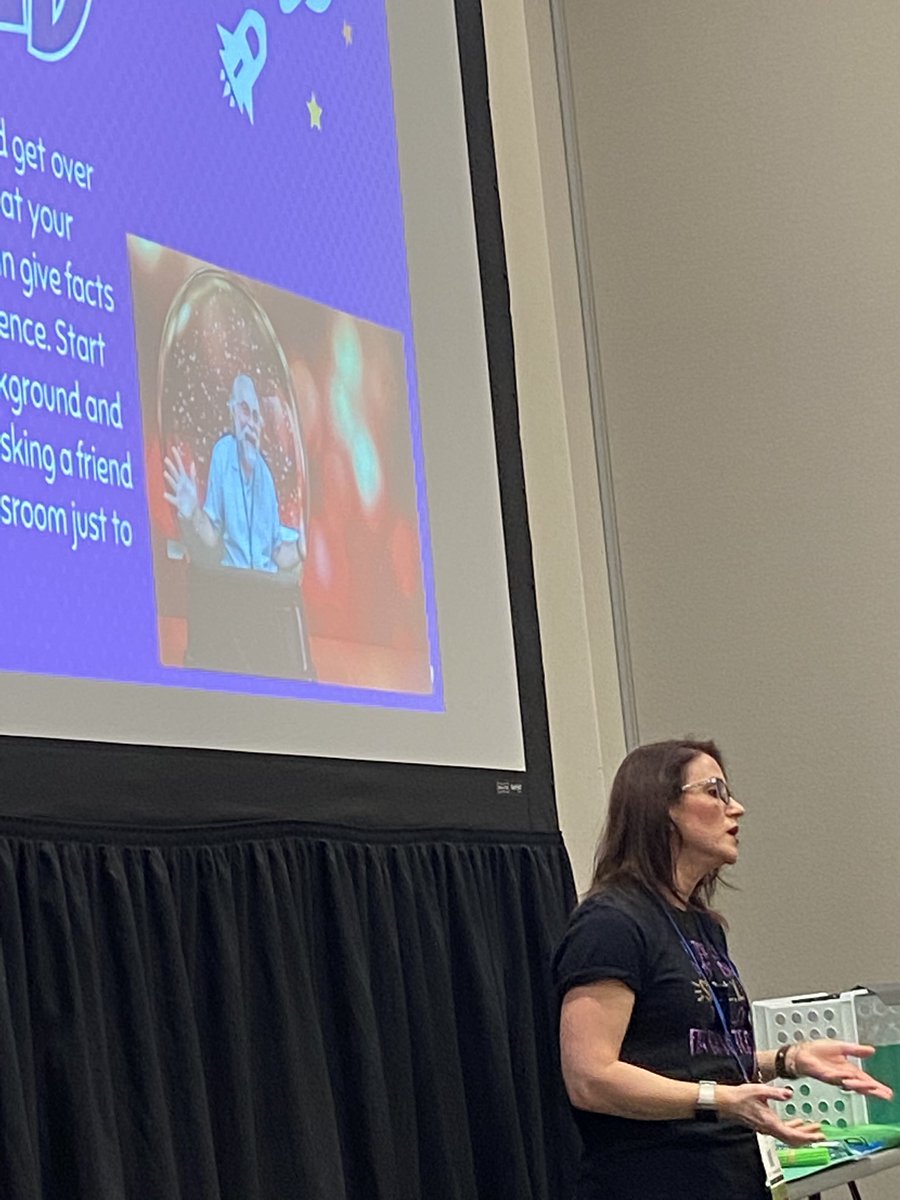
I'm learning at #ETC20 with Leslie Fisher! Virtual Learning Edition! Join me in exploring tools that focus on classroom solutions. https://t.co/VjrOAdrjIz
@EdTechCoaches Our district purchased Nearpod. We love it! It is an easy way to begin using VR in the classroom. We have used it for landforms and also to introduce students to a new setting for a book they are reading in class.
@EdTechCoaches I like Google Spotlight Stories. The book mentions a couple that are appropriate for elementary school. They could be used to talk about character feelings and retelling a story. #etcoaches So far, my favorite is Windy Day.
@EdTechCoaches A12: I love Google Earth Voyager! It requires no setup, so teachers can use it right away. The Poetry Around the World voyage would be great for the poetry unit in 3rd grade or when celebrating Poetry Month.
@EdTechCoaches A11: I like the Walking in the Solar System with the Solar app activity. I think it would be great to have students take screenshots as they explore each planet and the sun. They can use these screenshots to retell their journey through the Solar System on a storytelling app.
@EdTechCoaches A9: I believe immersive technology is linked to both Change Agent and Learning Designer. As a Change Agent, it is important to explore and share new technology with others. As a Learning Designer, it is important to focus on immersive technology to enhance learning.
@EdTechCoaches A7: I really like the Discovery VR 360 videos. The 360 videos are combined with explanations and sounds to make you feel more immersed in the experience. #ETCoaches
@EdTechCoaches A8: I think we must have a clear goal for implementation. Who is going to use it? How will we make it available? Does it work on our current devices? Will our network support it? #ETCoaches
@EdTechCoaches A6: I have found that it helps to offer an idea and go into the classroom to co-teach when using any "new" technology. They seem to feel more comfortable knowing there will be support in the room.
@EdTechCoaches@JaimeDonally A2: There are so many great resources on @JaimeDonally's website! I agree with her statement, "Cross-platform tools will help educators and students effectively implement immersive lesson plans." We have several classrooms with a mixture of iPads and Chromebooks. #edcoaches
@EdTechCoaches A3: I had heard of AR and VR, but I learned quite a bit about Mixed Reality in Chapter 1. I think it is fascinating how students can interact with an object in Mixed Reality. #ETCoaches