Special Needs ICT/AT Specialist. Former ICT teacher @ Priory Woods & Information Manager @ Inclusive Technology. Main interest: Severe & Complex Support Needs.
You can now watch some of my training videos on YouTube. There's 70 videos so far. Please consider subscribing if this is useful to you. https://t.co/QI33ovMwoZ
Just a reminder, if you're planning a VE Celebration in your class, there's a free VE Day activity for switch, touch, mouse and eye gaze on my website here. https://t.co/MAl9Qm7FMP
Adding some short self-study courses for PD Centre subscribers to the website this week. I'm hoping to have them all live by tomorrow. https://t.co/FJlveOC1lb
A colleague from Madeline-Bergeron school in Ontario sent me a link to some accessible activities they have made for their students. There's some really nice activities here. The website language is french. Take a look for yourself. https://t.co/C0oBeazX40
Just some of the 30+ programs for switch, touch, mouse & eye gaze that you can download and keep as a PD Centre subscriber. Fully supported with features and settings videos together with switch caps and other materials. To subscribe: https://t.co/wbKx0C8DO2
You can watch this one-hour recorded webinar for free on my website. Perfect for anyone new to using switches or looking to broaden their knowledge. Find it here: https://t.co/uCfbqvihWt
This is just one of over 60 hours of recorded webinars and training videos on my website.
Just a few days left to save 20% off an 'Individual' PD Centre subscription. 600+ accessible activities for switch, touch & eye gaze, 60+ hours of training videos, subscriber exclusive software, online courses and heaps more. https://t.co/wbKx0C9bDA
Happy New Year everyone. This January, you can save 20% off the cost of starting or renewing an 'Individual' PD Centre subscription. Pay just £17.60 for 12 months access to all of my support materials, training courses and videos and subscriber exclusive activities and software.
Thank you for making our free Advent Calendar a success again this year. Many 1000s have used it in their classrooms and homes with young people who are learning to use assistive technology to access learning, communication and leisure. Thanks for your support.
My brother and I made this activity for what was then the first Priory Woods Online Advent Calendar. 25 years later and the Advent Calendar is still going strong. I'm giving the ducks a rest this year but if you want to try it you can download it here: https://t.co/GtH1kJYvud
Here's a Christmas activity you won't find in the Advent Calendar. Aimed at older learners this features the famous Christmas ditty from South Park. For switch, touch, mouse and eye gaze. Download for free here: https://t.co/GtH1kJYvud
Fancy taking your students for a ride on a dog sled? Run it on your whiteboard with a fan on your Powerlink for a little 'wind'. Pop on a warm hat and scarf and 'MUSH', off we go! #senictChristmas
https://t.co/GtH1kJYvud
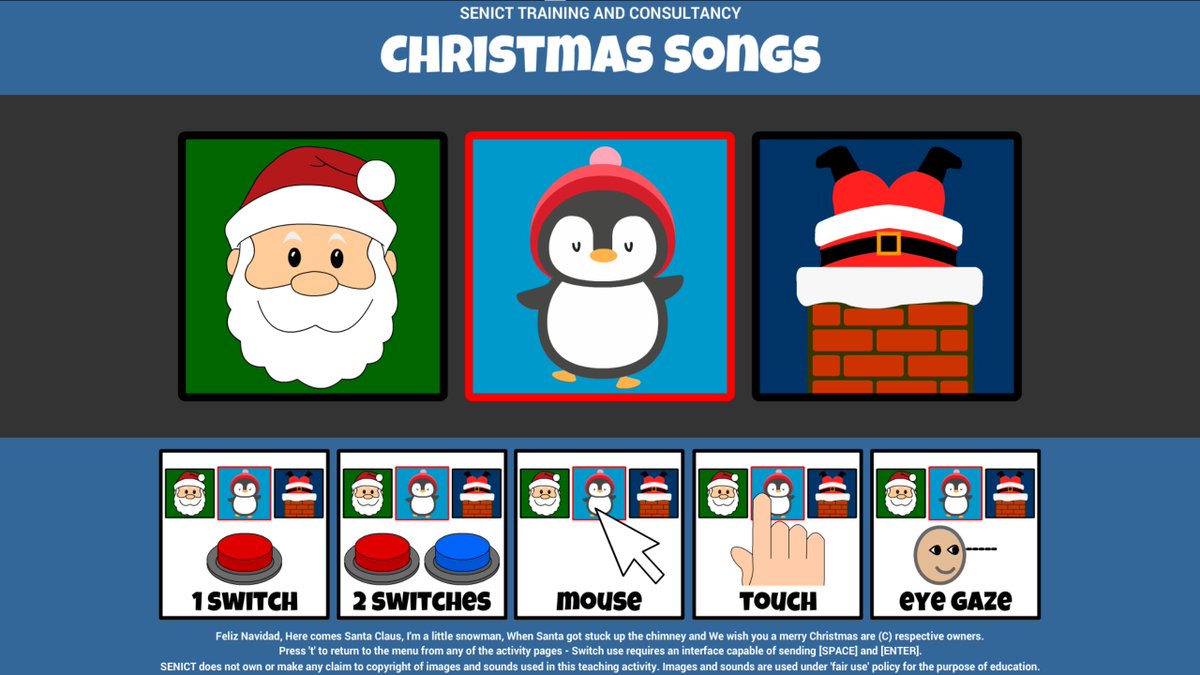
If your students are working to build choosing skills with switches or other assistive technology, you can download choosing versions of the most popular Xmas activities. Download for free here: https://t.co/GtH1kJYvud
For switch, touch, pointing device and eye gaze users.
It's lovely to see so many people downloading the Advent Calendar and other Christmas themed activities. If you haven't already, you can download them all for free from here: https://t.co/GtH1kJYvud
For Windows PC
Festive, my Christmas themed cause and effect program for switch, touch, mouse and eye gaze users is free to download until the 31st of December. You can download it from here:
https://t.co/cbsgG2yXsK
If you're interested in how the free Christmas activities on my website contribute to your students making progress with their access skills, there's a short webinar recording here that may be of interest.
https://t.co/zXOQKC25TI