New to Cybersecurity ? Start here👇
1️⃣ Learn Basic IT & Networking
2️⃣ Master Linux & Commands
3️⃣ Web App Security
4️⃣ Tools: Nmap, Burp, Wireshark
5️⃣ Certifications (optional): Security+, CEH
6️⃣ Build Labs & Practice Daily
If you want, I’ll guide you for free.
Follow for Cybersecurity tips, tools & awareness. 🔐
Wi-Fi networks are everywhere, and often they are vulnerable!
Learn to crack WPA2, prepare for WPA3, bypass captive portals, and exploit wireless protocols from an ethical hacking perspective.
https://t.co/e4TgKCr9Ta
@three_cube@DI0256@IamSmouk
Top Security & Common Ports + Easy Ways to Memorise Them
22 → SSH
Memorise: "22 looks like two Ss" → Secure Shell
80 → HTTP
Memorise: "80 = Hold The Phone" or "Ate the web" (everyone uses it)
443 → HTTPS
Memorise: "443 = triple lock (4-4-3)" or "Four Four Three = Secure Me"
23 → Telnet
Memorise: "23 = Michael Jordan (jersey 23) hits nothing but net" (Tell ’em = Telnet)
25 → SMTP
Memorise: "She Mailed Twenty-five Packages" or "2+5=7 → postman at 7"
21/20 → FTP
Memorise: "20-21 = FTP → Full Time Partier until 21 got self Control" (20=Data, 21=Control)
53 → DNS
Memorise: "Dad! No Salt! You’re 53!" or "5-3 syllables = Domain Name System"
3389 → RDP
Memorise: "RDP to see my screen at 3389" or "big remote number (33+89)"
445 → SMB
Memorise: "445 = bad port" (WannaCry favourite)
3306 → MySQL
Memorise: "3306 = My SQL" (easy database association)
Comment your favourite port number from this.😂
Follow for more and Save for Later.
🐧 Top Free Linux Resources to Level Up in 2026
1. 🧠 Linux Foundation Training
Professional-grade introductory courses
https://t.co/2kBy62SKyo
2. 📘 Linux Journey
Beginner-friendly, structured learning path
https://t.co/9S200NDmlW
3. 🟠 Ubuntu Tutorials
Step-by-step guides for Ubuntu users
https://t.co/MPUlHJdc1n
4. 🔴 Red Hat Training
Enterprise-level learning resources
https://t.co/evunZfRrXF
5. 📚 GNU Documentation
Official reference for core Linux tools
https://t.co/m6r0zi8Dda
6. 🎮 OverTheWire Bandit
Gamified CLI learning (wargames)
https://t.co/BSWdKSigWW
7. 📖 The Linux Command Line (Book)
Deep dive into terminal usage
https://t.co/gNRTMVXlOr
8. 🎓 MIT Missing Semester
Essential CLI + dev tools not taught in college
https://t.co/omdTKCKVCm
9. 🌊 DigitalOcean Tutorials
Hands-on server + Linux guides
https://t.co/5zXDi4Dsxc
10. ⚙️ Linux From Scratch
Build your own Linux system
https://t.co/12BmpcOnCj
11. 🧾 Arch Linux Wiki
One of the best technical documentation sources
https://t.co/4z3KWh29V9
12. 💻 freeCodeCamp Linux
Project-based Linux tutorials
https://t.co/9bLAToj0Ai
13. 🧪 Linux Survival
Interactive terminal practice (browser-based)
https://t.co/tPuqhsv1dL
⚠️ Reality:
Reading ≠ Skill
Practice on terminal = Skill
#Linux #CyberSecurity #DevOps #CLI #InfoSec
Gen Z after applying to 200 “entry level” jobs that require 5 years of experience, 3 certifications, a personality test, a written test, 5 levels of video interviews and the ability to survive on 3.25LPA #JobOpening#FreshersJob#GenZ#Unemployement
Most people break into cybersecurity the hard way.
They collect certifications with no direction.
Here’s the only path you need as a beginner 👇
If your goal is SOC Analyst:
Certifications:
CompTIA A+, Network+, Security+
Skillset:
Log analysis, Linux, basic scripting
Tools:
Splunk, Wireshark, Microsoft Sentinel
In that order. No shortcuts.
Anything else is a distraction.
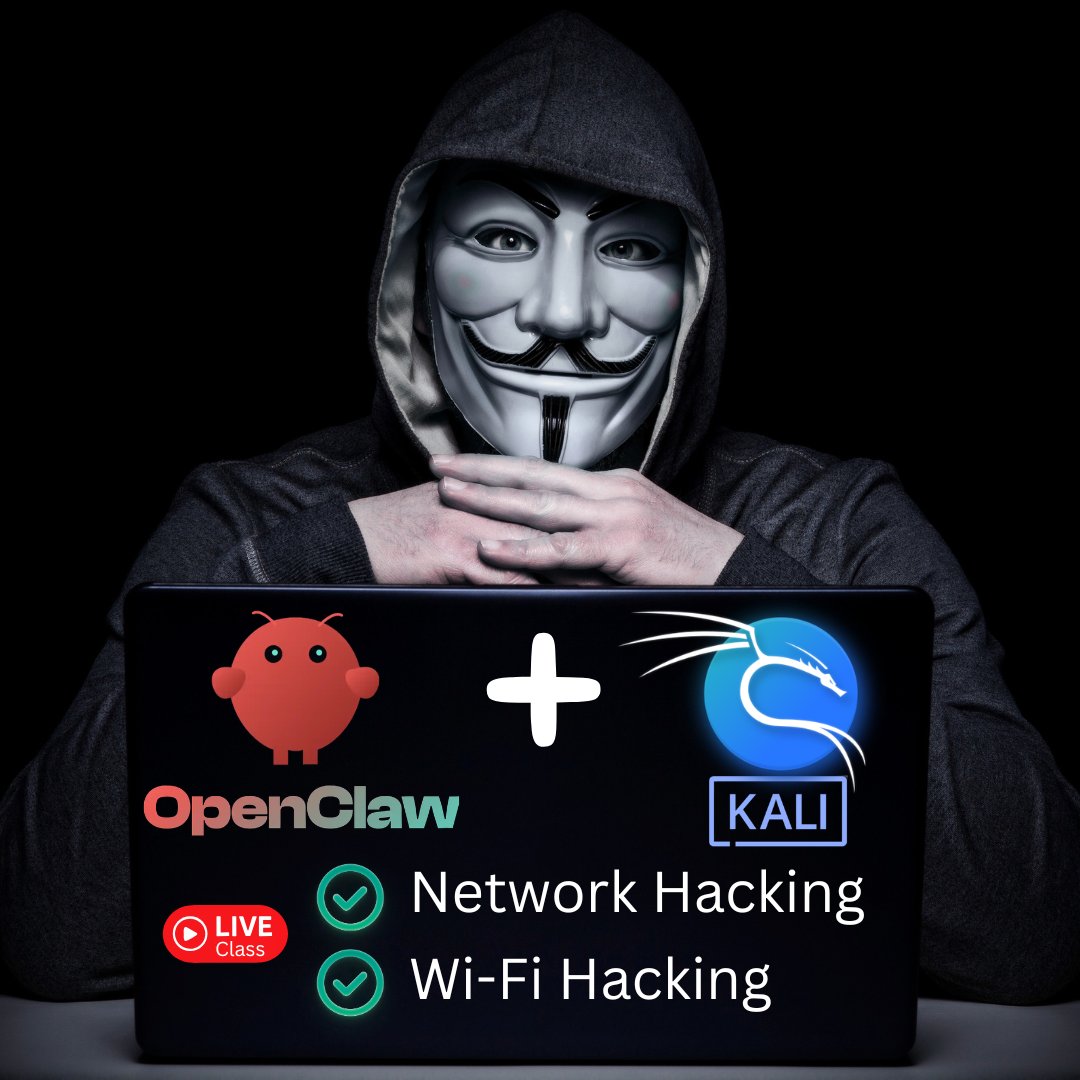
Join us this Friday and learn how to use OpenClaw for Network and Wi-Fi hacking:
- Scan Wi-Fi networks around us.
- Discover connected devices.
- Start fake WiFi networks (honeyposts) and steal login details.
- Launch an evil twin attack to steal the Wi-Fi key / password and much more!
Join the VIP membership if you want to attend the class LIVE and get access to our community OR join the masterclass membership if you only want to watch the recording 👇
https://t.co/ZanAWIjuTn
20 tools that matter more than Kubernetes
1. SSH
When things break, this is how you get in
2. Bash
All automation eventually comes down to scripts
3. systemctl
Most "infra issues" are just services not running
4. journalctl
Kubernetes won't show you host-level failures
5. top / htop
Before scaling, check what's actually consuming resources
6. df -h
Disk full has taken down more systems than bad code
7. ss / netstat
Networking issues don't care about your cluster
8. dig
DNS is the silent dependency behind everything
9. curl
Verify behavior, don't trust assumptions
10. grep / awk / sed
Logs are useless if you can't read them
11. strace
When debugging hits a wall, this tells the truth
12. tcpdump
Packets don't lie, dashboards do
13. lsof
Find what's blocking ports, files, or sockets
14. cron
Not everything needs Kubernetes Jobs
15. Git
Most outages start with "what changed?"
16. Makefile / scripts
Repeatability > manual fixes
17. Prometheus
You can't fix what you don't measure
18. Grafana
Trends matter more than snapshots
19. Alertmanager
If it doesn't alert, it doesn't exist
20. Plain logs
Before distributed tracing, there were logs and they still matter
Kubernetes is just a layer.
If you don't understand what's underneath, you won't survive in production.
You can watch part of our Practical Ethical Hacking course for FREE on YouTube!
Enjoy! https://t.co/wfDudfQnlF
Take the full #hacking course here in the TCM Security Academy: https://t.co/WTlsM6W4gF
@Sget_Alltheinf0@VivekIntel Nothing wrong with that everyone experiments at the start. Just make your lab more structured now: build small scenarios (AD setup, vulnerable machines, networking). Then use THM to fill gaps and revisit OffSec with stronger fundamentals. You’ll progress much faster this way.
@Sget_Alltheinf0@VivekIntel Start with a home lab - it builds real foundational skills (networking, OS, security concepts). Once you’re comfortable, move to platforms like TryHackMe for guided learning, then Hack The Box/OffSec for more advanced, real-world challenges.