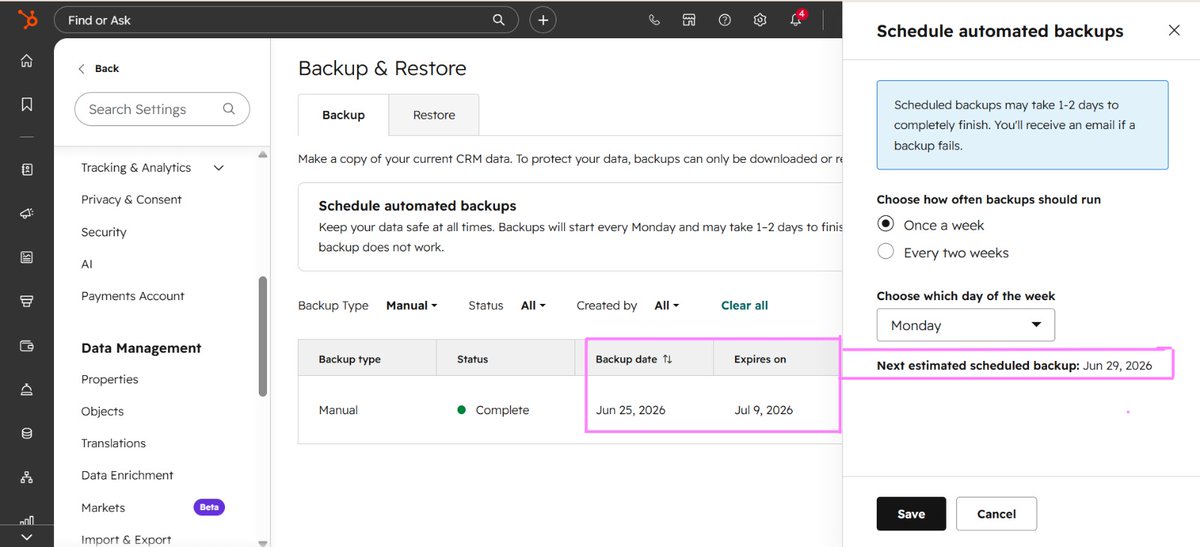
Protect your HubSpot CRM with automated backups.
✅ Automatic backups
✅ Quick data restore
✅ Business continuity
Do you have a CRM backup strategy?
#HubSpot#CRM#DataBackup#RevOps
Smarter CRM Management with HubSpot RevOps Audit Assistant!
✅ AI-powered CRM insights
✅ Faster audits
✅ Better data quality
✅ Smarter decisions
The future of RevOps is intelligent and automated.
🔗 Connect with me:
https://t.co/79XWmpUhcU
Most companies use HubSpot.
Few optimize it.
📊 81K+ events tracked
✅ 639 features used
✅ Top 38% performance
The score is nice.
The insights are what drive growth.
HubSpot Workflow Spotlight .
Automated sales call data sync from HubSpot to Google Sheets.
✅ Updates records automatically
✅ Eliminates manual data entry
✅ Improves reporting accuracy
Less admin work. More selling.
Clean reports don’t just show numbers they reveal operational truth.
Your dashboards should instantly highlight:
• Where growth is coming from
•How healthy the pipeline is
•Which data gaps need attention
Good reporting isn’t about charts. It’s about clarity that drives action
Big tasks don’t scale—structured execution does.
The real power of a CRM isn’t the data. It’s the process behind the data.
Breaking projects into subtasks creates accountability, clear timelines, and faster execution.
Stop managing mountains. Start building staircases.
Complexity kills execution—clear systems scale it.
Every workflow needs mapped logic, decision paths, and edge cases before automation begins.
Clarity removes bottlenecks, reduces confusion, and creates scalable operations.
Build with intention, not assumptions.
#SystemsDesign
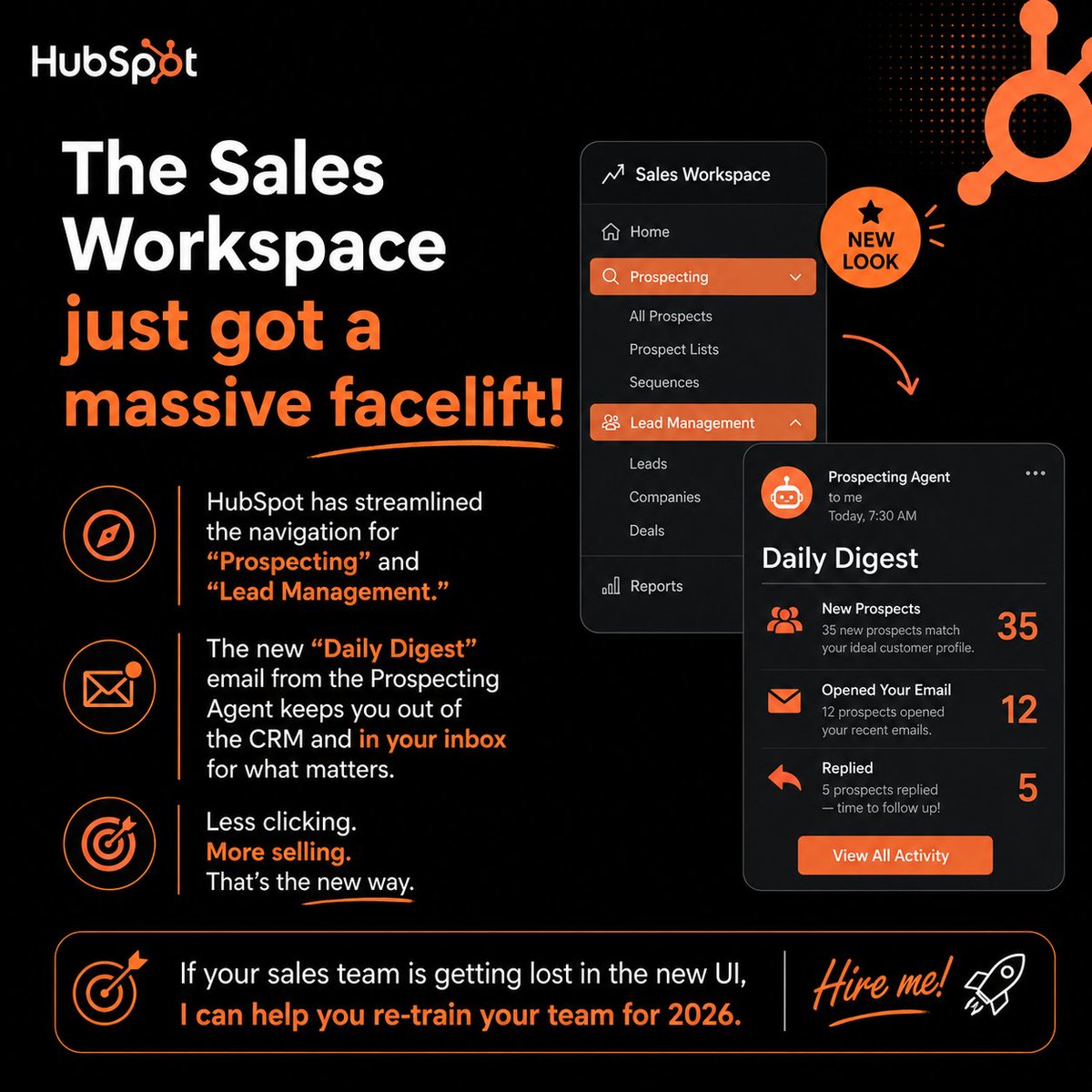
HubSpot’s Sales Workspace just got a major upgrade
New Prospecting + Lead Management navigation.
Daily Digest keeps reps focused without living in the CRM.
Need help training your sales team for the new UI? DM me. #SalesOps#HubSpotExpert#JobSearch
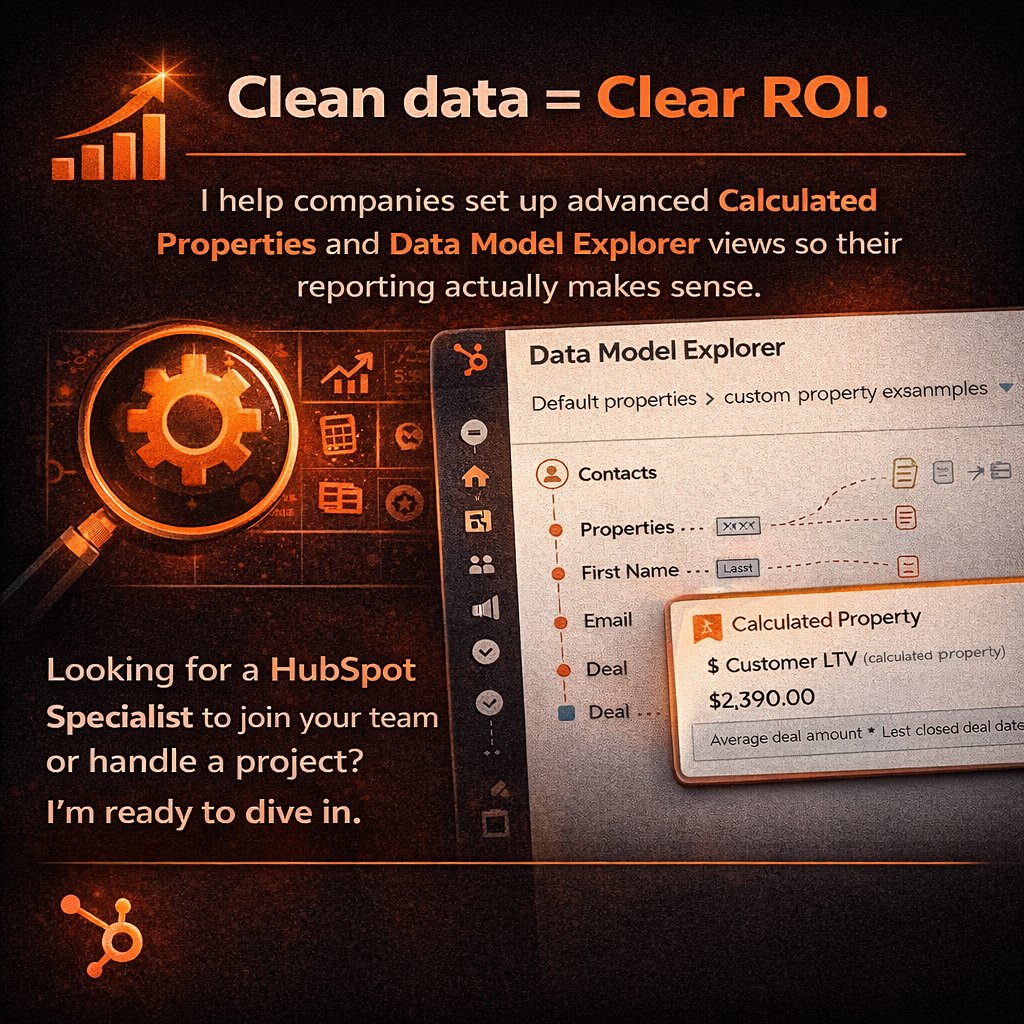
Clean data = Clear ROI.
I help companies set up advanced Calculated Properties and Data Model Explorer views so their reporting actually makes sense.
Looking for a HubSpot Specialist to join your team or handle a project? I’m ready to dive in.#HubSpotExpert
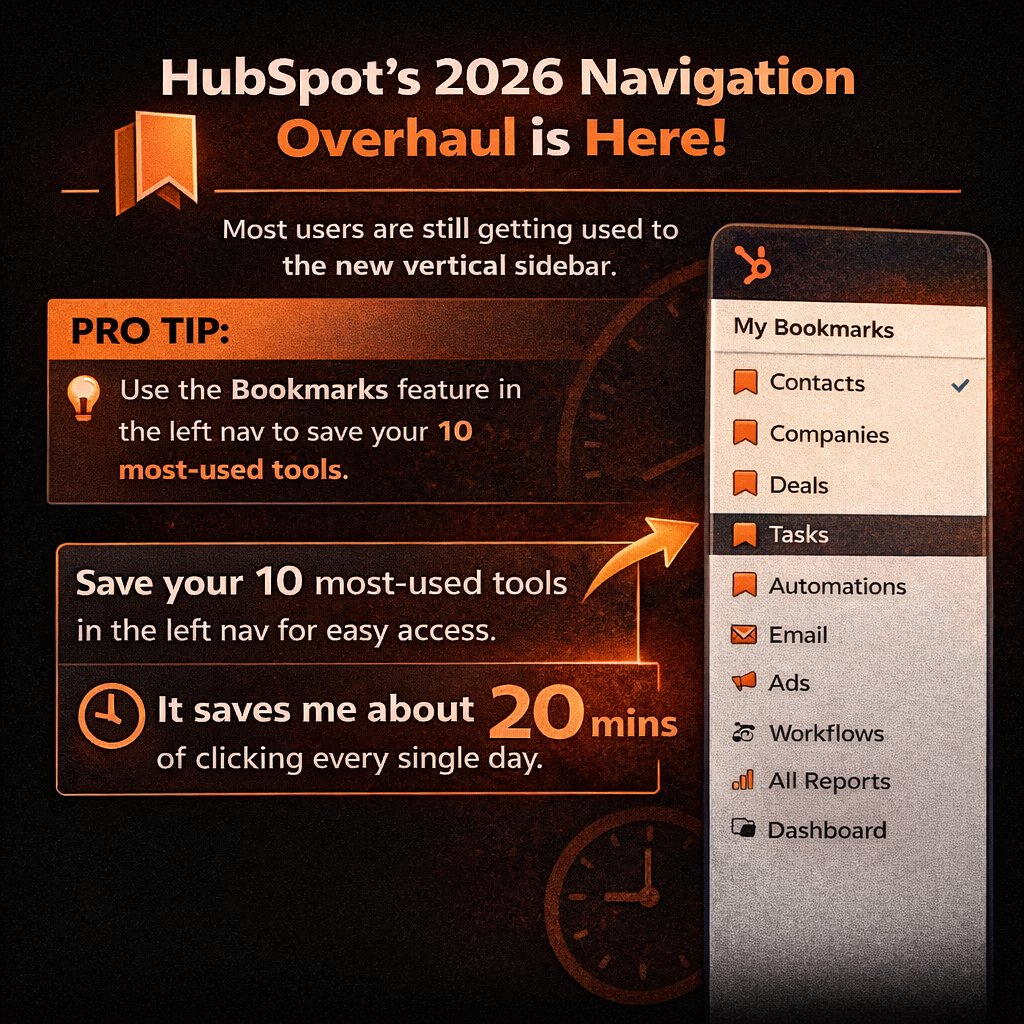
HubSpot’s 2026 navigation update introduced the new vertical sidebar.
Pro tip: Use Bookmarks in the left navigation to save your 10 most-used tools and reduce daily clicking time. #HubSpotExpert#CRM#RevOps
March 2026 HubSpot update: Breeze AI is now centralized.
Go Automations → Breeze AI → Skills Lab.
Tip: Enable AI Management in Users & Teams to access it. #HubSpotExpert#CRMSpecialist
High-level automation needs precise re-enrollment. Many users miss the “Change in Property Value” trigger for multi-stage SLAs.
Path: Workflow Designer → Trigger → Re-enrollment →Enable Property value changed.
Example: Re-enroll a ticket when Priority changes from Medium, High
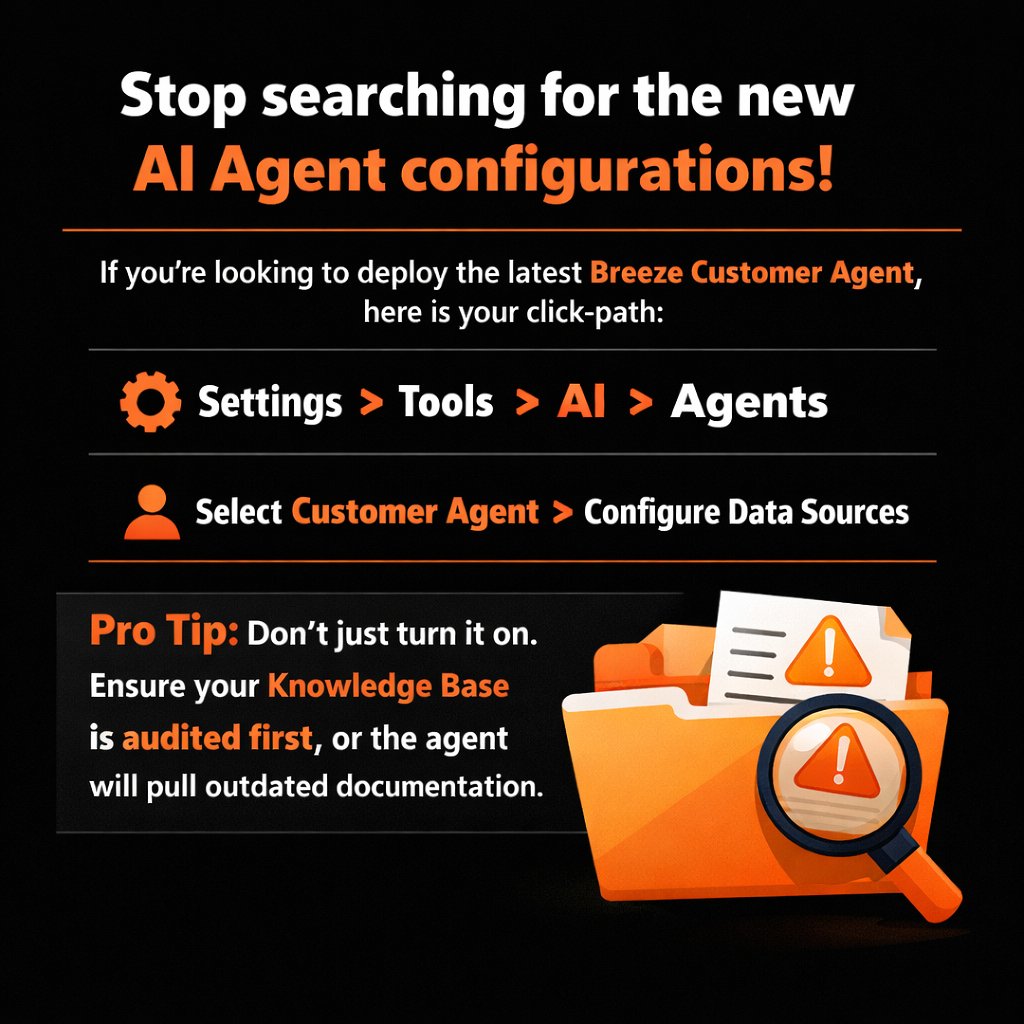
Stop searching for AI Agent settings.
Navigation: Settings > Tools > AI > Agents → Select Customer Agent → Configure Data Sources.
Pro Tip: Audit your Knowledge Base first—otherwise the agent may use outdated documentation.
#HubSpotTips#BreezeAI#HubSpotExpert
Reporting > Data Studio.
Stop wrestling with SQL or external BI tools for simple data blending. Data Studio allows you to join first-party CRM data with third-party datasets in a no-code interface. High-level reporting is now about blending, not just filtering. #HubSpotDataHub
This tool is a game-changer for HubSpot CMS & Marketing Hub users.
Turn one top-performing blog post into social posts, landing pages, or ad copy in seconds.
Find it: Marketing > Content > Blog > Select Post > Remix.
#HubSpotUpdate#ContentStrategy#Inbound
Stop wasting time clicking through 5 tabs.
Go to Sales > Prospecting.
The Prospecting Workspace is the command center for SDRs/BDRs — tasks, schedule, and activity feed all in one place.
If it’s not your default home, you’re losing 20 minutes a day to context switching. #CRM