Hi folks.
The primary social account for SankeyMATIC is still
https://t.co/XovFQACIuf
From time to time, I will relay some announcements from that account to here.
(New Label features, cont.)
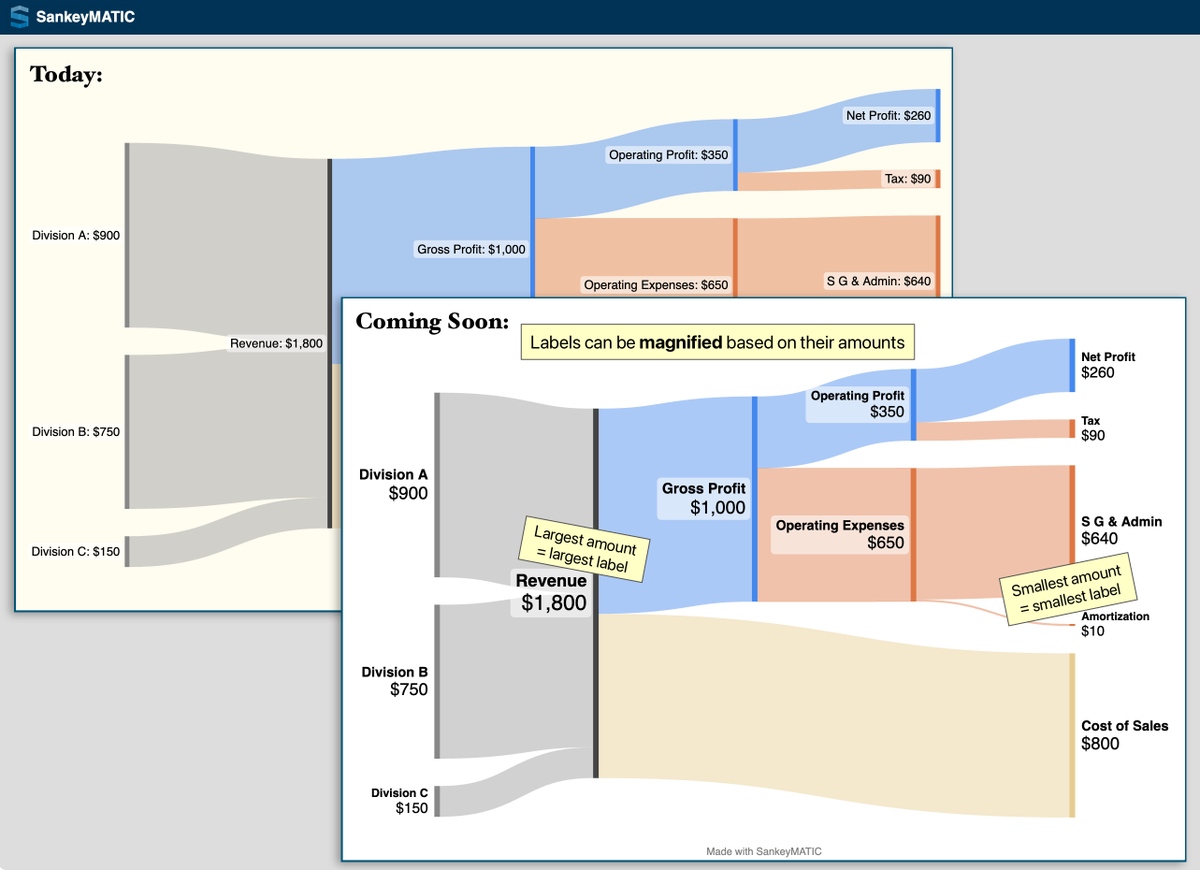
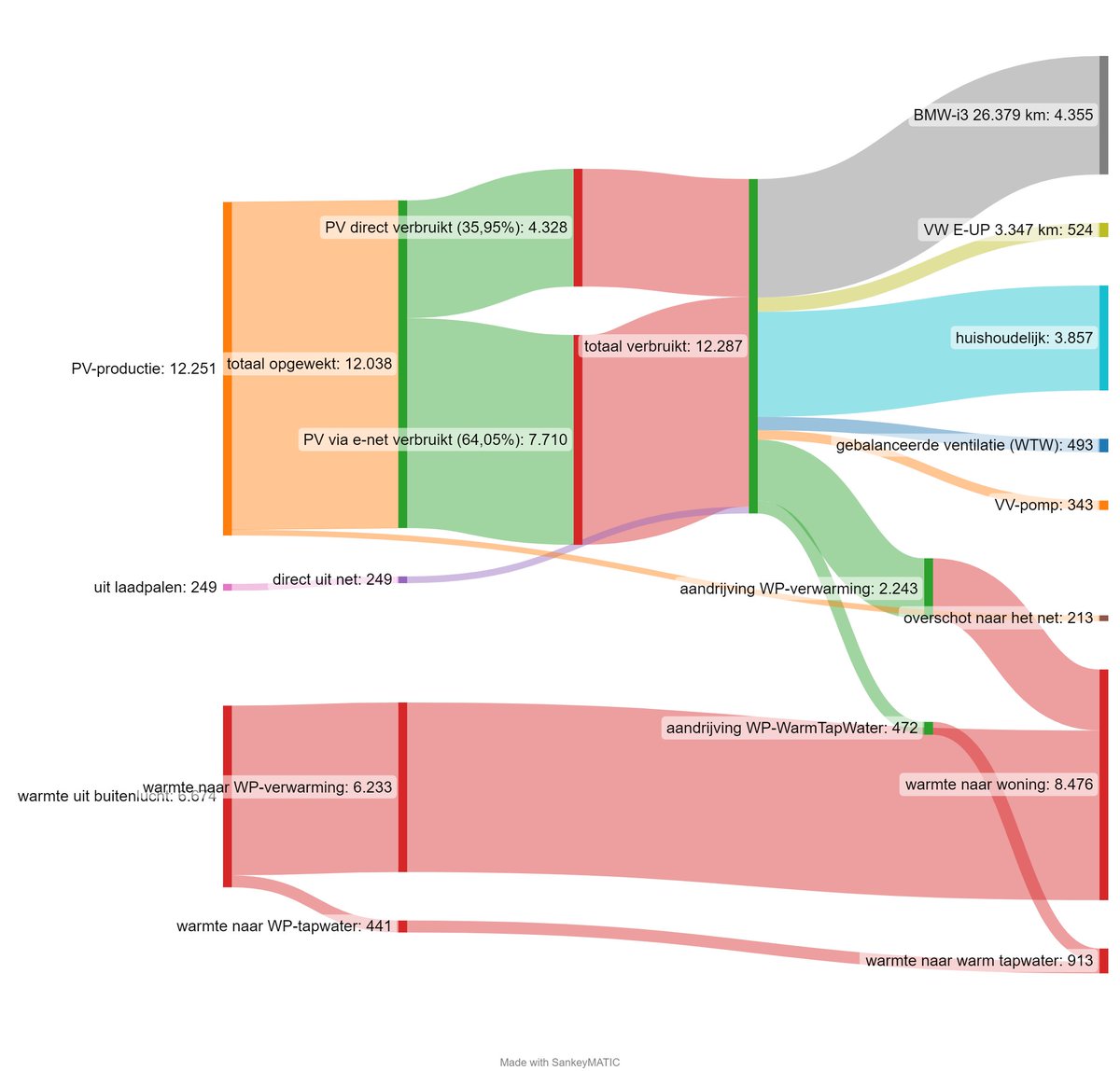
2) You can make labels larger or smaller based on the amount they represent. This can help draw attention to specific areas of your diagram.
Try it at https://t.co/tpGleSjWU0
(Look in the 'Labels' panel.)
#DataViz#BuildNiceThings#SankeyDiagrams
🧵 Via https://t.co/XovFQACIuf:
Two upcoming Label features you can preview now:
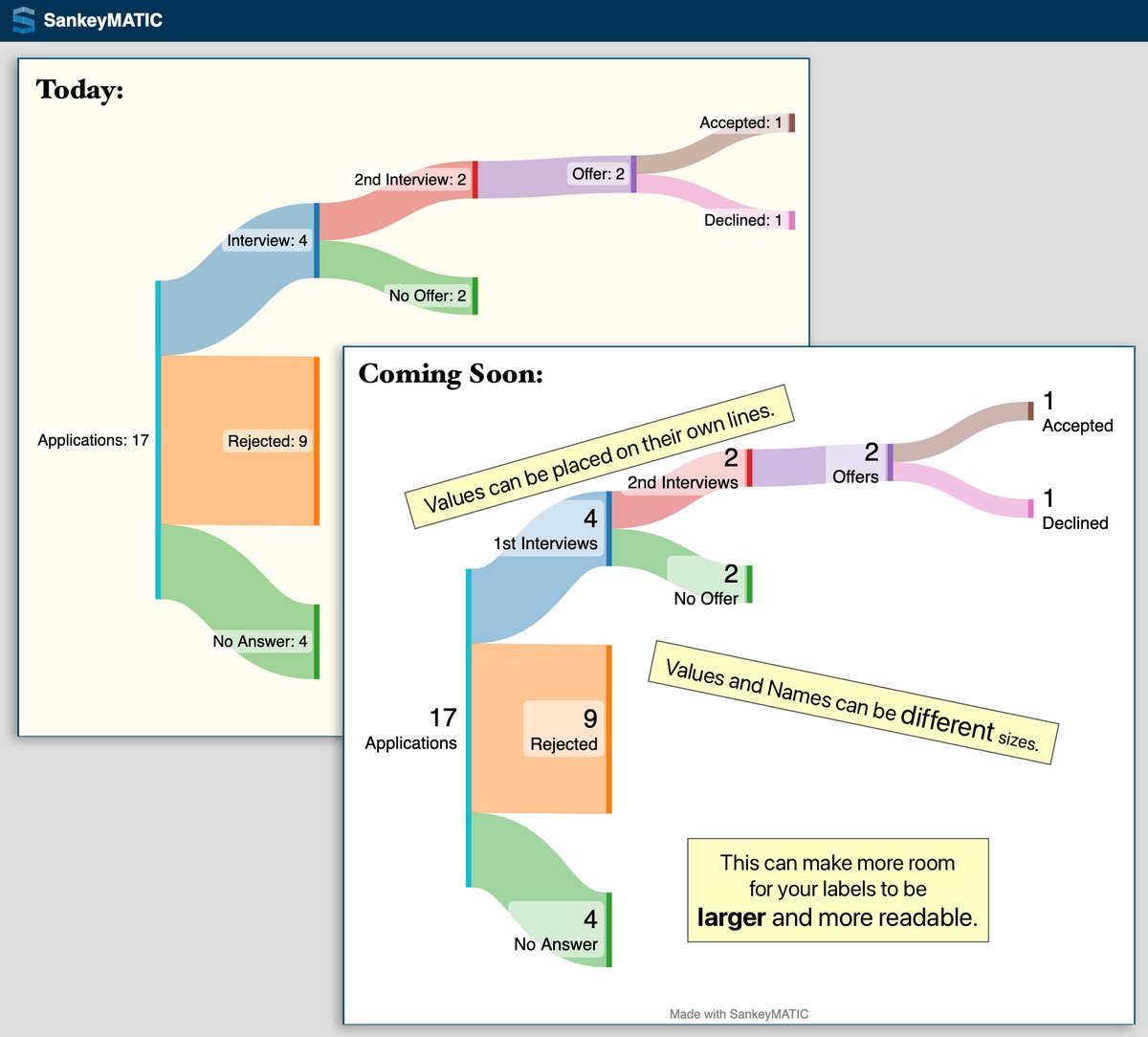
1) Names & Values can be placed on separate lines and can be given different sizes, giving them room to be larger & more readable.
Try it at https://t.co/tpGleSjWU0
#DataViz#BuildNiceThings
Relaying a https://t.co/XovFQACIuf post from January:
A new feature is live!
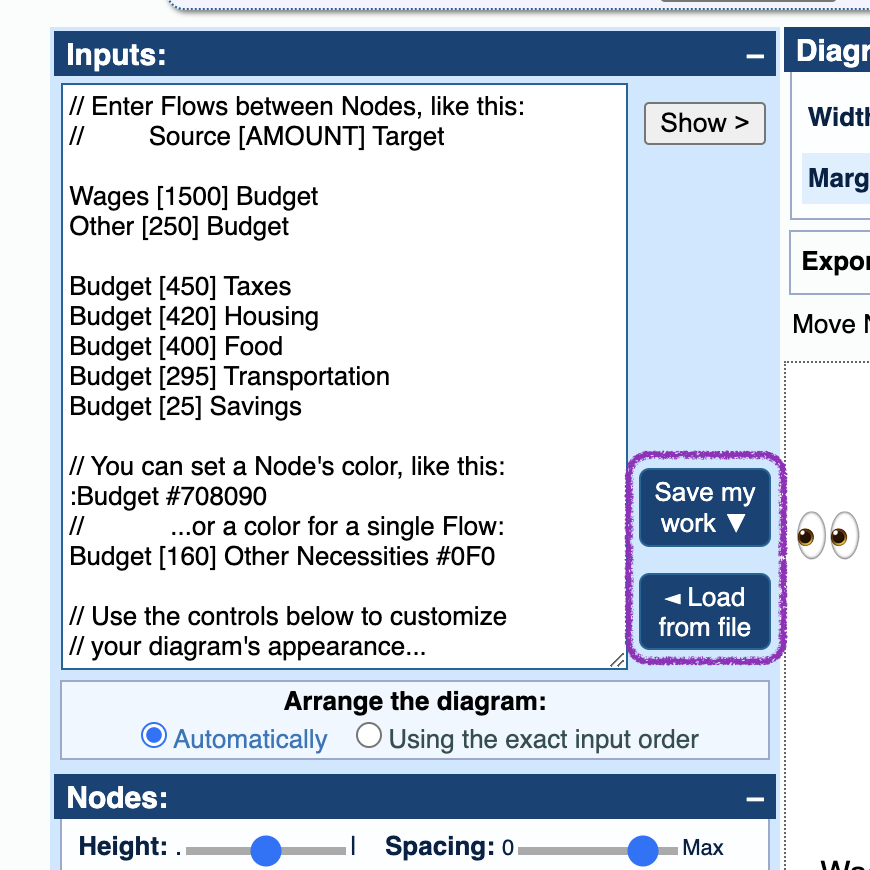
* Save your work (data and settings) to a plain text file.
* Upload it later and pick up exactly where you left off.
https://t.co/Kp5a4Uiy1C
#DataViz#SankeyDiagrams#BuildNiceThings
@J98283354 This should work if you copy directly:
=CONCATENATE(A2, " [", C2, "] ", B2)
This formula does the same thing & should also be copy-able:
=A2 & " [" & C2 & "] " & B2
@J98283354 Are the error messages in Excel or SankeyMATIC?
The formula on the manual page still looks right to me. If you're copying/pasting from the web page, you may need to replace some "non-breaking space" characters with plain spaces.
P.P.S. Enormous thanks to everyone who has donated in the past; your interest and generosity help to motivate work on improvements such as these. :)
More info at https://t.co/NS1JLHmyNS
Friends: I have been spending time in the Land of Somewhat Challenging Geometry Algorithms.
After an extended stay there, I return to you with some visible improvements to share:
1. An improved layout engine
2. More precise controls for your diagrams
Let's dig in.
🧵
#dataViz