Digital Marketing Enthusiast | Passionate about driving business growth through innovative strategies. Let's connect and explore the world of digital marketing.
Let's challenge ourselves to step out of our comfort zones, to dream big, and to work tirelessly towards turning those dreams into reality. Remember, the only limits that truly exist are the ones we place upon ourselves.
#NewWeekNewGoals#DreamBig#NoLimits#PushBoundaries
Elevate Your Sales Game: The Power of Social Selling" is a concise guide to leveraging social media for genuine connections and sales growth.
➦ https://t.co/T0TMMu8hJf
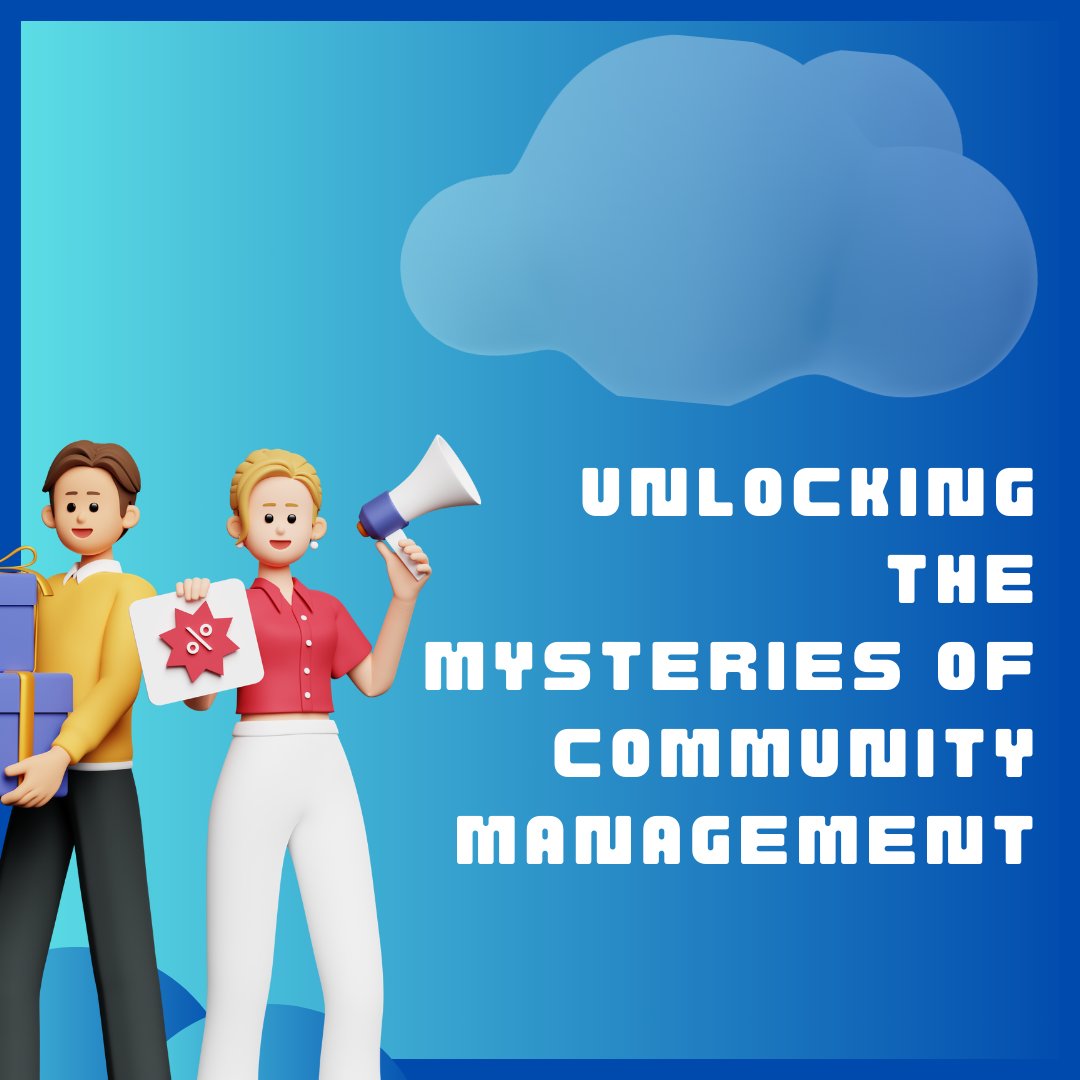
Dive into the world of community management, where every day is a journey through diverse personalities, unexpected crises, and the challenge of keeping digital communities engaged and thriving.
➦ https://t.co/FTiiquAZOJ
6/ Ready to take your TikTok to the next level? Start planning your first live session from your PC today. Don't forget to test your setup before going live to ensure the best experience for your viewers. Let's make live streaming history together! 🌟 #StartStreaming
4/ Engagement is key during your live sessions. Use your PC setup to share unique content, host Q&As, or tutorials. The possibilities are endless when you're broadcasting from a powerful device. #ContentCreation
5/ Remember, consistency and quality content will grow your live audience over time. Schedule your streams, interact genuinely with viewers, and always bring something new to the table. #AudienceGrowth
3/ Next up, configure your streaming software. Add TikTok as a streaming service, usually through a custom RTMP server. This step is crucial for a smooth live experience. Details matter. #SetupSuccess
Did you know 60% of TikTok users engage with live streams regularly? Dive into how you can join the trend and go live on TikTok from your PC! #TikTokTips
A Thread
2/ Setting up is easy once you're eligible. Use streaming software like OBS or Streamlabs. These tools bridge your PC's content to TikTok live. It's about connecting your worlds creatively. #TechHacks
1/ First things first, to go live on TikTok from your PC, you'll need to ensure your account meets the basic requirements. This includes having at least 1,000 followers. Let's get your live streaming journey started! #StreamingSecrets
Social selling transforms sales through social media, connecting businesses directly with their audience to build relationships and drive sales, embodying the future of digital marketing engagement.
➤ https://t.co/DclFjHREDZ