✅ Update: Save to Notion is back online!
The new, fixed version is now live on Chrome.
If you're still experiencing issues, please completely restart your browser to force the update.
Thank you all for your incredible patience! 🙏
Save to Notion is currently down on Chrome while we await approval for a new version.
The fix is submitted and we're hoping it will be live again in the next 24-48 hours.
Apologies for the inconvenience! We'll let you know as soon as we're back.
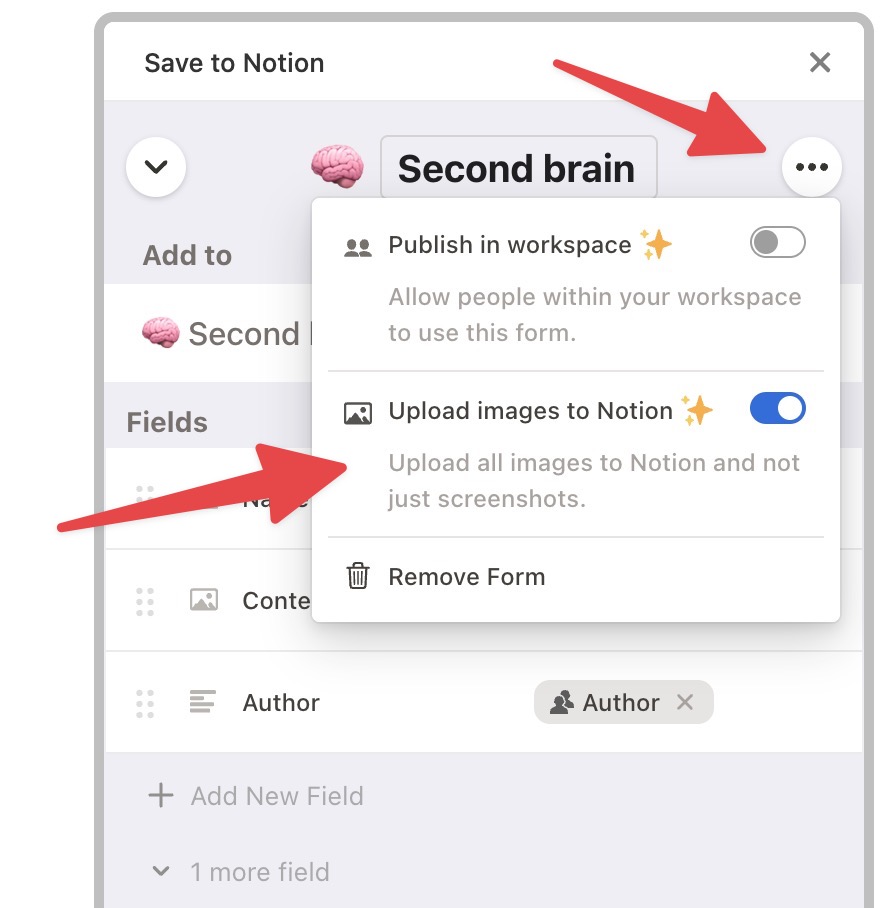
✨New feature: You can now edit images directly in Save to Notion! Add text, mark important areas with arrows or rectangles, blur out private information, and more.
⭐ New Feature: you can now quickly take a screenshot and save it in Notion!
Simply right-click anywhere on the page and select "Take Full Page Screenshot" / "Select Zone to Screenshot"!
@AathreyaaSachin Hey Sachin, sorry about that!
I tried to reproduce the issue, but with no luck. Could you please share your Notion database with me? (empty one) This will help me to identify and fix the problem. Best, Anis
@AathreyaaSachin Hey Sachin, I tried to reproduct the issue but was not able to do it. can you share me your notion page so I can reproduce your issue and fix it?
Best,
Anis
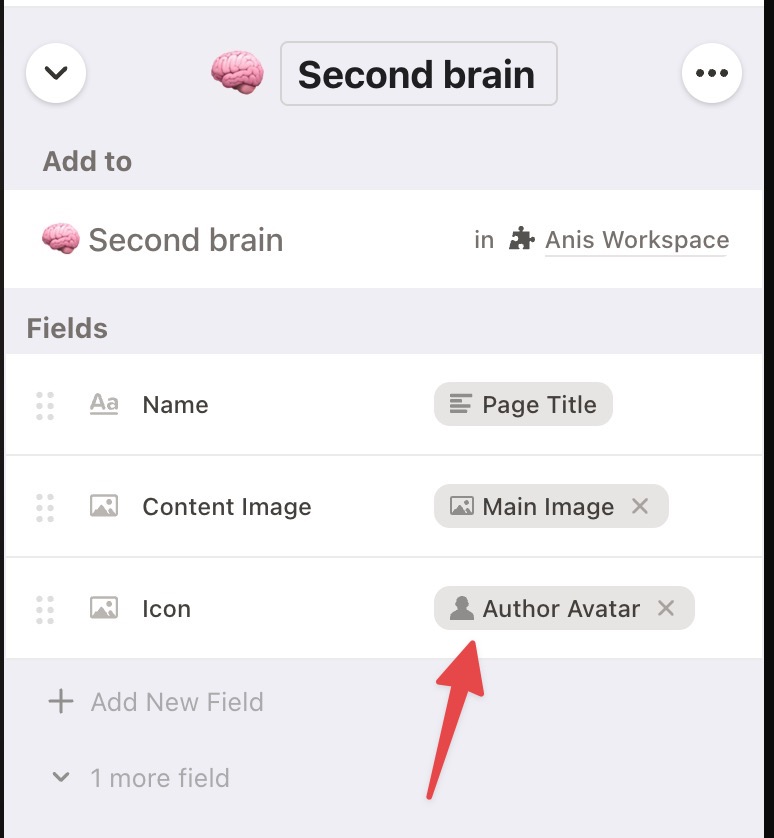
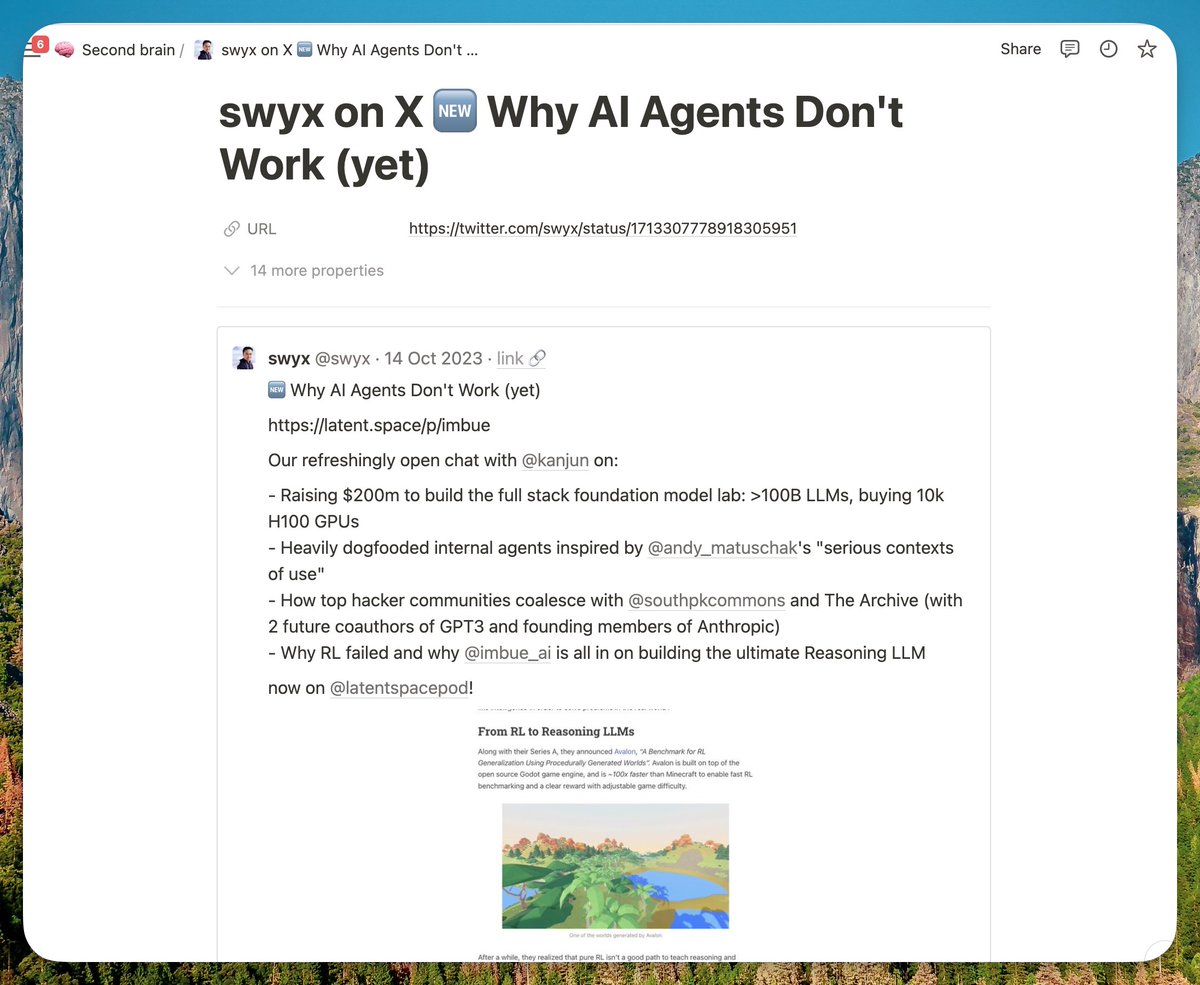
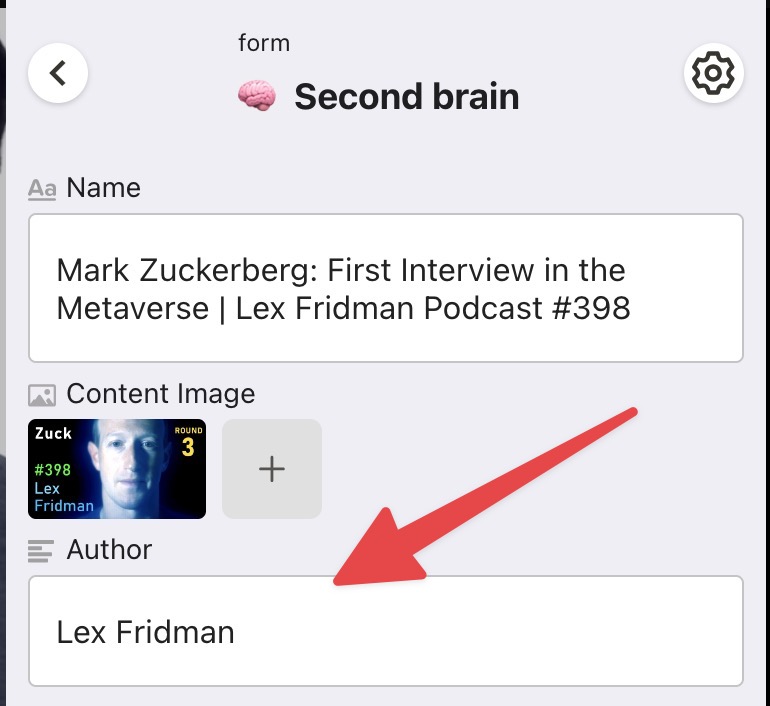
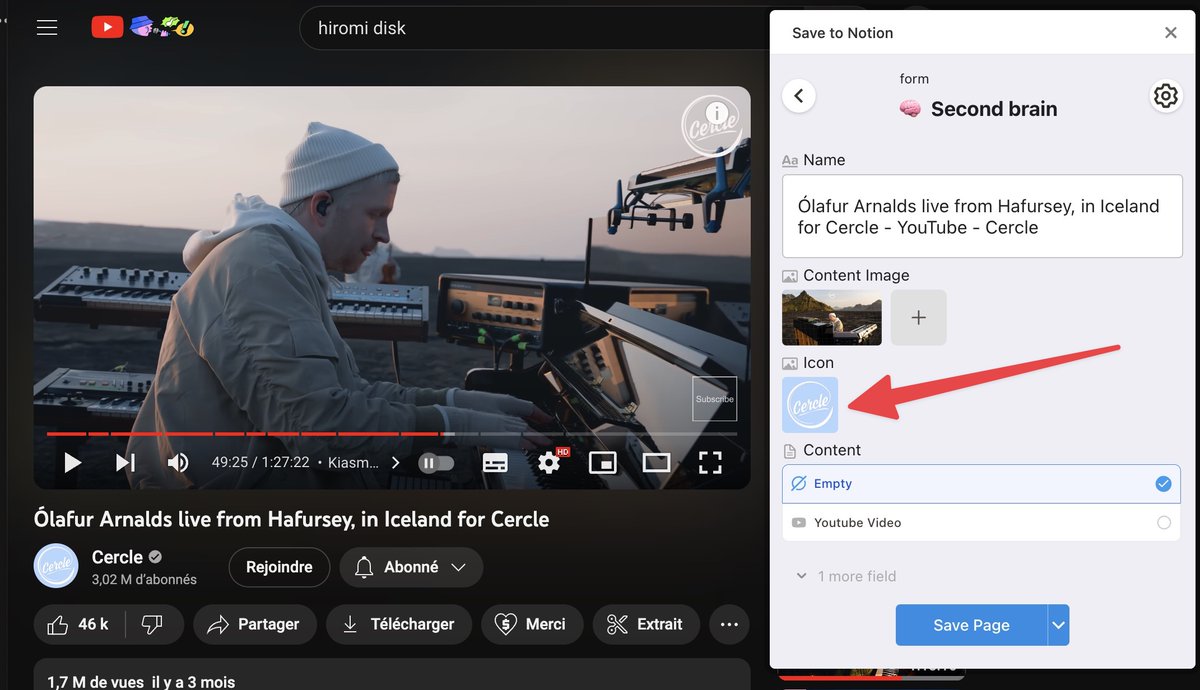
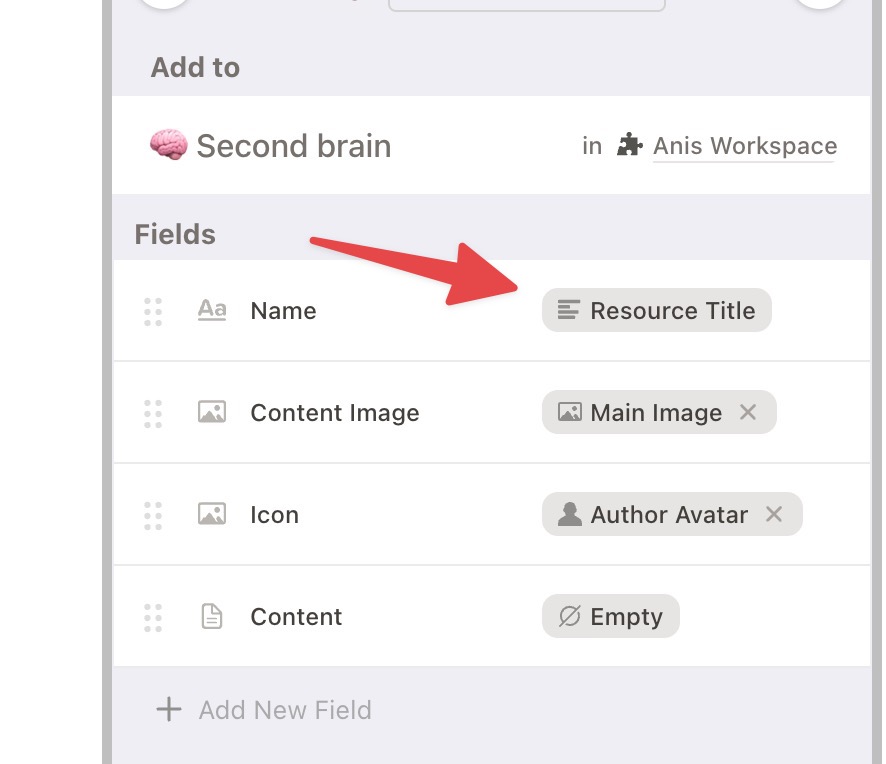
⭐️ New Feature: You can now map your image field to "Author Avatar". This feature allows you to extract the avatar of the page author. You can use it on Twitter, YouTube, Gmail, and more websites that will be added soon!
⭐️ New Feature: You can now map your fields to "Resource Title". This will only include the title of the resource, removing any extra text such as the website name.