⚡ Transfer files, photos, text, and documents in seconds.
Open https://t.co/0StnqCNLHU, scan the QR code, and connect instantly.
No login. No cables. Just speed.
🌐 https://t.co/0StnqCNLHU
#ScanMe#FileTransfer#Productivity
No Login. No Waiting. Just Transfer
Why create accounts just to send one file?
With ScanMe, open https://t.co/0StnqCNLHU, scan the QR code, and move files or text between your phone and computer instantly
Fast. Private. Effortless.
#ScanMe#Productivity#TechTools#FileTransfer
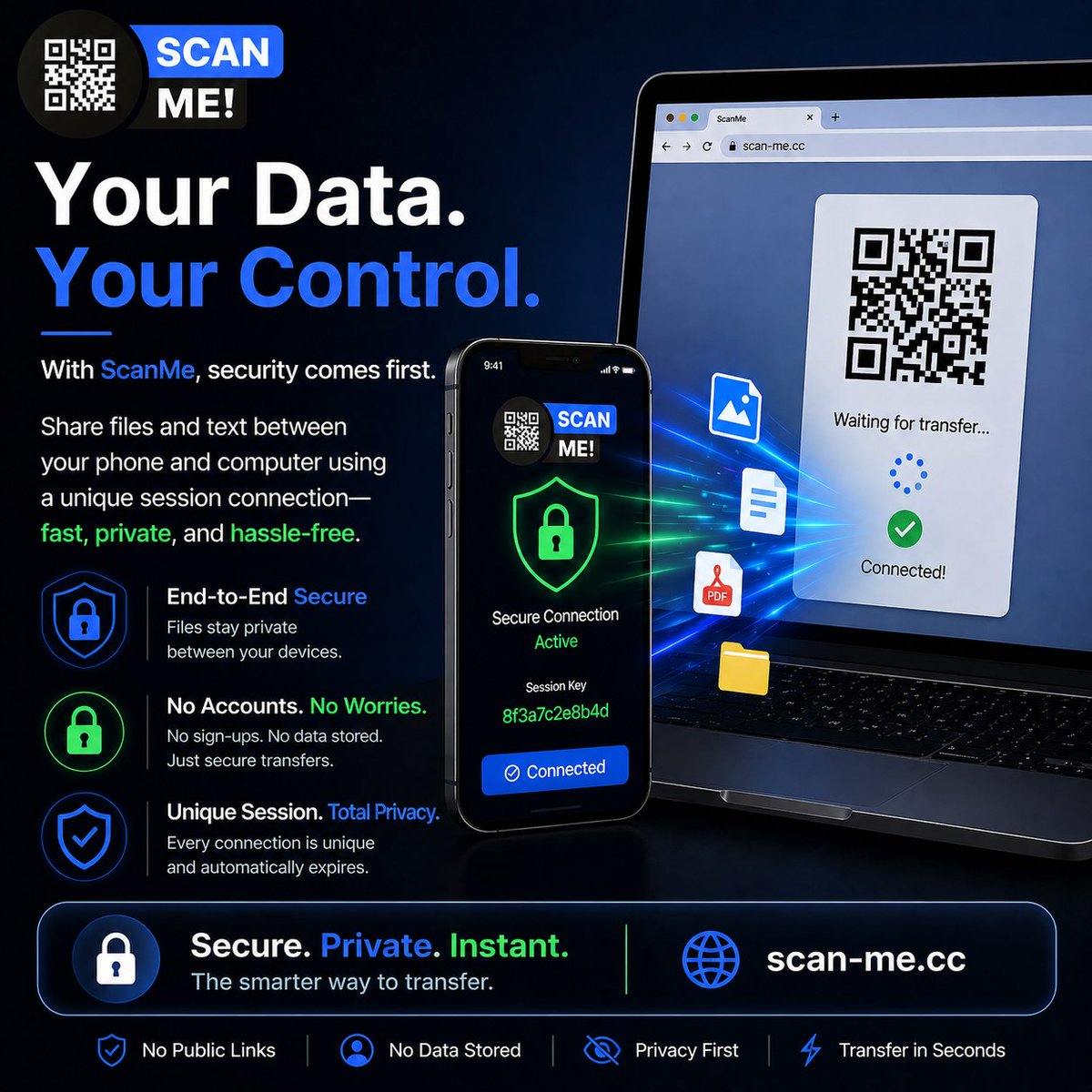
🔐 Your Data. Your Control.
With ScanMe, security comes first.
Share files and text between your phone and computer using a unique session connection—fast, private, and hassle-free.
No public links. No unnecessary accounts. No clutter.
Just secure transfers in seconds. ⚡
Still using email, chat apps, or cables just to move one file?
With ScanMe, send photos, PDFs, notes, and links from your phone to your computer instantly.
Open https://t.co/0StnqCNLHU
Scan the QR code
Transfer in seconds
No login. No clutter. Just speed. ⚡
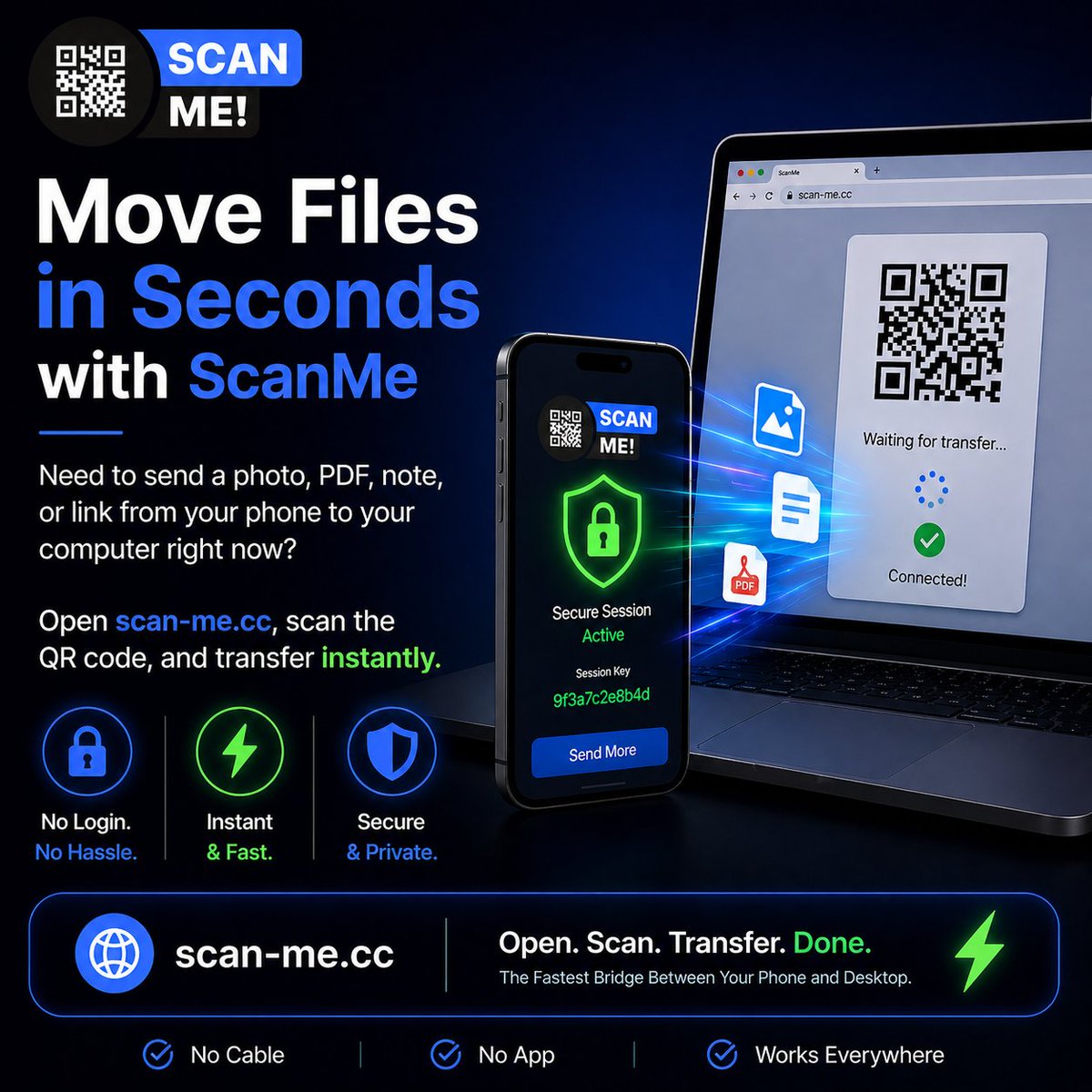
⚡ Move Files in Seconds with ScanMe
Need to send a photo, PDF, note, or link from your phone to your computer right now?
Open https://t.co/0StnqCNdSm, scan the QR code, and transfer instantly.
No login. No cable. No waiting.
🌐 https://t.co/0StnqCNdSm
#ScanMe#Productivity
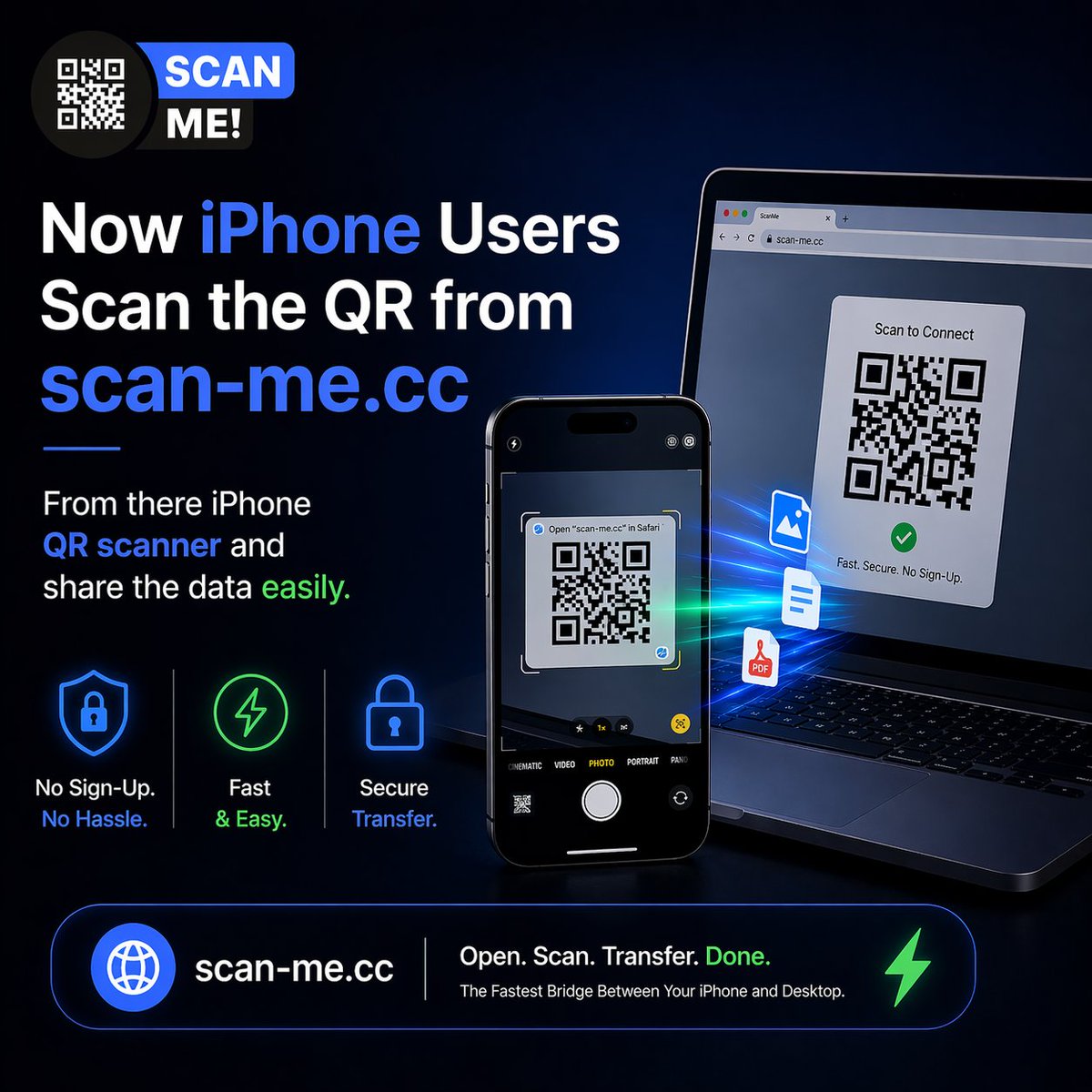
📱 Now iPhone Users Can Share Instantly
Open https://t.co/0StnqCNLHU on your desktop, scan the QR code using your iPhone camera, and start sharing files or text in seconds.
No apps. No cables. No complicated setup.
Just scan, connect, and transfer with ease. ⚡
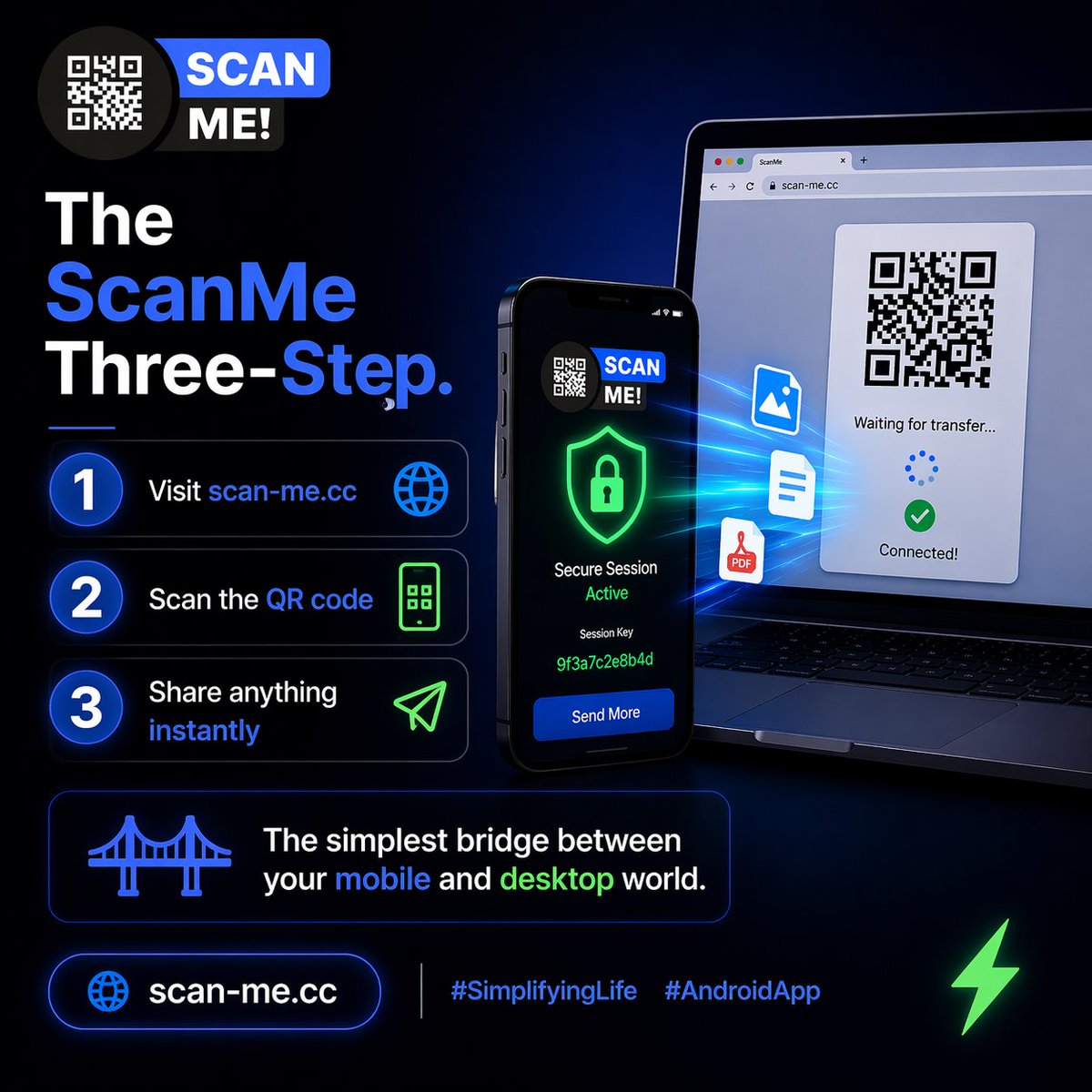
The ScanMe Three-Step**
1️⃣ Visit https://t.co/0StnqCNLHU 🌐
2️⃣ Scan the QR code 🤳
3️⃣ Share anything instantly 📤
The simplest bridge between your mobile and desktop world.
https://t.co/0StnqCNLHU
#SimplifyingLife#AndroidApp
The No Cable Struggle
Where is that USB cable when you actually need it? 🕵️♂️
Skip the drawer hunt. Scan the QR code and move files wirelessly in seconds.
https://t.co/0StnqCNLHU
#OfficeHacks#RemoteWork#TechTools
👣 The Temporary Workspace**
Using a public or friend’s computer? 🖥️
Don’t log into your personal accounts.
Just use https://t.co/0StnqCNLHU, transfer what you need, then close the tab. Done.
#LifeHacks#Privacy
create social media design
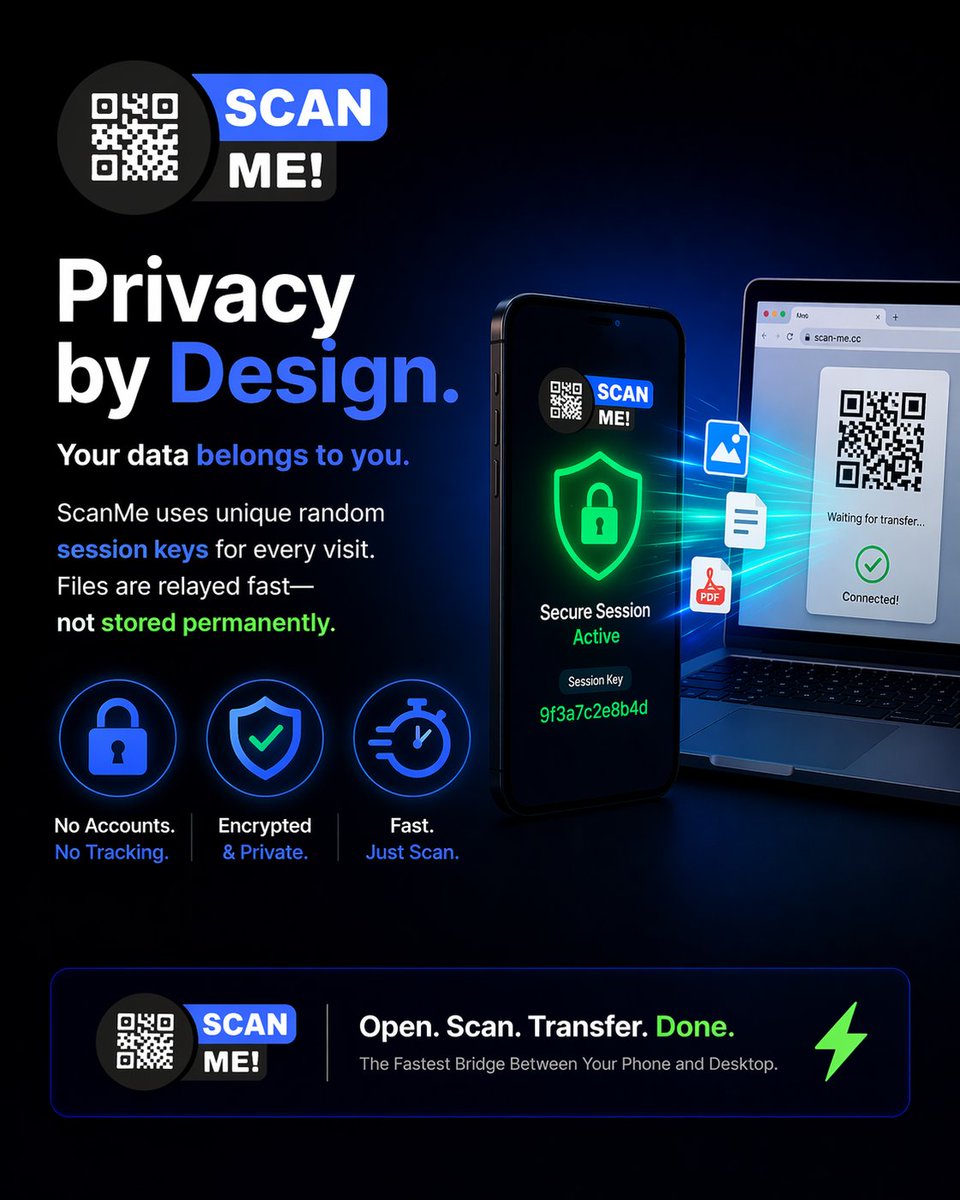
🔐 Privacy by Design
Your data belongs to you.
ScanMe uses unique random session keys for every visit. Files are relayed fast—not stored permanently.
Simple. Fast. Secure.
#CyberSecurity#PrivacyFirst#DataProtection
1️⃣ Visit https://t.co/0StnqCNLHU 🌐
2️⃣ Scan the QR code from the ScanMe app🤳
3️⃣ Share anything instantly 📤
It’s the simplest bridge between your mobile and desktop world.
#SimplifyingLife#AndroidApp
Your data belongs to you. 🔐 ScanMe uses unique random session keys for every visit. We relay your files, but we never store them permanently. Fast and secure.
#CyberSecurity#PrivacyFirst#DataProtection
The Clipboard Bridge
Copy on phone 📱 → Paste on Web 💻
Long snippets of text, passwords, notes, or complex URLs move instantly between devices.
No sync delays. Just relay speed.
#UX#Minimalism
Need that photo from your phone on your laptop right now? 🖼️
With Phone → Web mode, files sent from the app appear on your browser automatically. It’s like magic, but better.
#Workflow#Efficiency#ScanMe
While the Strait of Hormuz is busy dealing with tankers and traffic jams, your files are sailing through at record speeds. 💨 No blockades, no inspections, just instant Phone-to-Web syncing. ⚓️📱
#ScanMe#GlobalTrade#StraitOfHormuz#TechFlow
https://t.co/0StnqCNLHU
The "Zero Setup" Promise
Registration forms are so 2010. 😴
With ScanMe, there’s zero setup. Just a unique session key via Firebase that keeps things fast and private. Open, scan, and transfer. Done. 🚀
#BuildInPublic#AndroidDev#Privacy