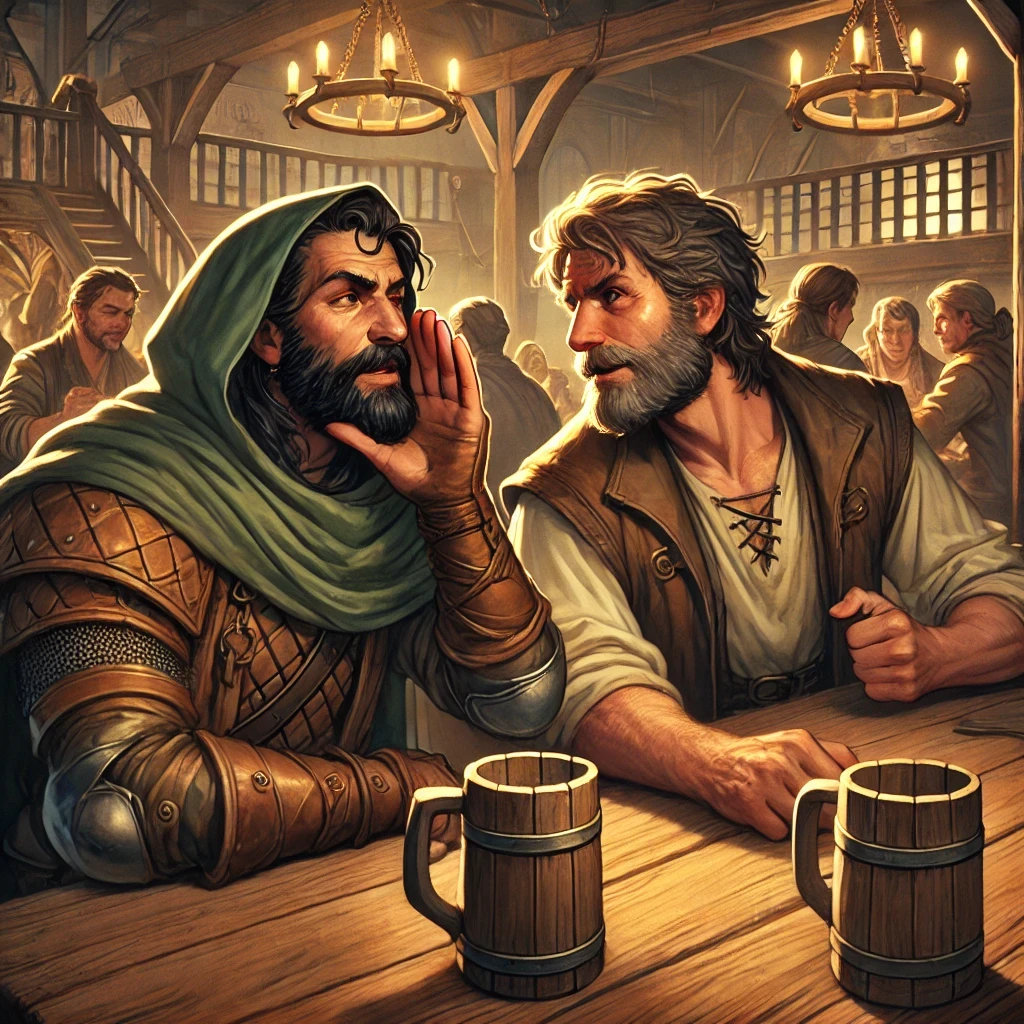
Happy Halloween from all of us at SceneGrinder! 🎃
As the spooky season wraps up, we wanted to let you know we’ll be taking a break from posting for a little while. We’re aiming to be back around January with more exciting posts.
We’re bringing back a familiar face! If you’ve visited our website, you���ve likely seen our 'Contact Us' mascot. This week, he needs a name—and we want you to pick it! Share your ideas here, on Facebook, or on Discord. Next week, we’ll reveal the winning name. Don’t let him down!
Did you know we've been optimizing our models to work better in a browser environment? This means we've been working hard to make the files smaller and easier to load on your computer. The process is slow going, but a lot of building models have been optimized already!
Upcoming Feature Update: We are currently streamlining the process of adding new game systems to SceneGrinder. Whether you’re integrating a popular system or adding your own homebrew creation, this update will make it easier than ever to expand your campaign options.
Good morning! Come vote on our SceneGrinder Facebook group poll for the kind of content you'd like to see in the future. You must have a Facebook account to vote! https://t.co/Yi8K2gNgU2
𝗜𝘁'𝘀 𝗛𝗶𝗴𝗵 𝗡𝗼𝗼𝗻 𝗶𝗻 𝗦𝗰𝗲𝗻𝗲𝗚𝗿𝗶𝗻𝗱𝗲𝗿!
C'mon down and take a look at some of our Wild West models, with more to be added soon!
Yeehaw! 🤠More Gaming. Less Work.
Exciting news! Playable character stands in the near future! Use your favorite avatar images or tokens in place of traditional models. Perfect for characters, monsters, or anything too big for standard models.
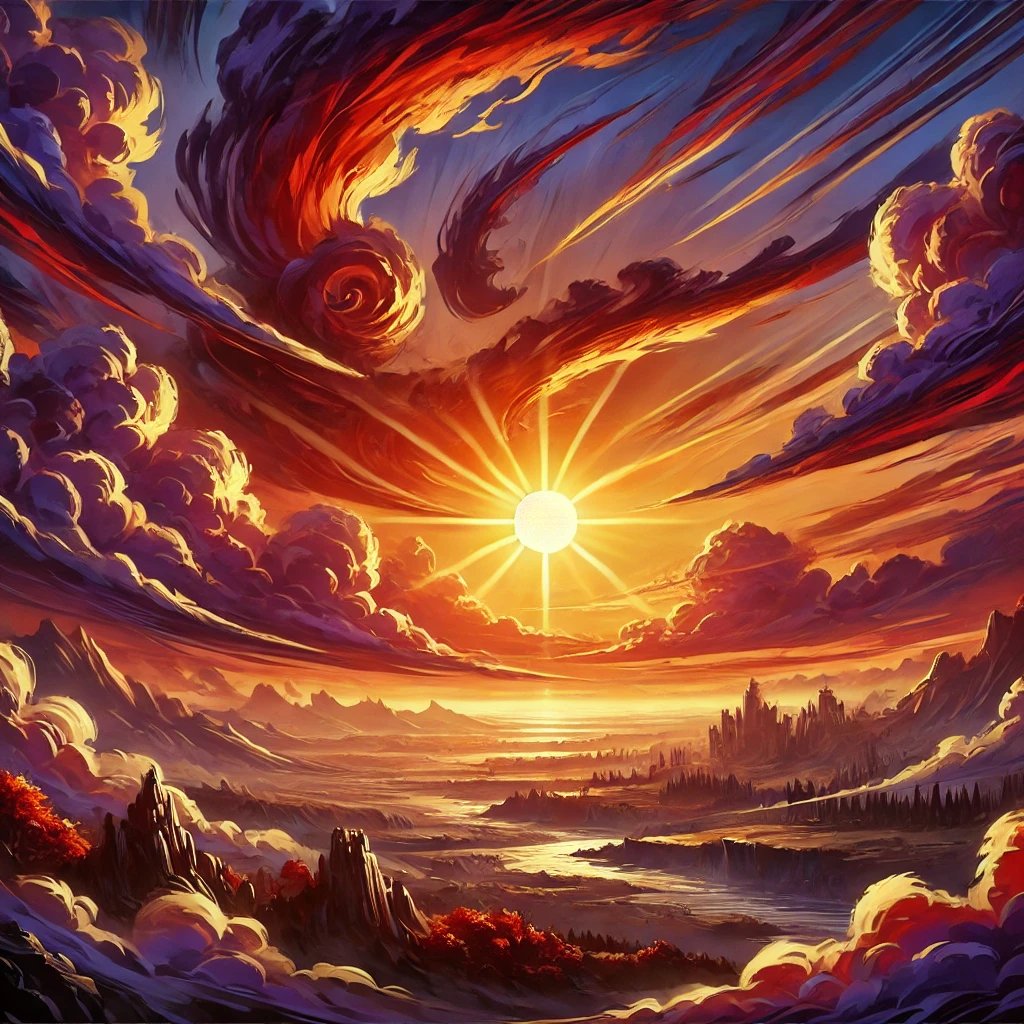
Set the perfect atmosphere with SceneGrinder’s weather settings! Choose stars, sun, or clouds to match your scene. Adjust the sun position for a glowing sunrise, bright blue afternoon, or stunning twilight. Create the ideal mood for your campaign. ☀️ More Gaming. Less Work.
SceneGrinder's Terrain Painting lets you choose from terrains like snow, sand, dirt, and more. Mix and match to create the perfect landscape. With layer functionality, stack terrains, change scale, and adjust opacity. Endless possibilities!
Did you know you can create custom brushes with anything in the SceneGrinder library? In the 3D Brush tab, click "Add Tool," then "Edit Brush" and experiment with settings! Create instant crowds, towns, rocky paths—whatever your campaign needs in bulk.
Create instant forests with SceneGrinder’s Tree Brush! Click and drag to place diverse tree models quickly. Made too many? Easily delete with the same tool. Prefer precise placement? Single tree models are available. Save time and bring your worlds to life! 🌳
Want to share secrets without others knowing? Use SceneGrinder’s chat feature! Direct message anyone in your campaign or the GM discreetly. Just click the red tab on the right, type your message, and select recipients. Perfect for private plotting or asking questions. 🤫
Enhance your campaign with SceneGrinder’s Player Handouts! Easily share maps, posters, and clues with your players. Select the handout option in the notes section, upload images, PDFs, or text, and send to one or all players. Keep everyone informed and engaged. Papers, please! 📜
Keep your campaigns organized with SceneGrinder’s Note-Taking feature! ✏️🗒️Click the paper icon in the character sheet to add images, PDFs, and text. Save notes directly to your character. Perfect for keeping track of details across multiple campaigns. Never be lost again!
Upcoming: Python Scripting in SceneGrinder!
Custom Python scripting is coming soon! No release date yet, but you'll be able to customize your game worlds. Automate tasks, create rules, and enhance gameplay.
Python scripting is coming! 🐍 More Gaming. Less Work. #SceneGrinder
Experience Both Worlds with SceneGrinder!
Switch between Overhead View for planning and Player POV for immersion.
Overhead View: Perfect for GMs to manage the battlefield.
Player POV: Step into your character’s shoes.
See the world from every angle! More Gaming. Less Work.
Elevate Your Scenes with SceneGrinder!🚀
Take your maps to new heights with Base Layer Elevation Tools. Add cliffs, valleys, and chasms. 🗻 Create lakes and moats by adjusting the water level. 🌊 More Gaming. Less Work. #SceneGrinder