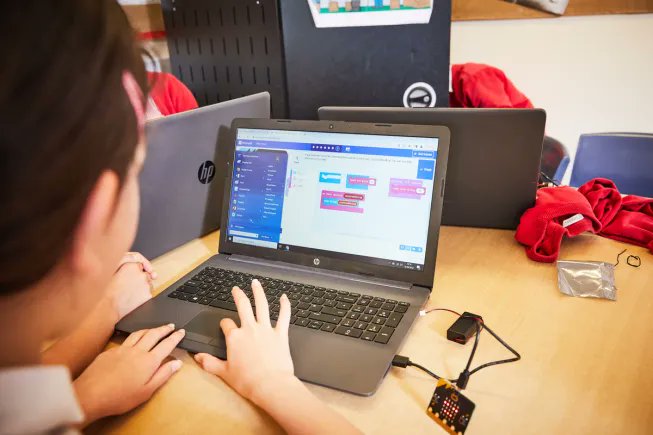
💻WEBINAR: Join us to get hands-on with the online Python Editor!
Learn how it:
🐍has been designed to support teachers & learners
🐍helps to overcome common barriers students face when getting started with text-based coding.
https://t.co/cwfRkKX5ic
#TEACHers#microbit#coding
DIY “Spray bottle” interactive light-up card. Easy and fun paper circuit project for beginners.
You will need:
⁃LED diode
⁃Conductive copper tape
⁃Coin cell battery 3v (CR2032)
⁃Reed switch (normally open)
⁃Magnet (neodymium)
⁃Paper
⁃Tracing paper
⁃Markers
⁃Paper pin
Warning: this project should be done under adult supervision.
#STEM #stemeducation #papercircuit #maker #science #teacher
Show us all the features you'd want in your dream room in the Dream Room Tinkercad Challenge!
https://t.co/Nwv46QdsbO
#TinkerTogether#MadeWithTinkercad
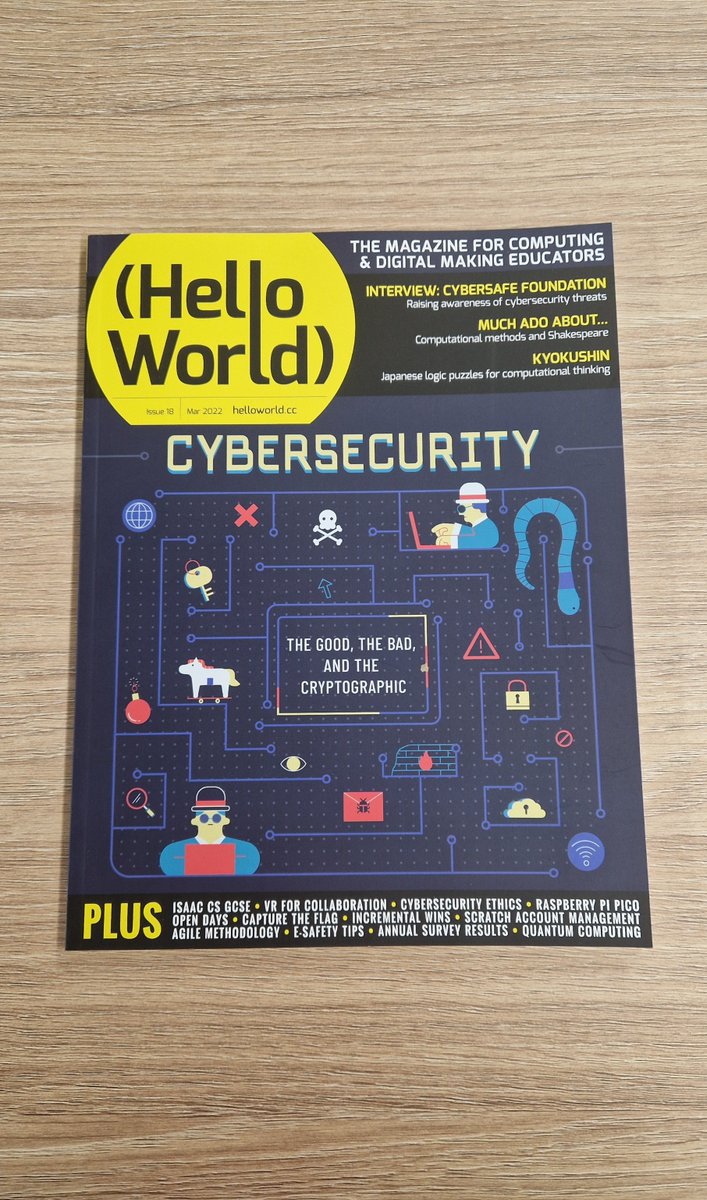
It’s October, and the start of #CybersecurityAwarenessMonth 🌐 🔒
We thought it’d be a good time to reflect on Hello World, issue 18 which is all about #Cybersecurity.
Discover topics such as quantum computing, quantum cryptography and more!
🔗 https://t.co/Z4Oo3vFz8j
#CSEd
Our latest Code-Along on Scratch video looks at creating a game linked to the Global Goals @SDG2030.
Specifically global goals 14: life below water.
#coding#globalgoals#education#stem#coding
https://t.co/ywkTRMnT4v
🌟 New Tracers and Graphs in Tinkercad Sim Lab! 🌟
The new features give students an iterative, hands-on interaction with Sim Lab simulations to see the real-time motion and paths of shapes.
https://t.co/qjMLUFwX5N
#TeachWithTinkercad#TeachWithAutodesk#educationmatters
➡️ ➡️ Send a Tinkercad file directly to Google Drive!
This makes it easy for Students to send their printable STL files to their teachers! You can share both to your own Drive or to a folder shared with you. Try it out!
#TeachWithTinkercad#TeachWithAutodesk#educationmatters
⚡️BREAKING!
Microsoft have announced some small updates to @MSMakeCode to enhance reliability, security and ensure that MakeCode is set up for future success 🌟.
👀 Read the latest updates here:
https://t.co/7qbCtjOFrM
#microbitCHAMPION#microbit#microbitCHAMPIONS
📣TEACHERS
Did you know we have 3 teaching tools available to help you teach coding on our website?!
1⃣ micro:bit Classroom
2⃣ @MSMakeCode Editor
3⃣ Python Editor
As with all our website resources - they are 100% FREE!
https://t.co/MqLt1IB7X0
#STEM#microbit#coding
DOWNLOADABLE LESSONS!
✨Students are introduced to the core concepts of computational thinking, programming & computer systems through learning with the micro:bit.
👉No prior learning is assumed and this is an ideal introduction for students aged 11-14👌
https://t.co/6Z7CYck9Dy
A little reminder that learning in tech doesn't always have to involve a device or screen. There are plenty of unplugged activities that you can do with your children to develop their computational thinking and problem solving skills.
#edtech#parenting#teaching#STEM
📣TEACHERS!
FREE computing lesson plans & resources for
middle school or lower secondary educators
covering:
🔁 computational thinking
🖥️ computer systems
📈 working with data
🔒 cyber security
Perfect for 11-14 year olds!
https://t.co/TjKZgxKUy2
#microbit#coding#teachers
Did you know that you can add a dedicated STEM feed to your TikTok account?
Here's a step-by-step picture guide.
It could be a great way to expose younger users to STEM to help inspire and educate.
#STEMEducation#techtip#tiktokhack#tiktok#educate