The #1 Screen Mirroring App. Share your your iPhone, iPad, Android, Windows, Mac or Chromebook screen to any other device, via WiFi or Internet/DSL/Cable.
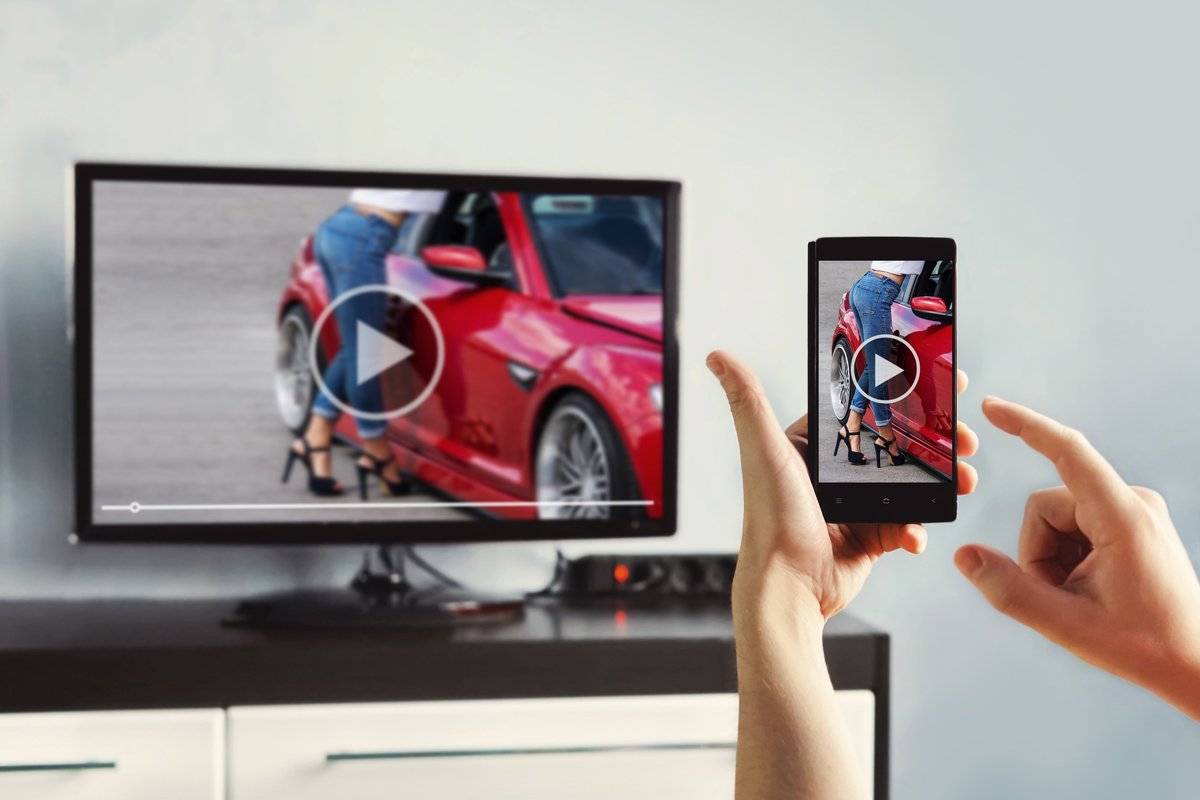
With our new screen mirroring app your can mirror your iPhone or iPad screen to any device with a web browser. Share your screen on any #SmartTV, #Gaming Console, #PC, #Laptop, #Smartphone or #Tablet! 🍪
https://t.co/ZIDGcTsNBi
@elonmusk@GailAlfarATX 🤝 For devices without Airplay you can try the Screen Mirroring App for iOS and Android. Works with most smart devices and any modern web browser. iOS: https://t.co/kjbuyt67aU
Android: https://t.co/qX8w6dWoIE
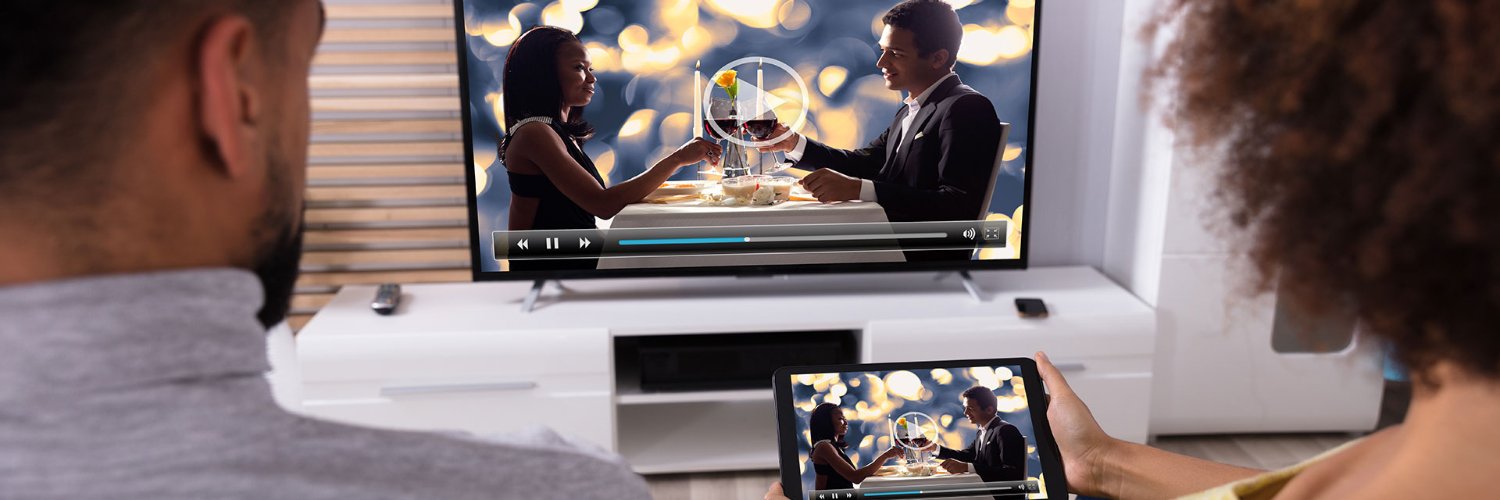
Watch this video and find out how you can #extend your home office #display experience #wireless with tablets, laptops, TVs, phones and many other devices.
https://t.co/JL6WC9bLrQ
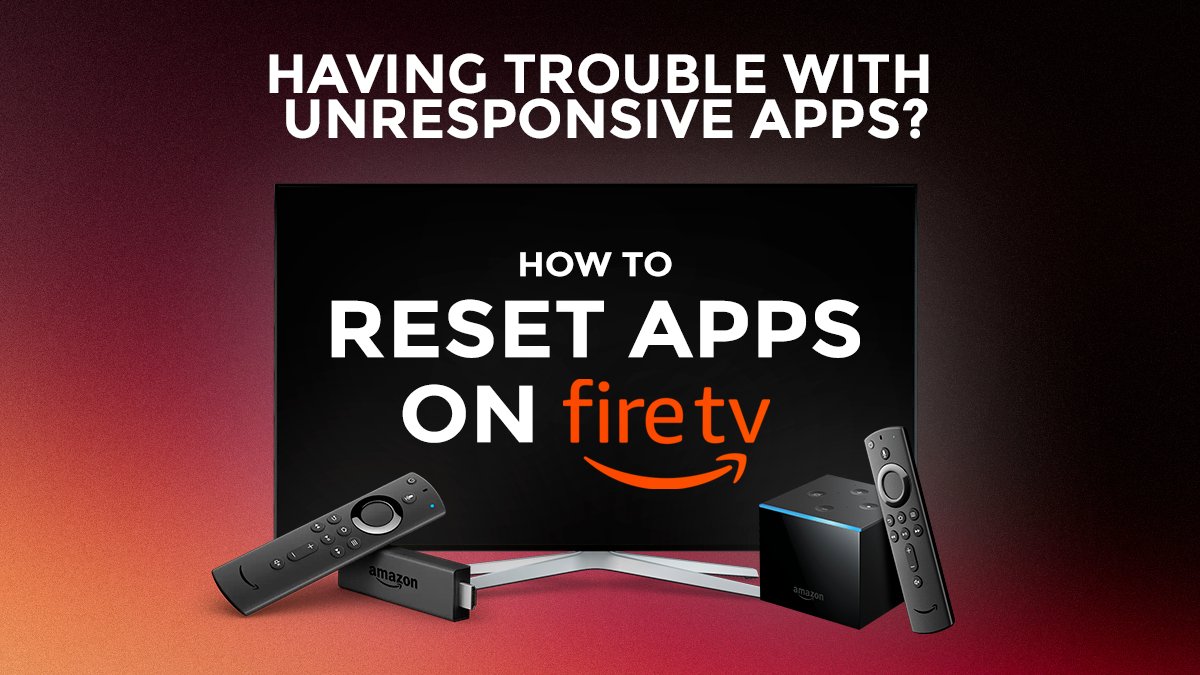
Having trouble with unresponsive apps? It may be time to give them a good spring cleaning. Don't worry, you don't have to uninstall the app or reset your Fire TV.
Watch this video and learn How to: Reset Apps on FireTV (Clear App Cache).
https://t.co/9NDygJXbPU
Check out the YouTube Tutorial and Screen Mirror to your LG or Samsung TV 📱📺
iPhone & iPad: https://t.co/EBVFxjKjKP
Android Phone & Tablet: https://t.co/yaZ7lkOwXW
** Get the Screen Mirroring App ** ⤵️
for iOS: https://t.co/wsJdr5vTwU
for Android: https://t.co/qX8w6dVQT6
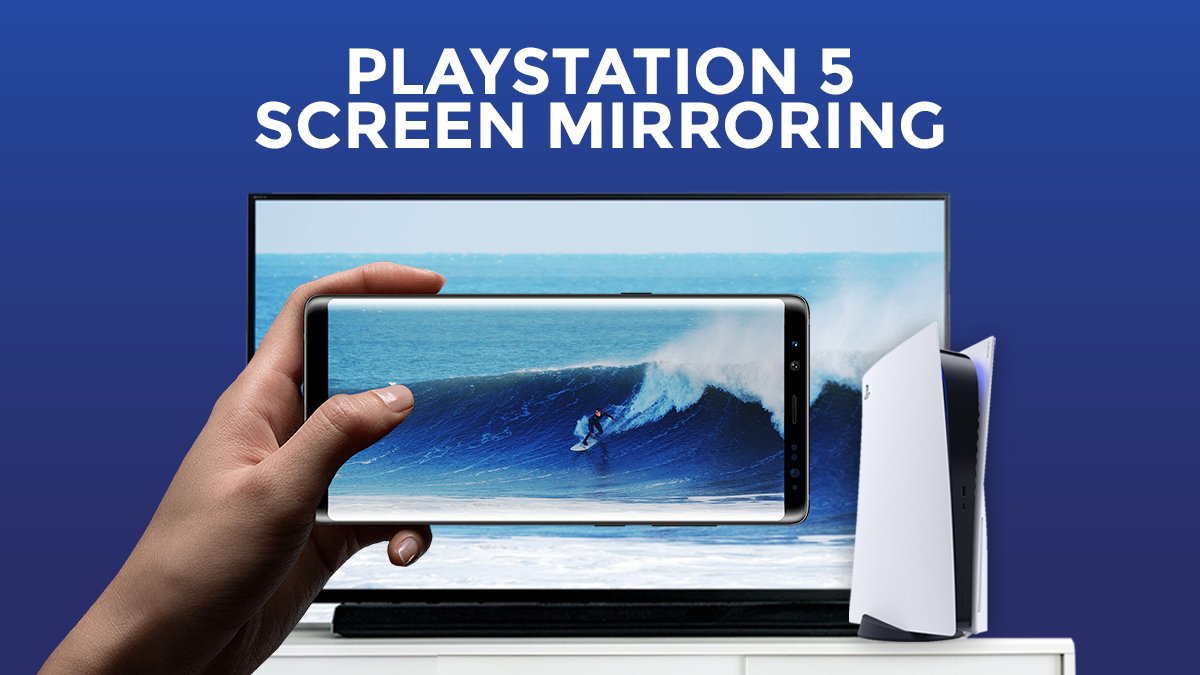
Check out the YouTube Tutorial and Screen Mirror to your PS5 😎
https://t.co/l7iq4ZHqJ7
PlayStation 4 & 3 Tutorials are also available on the Youtube channel !
#SCREEN#MIRRORING#Android#iPhone#iPad#PS5
Check out our new YouTube Turorial and learn how to Screen Mirror iPhone or iPad to Fire TV Stick, Cube or TV 😎
https://t.co/IlVcTwMVo9
#FIRETV#MIRRORING is the easy screen sharing app to mirror your #Android, #iPhone or #iPad screen to Fire TV in Full HD Quality.
Check out our new YouTube turorial and learn how to Screen Mirror Android to Roku Stick, Box or TV in 2020 ����
#ROKU #MIRRORING is the easy screen sharing app to mirror your #Android, #iPhone or #iPad screen to Roku in Full HD Quality.
https://t.co/tm5zrzm5j7
Check out our new YouTube #tutorial and learn how to Share your #iPhone and #iPad screen over the Internet to friends, family and co-workers! https://t.co/zdto4CcgXz
Capture stunning landscapes, beautiful sunsets and special moments. Look back at your favorite photos by mirroring them to your big screen! #screenmirroring
@MirkoVanColen@VideoTVCast Hey Mirko! We are sorry that you experienced a problem with the app. What exactly isn't working? Please send your request via email to [email protected] and we will be able to help you quickly with any issue.
@Papi_shampoo805 There are two possible things causing this problem. Firstly make sure that you hold your phone in the correct position and not upside down. Further some sides don't support the app. So maybe you can try out a different side like Youtube (which should work).
With our new screen mirroring app your can mirror your iPhone or iPad screen to any device with a web browser. Share your screen on any #SmartTV, #Gaming Console, #PC, #Laptop, #Smartphone or #Tablet! 👍😎
https://t.co/fFKXKkC10z