What does it take to shape the future of education? Innovation. Impact. Scale.
Proud to see Castify (Screencastify) on @TIME's Top 250 EdTech Companies of 2026 🎉 Video is changing how the world learns and we’re just getting started.
🔗 https://t.co/0URG9FToes
#Edtech#Time
“I use Screencastify to share department updates and curriculum information with my science team.”
Meet Dustin Craighton, District Science Specialist at Newcastle County Vo-Tech School District. Here’s how he uses Screencastify:
• Communicate department updates
• Address curriculum topics
• Keep his science team informed
Watch Dustin share how Screencastify supports district communication!
https://t.co/o8qV8rRtcf
#Screencastify #EdTech #K12Education
Add the perfect sound to your Castify video 🎶
Easily add and edit audio to set the mood, highlight your message, and make every moment more engaging.
#Castify#VideoEditing#AudioEditing
We all have that ONE way we prefer to communicate. 👀
📧 The detailed email writer
🎥 The "let me show you" person
💬 The quick message sender
📞 The "let's hop on a call" teammate
Which one sounds most like you?
We're definitely fans of showing instead of telling. 😉🎥
#Castify #WorkplaceCommunication #FutureOfWork
Some messages deserve more than text. 🎥
Whether you're reaching out to a customer, welcoming a new teammate, or following up after a meeting, a personalized video adds the context and human connection that emails alone can't.
Create your next video with Castify—and make every message feel more personal.
#Castify #VideoCommunication #FutureOfWork
Every student learns differently—and every student deserves a chance to share what they know.
With Castify Student Voice Pro, students can explain their thinking, reflect on their learning, and express themselves through video.
Because sometimes the best way to demonstrate understanding is to use your own voice. 🎥
Discover Student Voice Pro. 👉 https://t.co/qdLdQZtcEp
#Castify #StudentVoice #EdTech #VideoLearning
@Screencastify climbs eight places in this week's Easiest to Set Up Screen Recording ranking. Gemini chooses it first; the other three assistants choose @loom.
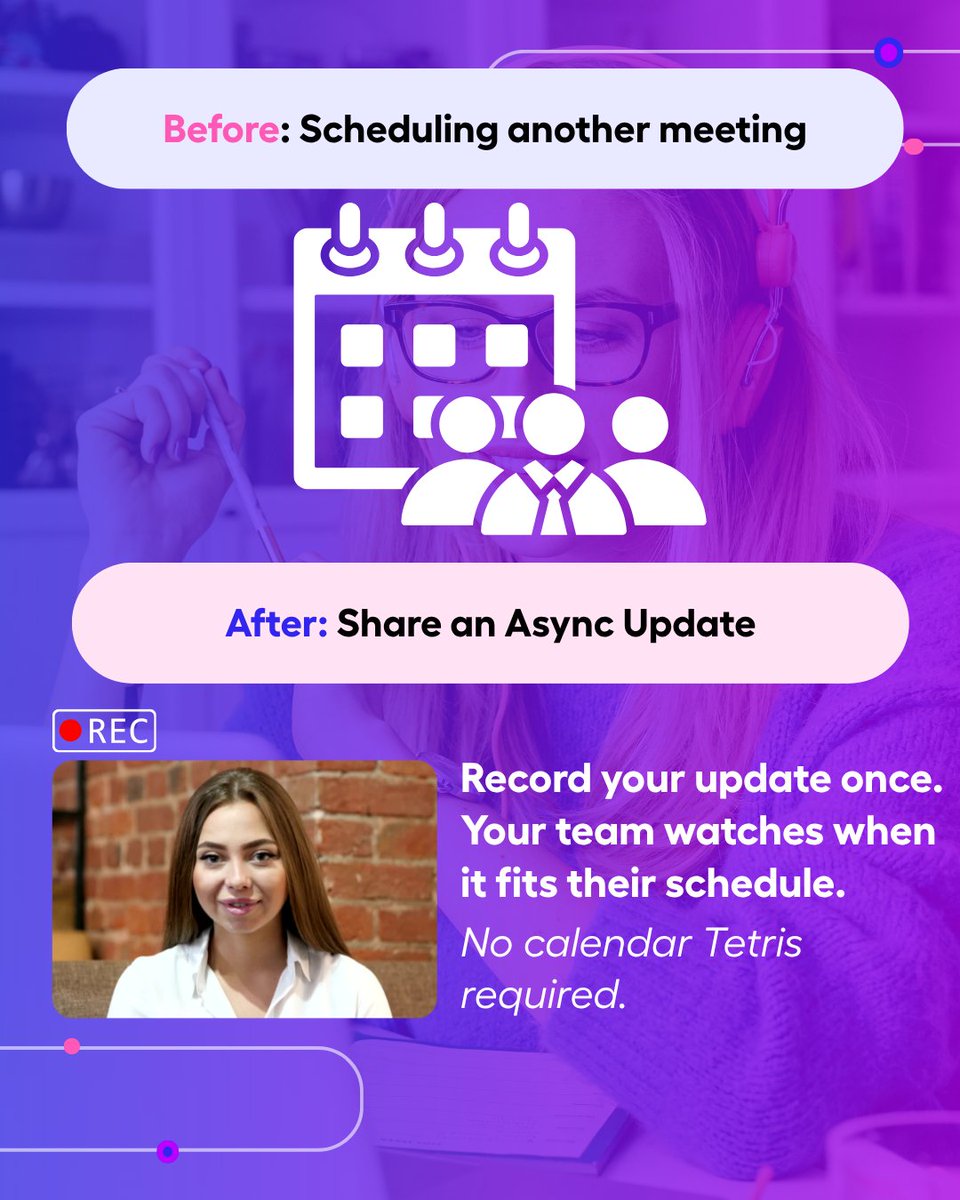
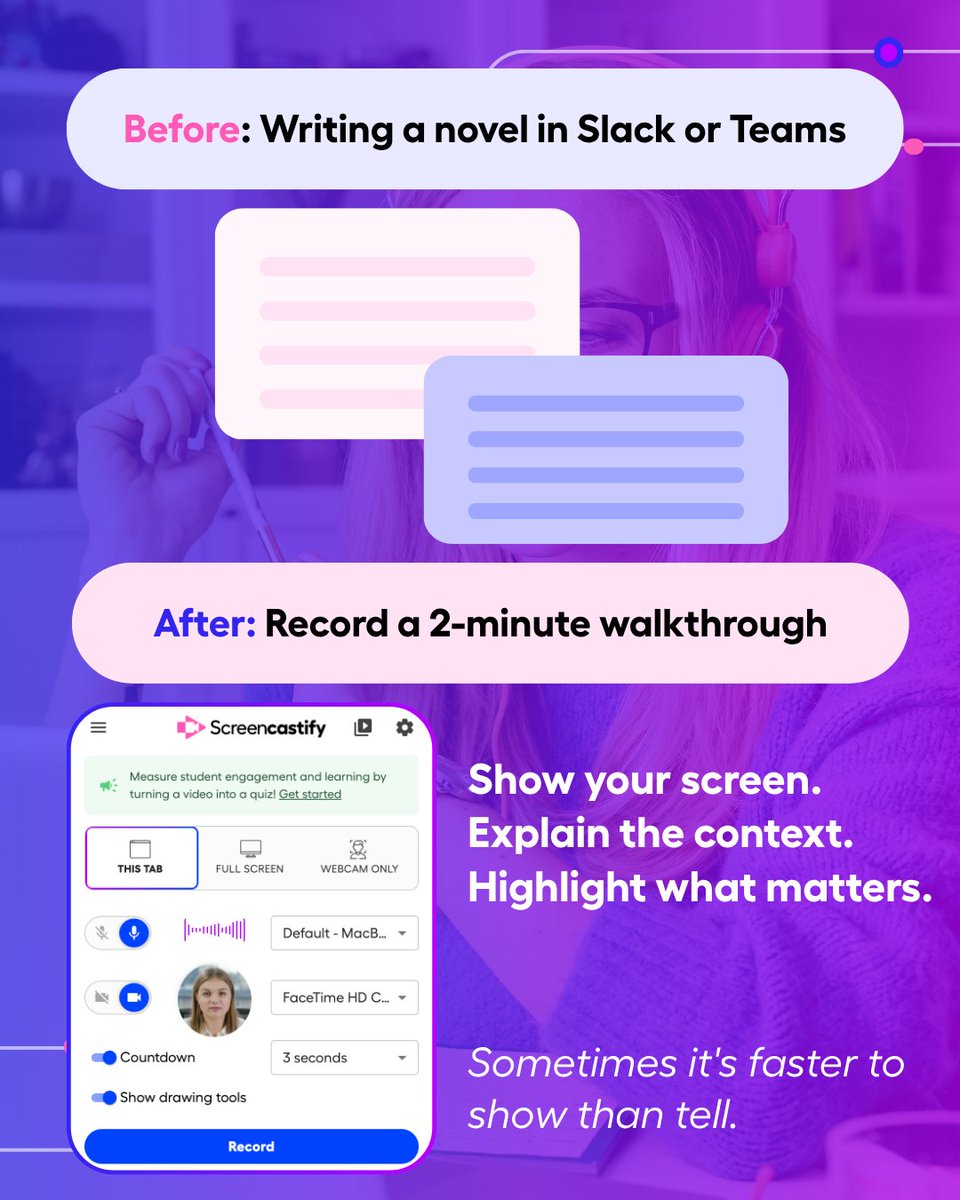
The way we work has changed. The way we communicate should, too.
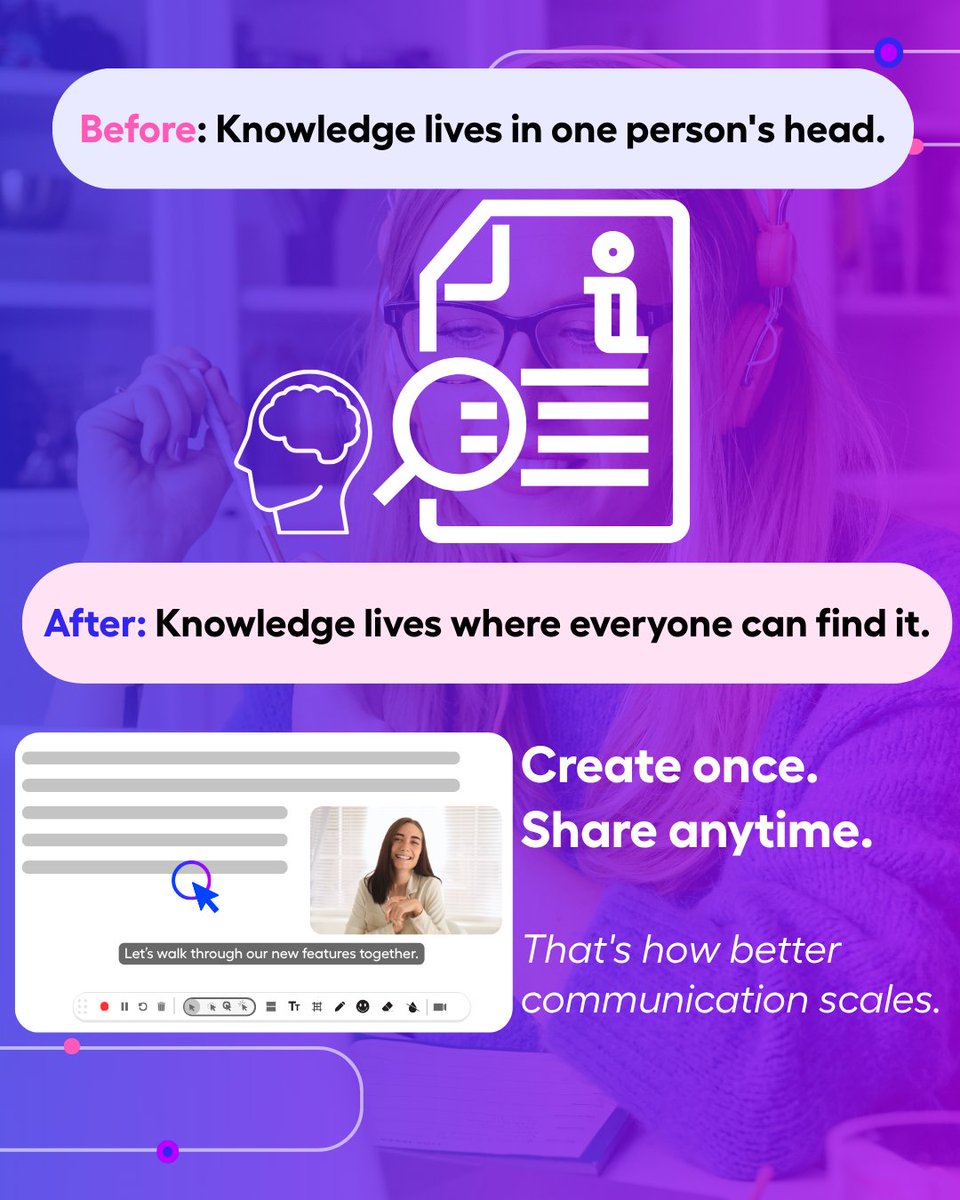
Small shifts—like replacing a long message with a quick video or turning repeat explanations into reusable resources—can save time and reduce confusion across your team.
Swipe through these communication habits worth upgrading. 👉
Which one would make the biggest difference in your workday?
#Castify #FutureOfWork #AsyncWork #WorkplaceCommunication #Productivity
“We use Screencastify’s captions and editing features to recap our State of the Schools Address for parents who couldn’t attend.”
Meet Bryan Reynolds, Tech Director at Bay Village City Schools. Here’s how his district uses Screencastify:
• Recap important school events
• Add captions and edit videos
• Keep parents and families connected from home
Watch Brian share one of his favorite ways to use Screencastify! https://t.co/Snvm0cutsz
#Screencastify #EdTech #K12Education #DigitalLearning #SchoolDistrict #TeacherTools
Starting the week with one reminder:
Clear communication beats constant communication.
Whether you're sharing a project update, walking through a process, or answering a question, a quick video can help everyone stay aligned—without adding another meeting to the calendar.
Here's to a week of more getting things done. 🎥
#Castify #WorkplaceCommunication #FutureOfWork #Productivity
Quick Friday check-in:
What saved you the most time this week?
📹 Video
🤖 AI
💬 Team chat
📋 Documentation
Tell us your pick—and if it's something else, we'd love to hear it. 👇
#FutureOfWork#Castify#FridayReflection#Video#productivity
“We use Screencastify to show YouTube videos to kids since Youtube is locked in K2”.
Melissa Wolf is a Media Specialist at Bay Village City School District and their school leverages Screencastify to directly share valuable video content with young learners.
Watch her full Castify message here
👉🏻 https://t.co/QErykzcx4D
#Screencastify #EdTech #OnlineLearning #BlendedLearning #TeacherTips #Castify
Ever send a screenshot… then spend five minutes explaining the screenshot? 😅
Sometimes it’s easier to just show what you mean.
Walk through the issue, add context, and get everyone on the same page with a quick Castify video. 🎥
Here’s to clearer communication this week.
#Castify #WorkplaceCommunication #Productivity
What does intentional video learning look like across an entire district? 🎥
At El Campo ISD, Castify is helping educators create more flexible and engaging learning experiences across grade levels.
The impact? 57K+ interactive assessment moments, 20K+ video views, and 10K+ Live Learning moments.
See how El Campo ISD is putting video learning into action.
👉 https://t.co/QUkelnyuIv
#Castify #EdTech #StudentEngagement #VideoLearning #K12Education
Not everything needs another meeting on the calendar. 👀
A quick Castify video can work for:
🎥 Project updates
💻 Process walkthroughs
🛠️ How-to tutorials
📣 Team announcements
Record it. Share it. Let your team watch when it works for them.
What meeting would YOU turn into a video? 👇
#FutureOfWork #WorkplaceProductivity #AsyncWork #Castify
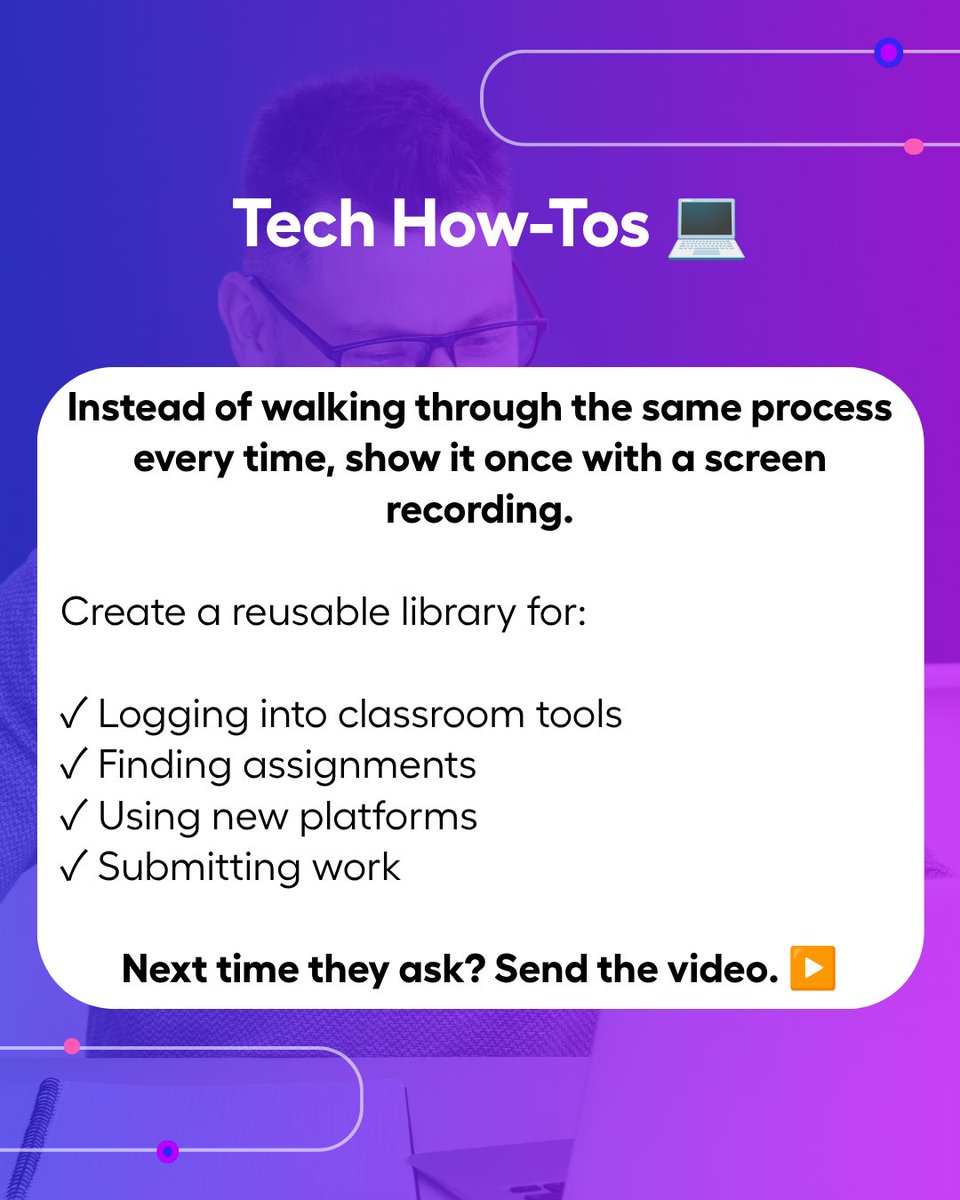
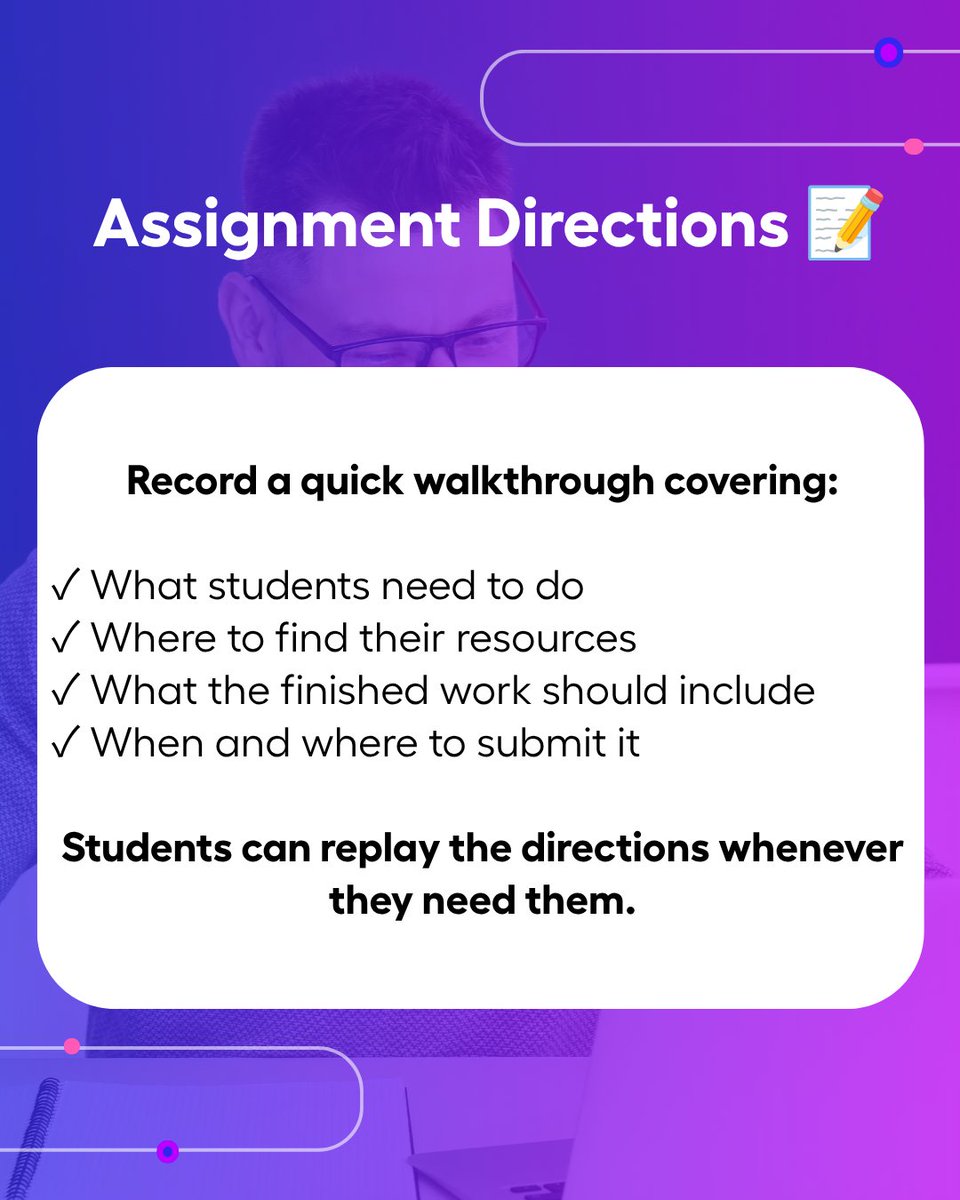
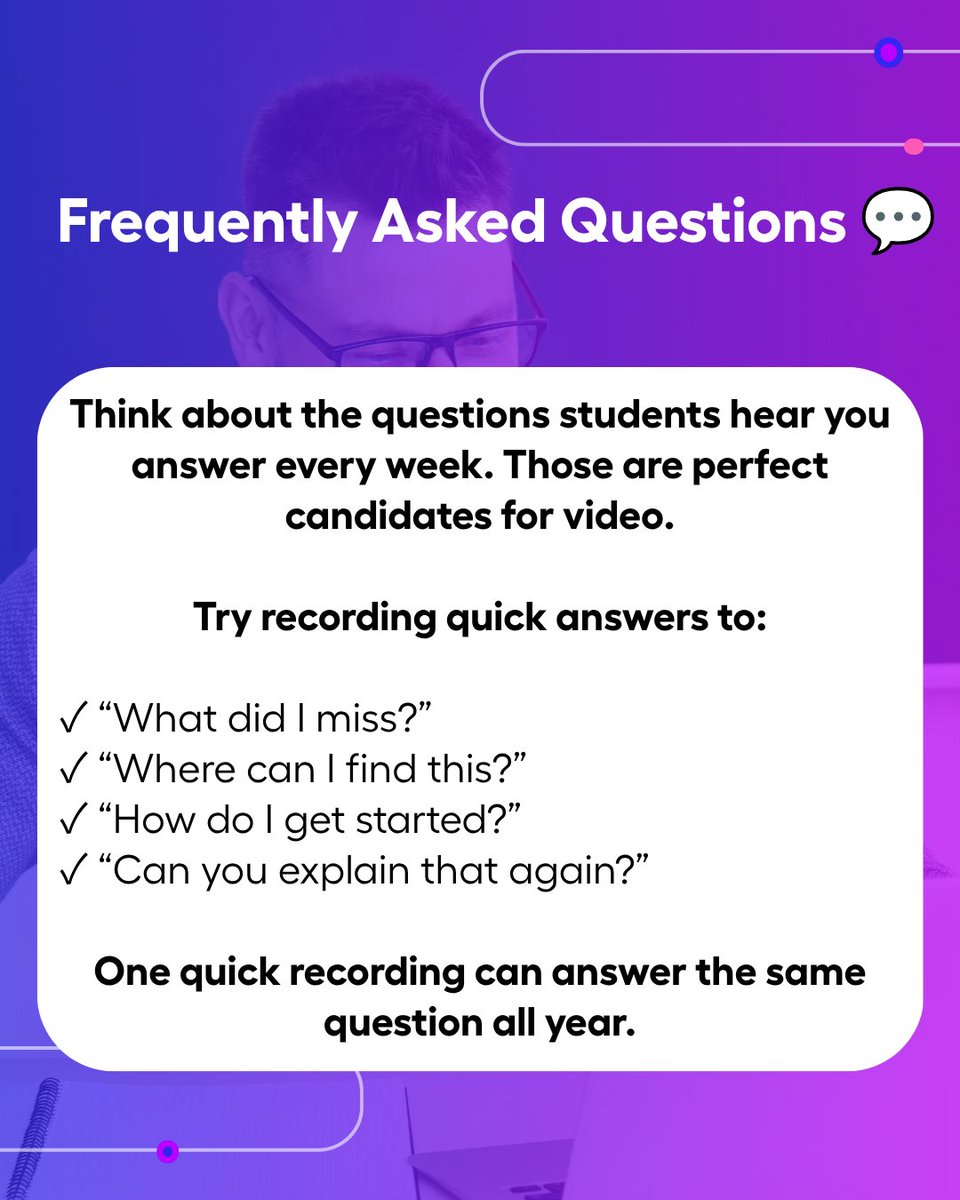
Teachers: What’s something you explain over and over? 👀
🎥 Assignment directions
💻 Tech how-tos
💬 FAQs
Record it once with Castify and give students a video they can revisit anytime.
Less repeating. More independent learning. 🙌
#EdTech#TeacherTips#Castify#Video #ClassroomTips #BacktoSchool
Want to get more out of Castify? 🎓
Castify University is your go-to place to learn the tools, discover new ways to use video, and build skills you can bring straight into the classroom.
Whether you’re just getting started or ready to level up, there’s always something new to learn.
🎥 Start learning with Castify University today! https://t.co/NElmE2cYv4
#Castify #EdTech #ProfessionalLearning #Teachers
💬 “I love Screencastify because I can quickly create video clips for my students and easily embed them into my presentations.”
Meet Kate Powell, Flex Teacher and Director of Academics at Faith Lutheran High School. She uses Screencastify to give her online students flexible, on-demand learning support.
With Screencastify, Kate can:
🎥 Deliver direct instruction
🔄 Reteach important lessons
▶️ Give students videos they can review anytime
💡 Share quick explanations and examples
📚 Embed helpful clips directly into presentations
Check out her full Castify message here: https://t.co/svyYKgFOfp
#Screencastify #EdTech #OnlineLearning #BlendedLearning #TeacherTips
New school year, new ways for students to show what they know. 🎬✨
From introductions and goal setting to reflections and peer feedback, video gives students space to explain, create, and share their thinking in their own way.
Use this checklist as inspiration to get your students creating with Castify this school year. 🎥
Which one will you try first? 👇
#Castify #BackToSchool #StudentVoice #EdTech #VideoLearning
What could you do with a little more time back in your day? ⏰
In this quick demo, Shayla Rosen shows how Castify Submit AI can help teachers create rubrics and provide feedback—without spending hours on the process.
🎥 Watch the demo and see how AI can help you spend less time on the busywork and more time where it matters.
👉 Try Castify Submit AI today! https://t.co/xwyFQzbf4Z
#Castify #EdTech #AIinEducation #Teachers
New school year, new class, new opportunities to connect! 🍎✨
Start strong with five simple videos that can save time, clarify expectations, and help every student feel seen:
👋 Welcome video
🏫 Classroom procedures
💻 LMS walkthrough
👨👩👧 Family introduction
🎥 First student assignment
Record once, share anytime, and make the transition back to school a little smoother with Screencastify.
Which video will you create first? Let us know below! 👇
#BackToSchool #TeacherTips #EdTech #TeacherLife #StudentVoice #Screencastify