Dictation is here in Screens 5.8.6.
Speak, and Screens types on your remote Mac, Windows, or Linux machine—commands, prompts, anything.
Faster input. Less friction.
https://t.co/thglFZzUXx
@msabarsky Any recent changes to your network (settings, hardware) or ISP? Looking at a diagnostics report would probably tell us more: https://t.co/s4yzyMa8rT
🚨 PSA: We want to clarify that neither we nor our Screens Connect service are involved in any way with the recent ConnectWise security breach. They are a completely separate company and service.
https://t.co/xJpWsocJn9
@DoomFinger Screens Connect 5 has been postponed and will enter beta very soon. S5 will work just fine with SC4. Or, you can use Tailscale, which works great with Screens! https://t.co/49QFuQcsjz
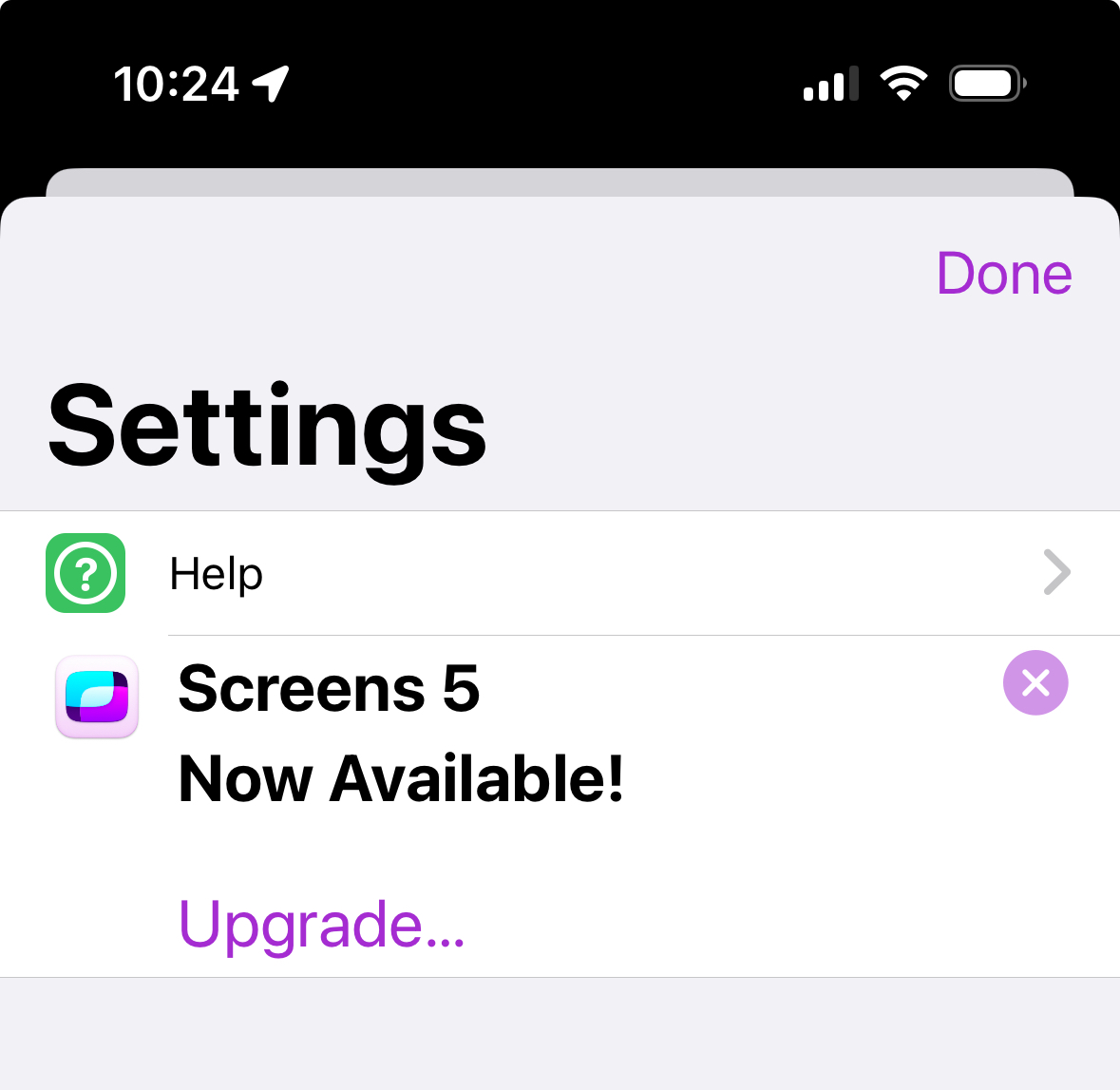
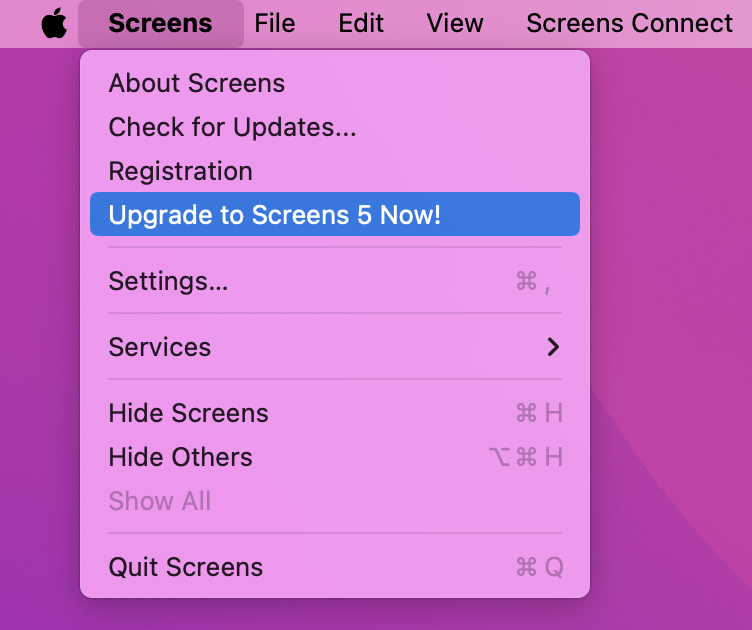
🚀 Current Screens 4 users, enjoy a 50% discount on your first annual subscription! Open Screens 4, find the upgrade link, and access your special upgrade page with the exclusive offer code. Upgrade now and elevate your experience! 🌟 #Screens5
https://t.co/Wow4Ur33S3
Announcing Screens 5 for Mac, iPad and iPhone. Available on December 6. Pre-order now! https://t.co/0W0tNtW18a
Check our blog post for details:
https://t.co/bckDjngIx5
@Ash_Coolman If you're certain to have the correct Mac user credentials, check that it is allowed: https://t.co/PPBs0njiV7 or send us a report to see what's going on: https://t.co/wuUQPmFmen (2/2)
@Ash_Coolman You mean "Screens"? You need to log in with Screens Connect with your Screens ID, not your Mac user. Screens (Mac and iOS) will require Mac authentication to connect: https://t.co/cr94EP5NAJ (1/2)
After further investigation, it seems the issue is a hardware failure on our end, which coincided with the macOS 14 (not 13!) B3 update. We still recommend to be careful when installing beta OSes.
It seems like the macOS 13 beta 3 update (23A5286i) breaks the UPnP API Screens Connect is relying on to make your Mac reachable remotely. We notified them already. Please refrain from updating if you rely on being able to reach your Mac remotely.
Sorry for the inconvenience :(
Also, Screens Connect seems to work fine on macOS 14 but we recommend to not install betas on Macs that you need to access remotely as future betas could break things.
Screens should work fine on iOS 17 and macOS 14. If you're connecting to a Mac running macOS 14 and you're stuck at "Downloading…", just reset the Remote Management service, which sometimes needs to after an upgrade for some obscure reason: https://t.co/XN2UrAf4Ic