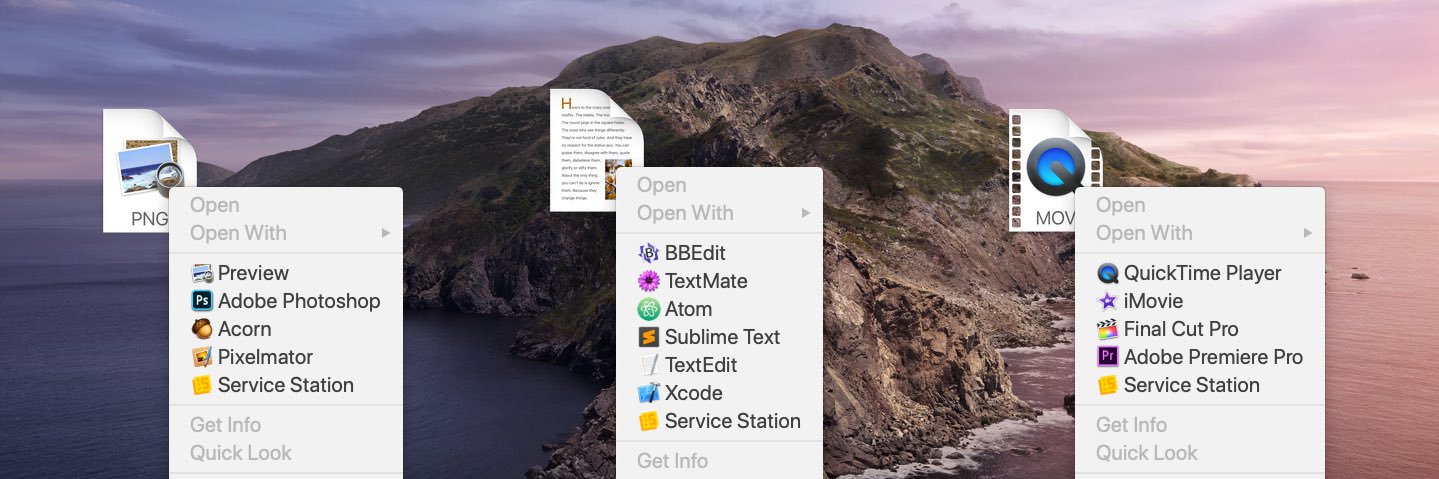
Service Station for macOS
🔶 Customize your Right-Click menu in Finder
🔶 Launch applications and scripts
🔶 Available on the Mac App Store
https://t.co/5mnpoLJJi4
@mytweetalert @TwitterSupport @BabrooWahen @drandreaskruger @alfuhod
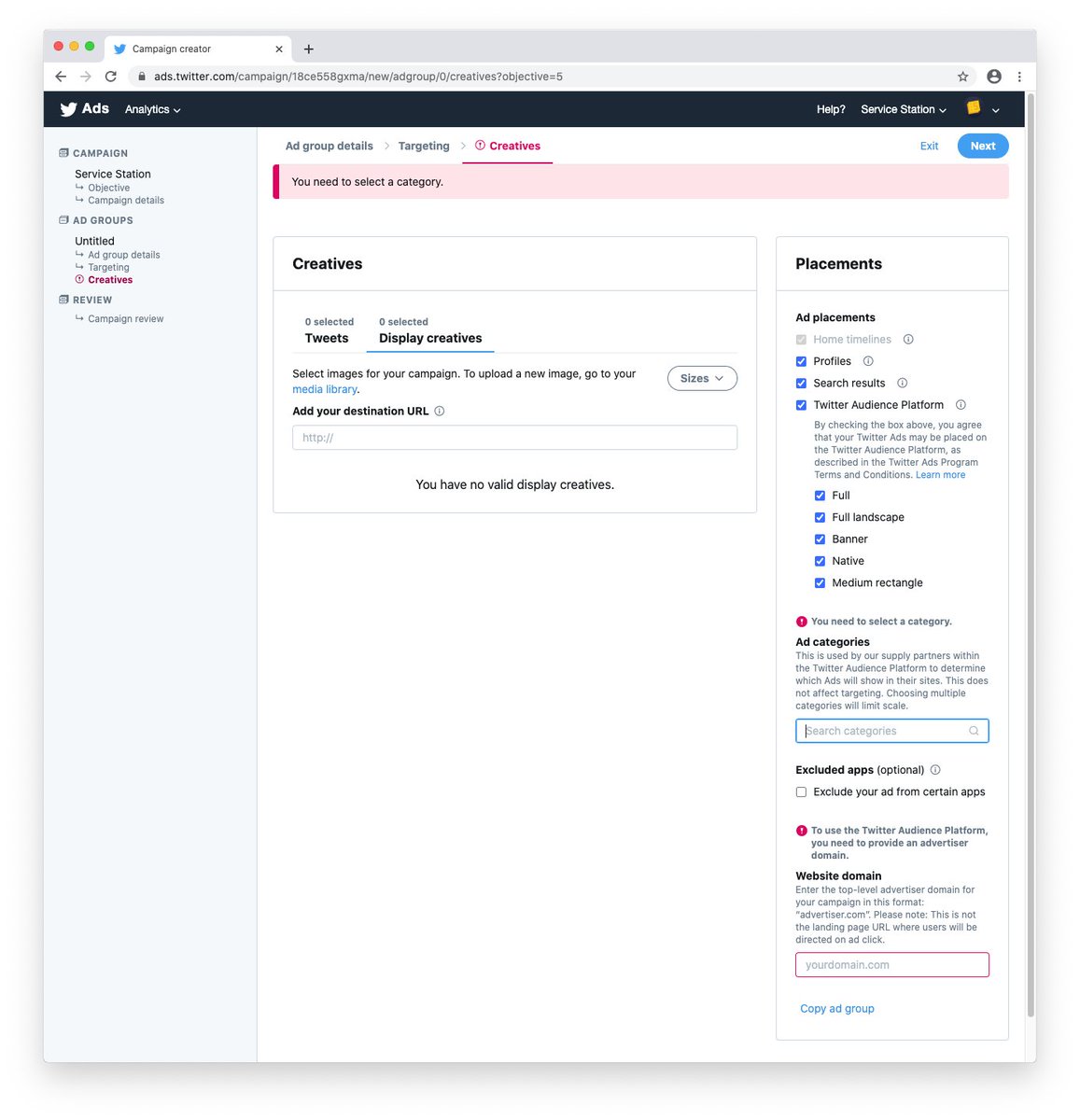
You need to click on 'Ad Group > Creatives' and then look in the 'Placements' sidebar on the right. Select an Ad Category.
Very unintuitive... it complains "You need to select a category" well before you have the chance to add a category.
"Not only is it great to see a brand-new Mac utility, but this one hits the sweet spot for me—it’s all about creating more useful contextual menus in the Finder." - @bleedsixcolors
https://t.co/5k8HnS2RNy
@diggory Once per restart/log-out? Running the main app shouldn’t be required... the Finder Extension and Attendant background process start automatically.
Please check what processes are running via Activity Monitor.
@msanders Service Station only pops up when you right-click files or folders in Finder... not selected text within an app.
Try the macOS Services and/or Quick Actions features to run scripts based on text selection, etc.
Scripting is the most empowering way to use a computer.
There's no better use of your time than automating your workflow.
Nothing compares to writing a script for yourself in an hour that you can use for a lifetime.
@erick2red Yes, that's a new dialog required by App Review. Previous versions ran in background automatically.
Press "Enable" once and you should never be asked again.