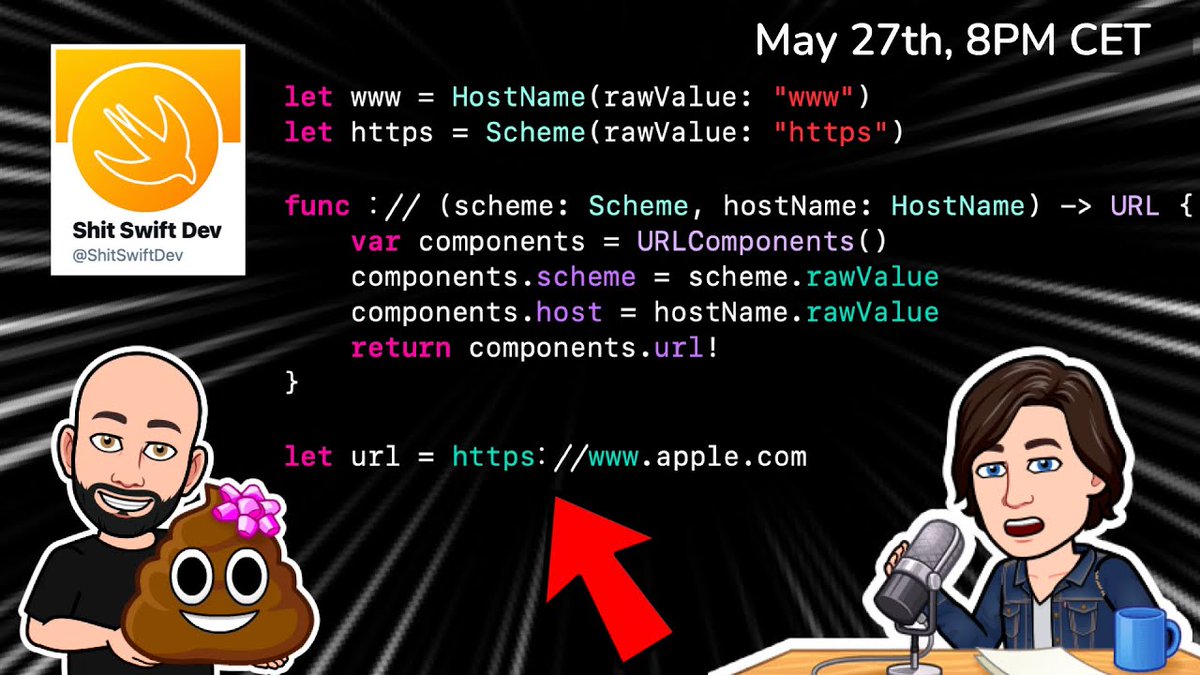
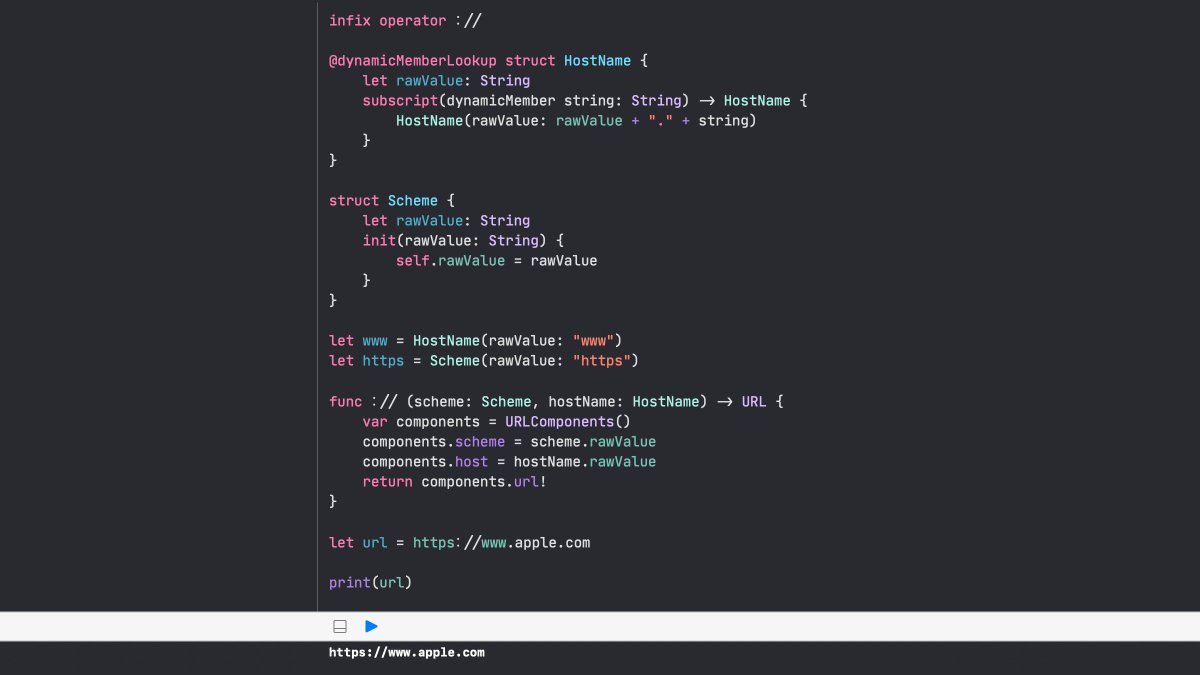
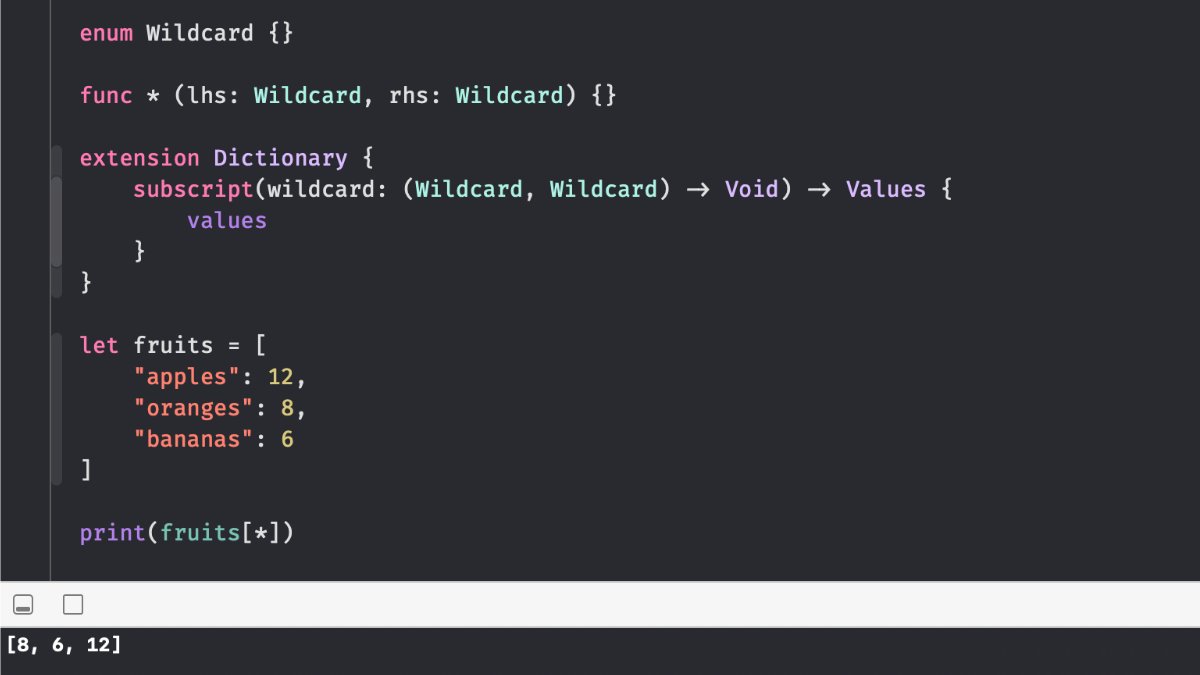
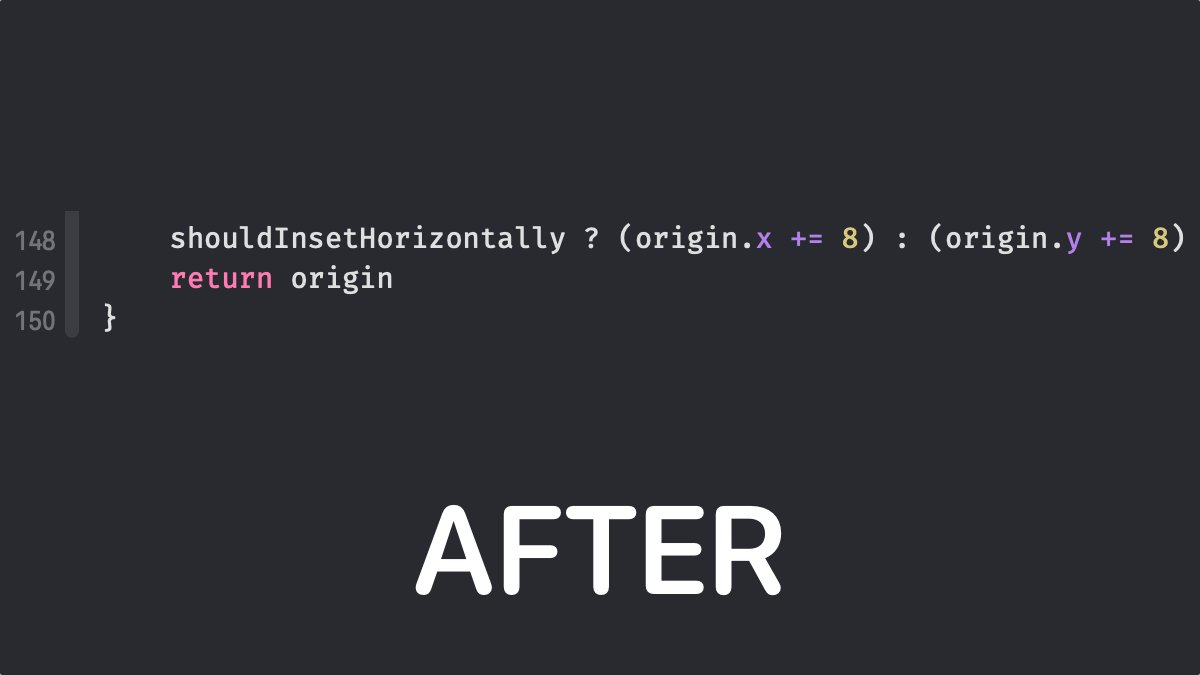
We've talked about good code at length, now how about 💩 code?
For this week's live I'll be joined by @jegnux of @ShitSwiftDev and he's going to show us how to over engineer Swift code like you never have before 🤪
See you tomorrow 8PM CET ⏰
https://t.co/M3EMpcpCm2
We've talked about good code at length, now how about 💩 code?
For this week's live I'll be joined by @jegnux of @ShitSwiftDev and he's going to show us how to over engineer Swift code like you never have before 🤪
See you tomorrow 8PM CET ⏰
https://t.co/M3EMpcpCm2
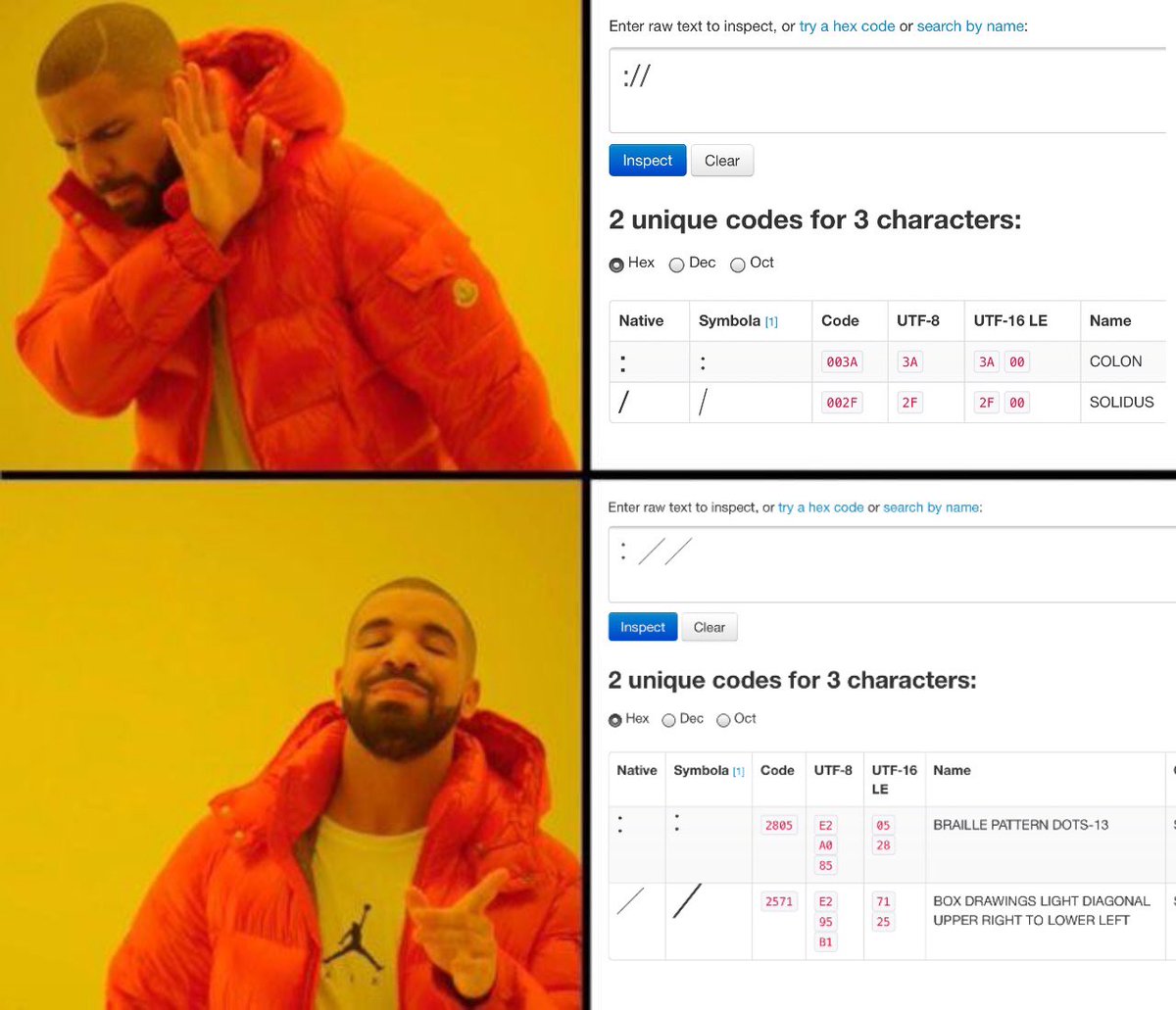
@ShitSwiftDev How is it working?
https://t.co/KDAmaP6QRe
Custom operators can begin with one of the ASCII characters /, =, -, +, !, *, %, <, >, &, |, ^, ?, or ~, or one of the Unicode characters defined in the grammar below (which include characters from the Mathematical Operators, ...)
@gabhisek_dev If you want a more advanced technique, you can create a protocol, move the code in an extension of the protocol and conform the view controller to that protocol.
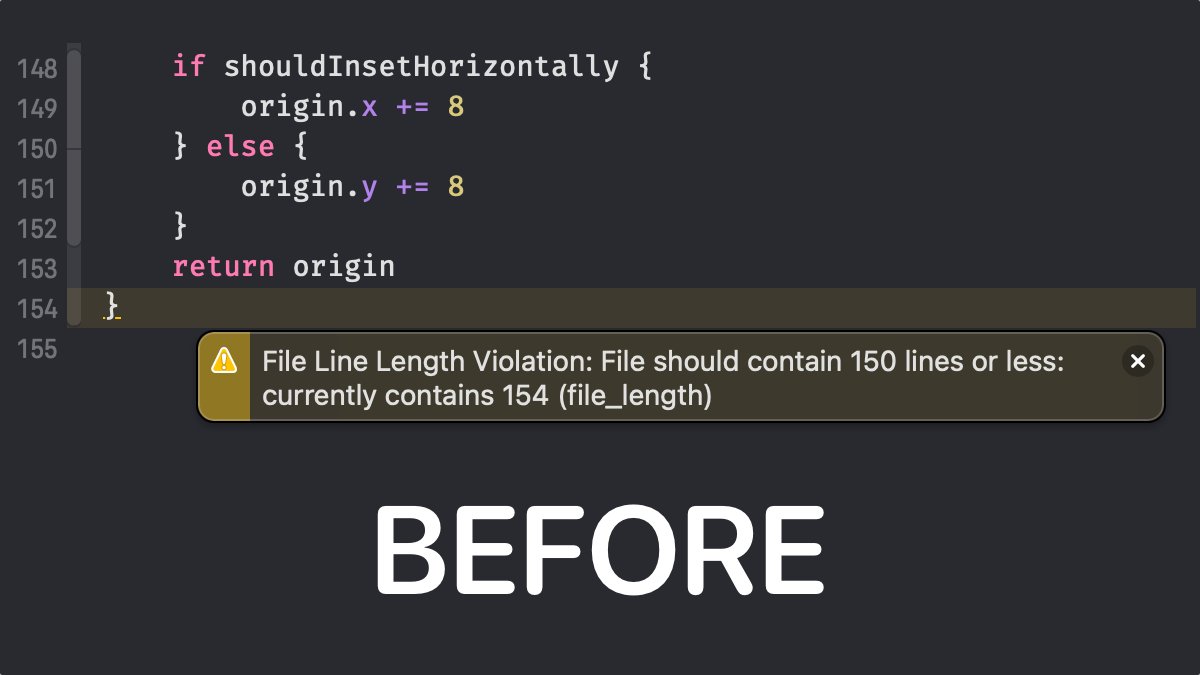
Pro-tip: to avoid massive view controllers, move some methods to an extension in a new file. If you had private methods, just prefix them with an underscore 💡