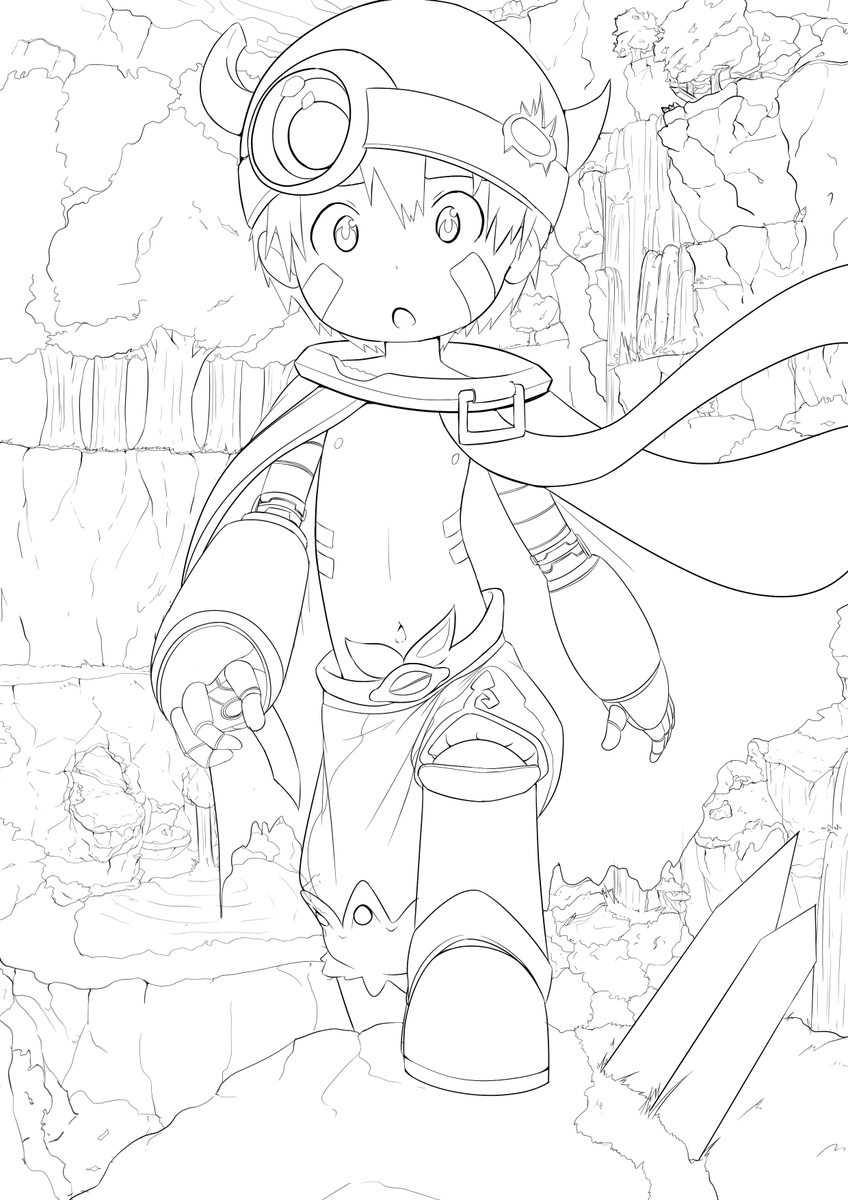
Writing this down for an idea to try later, but if a comic page is separate into panels, I could use outline tool to expand shadow lines and fill. Separate panels gets around the pixels being too far for the Action to work. Maybe make a tool that separates and recombines?
Writing this down here so I remember to experiment with it later when I have time, but I just realized that CSP's auto assist might be usable in tandem with my auto shade tool.
I'll definitely have to play around with it.
The Smart Shape tool from Clipstudio 5.0 is legit such a game changer. Being able to have horizontal and verticle hand drawn lines without needing to mess with ruler snapping speeds things up so much. And the ellipses save so much time as well. 10/10 update.
@PuduSan@SockoftheDirt I'll try and think of some creative ways to use them!
I've always been weary of gradient maps(and blending modes), cause I like having fine control over the colors. I bet there's some creative uses for them though!
@LittlePawsLeo I just used the "Auto Actions" tool in clipstudio! By using the color gamut along with the fill tool, I can make a selection and fill the colors with colors that I choose! I'll make a more in-depth video on it later
The two things I wanna make next in clipstudio:
1)An auto shader but for highlights(just gotta find the time to do it)
2)Some sort of system to replace a shape in clipstudio with a material in animation, similar to symbols in Adobe Animate. Maybe using file objects? 🤔
Just as a preview of some of the stuff I'd like to talk about on here, I recently made an auto-shader for my most commonly used palletes using Clip Studio Auto Actions. It was a lot of work, but I think its really cool and I'm very proud of it. ^^