SlickEdit 2023 Beta!
Please help us beta test SlickEdit 2023(v28). This will help us provide you the best quality possible.
The beta is available to all SlickEdit customers.
To download the beta, visit your Registered Products page. https://t.co/60J7hZo8Id
SlickEdit 2023 Beta!
Please help us beta test SlickEdit 2023(v28). This will help us provide you the best quality possible.
The beta is available to SlickEdit customers.
To download the beta, visit the Registered Products page. https://t.co/60J7hZoGxL
https://t.co/8nx38IzvCM
Weekly tip:
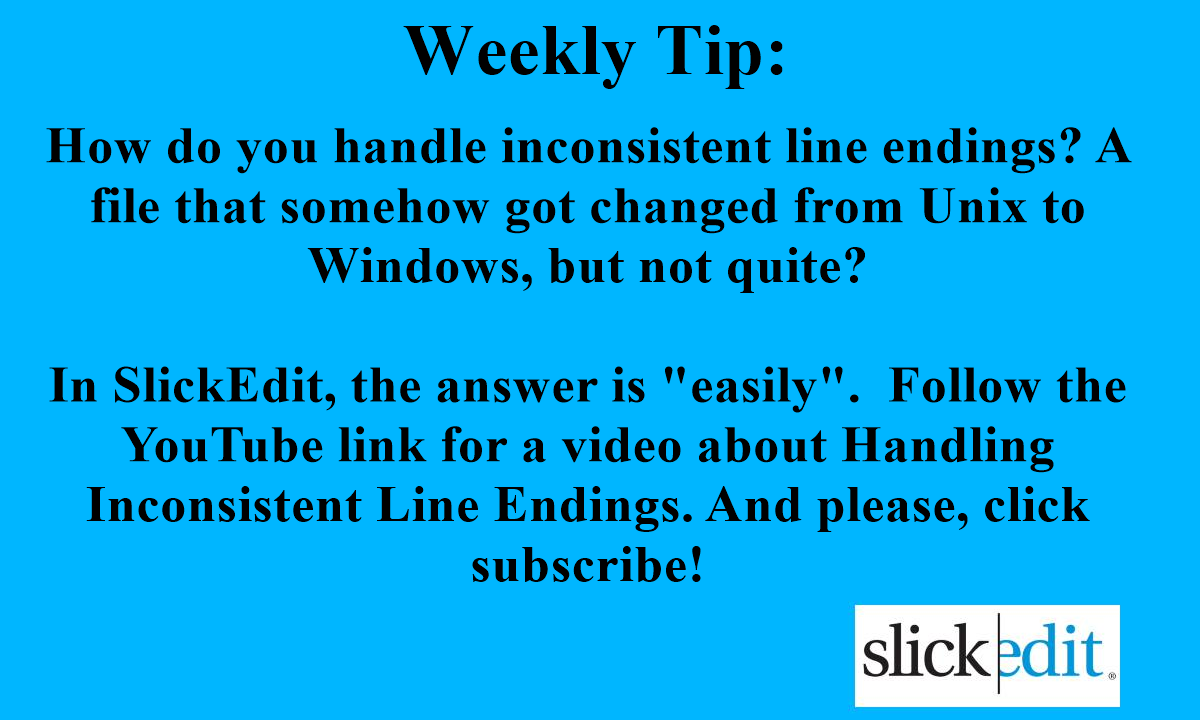
How do you handle inconsistent line endings? A file that somehow got changed from Unix to Windows, but not quite?
In SlickEdit, the answer is "easily". Follow the YouTube link for a video. And please, click subscribe!
https://t.co/CYIKmta30B
@echoLogin@GoCheckINC Be sure to check out the videos for features you might not know were there. https://t.co/ES2p1fm7QJ
We tried to make some of them humorous: https://t.co/MQwfa9ngHu
Weekly Tip:
Did you know you can extend SlickEdit's Syntax Expansion with Aliases?
To Get Started, go to Document > (language) Options and Click on Aliases.
https://t.co/xbUSmmrT4N
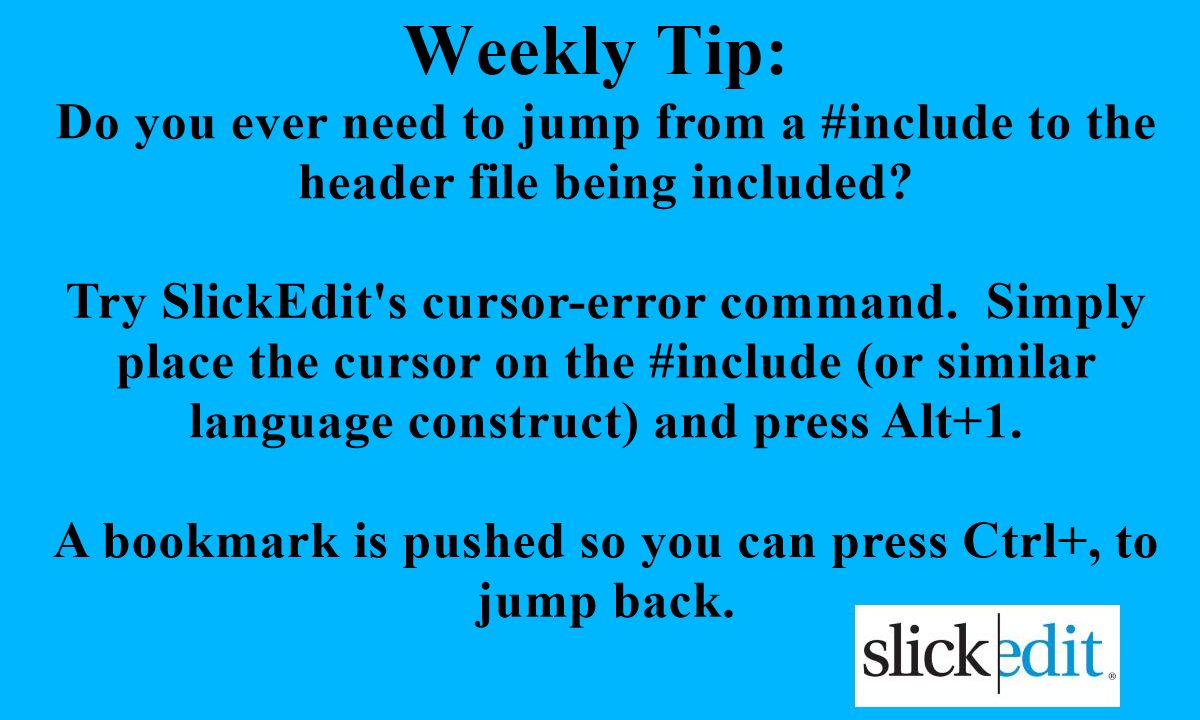
Do you ever need to jump from a #include to the header file being included?
Try SlickEdit's cursor-error command. Simply place the cursor on the #include (or similar language construct) and press Alt+1.
A bookmark is pushed so you can press Ctrl+, to jump back.
@TPriest5150 This is a different features that doesn't require you to move to an include, you can be anywhere in "Class.cpp" and Ctrl+` will take you to "Class.h".
But I did need an idea for today's tip 😉.
Weekly Tip:
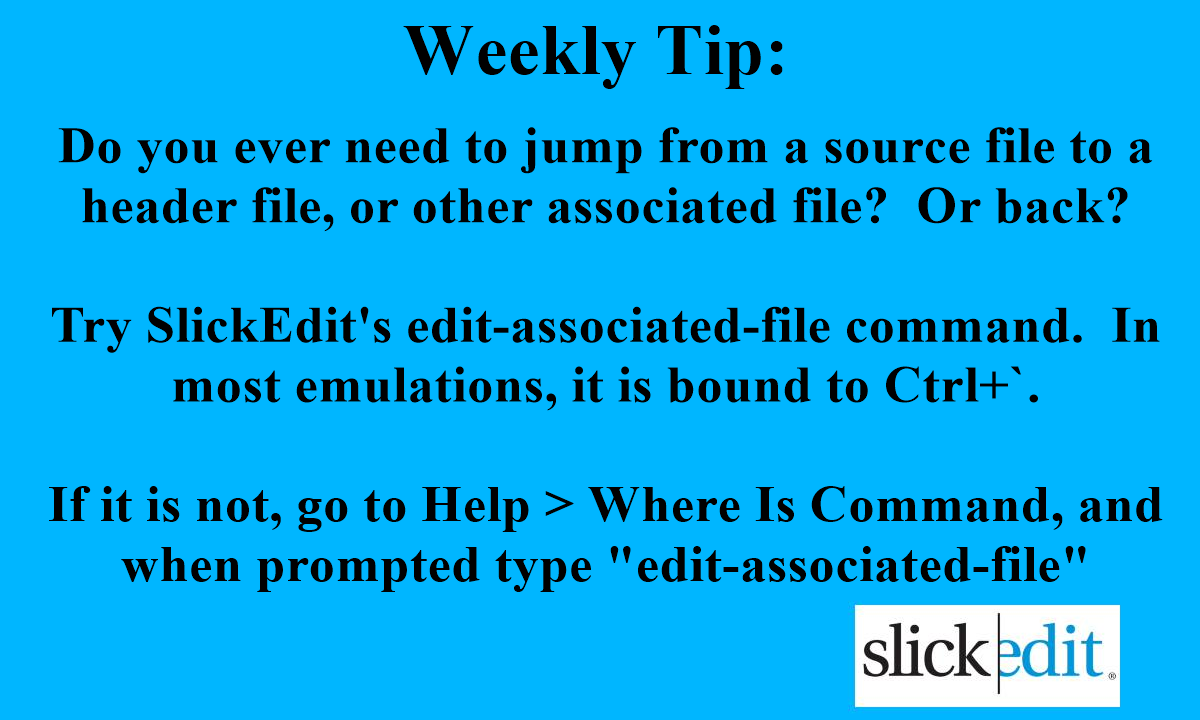
Do you ever need to jump from a source file to a header file, or other associated file?
Try SlickEdit's edit-associated-file command. In most emulations, it is bound to Ctrl+`.
If not, go to Help > Where Is Command, and when prompted type "edit-associated-file"
@echoLogin We feel that the professional programmer's editor still has a place in the world. Here are a couple of funny videos about it: https://t.co/Mi6FsGRaLW https://t.co/F9IytbUArS https://t.co/MQwfa9ngHu
@traversymedia We feel that the professional programmer's editor still has a place in the world. Here are a couple of funny videos about it: https://t.co/Mi6FsGRaLW https://t.co/F9IytbUArS https://t.co/MQwfa9ngHu
@hsianghui We feel that the professional programmer's editor still has a place in the world. Here are a couple of funny videos about it: https://t.co/Mi6FsGRaLW https://t.co/F9IytbUArS https://t.co/MQwfa9ngHu
@cooperx86 We feel that the professional programmer's editor still has a place in the world. Here are a couple of funny videos about it: https://t.co/Mi6FsGRaLW https://t.co/F9IytbUArS https://t.co/MQwfa9ngHu
@addyosmani We feel that the professional programmer's editor still has a place in the world. Here are a couple of funny videos about it: https://t.co/Mi6FsGRaLW https://t.co/F9IytbUArS https://t.co/MQwfa9ngHu
@ryancarson We feel that the professional programmer's editor still has a place in the world. Here are a couple of funny videos about it: https://t.co/Mi6FsGRaLW https://t.co/F9IytbUArS https://t.co/MQwfa9ngHu
@codinghorror We feel that the professional programmer's editor still has a place in the world. Here are a couple of funny videos about it: https://t.co/Mi6FsGRaLW https://t.co/F9IytbUArS https://t.co/MQwfa9ngHu
@BrendanEich We feel that the professional programmer's editor still has a place in the world. Here are a couple of funny videos about it: https://t.co/Mi6FsGRaLW https://t.co/F9IytbUArS https://t.co/MQwfa9ngHu
@SaraJChipps We feel that the professional programmer's editor still has a place in the world. Here are a couple of funny videos about it: https://t.co/Mi6FsGRaLW https://t.co/F9IytbUArS https://t.co/MQwfa9ngHu