@HashgraphOnline Shipped in 0.7.2 ✅ On minified production builds (Vite, Next.js, webpack — React and Vue), Pinpoint now finds the clicked component's code in the page's own scripts, follows its source map and reports the original file:line and component name. Thanks for the push!
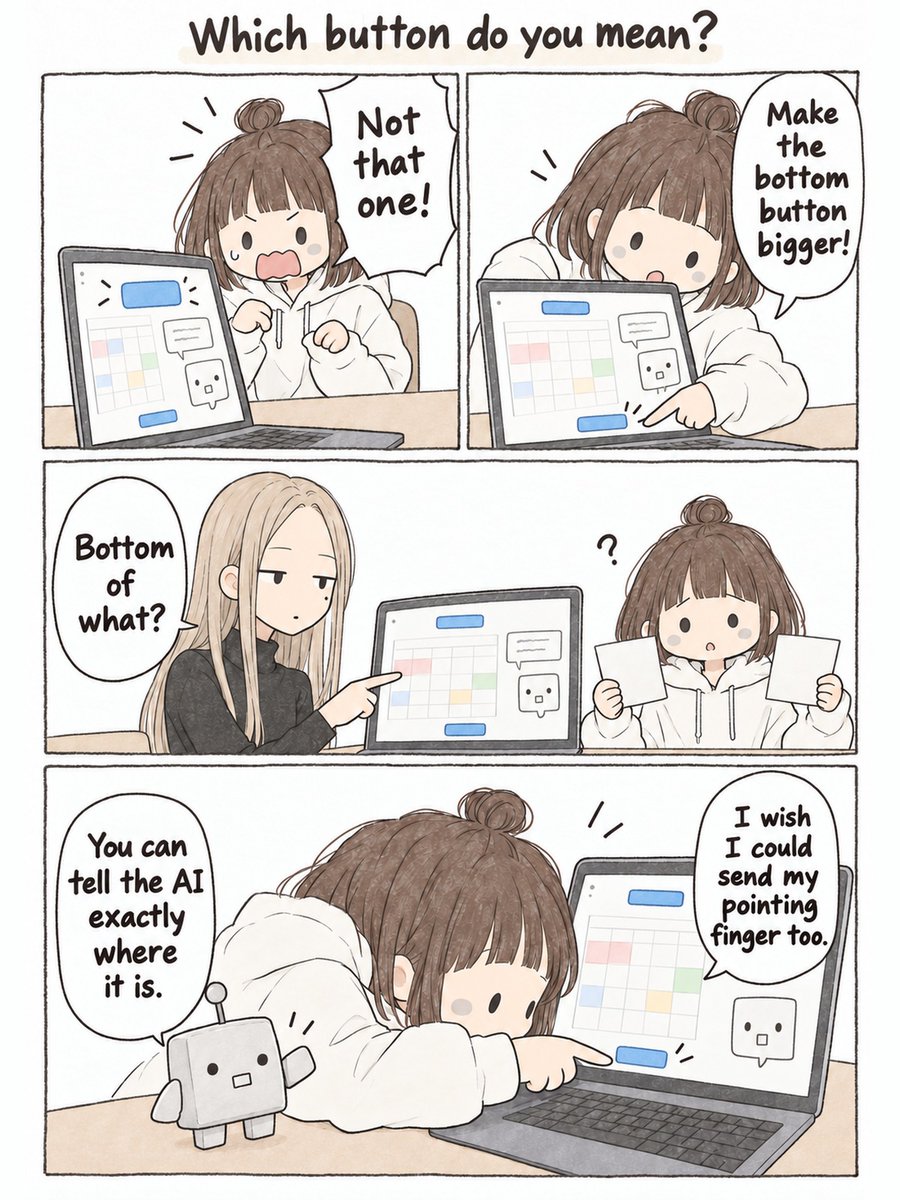
Your coding agent can change any UI.
It just can't tell which button you meant.
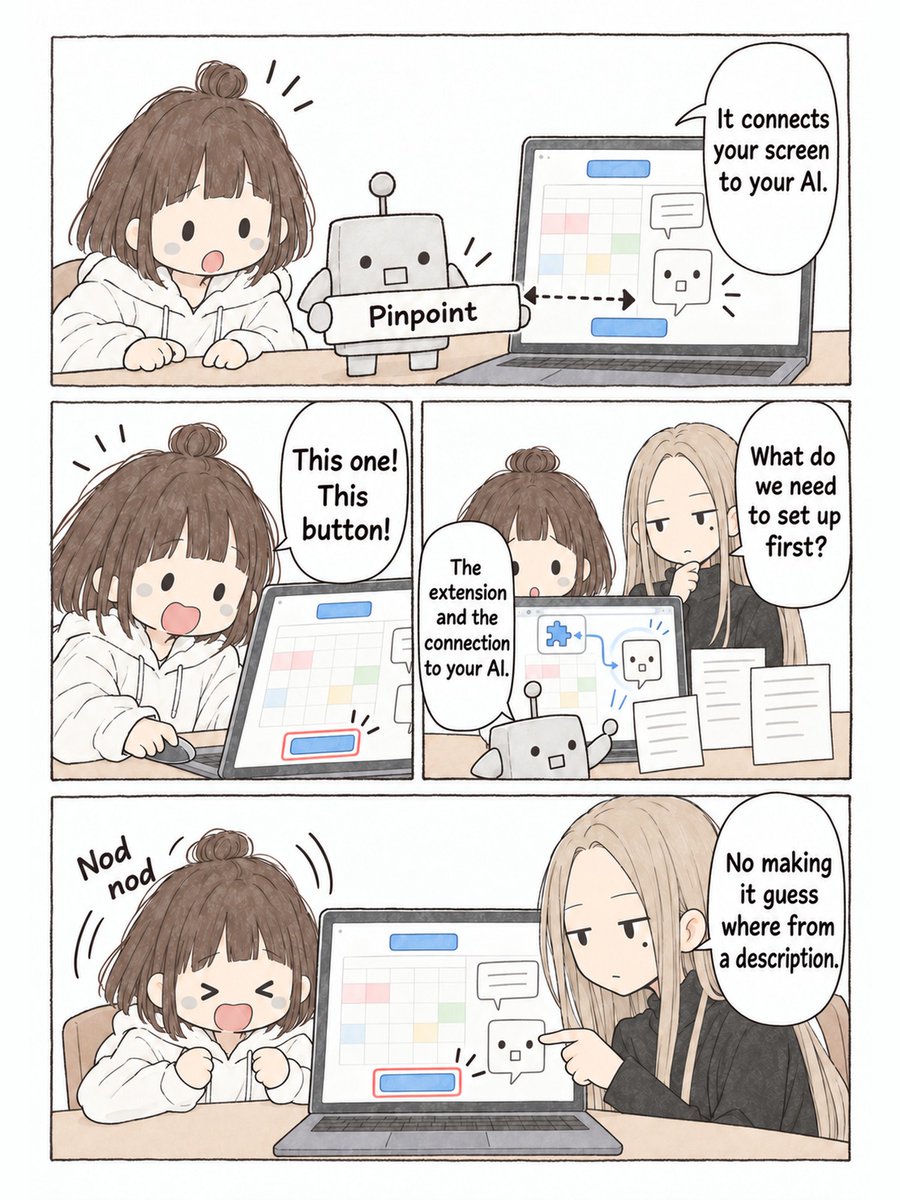
Pinpoint fixes that: click an element on your dev site, say what should change, and Claude Code, Cursor or Codex gets the selector, styles, component and a crop.
It even asks before it guesses.
Pinpoint in 34 seconds 👇
Point at the button. Say what should change. Claude Code, Cursor or Codex gets the exact element: selector, styles, component and a crop.
It asks before it guesses, shows you before and after, and runs entirely on your machine.
Two weeks ago I kicked off a loop to move OpenClaw's Lit-based Web frontend to Solid 2.0.
Took ~6 days until we could remove Lit, and another week to move patterns to idiomatic Solid.
I checked in with the session every other day, overall the process was mostly automatic. Took about ~600 PRs.
Result: Smaller JS and CSS footprint and much more fine-grained update control. Everything feeling more snappy and responsive. https://t.co/rYAuaXH2xN
you can call me crazy but.. it's now obvious:
grok bot + jev is going to create more millionaires in 2026 than crypto ever did.
idea → grokbot → jev decisions → grokbot execution → $$$$$
don’t scroll past this if it hits your timeline.
just send this article to grok bot.
connect it to jev.
thank me later.
@SolletiKumar When a click lands on a minified or generated element, how does PinPoint map it back to the source component: source maps, or a heuristic on the DOM path?
Pointing at the element beats describing it. Pinpoint hands Claude Code, Cursor or Codex the selector, styles, component and a crop, and it asks before guessing.
Pinpoint in 34 seconds 👇
Point at the button. Say what should change. Claude Code, Cursor or Codex gets the exact element: selector, styles, component and a crop.
It asks before it guesses, shows you before and after, and runs entirely on your machine.
Free and open source (MIT). Works on web apps, the iOS Simulator and the Android emulator.
GitHub: https://t.co/1ZJOXOHlHc
Try it: https://t.co/noSuxtxjXQ
Free and open source (MIT). Works on web apps, the iOS Simulator and the Android emulator.
GitHub: https://t.co/1ZJOXOHlHc
Try it: https://t.co/noSuxtxjXQ
Free, open source, and it runs entirely on your machine (an MCP server on 127.0.0.1).
GitHub: https://t.co/1ZJOXOHlHc
Site + full demo: https://t.co/noSuxtxjXQ
#ClaudeCode#MCP
Your coding agent can change any UI.
It just can't tell which button you meant.
Pinpoint fixes that: click an element on your dev site, say what should change, and Claude Code, Cursor or Codex gets the selector, styles, component and a crop.
It even asks before it guesses.
If you use Claude Code or Cursor on UI work, careful install feedback helps more than anything.
Repo + demo: https://t.co/EljGZjo5s6
Thanks for reading.