SparkFX Font Labs - Manage Fonts in Davinci Resolve. Create favorite fonts list, preview and update fonts directly in the Resolve Timeline. Check it out and save time working with fonts in Resolve.
https://t.co/c6yihjZ3tD
#davinciresolve#davinciresolveediting
SparkNotify / Resolve Render Queue Monitor
We have updated our Resolve render job montior. It is now called SparkNotify. Get render queue notifications.. sounds, open video, remote access.
https://t.co/PyqecX3JJa
SparkFX new updates coming soon! SparkFX is the ultimate add on toolkit for Davinci Resolve. Spellcheck your timeline, create content and generate animation. Go to https://t.co/9SSEs7SSwH to download SparkFX and start editing faster in Davinci Resolve. #videoeditor#sparkfx
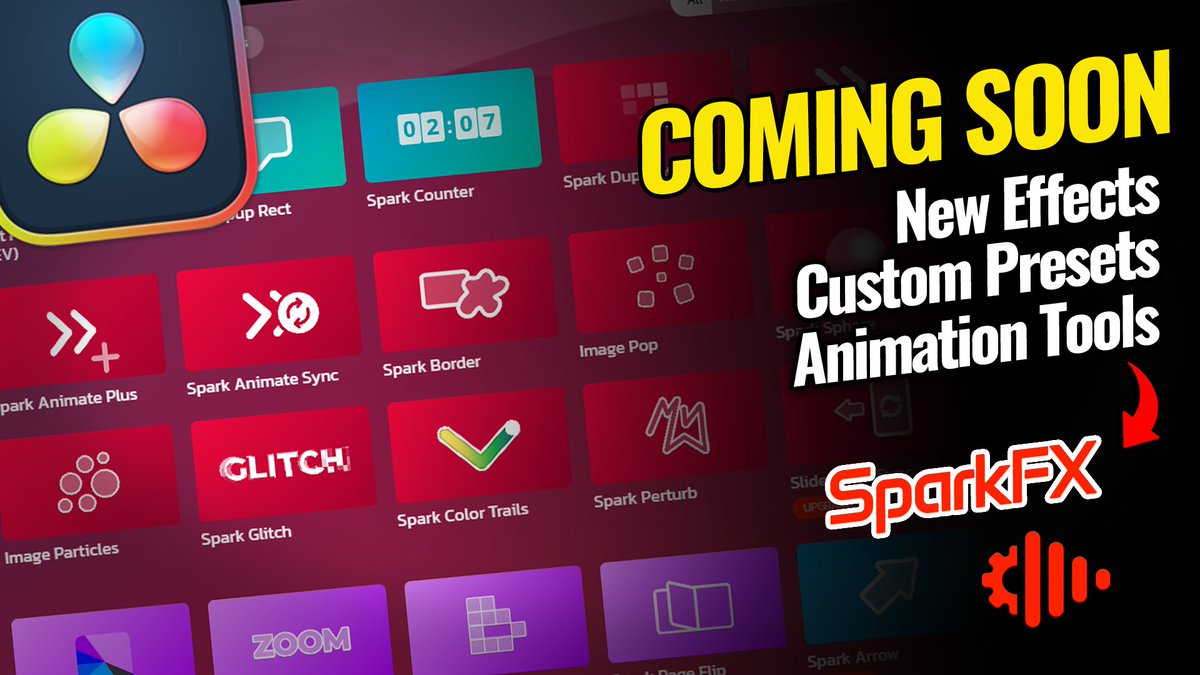
SparkFX new updates coming soon! These updates will include new easy to use timeline effects, customizable effect presets, animation tools and much more. Go to https://t.co/9SSEs7SSwH to download SparkFX and start editing faster in Davinci Resolve. #videoeditor#sparkfx
@editblog Yes, We make SwitchTake and SuperBIns. If you get a chance to try out SparkFX, let us know what you think or if you have any questions. There are a lot different things you can do with in the app, with more in development. The goal is to optimize video editing workflow.
SparkFX Studio: The Ultimate Editing Toolkit! ✨🎥
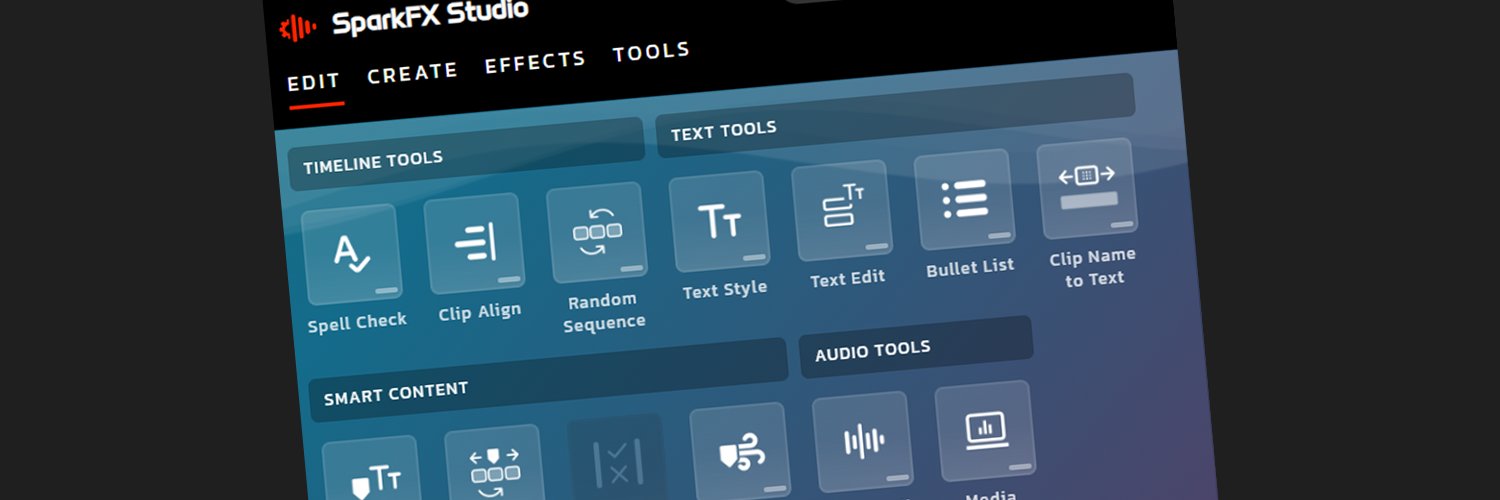
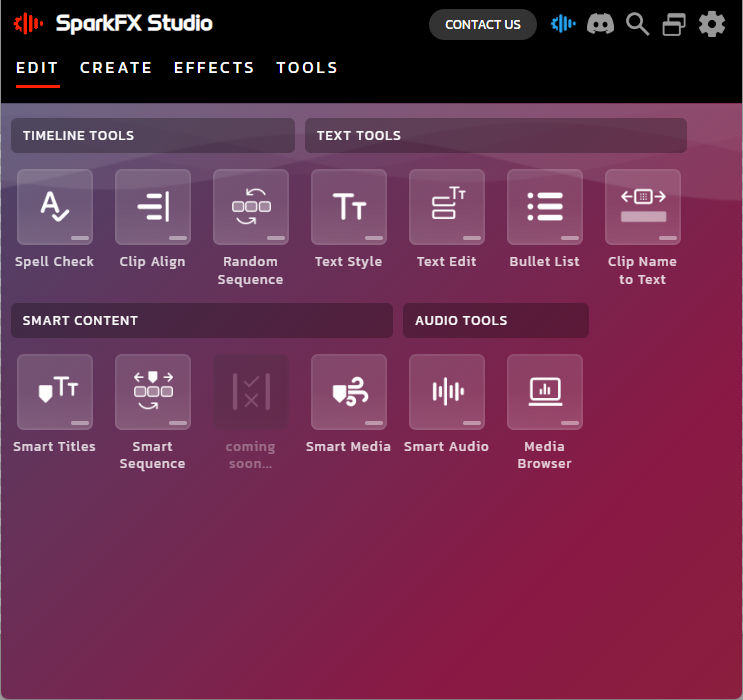
Editing in DaVinci Resolve just got smarter. 🚀 Automate and create faster with features like Smart Content, Spellcheck, auto align, text tools and more. #SparkFXStudio#VideoEditing#DaVinciResolve#ContentCreation
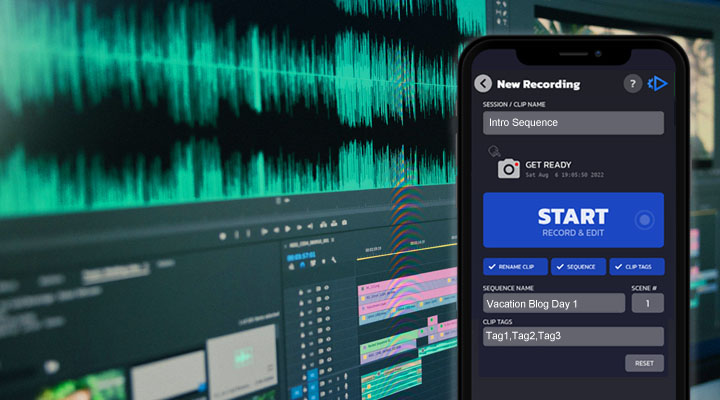
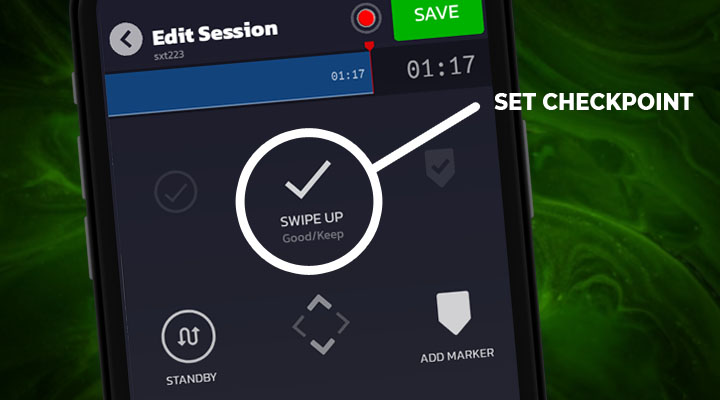
Coming Soon - SwitchTake in Development. Session clip tagging. Setup customizable tags to categorize / organize clips. While filming (start/stop recording) tap clip tags and add clips to sequences. #switchtake#finalcutpro#davinciresolve#premierepro#videoediting
Join us for live SwitchTake training. Thurs Nov. 17 - 1:00pm CST.
REGISTER TODAY: https://t.co/OpYJtIq5ag
Start editing while you film your content. Learn how to edit faster and streamline you video creation workflow. SwitchTake demo, your questions answered, and promos
Auto Sync Files and Past Media directly to your video editor. Setup a project watch folder. Any media files added to your project folder are automatically synced with your video project. #premierepro#davinciresolve#switchtake#videoedits#videoediting
A smarter way to start your next edit
Stop spending your valuable time sorting through clips to find your best takes and cutting unwanted footage. Start editing with a ready to edit rough cut timeline.
#premierepro#davinciresolve#finalcutpro#videoedits#videoediting