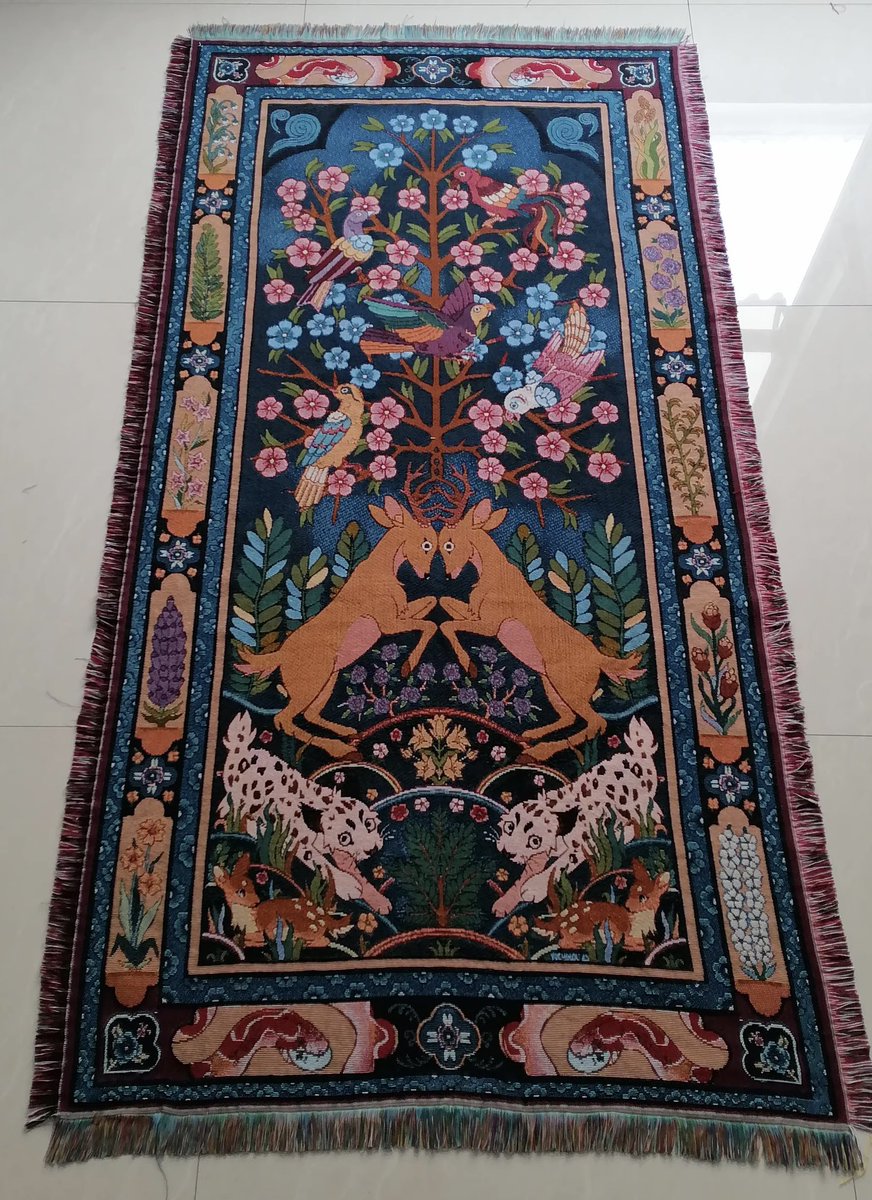
@MountainhoodArt We've made ruffly 3-400 of these for a local event over the last 8 months, with the concept borrowed from a Bluesky post. I wonder if this is related? x3
🌾🐺🌿 TAPESTRY GIVEAWAY 🌿🐺🌾
one lucky winner will receive any tapestry of their choice!
-rt this post
-follow me
-comment for extra entry!
ends at 12 pm pacific on 3/21, two hours before pre-orders open!
good luck!! 🍀
@BADT1GER What all of this looks like varies drastically by router model, so I can't give more specific directions without knowing that! You're essentially telling your router to forget all about your phone. The next time you connect, any messed up settings should be reset for that device.
@BADT1GER Log into the routers Admin page. Info should be printed on a sticker attached to it, web address will look something like 192.168.0.1
Search for "DHCP reservations", or a list of connected / disconnected devices. You're looking for a "forget" button next to your phones name.